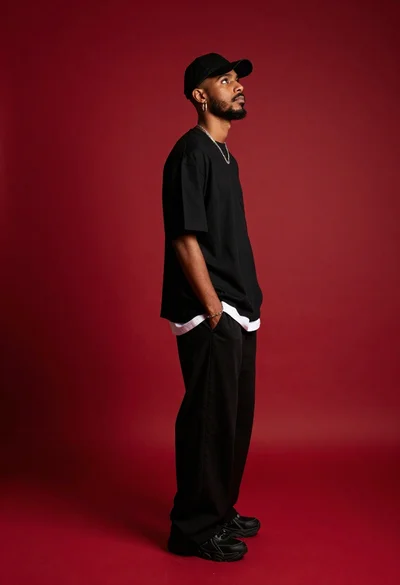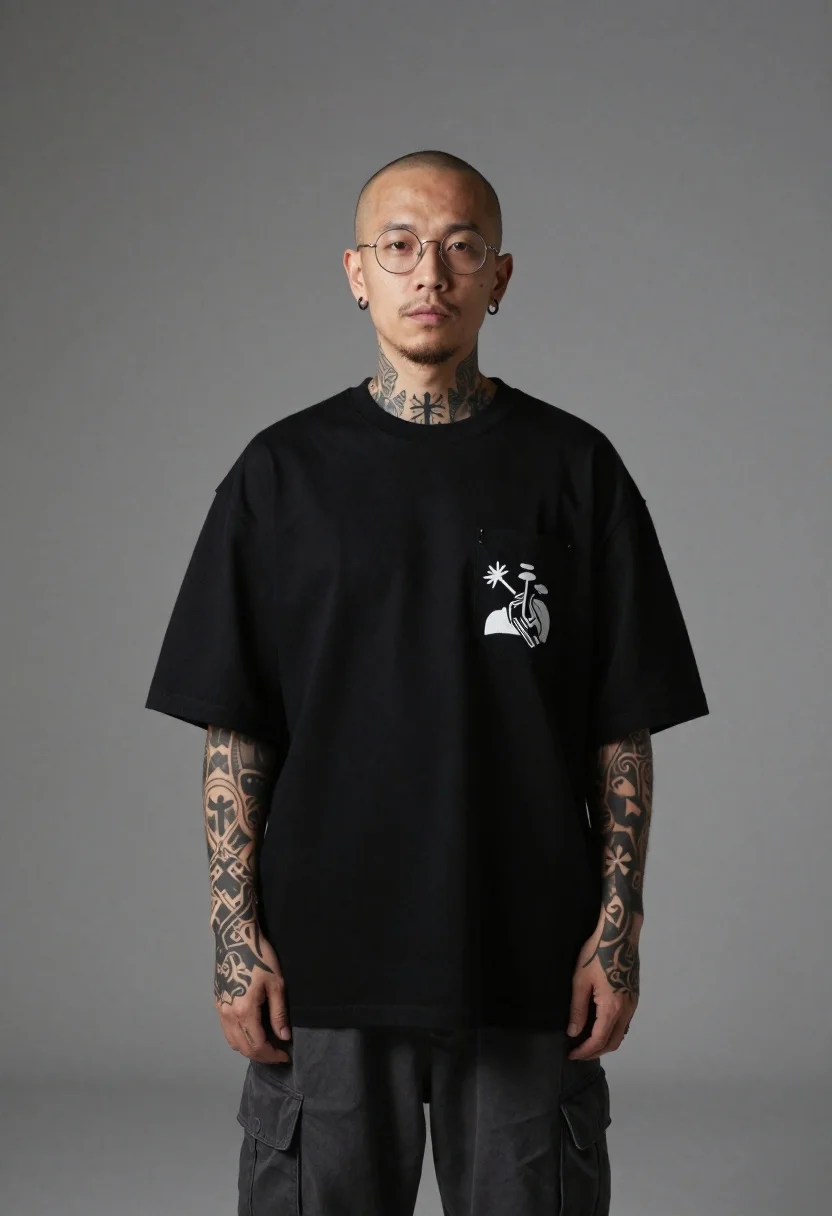
Studio portrait of man with streetwear aesthetic
Prompt
A studio portrait of a man with an edgy streetwear aesthetic

Subject: A bald man with thin facial hair and round wire-rimmed glasses standing front and center, visible tattoos on his neck forearms, and small black hoop earrings in both ears.

Clothing: An oversized black long-sleeved tee featuring a graphic pocket print on the chest paired with loose-fitting dark cargo trousers; sleeves rolled to reveal detailed inkwork including geometric crosses.

Environment: A neutral grey seamless backdrop providing clean studio isolation around the subject.

Lighting: Soft diffused frontal illumination casting subtle shadows that emphasize the folds in fabric and depth of tattoos without harsh contrast or rim lighting.
Description
This prompt is useful for creating edgy editorial fashion spreads, character concept art for comics, and modern menswear lookbooks. The combination of 'soft diffused frontal illumination' with a 'neutral grey seamless backdrop' ensures that the visible tattoos and the texture of the oversized black tee are emphasized through subtle shadows rather than being lost in harsh contrast or distracting highlights.
Suggestions
- Change 'oversized black long-sleeved tee' to 'distressed graphic hoodie' for more texture.
- Add 'shot on Hasselblad X1D II' for a specific high-end camera feel.
- Swap 'thin facial hair' for 'full beard stubble' to increase visual weight.
Category
Tags
Full BodyMaleStreetwearStudio
Date added
June 19, 2026
Added by
PromptDexter Team
Related Prompts
More prompts with similar categories and tags.
Woman in red hoodie sitting on chair against red background
Man in black trench coat against vibrant orange gradient

Stylish man in black blazer against vibrant city skyline at night
Stylish bald man adjusting suit jacket in white studio

Man in pinstripe suit on vintage green sedan outdoors
Stylish man in orange suit doorway of weathered building
Handsome man in beige suit sitting in opulent room

Black and white portrait of woman on urban street at night