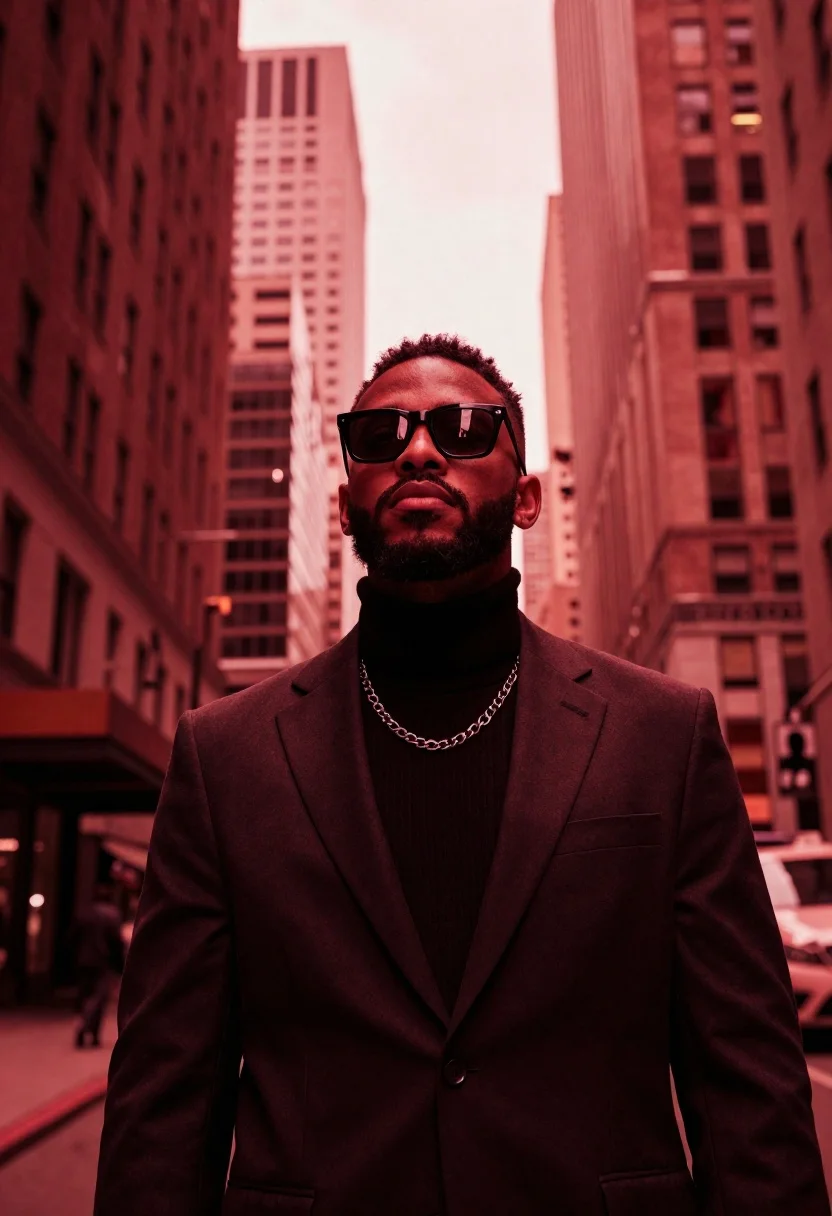
Stylish man in suit between towering skyscrapers
Prompt
Low-angle portrait of a stylish man standing in an urban canyon between towering skyscrapers

Subject: Man with short curly hair and a well-groomed beard, wearing thick black-framed sunglasses reflecting the surroundings.

Clothing: Black turtleneck sweater under a tailored dark suit jacket, accessorized with a prominent silver chain-link necklace resting over his chest.

Action: Head tilted slightly upward, gaze directed above camera level through his lenses; expression is stoic and confident.

Environment: Urban cityscape framed by tall buildings on both sides creating a narrow alleyway effect between them; background architecture blurred but recognizable as high-rise structures with vertical lines suggesting windows or panels. The sky appears overcast yet saturated in deep red tones, blending seamlessly into the environment for dramatic atmosphere.

Lighting: Intense monochromatic crimson-red lighting bathes entire scene uniformly from all directions including reflections off building surfaces and subtle highlights on subject's face; no harsh shadows present light is soft but highly directional due to color saturation creating strong contrast between warm skin tones against dark clothing while maintaining overall moodiness of setting.

Style Details: Cinematic aesthetic reminiscent of neo-noir or cyberpunk visuals with heavy emphasis on saturated red filter applied across entire composition giving everything an otherworldly glow; shallow depth-of-field keeps focus sharply on subject's face and upper torso while allowing background elements to fade softly into abstract forms enhancing sense of scale and isolation within urban landscape.
Description
This prompt is useful for creating cinematic character portraits, neo-noir concept art, and high-fashion editorial spreads emphasizing dramatic color palettes. The combination of 'low angle' perspective with 'intense monochromatic crimson-red lighting' forces the viewer to look up at the subject, enhancing the feeling of imposing scale suggested by the towering skyscrapers while the 'shallow depth-of-field' isolates the man against the abstract background.
Suggestions
- Change 'crimson-red lighting' to 'deep cyan lighting' for a cooler cyberpunk feel.
- Swap 'thick black-framed sunglasses' for 'reflective gold aviators' to alter the mood.
- Add 'anamorphic lens flare' to enhance the cinematic quality.
Category
Tags
AlleyBlack HairDark SkinLow AngleMalePortrait ShotRealisticRooftopUrban
Date added
June 19, 2026
Added by
PromptDexter Team
Related Prompts
More prompts with similar categories and tags.
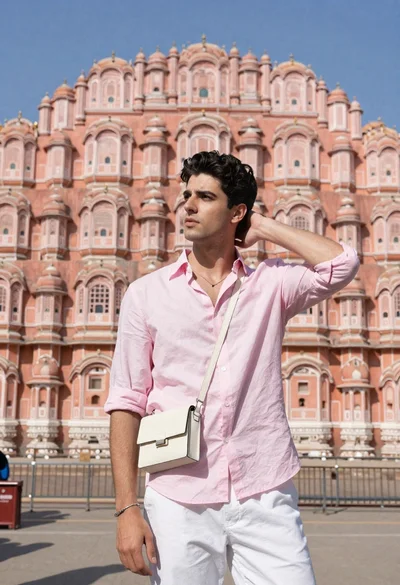
Handsome young man in pink shirt standing before ornate sandstone palace
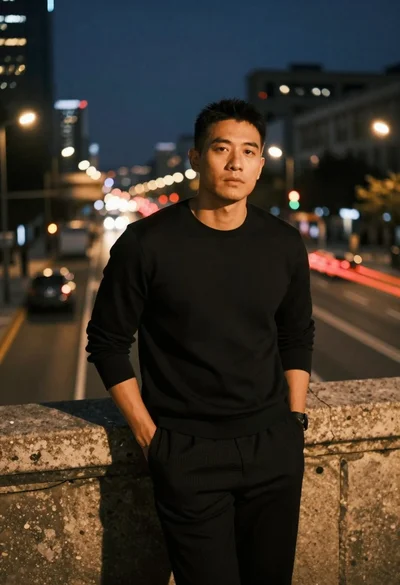
Man leaning on railing overlooking city highway at dusk

Young man in city street between glass skyscrapers

Close up portrait of dark skinned man with wet hair
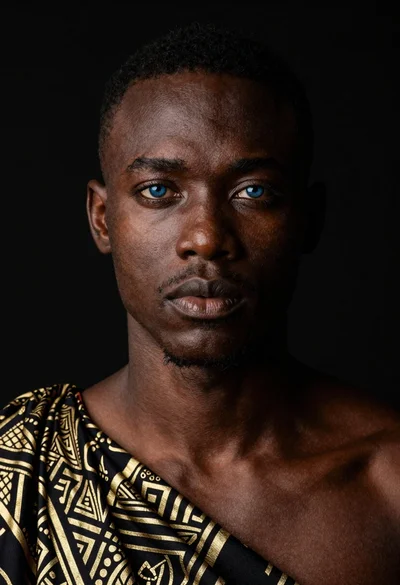
Black man portrait with blue eyes dramatic lighting
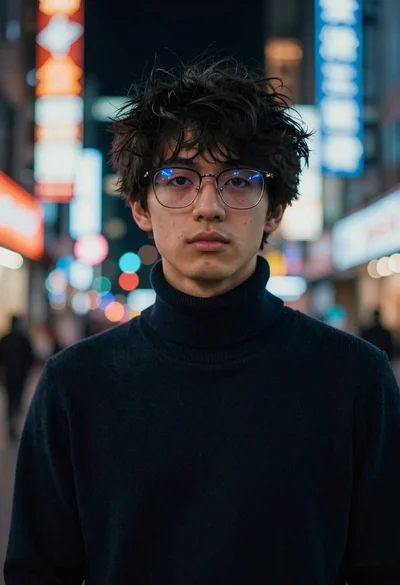
Young man with glasses in neon lit city at night
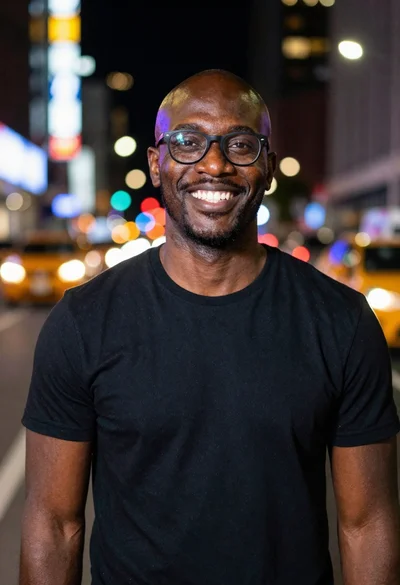
Smiling black man standing on a nighttime city street
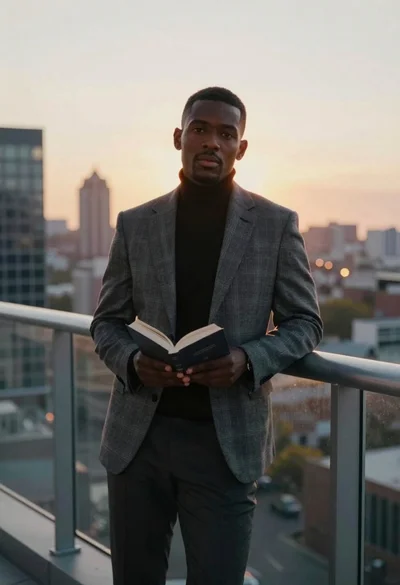
Man on balcony overlooking city skyline at sunset
