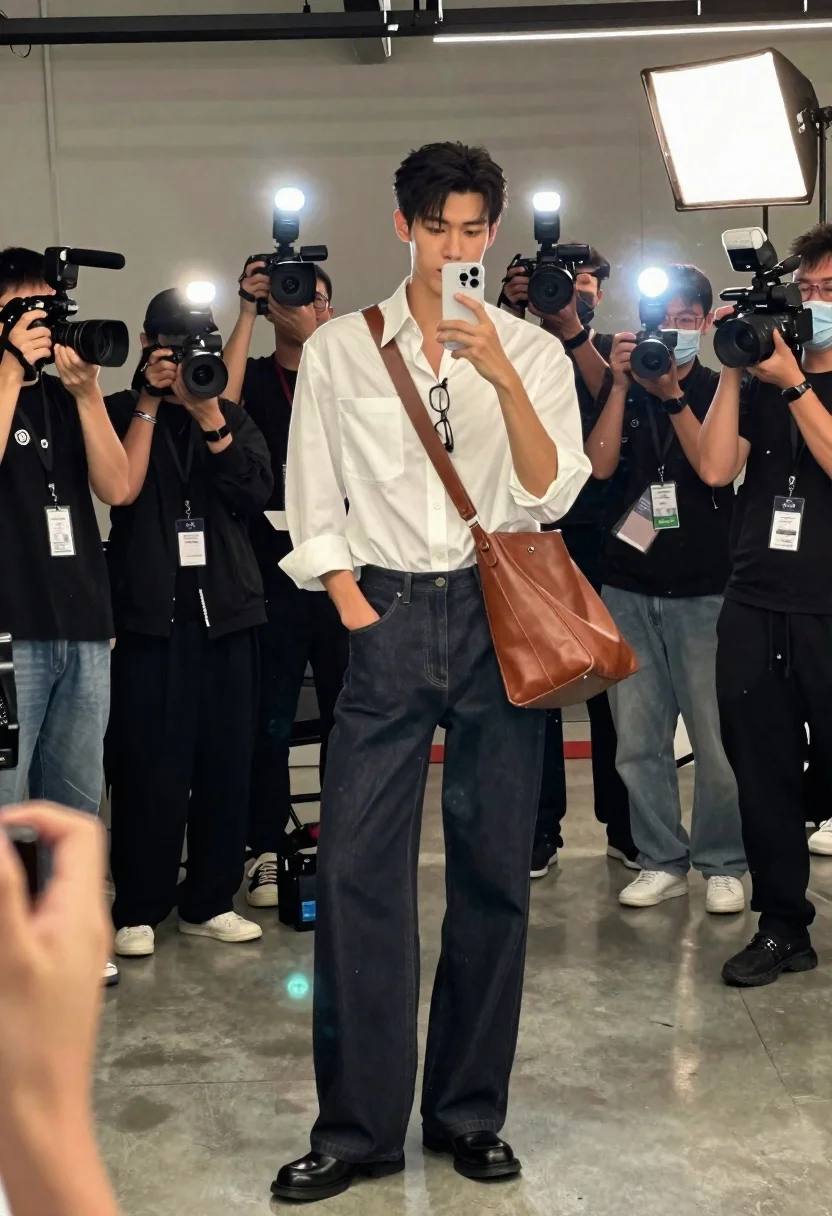
Tall man taking mirror selfie surrounded by photographers and videographers
Prompt
A tall man stands in a mirror selfie surrounded by a crowd of photographers and videographers holding cameras with flashes on.

Subject: A tall young man with dark hair, wearing a white button-down shirt and dark wide-leg jeans.

Clothing: He wears an oversized white shirt with the sleeves rolled up to the elbows, tucked into loose-fitting dark denim trousers, black leather shoes, and a large brown leather shoulder bag slung across his body. A pair of glasses hangs from the collar of his shirt.

Action: He holds a white smartphone up to his face to take a mirror selfie, with one hand in his pocket.

Environment: The setting is an industrial-style room with concrete floors and walls, likely a backstage area or studio.

Camera: Shot as a vertical mirror reflection, capturing the subject from head to toe while framing the surrounding crowd of people holding equipment.

Lighting: Bright and high-contrast lighting created by multiple camera flashes and portable LED panels illuminating the scene from various angles.

Objects: Numerous professional cameras, video recorders with boom microphones, and bright light sources are visible in the hands of the surrounding crowd.

Style Details: High-definition photography with a candid, behind-the-scenes aesthetic, capturing the energy of a media event or photoshoot.
Description
This prompt is useful for creating behind-the-scenes documentary stills, fashion industry coverage shots, and high-energy lifestyle editorials. The combination of 'bright and high-contrast lighting created by multiple camera flashes' ensures that the surrounding crowd and equipment are visible, preventing the scene from looking too clean or staged, while the 'industrial-style room with concrete floors and walls' grounds the chaotic energy in a believable backstage setting.
Suggestions
- Change 'white button-down shirt' to 'light grey linen shirt' for a more muted palette.
- Add 'shallow depth of field' to slightly blur the background equipment.
- Swap 'dark wide-leg jeans' for 'black coated denim' for a tougher look.
Category
Tags
Casual WearFull BodyHigh AngleMaleOutdoorsRealisticStudio
Date added
June 26, 2026
Added by
PromptDexter Team
Related Prompts
More prompts with similar categories and tags.
Black man in celtics jersey on suburban street
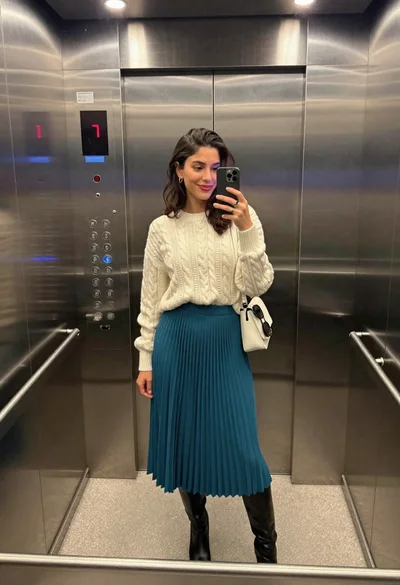
Stylish woman taking a mirror selfie in modern elevator

Woman in pharaoh attire by giza pyramids and sea
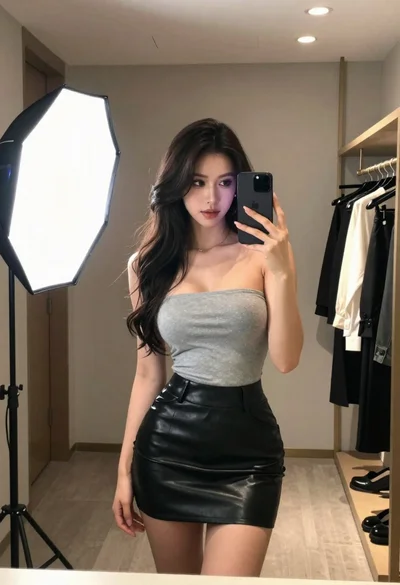
Woman taking mirror selfie in modern dressing room
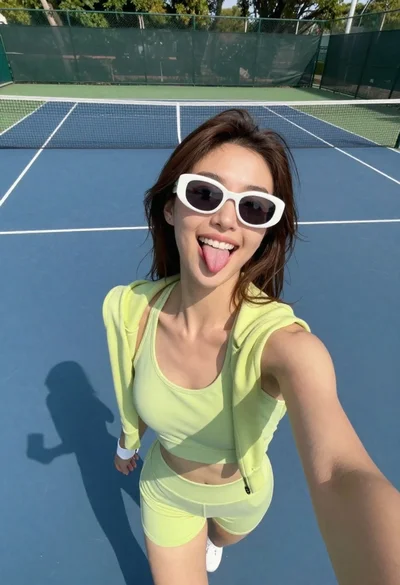
Young woman taking playful selfie on outdoor tennis court
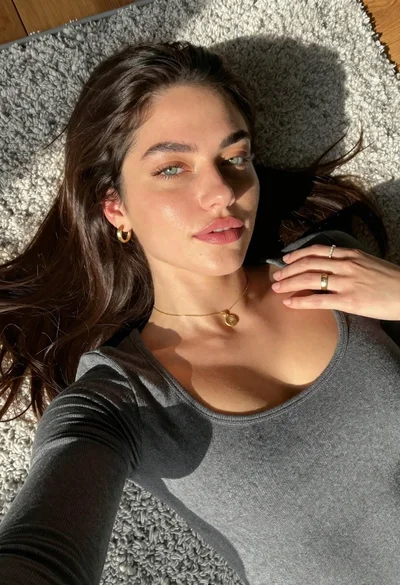
Young woman lying on grey rug viewed from high angle sunlight
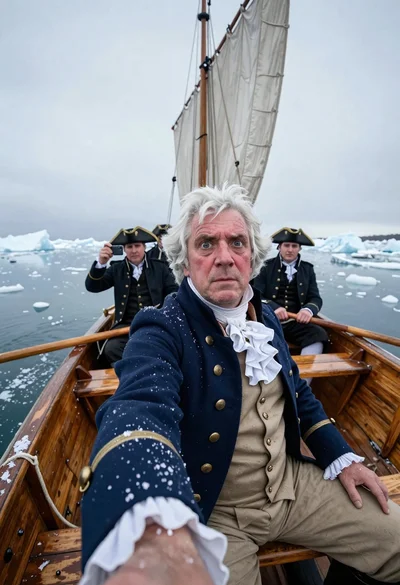
Captain taking selfie in icy wooden rowboat
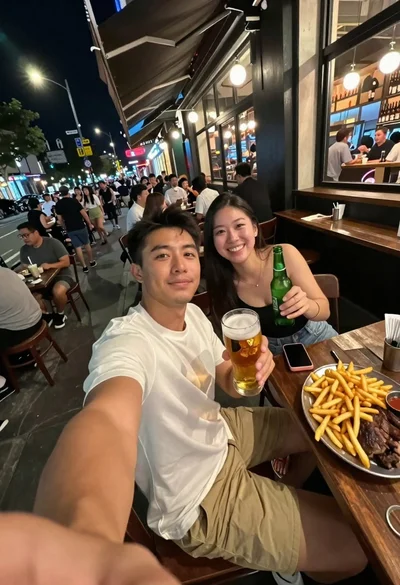
Man taking a selfie at a crowded outdoor night eatery