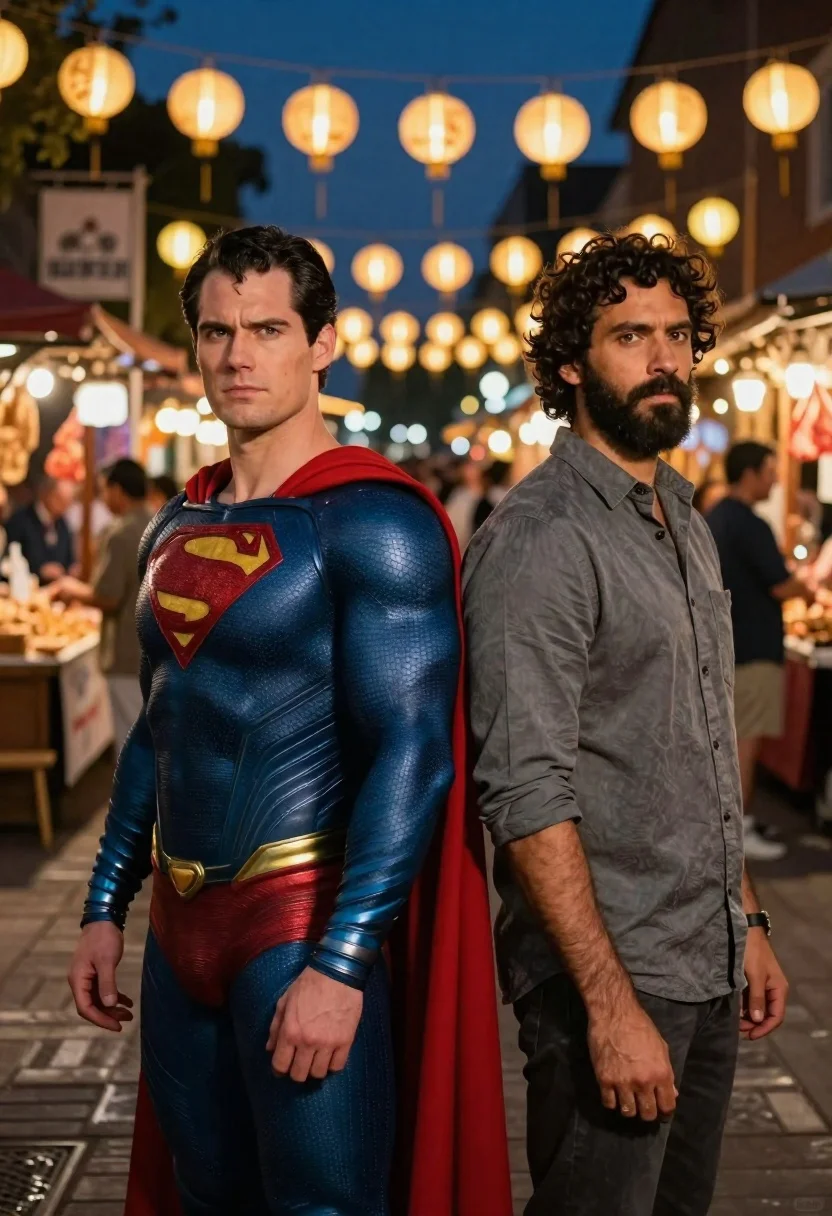
Two men standing back to back in a bustling night market street
Prompt
Two men stand back-to-back in a bustling night market illuminated by hanging lanterns.

Subject: A man dressed as Superman stands on the left with his iconic blue textured suit and red cape, while a man with dark curly hair and a beard stands on the right wearing a grey button-down shirt.

Clothing: The superhero wears a detailed blue bodysuit with gold accents and a prominent red 'S' shield, while the other man wears a casual grey collared shirt with sleeves rolled up.

Action: Both men stand facing forward with serious expressions, looking directly at the viewer in a confident stance.

Environment: A lively outdoor night market street with wooden flooring, blurred stalls, and warm glowing lanterns strung overhead against a dark blue sky.

Camera: Medium shot capturing both figures from the waist up with a shallow depth of field that keeps them sharp while blurring the background activity.

Lighting: Warm ambient light from the hanging lanterns creates soft highlights on their faces and shoulders, contrasting with the cool tones of the night sky.

Style Details: Cinematic composition with high fidelity rendering, realistic textures on the suit fabric, and a polished photographic aesthetic.
Description
This prompt is useful for creating sci-fi character concept art, dynamic movie poster mockups, and urban fantasy editorial spreads. The combination of 'warm ambient light' from the lanterns against the 'dark blue sky' establishes a dramatic contrast that prevents the scene from feeling flat, while the 'shallow depth of field' ensures the viewer focuses on the two figures despite the 'bustling night market street' activity.
Suggestions
- Change 'blue textured suit' to 'metallic blue bodysuit' for more sci-fi grit.
- Add 'neon reflections' to the wooden flooring for extra urban energy.
- Swap 'hanging lanterns' for 'glowing holographic signs' to enhance the futuristic feel.
Category
Tags
MaleMedium ShotRealisticStreetUrban
Date added
June 19, 2026
Added by
PromptDexter Team
Related Prompts
More prompts with similar categories and tags.
Man taking selfie with robot in postapocalyptic city
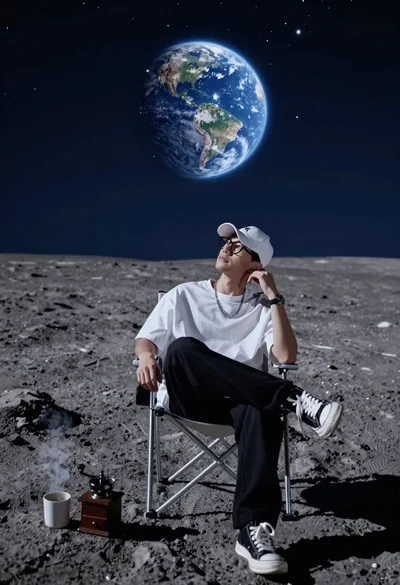
Young man sitting on moon surface viewing earth from folding chair
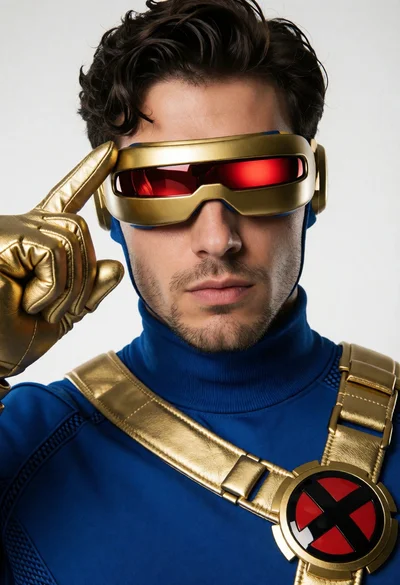
Close up portrait of superhero cyclops in blue and gold costume studio
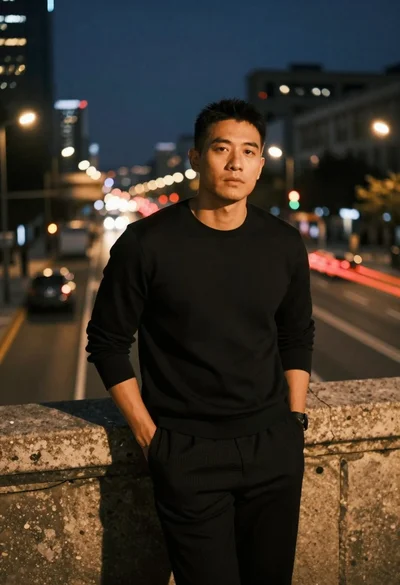
Man leaning on railing overlooking city highway at dusk
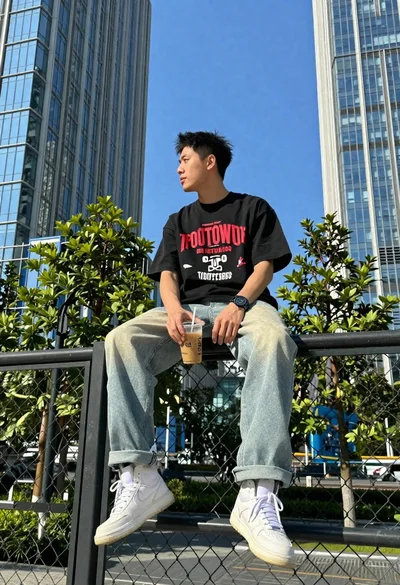
Young man on fence against modern city skyline

Man and woman in modern subway station waiting area
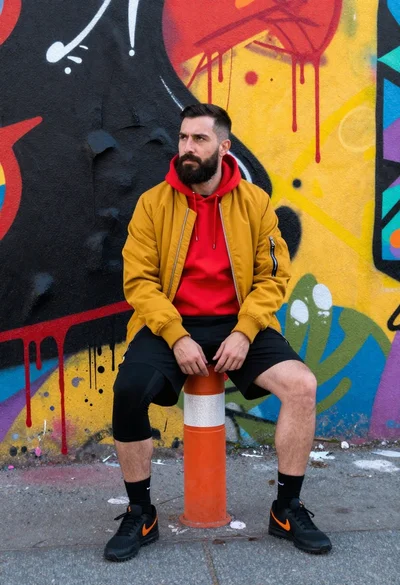
Man sitting on bollard against vibrant graffiti wall
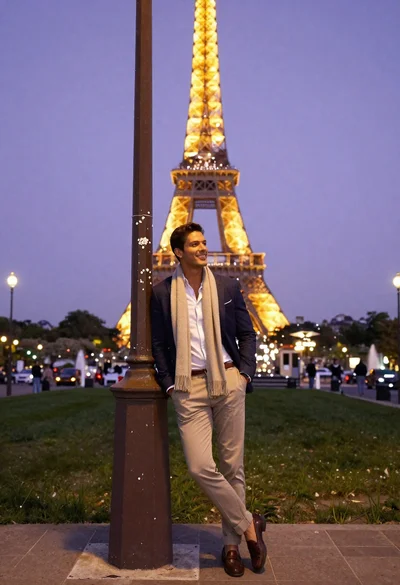
Stylish man posing before eiffel tower at paris twilight
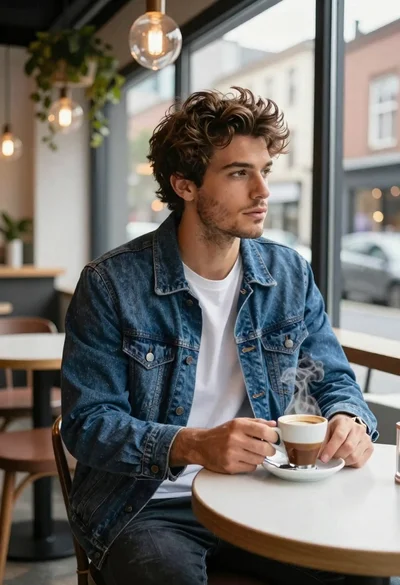
Young man in cafe looking out at city view
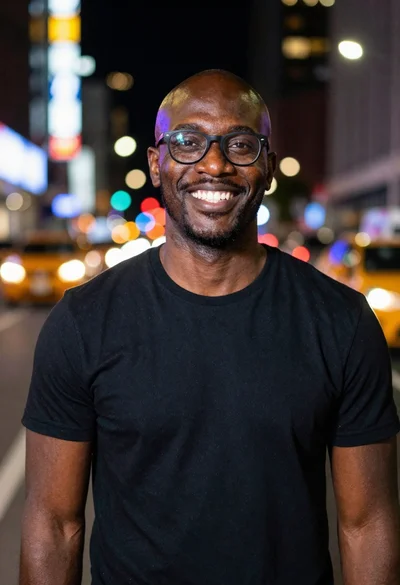
Smiling black man standing on a nighttime city street