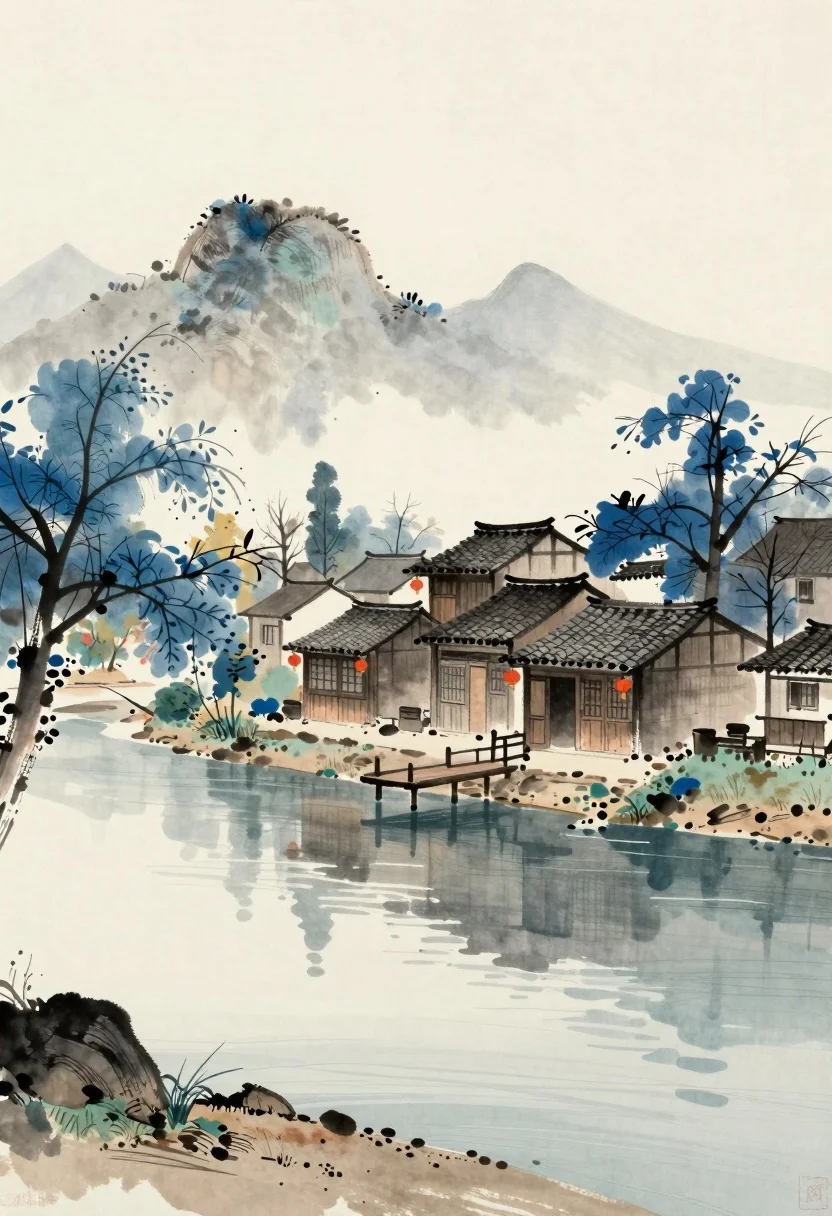
Watercolor landscape of traditional riverside village with blue trees
Prompt
A serene watercolor landscape depicting a traditional riverside village with blue-leafed trees and tiled-roof houses along a calm shoreline.

Subject: A cluster of traditional wooden houses with dark tiled roofs situated on the bank of a calm river, featuring small windows and simple architectural details.

Clothing: No subjects are present to describe clothing.

Action: The scene is static with no visible movement or action taking place.

Environment: A tranquil riverside setting with a sandy shore, rocky outcrops, a wooden dock extending into the water, distant misty mountains, and blue-leafed trees framing the village.

Camera: Wide-angle composition capturing the entire landscape with a soft focus that emphasizes depth and atmospheric perspective.

Lighting: Soft, diffused daylight creating gentle shadows and a muted, peaceful mood typical of an overcast or early morning setting.
Second

Subject: None.

Objects: A small wooden dock extends from the shore into the water, and red lanterns hang near the entrances of the houses.

Interaction: No interaction between subjects or objects is visible.

Text/Graphics: No readable text or graphics are present in the image.

Style Details: Traditional East Asian ink wash painting style with loose brushstrokes, a muted color palette dominated by blues and earth tones, and a textured paper-like finish.
Description
This prompt is useful for creating serene travel concept art, background assets for storybooks, and atmospheric mood boards for architectural visualization. The combination of 'watercolor landscape' style with 'loose brushstrokes' ensures the image maintains an ethereal quality, while specifying a 'muted color palette dominated by blues and earth tones' prevents harsh contrasts that would disrupt the desired peaceful, overcast morning feeling.
Suggestions
- Change 'blue-leafed trees' to 'indigo foliage' for a deeper blue tone.
- Swap 'sandy shore' for 'mossy bank' to change the foreground texture.
- Add 'ink wash painting style' emphasis on the dock structure.
Category
Tags
OutdoorsTraditinal ArtWide Shot
Date added
July 12, 2026
Added by
PromptDexter Team
Related Prompts
More prompts with similar categories and tags.
Silhouette of person standing in wildflower meadow under bright light
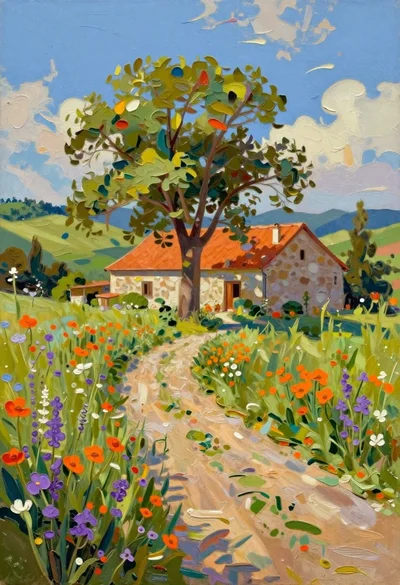
Oil painting of farmhouse in sundrenched rural landscape
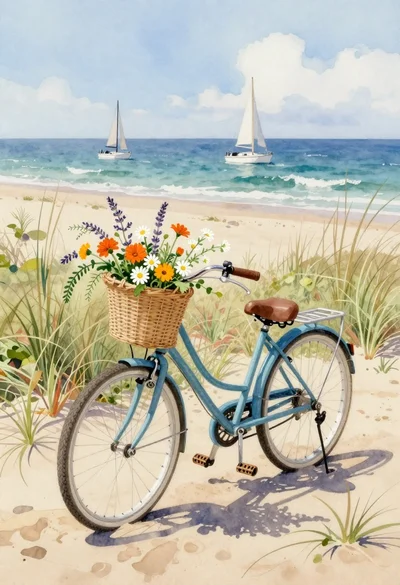
Watercolor bicycle on sandy beach with wildflowers
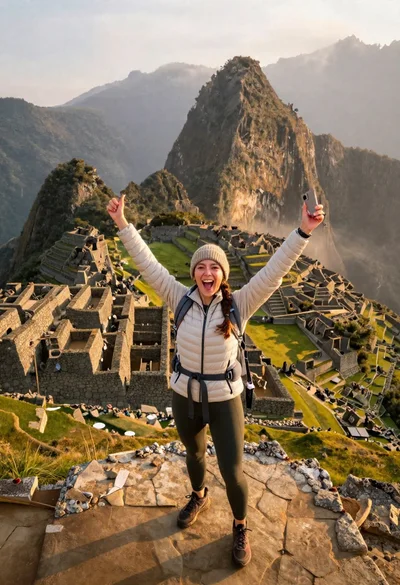
Exhilarated tourist woman at machu picchu summit at dawn
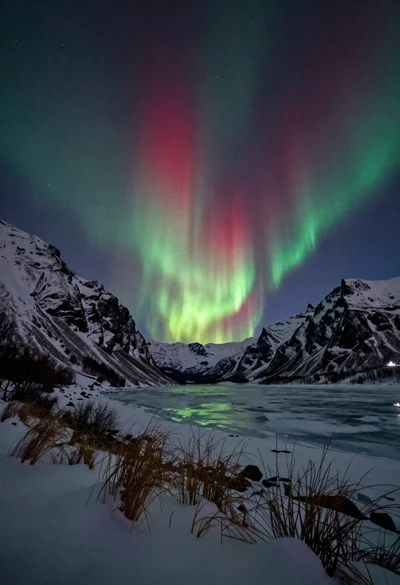
Aurora borealis over snow covered mountains and frozen river
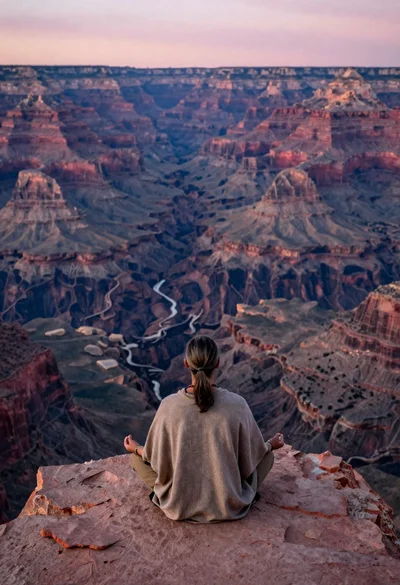
Meditating man on grand canyon rim at dawn with ethereal pink light
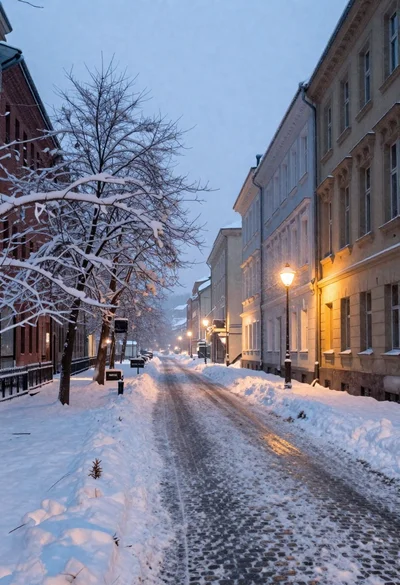
Snow covered european city street at dusk
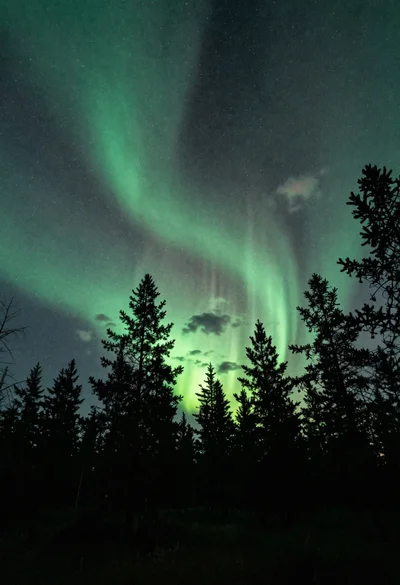
Pine forest silhouette under vibrant aurora borealis sky
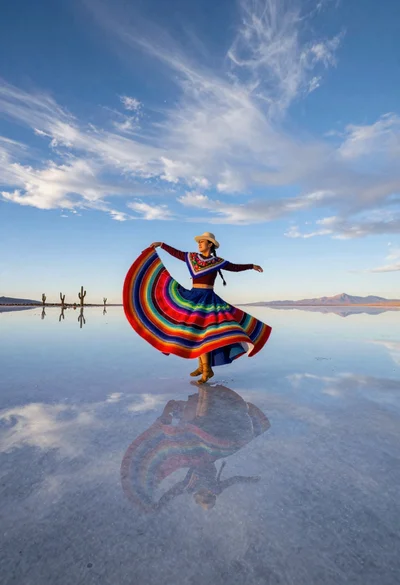
Nomadic woman dancer spinning on salar de uyuni mirror surface

Ecstatic tourist jumping on great wall at golden hour view