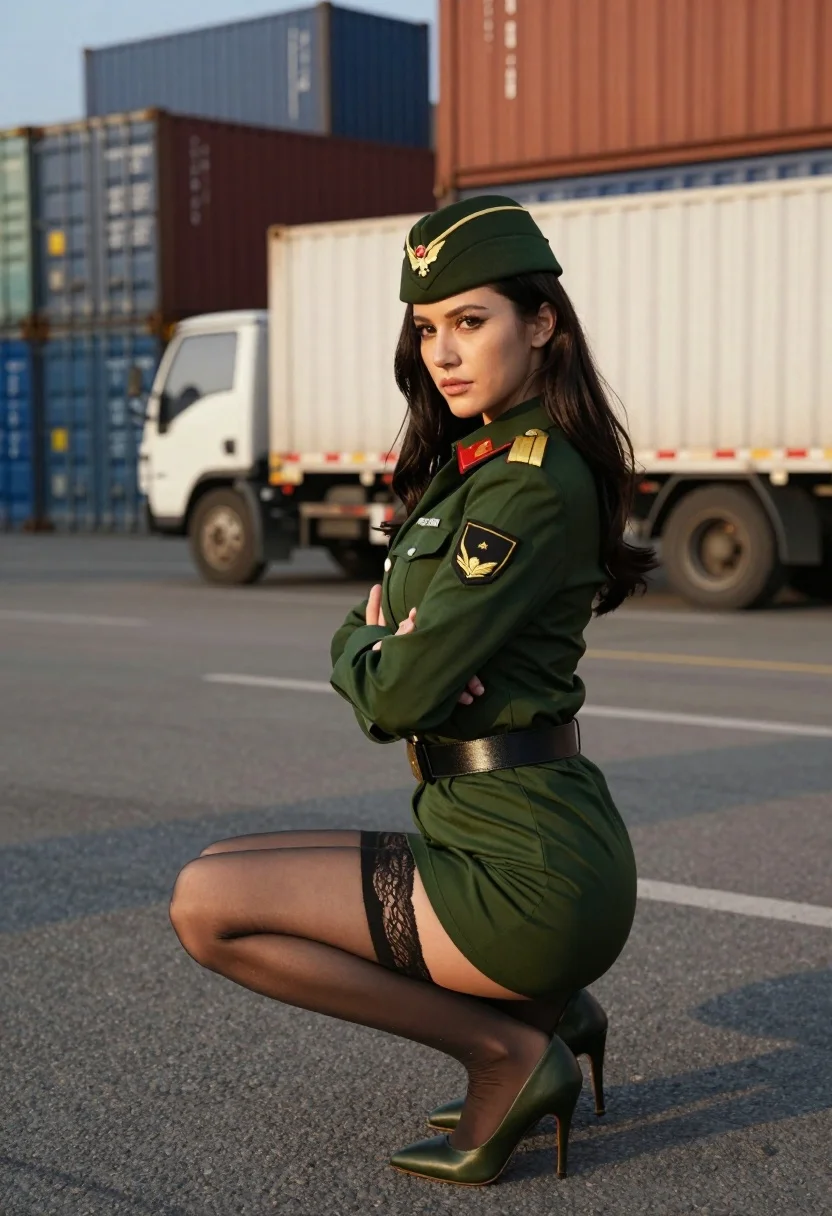
Woman in green military uniform crouching by cargo containers at golden hour
Prompt
A woman in a green military-style uniform crouching on asphalt with arms crossed and looking over her shoulder.

Subject: A woman with long dark hair wearing a green military-style dress uniform with matching peaked cap featuring an eagle emblem, gold rank insignia on the sleeve, and a black belt.

Clothing: The outfit consists of a tailored green jacket with epaulets, a short skirt revealing lace garter detail, sheer black stockings, and high-heeled green pumps.

Action: She is crouching low to the ground with her arms folded across her chest, her head turned slightly to look back over her shoulder at the camera with a confident expression.

Environment: An industrial shipping yard or port area filled with stacked blue and brown cargo containers in the background, with a white utility truck visible behind her on the paved surface.

Lighting: Warm golden hour sunlight coming from the side, casting long shadows across the asphalt and highlighting the texture of the metal containers.

Camera: Shot at eye level with a medium-full body framing that captures the subject's pose against the industrial backdrop, using a shallow depth of field to keep the focus sharp on her while slightly blurring the background trucks and containers.

Style Details: Photorealistic cinematic render with high detail in fabric textures and skin tones, featuring warm color grading and soft atmospheric lighting typical of professional portrait photography.
Description
This prompt is useful for creating editorial fashion moodboards, concept art for action sequences, and stylized character portraits set in urban environments. The combination of 'green military-style dress uniform' against the backdrop of 'blue and brown cargo containers' grounds the high-fashion elements in a gritty reality, while the 'warm golden hour sunlight coming from the side' sculpts the subject's form by creating defined shadows that add drama to the crouching pose.
Suggestions
- Change 'green military-style dress uniform' to 'olive drab utility jumpsuit' for a more casual feel.
- Swap 'blue and brown cargo containers' for 'rusted metal shipping pallets' to increase texture variation.
- Adjust 'warm golden hour sunlight coming from the side' to 'harsh midday sun' for higher contrast.
Category
Tags
Brown HairCasual WearDark SkinFemaleFull BodyMedium ShotRealisticStreetwearUniform
Date added
July 12, 2026
Added by
PromptDexter Team
Related Prompts
More prompts with similar categories and tags.
High fashion portrait of woman in lavender suit
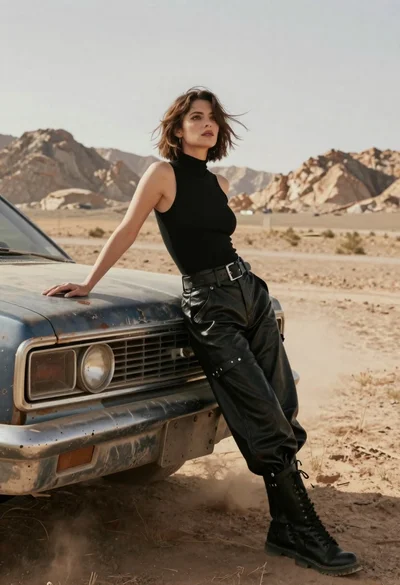
Woman in black leather outfit leaning on vintage car in desert
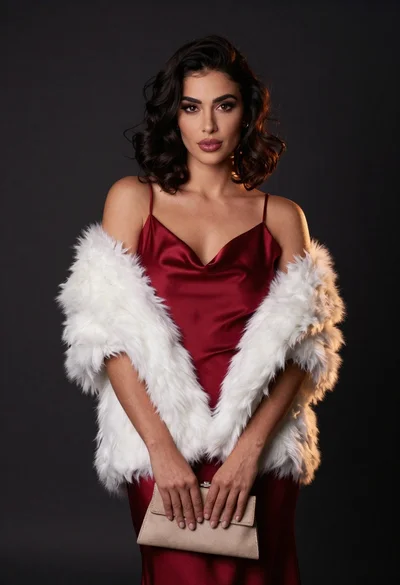
Confident woman in deep red satin slip dress with white fur stole
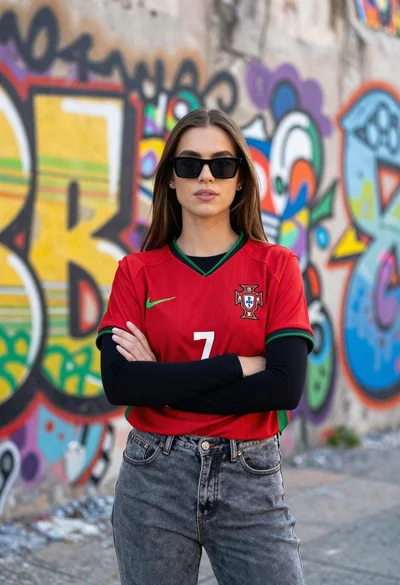
Confident young woman in red soccer jersey standing before colorful graffiti wall
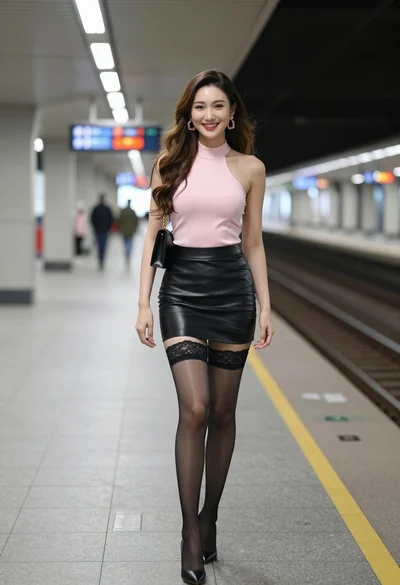
Smiling woman in pink top and black leather skirt on train platform
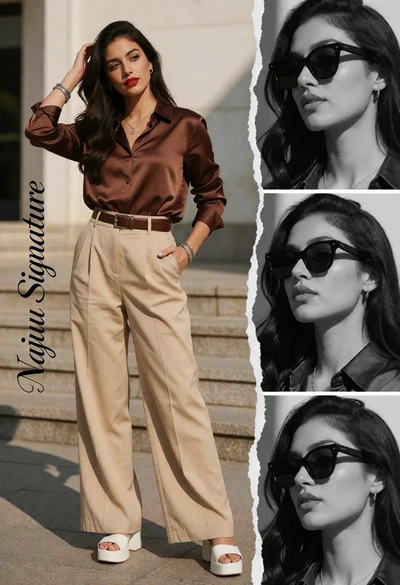
Stylish woman in brown satin outfit on urban steps with photo collage
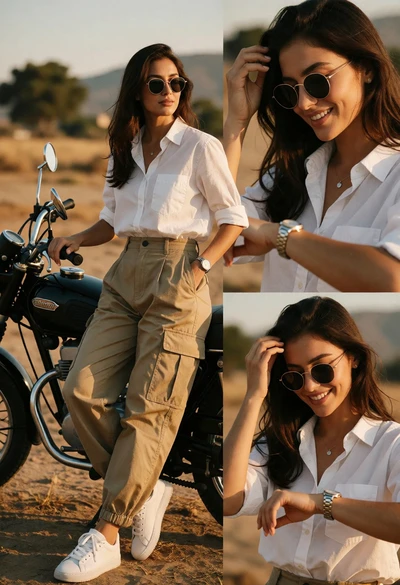
Stylish woman posing by vintage motorcycle in dusty open field at golden

Woman standing barefoot in dry autumn field at golden hour
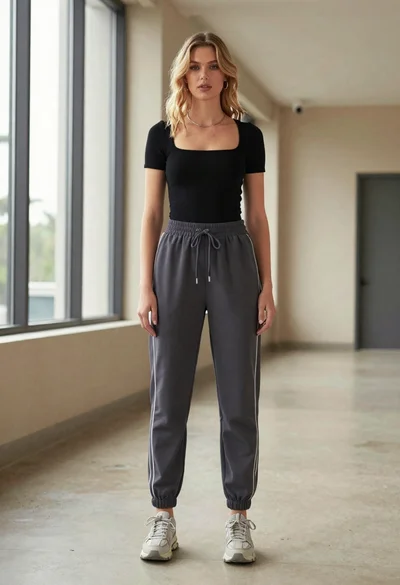
Blonde woman in jogger pants standing in modern hallway
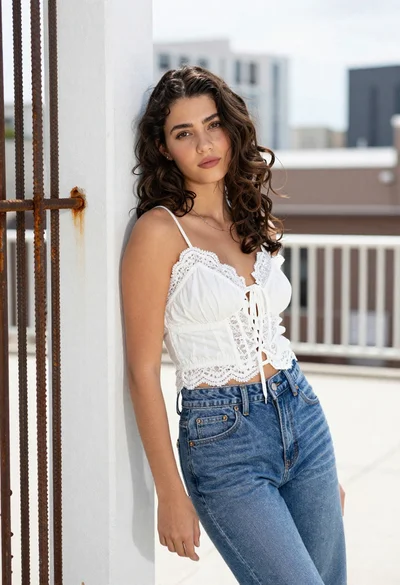
Young woman leaning on pillar in urban setting with denim jeans