

Woman in off white gown posing against large white letter a background
Prompt
A woman with wavy reddish-blonde hair stands in a dynamic pose against a large white letter A background.

Subject: A woman with fair skin and voluminous wavy reddish-blonde hair styled loosely around her shoulders, featuring wide blue eyes and an open-mouthed expression of surprise or excitement.

Clothing: She wears a floor-length one-shoulder gown in off-white fabric with a draped bodice, featuring sheer mesh panels with a dark geometric pattern across the torso and high side slits revealing her legs. She accessorizes with dangling crystal earrings, a sparkling diamond bracelet on her left wrist, and a matching ring.

Action: Her body is angled slightly to the right while she looks back over her shoulder toward the camera, her mouth open in a wide smile or gasp, and her hands held near her hips as if adjusting her dress.

Environment: The background consists of a large white letter A structure with horizontal dark grey slats accented by thin orange lines behind it.

Camera: Medium shot capturing the subject from the thighs up, utilizing a shallow depth of field that keeps the woman in sharp focus while blurring the background elements slightly.

Lighting: Bright and even studio lighting illuminates the scene from the front, highlighting the texture of her dress and hair without casting harsh shadows.

Style Details: High-resolution photography with vibrant colors and a polished red carpet aesthetic.
Description
This prompt is useful for creating high-concept editorial fashion spreads, luxury brand campaign visuals, and stylized portrait galleries. The combination of 'bright and even studio lighting' ensures that the texture of the 'off-white fabric' remains visible across the entire gown without harsh shadows, which is crucial for showcasing expensive materials in a polished red carpet aesthetic.
Suggestions
- Change 'wavy reddish-blonde hair' to 'slicked back chignon' for a more severe look.
- Swap 'dark geometric pattern' for 'gold embroidery' to increase luxury contrast.
- Modify 'medium shot capturing the subject from the thighs up' to 'full body shot' to better show the high side slits.
Category
Tags
BlondeFair SkinFemaleFull BodyMedium ShotPortrait ShotRealisticRed HairStudio
Date added
June 19, 2026
Added by
PromptDexter Team
Related Prompts
More prompts with similar categories and tags.

Blonde woman in black gown seated on white stool in bright room

Woman in sheer crystal gown looking over shoulder at event backdrop
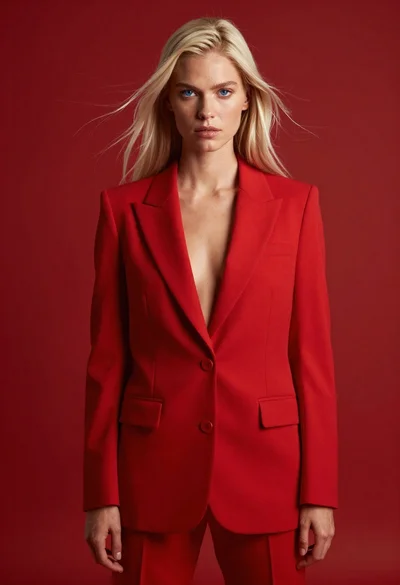
High fashion studio portrait of woman in crimson blazer

Blonde woman in black gown posing against white studio background
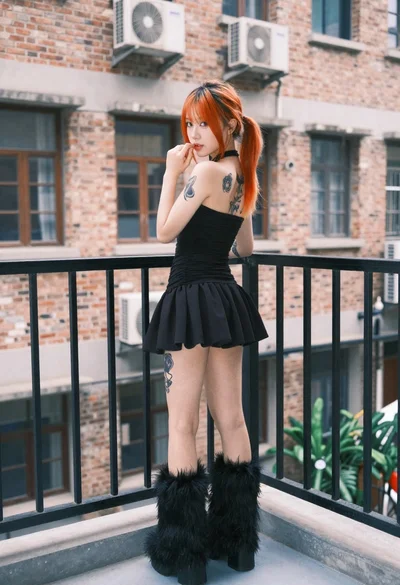
Young woman in black mini dress on urban balcony looking back

Blonde woman in black lace lingerie posing with vintage telephone
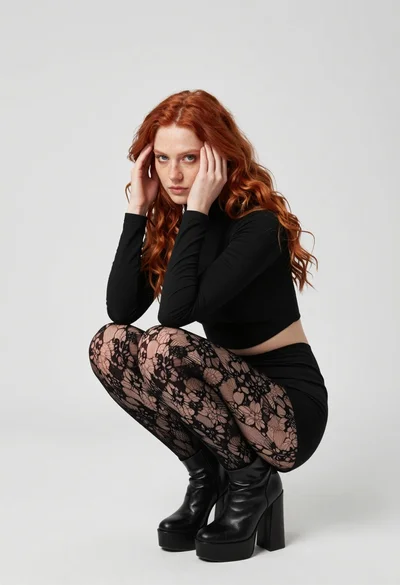
Fair young woman in black outfit crouching in minimalist studio setting
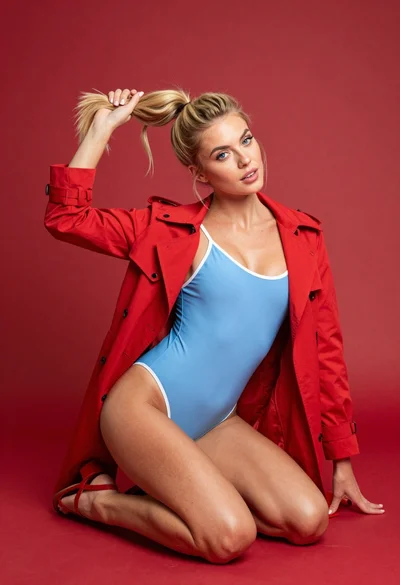
Blonde woman kneeling in blue swimsuit against solid red studio background
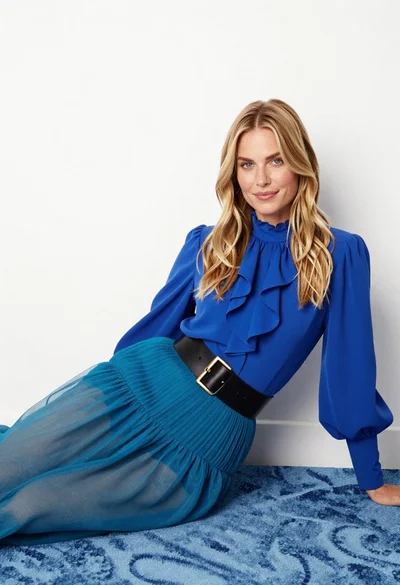
Fair blonde woman in blue blouse on textured surface studio portrait
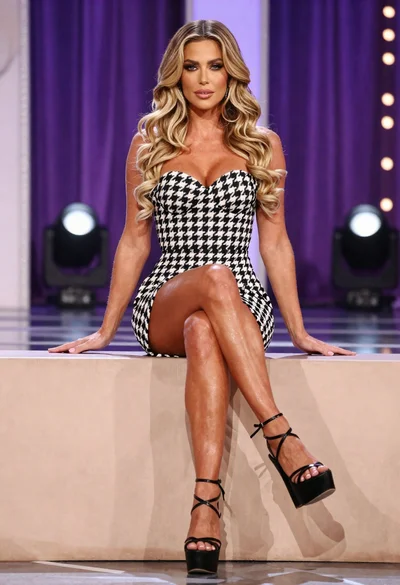
Fit woman in houndstooth strapless dress sitting on a draped ledge
