
Woman in pink swimsuit leaning by window overlooking beach and ferris wheel
Prompt
A confident woman stands leaning against a window frame in a luxurious hotel room with a stunning view of the beach and a large Ferris wheel structure outside.

Subject: A woman with long wavy brown hair wearing oversized blue sunglasses, posing confidently while holding a bright green handbag.

Clothing: She is wearing a vibrant hot pink one-piece swimsuit with delicate yellow lace trim along the neckline and straps.

Action: She stands leaning back against the window frame with her hands clasped around the handle of her bag, looking directly at the camera with a poised expression.

Environment: The scene is set inside a high-rise room featuring floor-to-ceiling windows that reveal a sunny coastal landscape with turquoise water, palm trees, and distant buildings.

Objects: A large lime green crocodile-texture handbag with an orange patterned scarf tied to the handle rests in her hands.

Lighting: Bright natural sunlight floods the room from the window, creating soft highlights on her hair and skin while casting a warm glow inside the space.

Camera: The shot is taken at eye level with a medium framing that captures the subject from head to mid-thigh, emphasizing the contrast between the interior luxury and the expansive outdoor view.

Style Details: The image features high-resolution photorealism with vibrant color saturation, sharp focus on the subject, and a polished commercial aesthetic.
Description
This prompt is useful for creating resort advertising campaigns, swimwear lookbooks, and aspirational lifestyle blogs featuring travel destinations. The combination of 'bright natural sunlight' flooding the room and the 'vibrant hot pink one-piece swimsuit' ensures that the subject pops against the backdrop, while the 'medium framing' keeps the focus tightly on her pose and accessories despite the expansive view.
Suggestions
- Change 'oversized blue sunglasses' to 'cat-eye tortoiseshell sunglasses' for a more vintage feel.
- Swap 'bright green handbag' for 'woven straw tote' to match the beach setting better.
- Adjust 'vibrant hot pink one-piece swimsuit' to 'coral patterned swimsuit' for a softer color palette.
Category
Tags
BeachBrown HairCasual WearFemaleMedium ShotOutdoorsRealisticSwimwear
Date added
June 19, 2026
Added by
PromptDexter Team
Related Prompts
More prompts with similar categories and tags.

Woman on beach daybed under beige umbrella
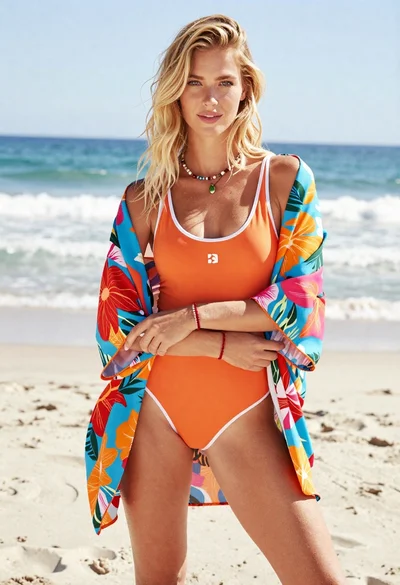
Blonde woman in floral kimono swimsuit on sunny beach setting

Woman in red swimsuit sitting on black sports car at coastal sunset
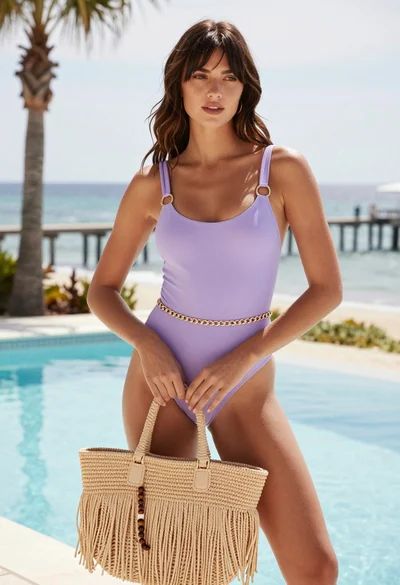
Young woman by pool with ocean view and wooden pier background
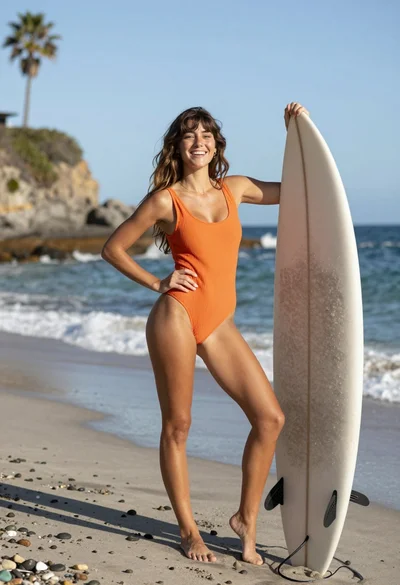
Joyful young woman in orange swimsuit holding surfboard on sunny beach
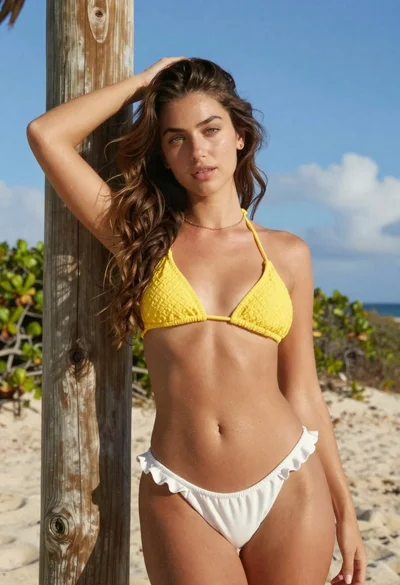
Young woman in yellow bikini by wooden post on sunny beach
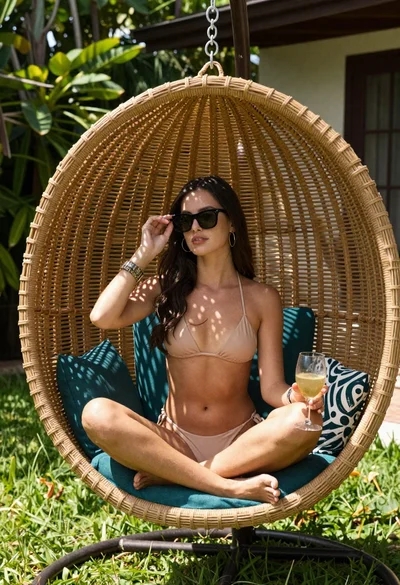
Woman in bikini relaxing in wicker hanging chair outdoors
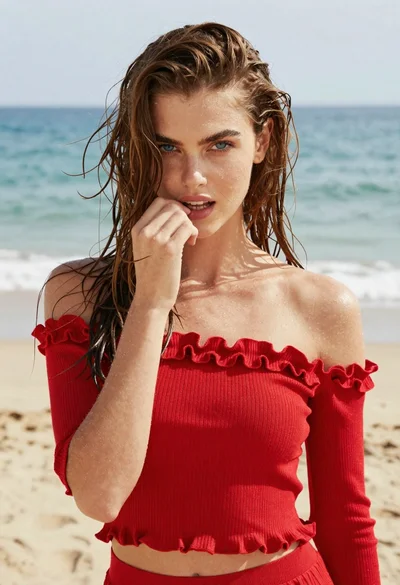
Young woman in red knit top on beach with wet brown hair
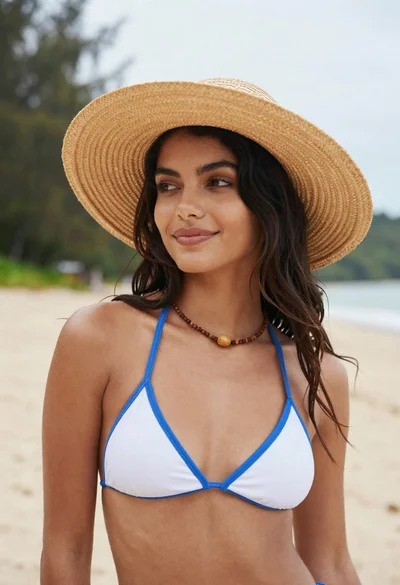
Young woman in white bikini top hat on sandy beach under overcast
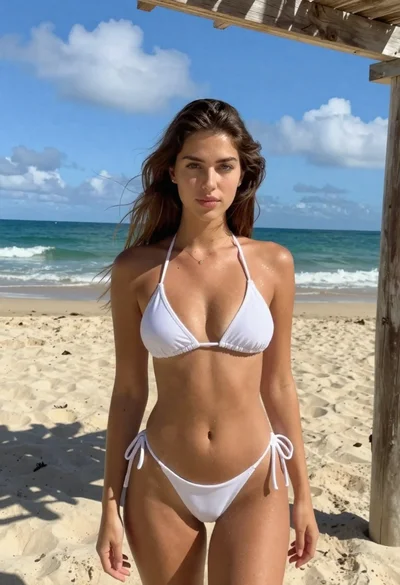
Brunette woman in white bikini on sunny beach