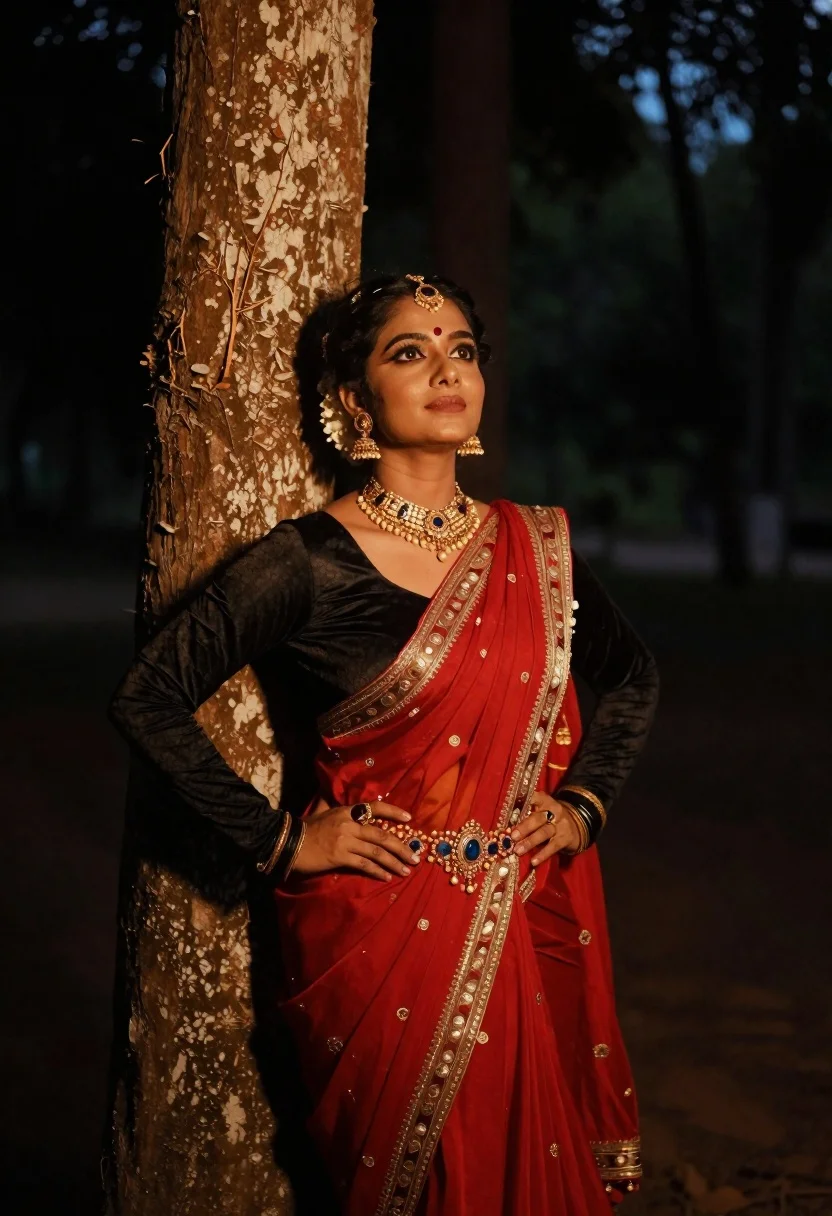
Woman in red sari standing by tree trunk at night outdoors
Prompt
A woman dressed in traditional Indian attire stands confidently with one hand on her hip and the other resting near her waist, looking upward with a serene expression.

Subject: A woman with dark hair styled in an elaborate updo adorned with a headpiece, wearing heavy makeup including defined eyes and a vertical mark on her forehead.

Clothing: She wears a black long-sleeved top under a vibrant red sari with golden embroidery along the border, accented by a wide ornate belt featuring intricate beadwork and gemstones, complemented by a large gold necklace and pearl strands.

Action: Her posture is poised and confident, leaning slightly against a tree trunk on her left side while gazing upward with a calm demeanor.

Environment: The setting appears to be outdoors at night or in low light, with a large textured tree trunk immediately beside her and a dark blurred forest background suggesting depth.

Lighting: Warm golden light illuminates her face and upper body from the front-left, creating soft highlights on her skin and clothing while casting deep shadows behind her for dramatic contrast.

Camera: Shot at eye level with a shallow depth of field that keeps the subject sharply in focus while blurring the background to emphasize her presence.

Style Details: The image has a cinematic, moody aesthetic with rich color grading emphasizing warm tones against dark surroundings, resembling high-end portrait photography with subtle film grain and post-processing glow effects.
Description
This prompt is useful for creating dramatic cultural portraits, editorial fashion spreads set at night, and cinematic character concept art. The combination of 'warm golden light' illuminating the subject against a 'dark blurred forest background' establishes high contrast necessary for moody portraiture, while specifying 'golden embroidery along the border' ensures that the vibrant red sari catches artificial light sources effectively.
Suggestions
- Change 'black long-sleeved top' to 'deep emerald blouse' for color variation.
- Adjust 'shallow depth of field' to 'bokeh effect' for a more pronounced background blur.
- Swap 'warm golden light' for 'single overhead spotlight' to change the source of illumination.
Category
Tags
Black HairFemaleFull BodyMedium ShotRealisticTraditional Wear
Date added
June 19, 2026
Added by
PromptDexter Team
Related Prompts
More prompts with similar categories and tags.
Woman in vibrant traditional indian saree against white marble backdrop
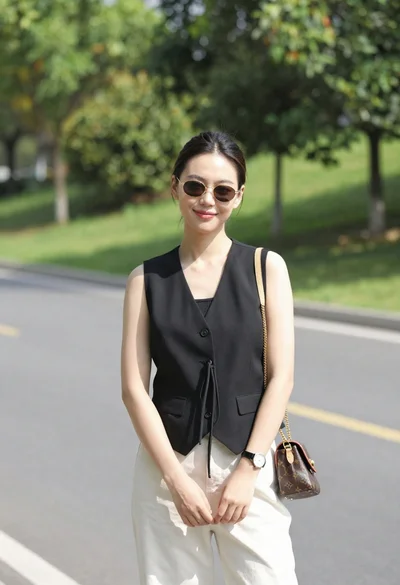
Stylish young woman in black vest standing on paved road near green
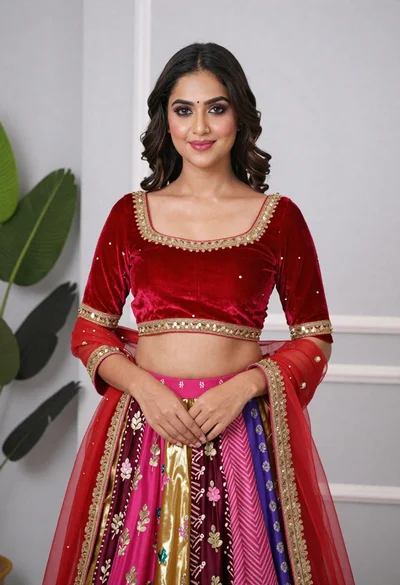
Young woman in elaborate red and pink traditional indian attire indoors

Fair blonde woman in black corset and denim shorts studio portrait
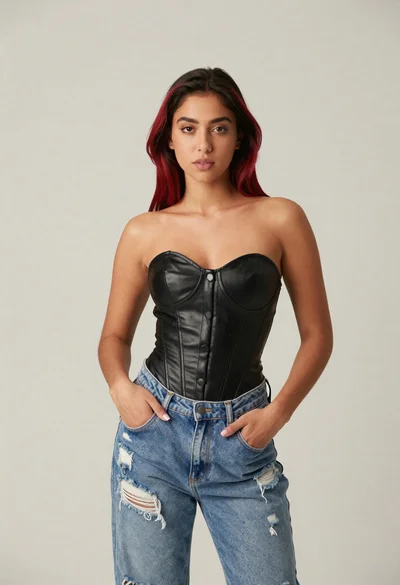
Young woman in black corset and ripped jeans against light beige background

Black woman in patchwork hoodie on urban crosswalk
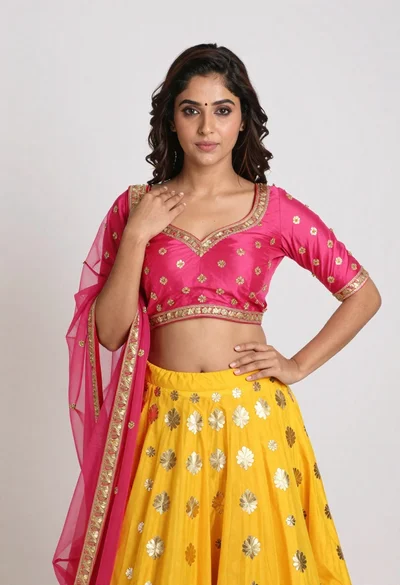
Young woman in yellow lehenga choli posing against white studio backdrop
Young woman with dark hair looking back down an upscale beige hallway
Woman in blue floral saree leaning against tree trunk in lush garden
Smiling woman in pink embroidered gown sitting on beige sofa indoors