

Woman in white bikini standing in ocean at sunset
Prompt
A photorealistic portrait of a woman standing in the ocean at sunset, captured from behind as she turns her head to look over her shoulder with a soft smile

Subject: A young woman with light brown skin and long dark hair tied back in a high ponytail, strands blowing gently in the wind.

Clothing: She is wearing a simple white bikini consisting of a triangle top and low-rise bottoms that are slightly wet from the water.

Action: Standing knee-deep in calm ocean waves, she poses with her body angled away but turns to face the camera; one hand rests lightly on her hip while the other hangs loosely by her side.

Environment: The setting is an open sea at dusk or sunset, with gentle ripples and small white foam bubbles around her legs where water laps against them.

Lighting: Warm golden backlight from a low sun creates a glowing rim light along her hair and shoulders; soft reflections shimmer on the water's surface behind her in a bright trail toward the horizon.

Camera: Medium close-up framing with shallow depth of field, slightly blurred background to emphasize subject; natural cinematic composition emphasizing silhouette against radiant sky.

Style Details: High-fidelity photography style with realistic skin textures, subtle motion blur in hair and fabric edges for atmosphere; warm color grading evoking a dreamy evening mood.
Description
This prompt is useful for creating intimate swimwear editorials, romantic travel photography, and cinematic character portraits. The combination of 'warm golden backlight' generating a glowing rim light and the 'shallow depth of field' blurring background elements ensures that the subject remains the focal point while the soft reflections on the water enhance the dreamy evening mood.
Suggestions
- Change 'white bikini' to 'terracotta bikini' for an earthier tone.
- Adjust 'high ponytail' to 'loose waves' for a more natural feel.
- Swap 'dusk or sunset' for 'magic hour' to fine-tune the light quality.
Category
Tags
BeachFemaleFull BodyLight SkinMedium ShotOutdoorsOver The ShoulderRealisticSwimwear
Date added
June 19, 2026
Added by
PromptDexter Team
Related Prompts
More prompts with similar categories and tags.
Blonde woman on balcony overlooking blue ocean with sailboats

Woman in white sweater on sandy beach with windblown dark hair
Woman in yellow traditional outfit sitting on rocks by the sea
Young woman on sandy beach with dark hair in light blue top
Woman in floral robe on wooden balcony overlooking green mountain valley
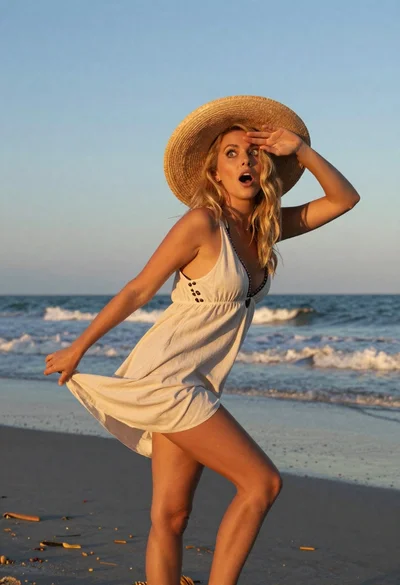
Blonde woman in light dress on beach at golden hour sunset
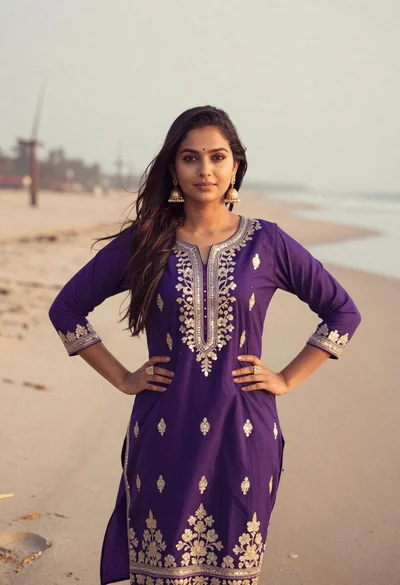
Young woman in purple embroidered dress standing on sandy beach

Woman in white crochet swimsuit sitting on rock by tropical sea
