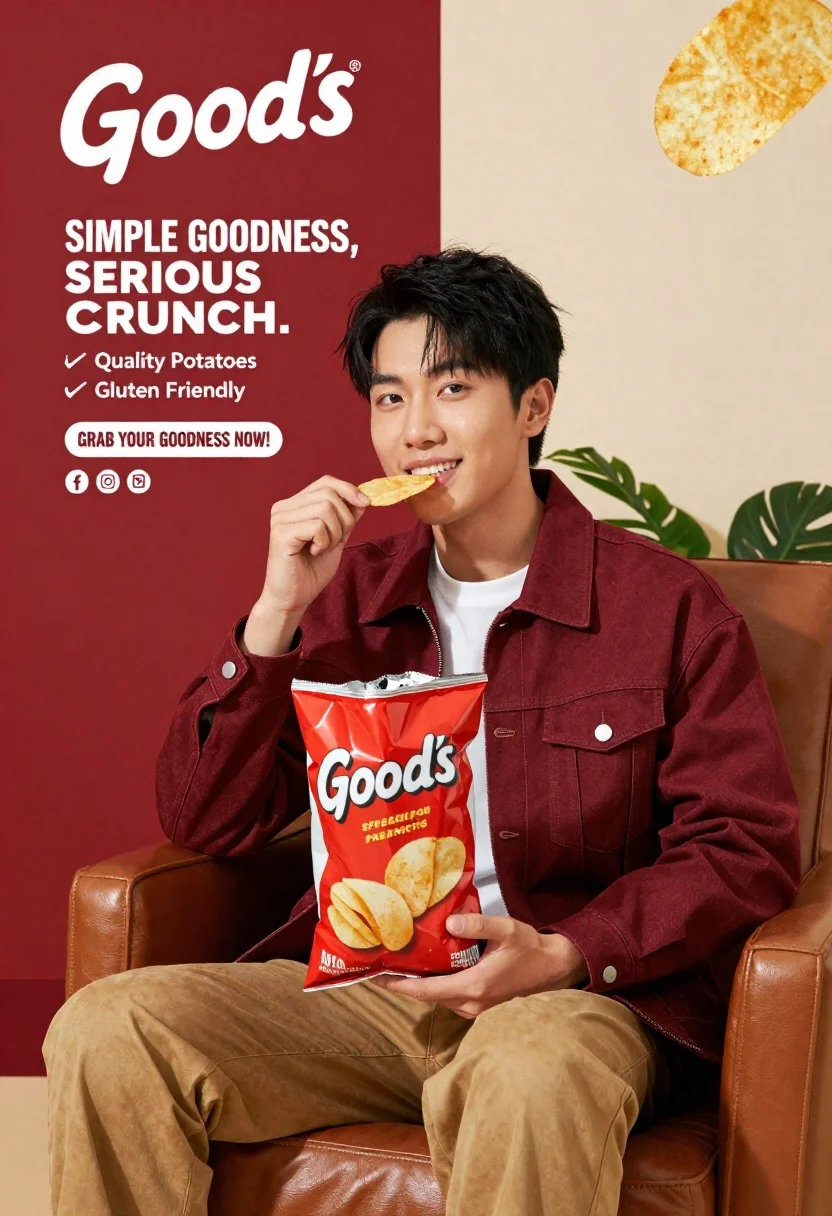
Young asian man eating goods potato chips in maroon jacket
Prompt
A young man sits comfortably in a brown leather armchair holding a large red and white bag of Good's potato chips while lifting a single chip to his mouth with a satisfied expression.

Subject: A young Asian man with short black hair, wearing a maroon zip-up jacket over a white crew-neck t-shirt and tan trousers.

Clothing: Maroon denim-style jacket, white undershirt, tan pants.

Action: Holding a large bag of chips in one hand and lifting a single potato chip to his lips with the other, looking directly at the camera with a subtle smile.

Environment: A split background featuring a deep red wall on the left and a cream-colored wall on the right with green foliage visible behind the man's shoulder.

Camera: Medium shot capturing the subject from the waist up, framed slightly off-center to accommodate the product placement.

Lighting: Bright studio lighting illuminating the subject evenly with soft shadows and high contrast against the red background.

Text/Graphics: Large white script logo reading "Good's" at the top left, bold text stating "SIMPLE GOODNESS, SERIOUS CRUNCH," a list of quality features including "Quality Potatoes" and "Gluten Friendly," and a call-to-action banner reading "GRAB YOUR GOODNESS NOW!" along with social media icons.

Style Details: Commercial advertisement style with vibrant colors, clean typography, and floating potato chips in the air to emphasize freshness and texture.
Description
This prompt is useful for creating commercial product advertisements, snack brand campaigns, and lifestyle editorial spreads featuring food consumption. The combination of 'bright studio lighting' with a 'split background' ensures that the subject remains well-lit while the contrasting red and cream walls provide visual separation, preventing the entire scene from feeling flat against the vibrant colors needed to showcase the chips.
Suggestions
- Change 'maroon zip-up jacket' to 'navy bomber jacket' for a different color pop.
- Replace 'green foliage visible behind the man's shoulder' with 'minimalist concrete texture' for a more urban feel.
- Adjust the lighting by adding 'rim light from the right' to separate the subject further from the background.
Category
Tags
Black HairCasual WearFoodIndoorsMaleMedium ShotRealisticStudio
Date added
June 23, 2026
Added by
PromptDexter Team
Related Prompts
More prompts with similar categories and tags.
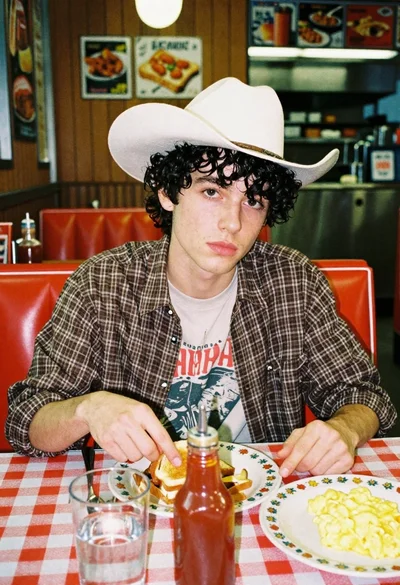
Young man eating breakfast in a retro diner booth
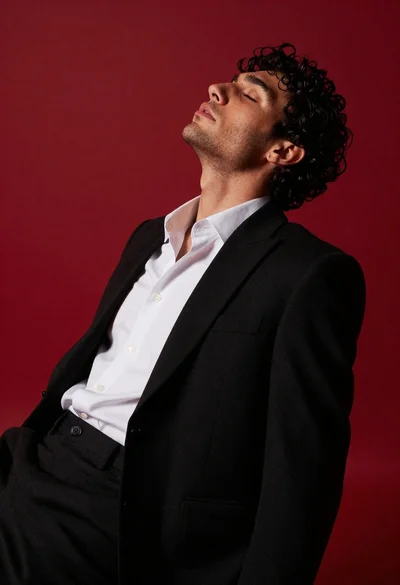
Young man in black suit leaning back against chair on red wall
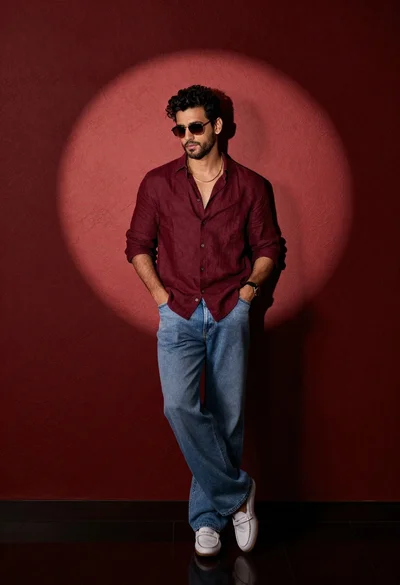
Stylish man in maroon shirt and jeans leaning against red wall
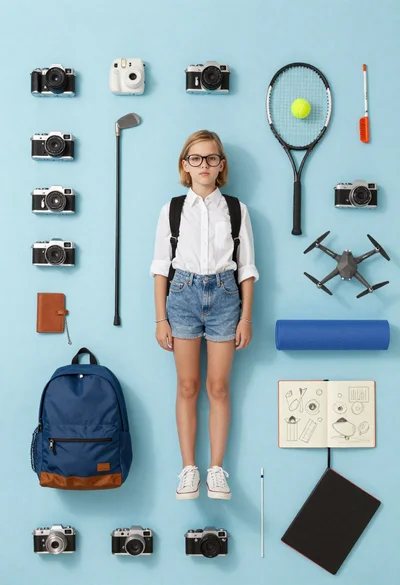
Girl surrounded by hobbies on a light blue background
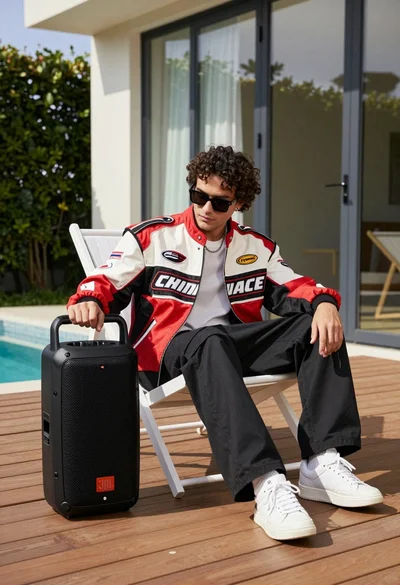
Man in racing jacket sitting on lounge chair near black portable speaker

Stylish man in black blazer against vibrant city skyline at night

Man in suit sitting in car at night
Black and white portrait of man in classroom setting