
Young blonde woman laughing on counter in cluttered convenience store aisle
Prompt
A young woman with blonde hair tied in a messy high ponytail sits cross-legged on a wooden counter inside a convenience store.

Subject: A smiling young woman with fair skin and blonde hair pulled back into a casual, slightly messy high ponytail.

Clothing: She wears a solid blue ribbed tank top and light-wash denim shorts.

Action: She is seated in a relaxed cross-legged pose on the counter, leaning forward slightly with her left hand resting flat on the surface, looking off to the side with a bright, open-mouthed laugh.

Environment: The setting is a cluttered convenience store aisle featuring shelves stocked with chips, soda bottles, and lottery tickets, alongside a refrigerated display case in the background.

Objects: A wire basket filled with bananas and apples sits on the counter near her left hand, while boxes of candy and magazines are visible on nearby shelves.

Lighting: The scene is lit by bright, cool indoor fluorescent lighting that creates soft shadows and highlights the texture of her skin and clothing.

Camera: The shot is a medium close-up taken from a slightly low angle looking up at the subject, with a shallow depth of field that keeps her in sharp focus while blurring the background shelves.

Style Details: The image has a candid, snapshot aesthetic reminiscent of 35mm film photography with natural color saturation and slight grain.
Description
This prompt is useful for creating lifestyle editorial spreads, character concept art for indie films, or highly atmospheric street-style mood boards. The combination of 'bright, cool indoor fluorescent lighting' against the 'cluttered convenience store aisle' grounds the image in a specific, unglamorous reality, while the 'shallow depth of field' ensures that despite the visual noise of the background objects, the focus remains sharply on her laughing expression.
Suggestions
- Change 'solid blue ribbed tank top' to 'oversized graphic tee' for more streetwear appeal.
- Swap 'fluorescent lighting' for 'harsh overhead strip light' to increase contrast.
- Adjust 'messy high ponytail' to 'loose waves' if you want a softer look.
Category
Tags
BlondeBrown HairCasual WearFair SkinFemaleIndoorsLow AngleRealisticStreetwear
Date added
July 12, 2026
Added by
PromptDexter Team
Related Prompts
More prompts with similar categories and tags.
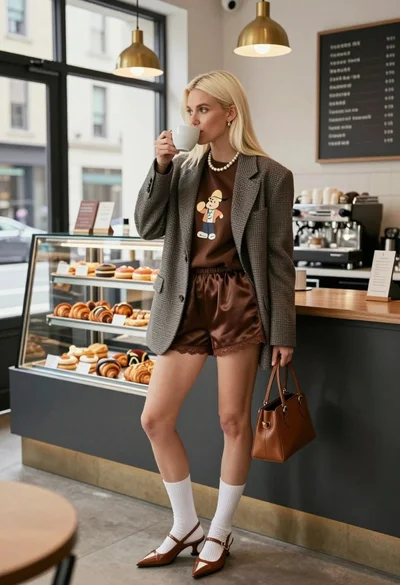
Blonde woman in houndstooth blazer at bright modern coffee shop interior

Young blonde woman in brown top seated in modern living room setting
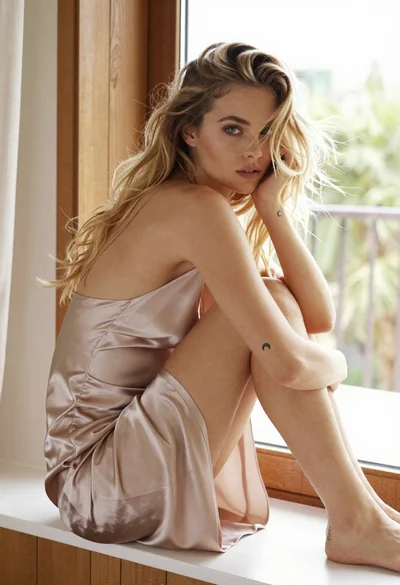
Fair blonde woman sitting on white ledge by window with green foliage
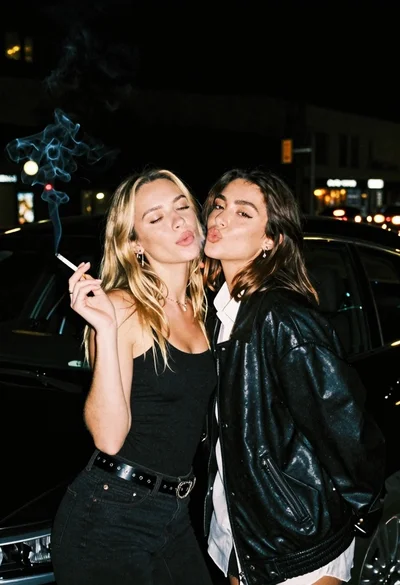
Two young women posing by a car at night
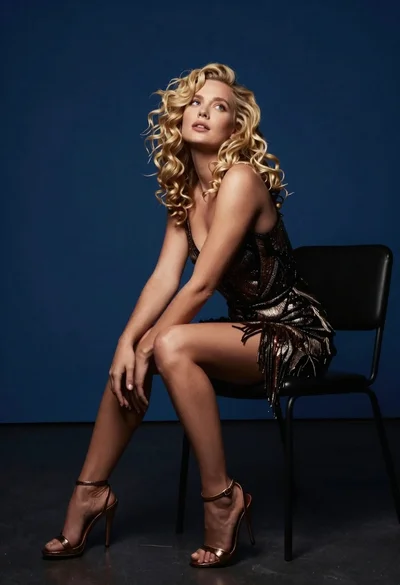
Blonde woman in dark patterned dress seated on black chair against deep
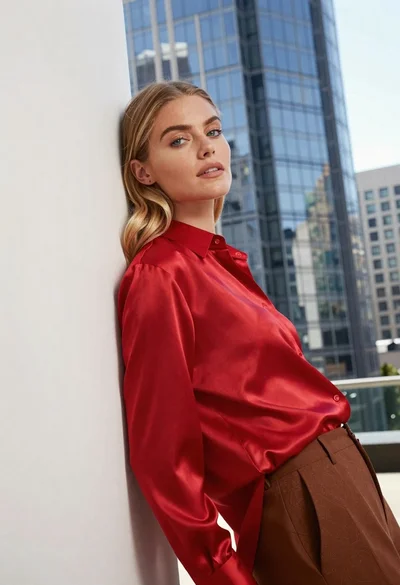
Blonde woman in red satin shirt leaning against white architecture

Blonde woman sitting on coffee table in modern living room setting

Blonde woman in black coat leaning against white wall by window

Blonde woman seated sideways in black mini dress by window

Blonde woman in black dress leaning on stone pillar in garden setting