
Young blonde woman sitting casually on black leather bench indoors
Prompt
A woman with shoulder-length blonde hair sits casually on a black leather bench with wooden accents.

Subject: A young woman with fair skin and shoulder-length layered blonde hair that frames her face.

Clothing: She wears a bright red sleeveless top tucked into loose-fitting white trousers, revealing a hint of grey underlayer at the waist.

Action: She sits with legs spread wide apart, resting one hand on her thigh and the other against her cheek in a thoughtful pose, gazing directly forward.

Environment: The background consists of a plain light-colored wall with faint vertical panel lines.

Camera: Medium shot capturing the subject from the knees up, framed to emphasize her relaxed posture and direct engagement with the viewer.

Lighting: Soft studio lighting illuminates her face and upper body evenly, creating gentle shadows that define her features without harsh contrast.

Style Details: Clean photographic aesthetic with natural skin tones and a focus on casual elegance.
Description
This prompt is useful for creating editorial portrait studies, catalog lookbooks featuring statement colors, and lifestyle branding imagery requiring direct subject engagement. The combination of 'soft studio lighting' ensuring even illumination across the face, paired with the high contrast provided by the 'bright red sleeveless top' against the 'black leather bench,' directs the viewer's eye immediately to the model while maintaining a polished, controlled environment.
Suggestions
- Change 'shoulder-length layered blonde hair' to 'wavy platinum blonde hair' for more volume.
- Swap 'loose-fitting white trousers' for 'high-waisted denim jeans' to ground the look.
- Adjust 'soft studio lighting' to 'rim light from the side' for more drama.
Category
Tags
BlondeCasual WearFair SkinFemaleIndoorsMedium ShotRealisticStudio
Date added
June 19, 2026
Added by
PromptDexter Team
Related Prompts
More prompts with similar categories and tags.

Young blonde woman in brown top seated in modern living room setting

Smiling young woman in black leather jacket holding award at red carpet

Blonde woman looking back over shoulder against white wall
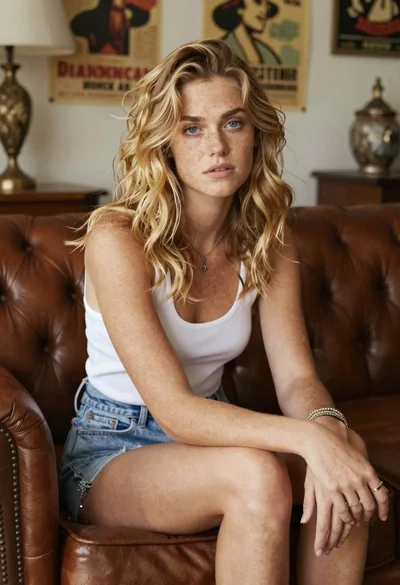
Woman with freckles sitting on brown leather sofa

Fair skinned woman in black velvet dress at white step and repeat
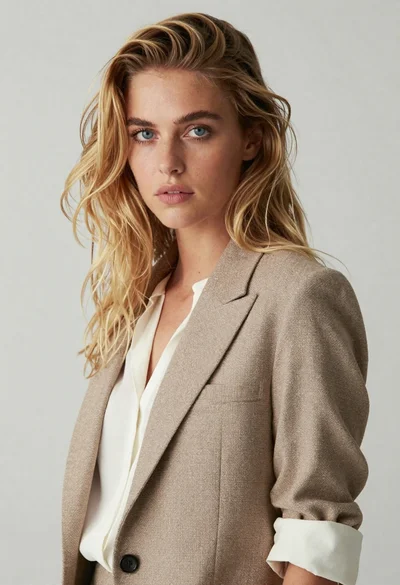
Medium close up portrait of blonde woman in beige blazer studio setting

Smiling blonde woman in black leather outfit at an indoor evening event

Smiling blonde woman in sheer black gown at a dark event backdrop

Close up portrait of blonde woman in hot pink gown at event

Medium close up portrait of blonde woman in black floral velvet dress