

Young couple embracing in a modern kitchen while cooking together
Prompt
A warm and intimate moment between a couple in a bright, modern kitchen.

Subject: A young woman with dark hair tied back in a bun embraces a man from behind while he stands at the stove; she is smiling affectionately as she kisses his cheek, and he looks down at her with a gentle smile.

Clothing: The woman wears a brown and beige plaid long-sleeved top tucked into light blue jeans, while the man wears a cream-colored knit sweater and dark trousers.

Action: The couple stands close together in an embrace; the woman wraps her arms around the man's neck to kiss his cheek, and he holds a wooden spoon inside a frying pan on the stovetop.

Environment: A spacious kitchen with white cabinetry, light wood flooring, and a wooden ceiling beam visible above.

Objects: A stainless steel frying pan containing a simmering red sauce sits on a gas burner, accompanied by a white plate nearby and a bottle of olive oil on the counter.

Lighting: Soft, natural sunlight streams in from a window on the left, casting a warm glow across the scene and highlighting the couple's happy expressions.

Camera: A medium shot captures the couple from the waist up, framed to emphasize their connection against the clean lines of the kitchen interior.

Style Details: The image features a high-definition, cinematic aesthetic with soft focus background elements and a natural color palette that enhances the cozy atmosphere.
Description
This prompt is useful for creating lifestyle advertisements for home goods, romantic engagement announcements, and editorial content about domestic partnership. The combination of 'soft, natural sunlight' streaming in from the left and the 'natural color palette' ensures that the scene feels lived-in rather than staged, while the focus on specific objects like the 'stainless steel frying pan' grounds the intimacy within a functional, beautiful setting.
Suggestions
- Change 'brown and beige plaid long-sleeved top' to 'cream knit sweater' for better color harmony.
- Swap 'light blue jeans' for 'dark wash denim' to ground the lower half of the image.
- Adjust 'soft focus background elements' to 'shallow depth of field' for more dramatic separation.
Category
Tags
Casual WearFemaleIndoorsMaleMedium ShotOutdoorsRealistic
Date added
June 23, 2026
Added by
PromptDexter Team
Related Prompts
More prompts with similar categories and tags.

Laughing couple in formal wear sharing an intimate moment indoors

Young couple sharing popcorn in a dimly lit movie theater

Romantic couple holding hands and smiling while dancing indoors in living room
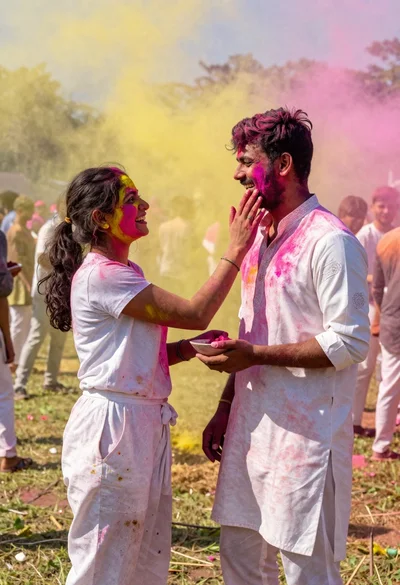
Joyful couple covered in colored powder during outdoor festival celebration
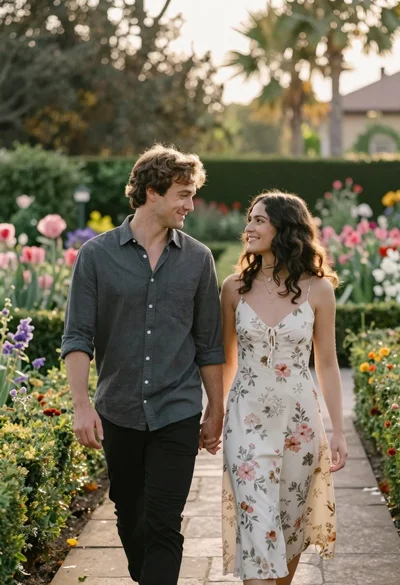
Romantic couple walking hand in hand through lush garden at golden hour
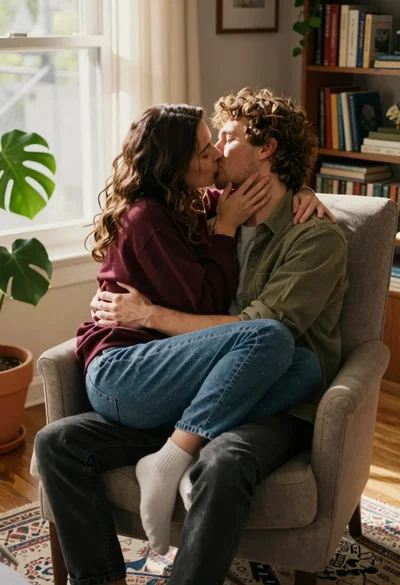
Couple kissing intimately in sunlit living room armchair setting
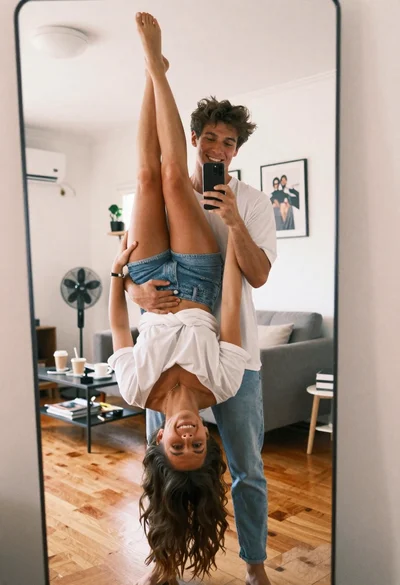
Young couple playful lift mirror selfie in bright living room
Young couple playing with golden retriever puppy in cozy living room
