
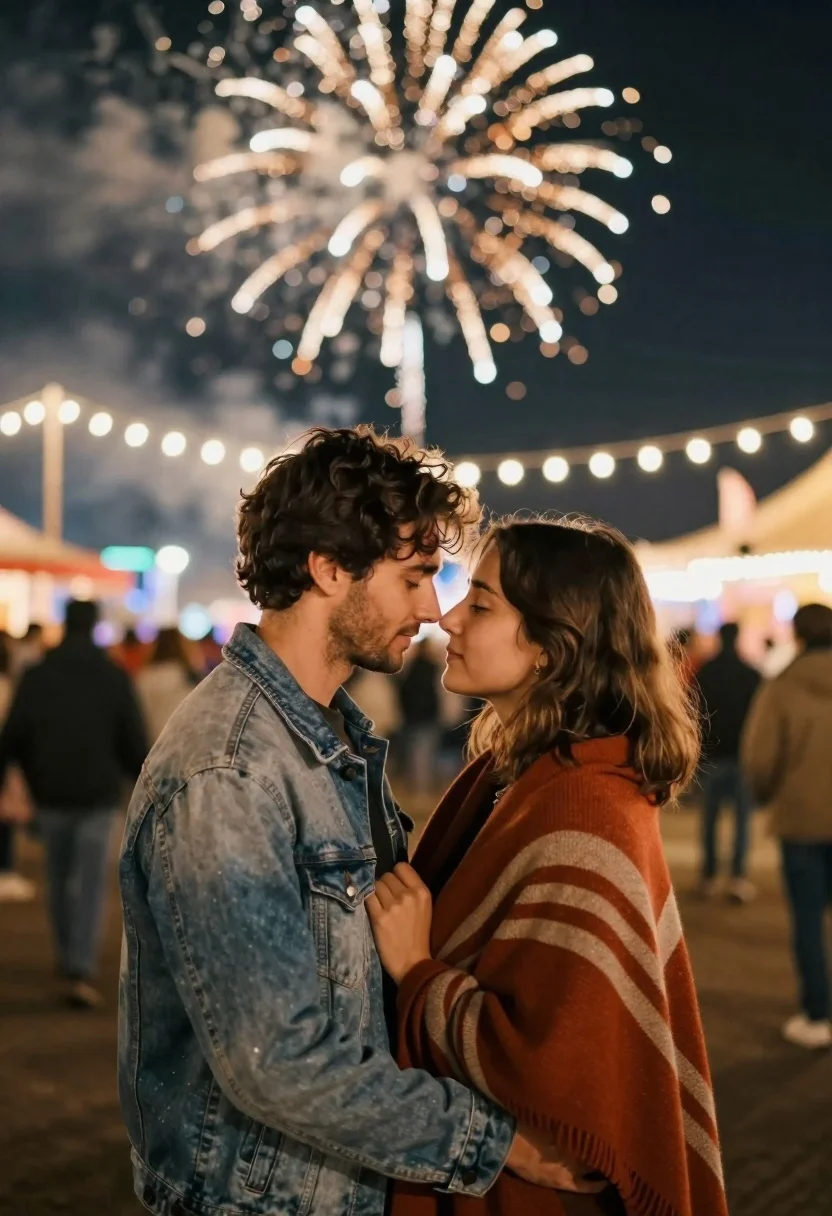
Young couple embracing under fireworks at a night festival
Prompt
A romantic close-up of a young couple standing intimately in the foreground with fireworks exploding above them.

Subject: A man and a woman standing face-to-face, their foreheads nearly touching as they gaze into each other's eyes. The man has dark wavy hair and light stubble, while the woman has shoulder-length brown hair.

Clothing: The man wears a light-wash denim jacket over a dark shirt, and the woman is wrapped in a thick, warm-toned striped shawl or blanket in shades of rust orange and beige.

Action: They are embracing gently with their eyes closed or looking deeply at one another, conveying a moment of intense affection and intimacy.

Environment: A crowded outdoor night scene, likely a fairground or festival, with blurred silhouettes of people walking in the background and strings of warm fairy lights hanging overhead.

Camera: Medium shot capturing the couple from the waist up, utilizing a shallow depth of field to keep the subjects sharp while blurring the background crowd and lights into soft bokeh.

Lighting: The scene is illuminated by the bright, diffused glow of a large golden firework directly above them, casting a warm backlight on their hair and faces, complemented by ambient street lighting from the surrounding fairground.

Style Details: Cinematic photography with a romantic and dreamy atmosphere, featuring soft focus, warm color grading, and a high-quality realistic rendering style.
Description
This prompt is useful for creating cinematic romance album covers, festival souvenir prints, and intimate portrait editorials capturing shared moments of joy. The combination of 'golden firework' illumination providing a 'warm backlight' against the 'soft bokeh' background effectively isolates the couple’s connection, preventing the busy 'crowded outdoor night scene' from distracting from their intense embrace.
Suggestions
- Change 'light-wash denim jacket' to 'black leather jacket' for a moodier contrast.
- Replace 'rust orange and beige' with 'deep jewel tones' for richer color saturation.
- Adjust 'medium shot' to 'close-up portrait' to emphasize facial expressions.
Category
Tags
Brown HairFemaleMaleMedium ShotOutdoorsPortrait ShotRealistic
Date added
June 21, 2026
Added by
PromptDexter Team
Related Prompts
More prompts with similar categories and tags.

Smiling couple sitting closely together at a dinner party outdoors at night
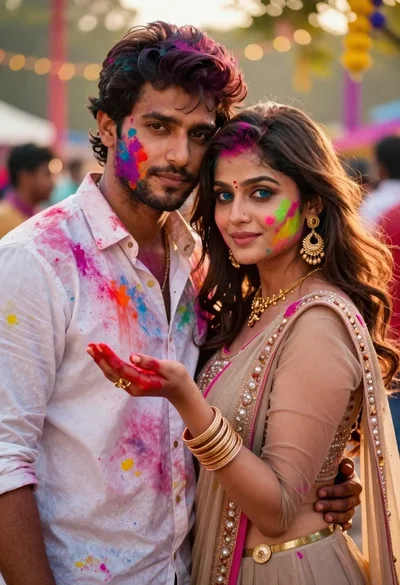
Young couple covered in colorful powder celebrating holi festival at sunset
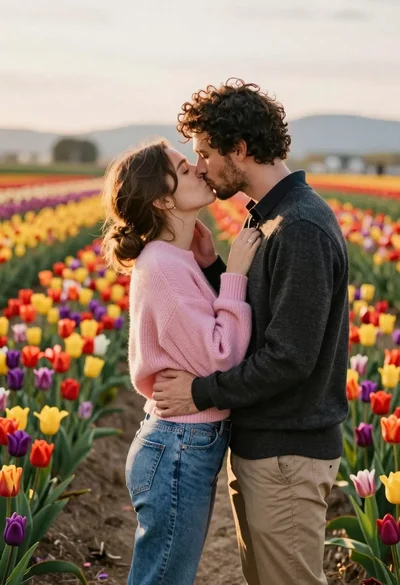
Romantic couple sharing a kiss in a vibrant tulip field at sunset
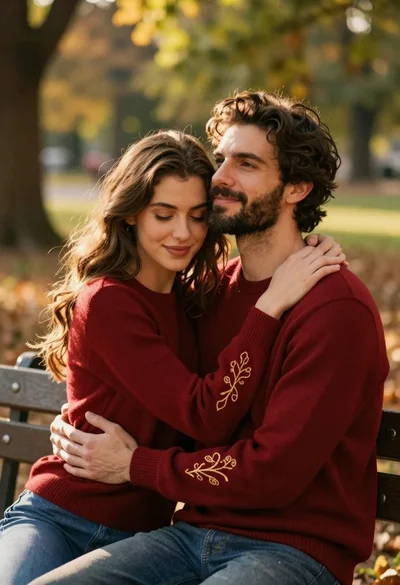
Couple in red sweaters embracing on a wooden bench in sunlit park
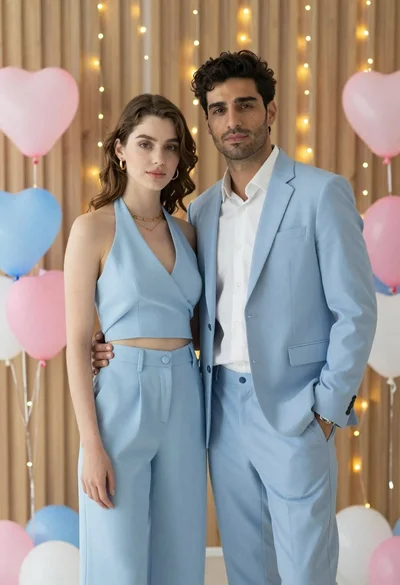
Stylish young couple standing together in front of festive heart balloons
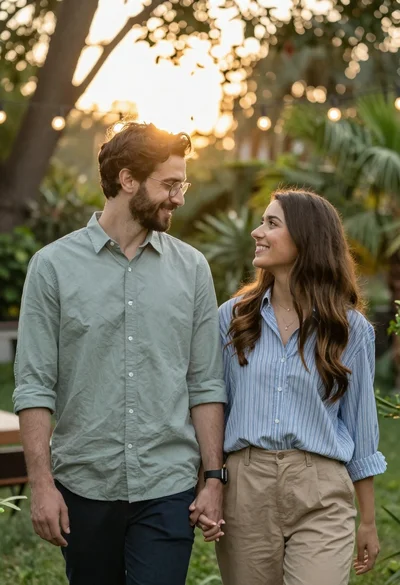
Smiling couple holding hands in a lush garden during golden hour

Young couple sharing popcorn in a dimly lit movie theater

Romantic couple embracing under a large firework display at night
