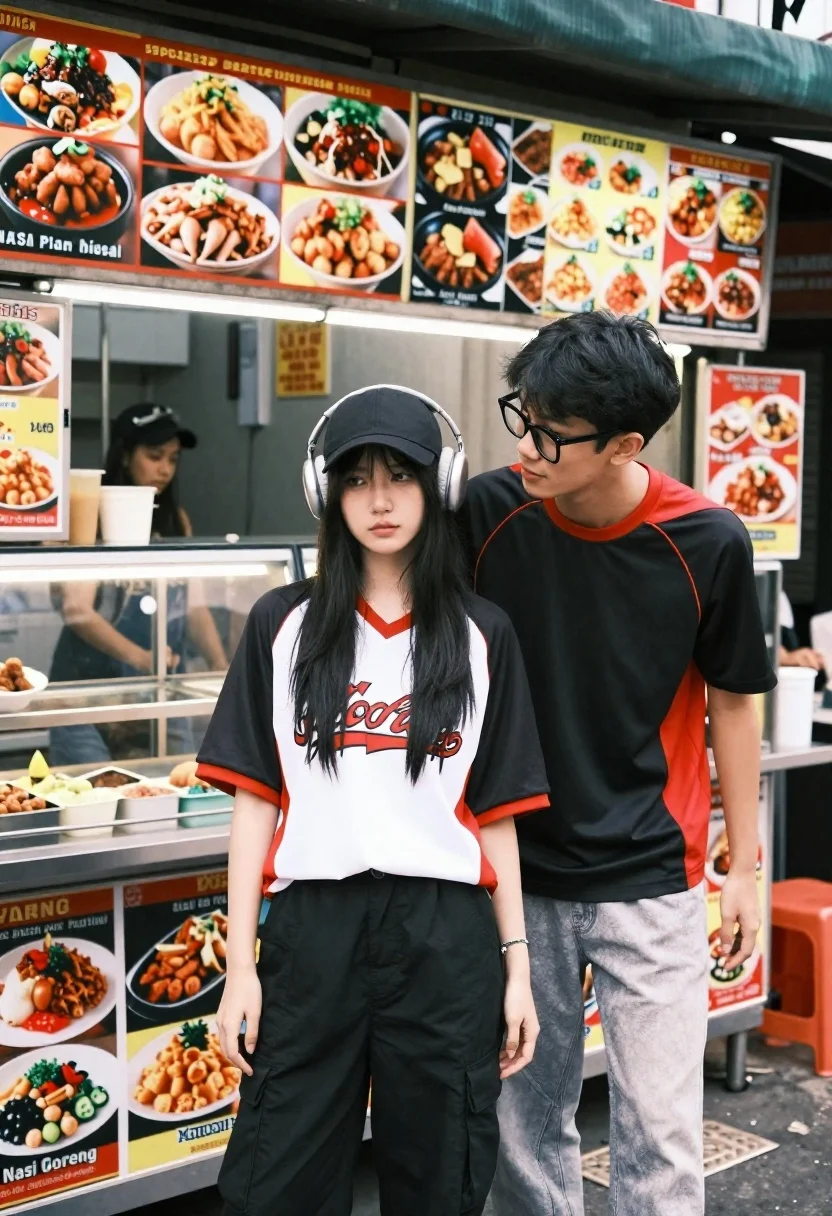
Young couple posing in front of a busy street food stall at
Prompt
A young couple stands in front of a busy street food stall covered in menus and food advertisements.

Subject: A young woman with long black hair stands in the foreground wearing a black baseball cap and large over-ear headphones, looking off to the side with a neutral expression. Behind her, a young man with glasses leans forward from the counter area, looking towards her with a soft gaze.

Clothing: The woman wears a white and black athletic jersey with red trim featuring a graphic print on the front, paired with black cargo pants. The man wears a black t-shirt with red accents and light grey jeans.

Action: The couple is posing for a portrait; the woman stands still while the man leans in from behind her, creating an intimate and casual moment.

Environment: The background is a vibrant street food stall featuring glass display cases filled with food and walls plastered with numerous menus and posters advertising dishes like Nasi Goreng and Ayam Penyet.

Camera: The shot is taken at eye level with a medium framing that captures both subjects from the waist up, emphasizing their interaction against the busy backdrop.

Lighting: Natural daylight illuminates the scene evenly, casting soft shadows and highlighting the textures of the food stall signage.

Style Details: The image has a candid, documentary-style aesthetic with natural color grading and a focus on urban street culture.
Description
This prompt is useful for creating editorial lifestyle photography, travel blog features about local cuisine, and cinematic character portraits set in an urban environment. The combination of 'natural daylight' illuminating the scene evenly while maintaining a 'candid, documentary-style aesthetic' ensures that the visible textures of the food stall signage remain detailed rather than being washed out by harsh light, grounding the intimate interaction against the busy backdrop.
Suggestions
- Change 'black baseball cap' to 'beanie hat' for a different casual vibe.
- Swap 'red trim' for 'neon yellow accents' to increase visual pop.
- Adjust 'medium framing' to 'full body shot' to include more of the street stall context.
Category
Tags
Black HairCasual WearFemaleMaleMedium ShotOutdoorsRealisticStreet
Date added
June 26, 2026
Added by
PromptDexter Team
Related Prompts
More prompts with similar categories and tags.

Romantic couple standing close together on wet city sidewalk during light snowfall
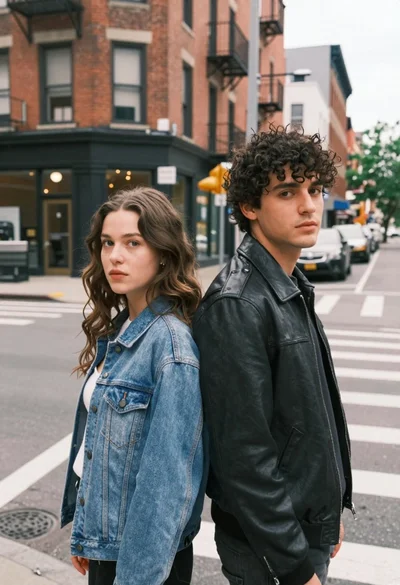
Two young adults standing back to back on a city street corner

Young couple sliding down snowy hill in wooden sled action shot
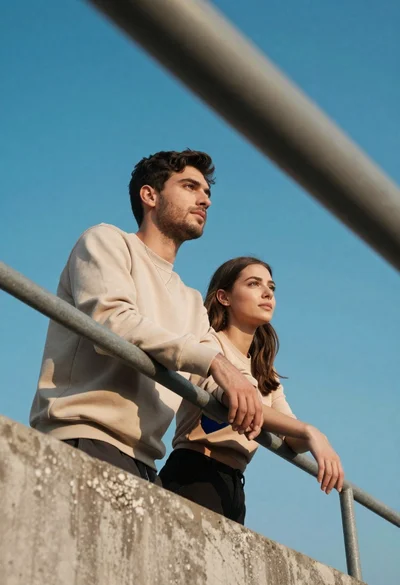
Young couple in beige outfits leaning on concrete railing under blue sky

Joyful couple in white outfits on a boat at sunset

Smiling couple embracing on sandy beach during sunset at golden hour
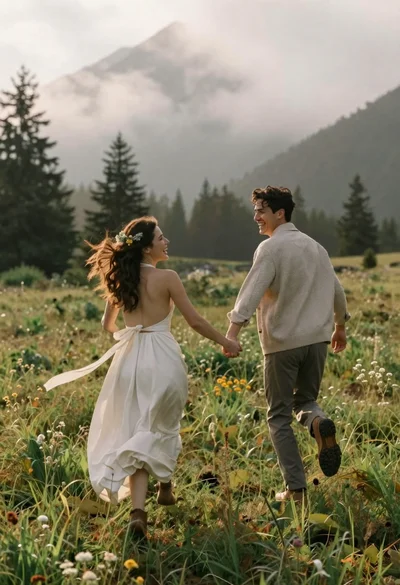
Joyful couple running through a grassy field toward misty mountains

Romantic couple embracing on a tree lined path at twilight
