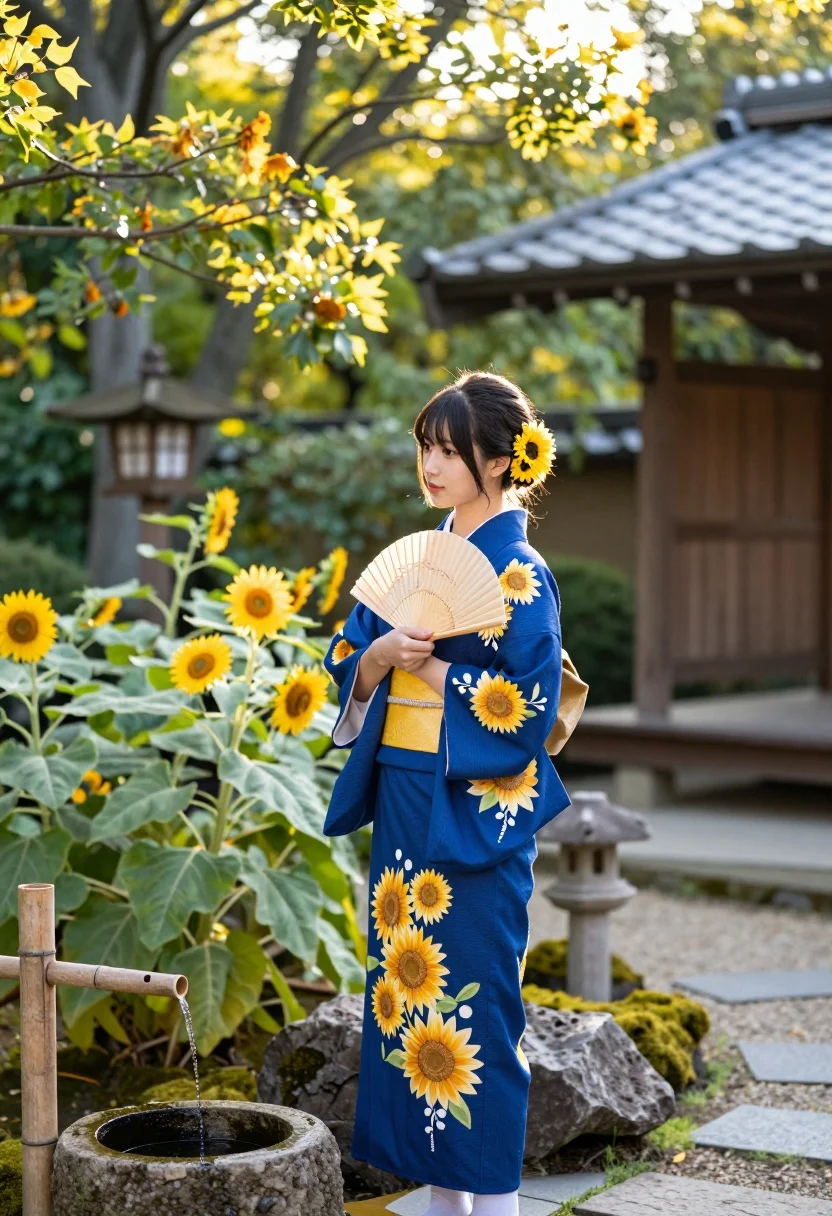
Young east asian woman in blue kimono standing in lush japanese garden
Prompt
A serene young woman stands in a lush Japanese garden wearing a deep blue kimono adorned with embroidered sunflowers and holding a traditional folding fan.

Subject: A graceful young East Asian woman with dark hair styled in an updo, decorated with bright yellow sunflower accessories.

Clothing: She wears a vibrant royal blue kimono featuring large embroidered sunflowers on the sleeves and hem, cinched at the waist with a wide golden-yellow obi sash.

Action: She stands in a poised profile pose, holding a pleated fan against her chest while gazing softly to the side.

Environment: The setting is a tranquil Japanese garden filled with tall green plants, vibrant sunflowers, moss-covered rocks, and a traditional wooden lantern post.

Objects: A bamboo water spout flows into a stone basin in the foreground, and a traditional wooden structure with a tiled roof stands in the background.

Lighting: Warm golden sunlight filters through the tree canopy from above, creating a soft glow and gentle highlights on the foliage and subject.

Camera: The shot is framed at eye level with a shallow depth of field that blurs the background trees and garden elements to emphasize the woman.

Style Details: The image features a photorealistic aesthetic with high color saturation, natural textures, and a dreamy, peaceful atmosphere reminiscent of traditional Japanese photography.
Description
This prompt is useful for creating editorial fashion moodboards, narrative concept art for historical dramas, and serene lifestyle branding imagery. The combination of 'warm golden sunlight' filtering through the canopy and the 'shallow depth of field' ensures that the subject remains the focal point while the rich details of the 'deep blue kimono' are highlighted against a softly blurred background.
Suggestions
- Change 'sunflowers' to 'cherry blossoms' for a seasonal shift.
- Swap 'royal blue kimono' for 'indigo dyed silk' to alter the material feel.
- Adjust 'warm golden sunlight' to 'overcast soft light' for a more muted palette.
Category
Tags
FemaleFull BodyOutdoorsRealisticTraditional Wear
Date added
July 12, 2026
Added by
PromptDexter Team
Related Prompts
More prompts with similar categories and tags.
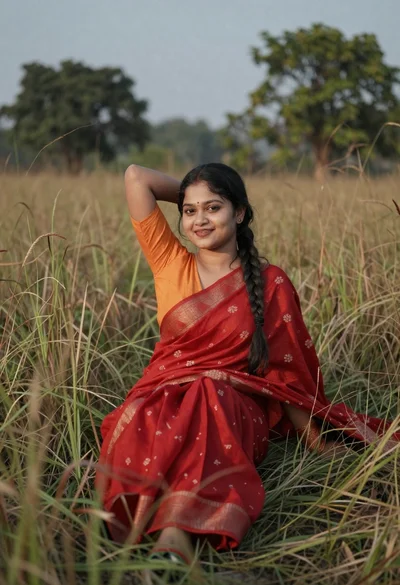
Young woman in red saree sitting gracefully in tall dry grass
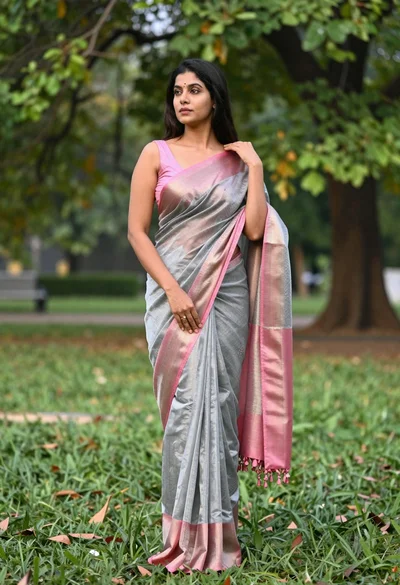
Full length portrait of woman in saree standing in lush green park
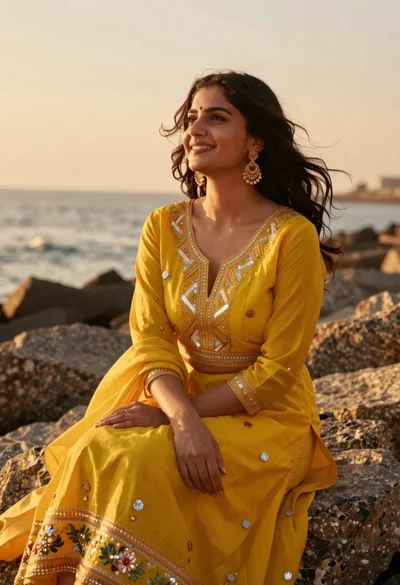
Woman in yellow traditional outfit sitting on rocks by the sea
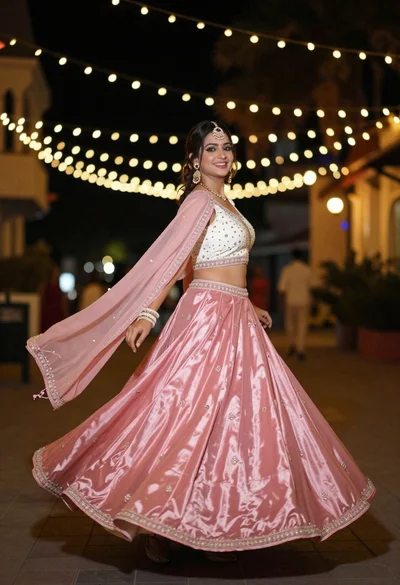
Woman spinning in pink lehenga choli against bokeh fairy lights at night
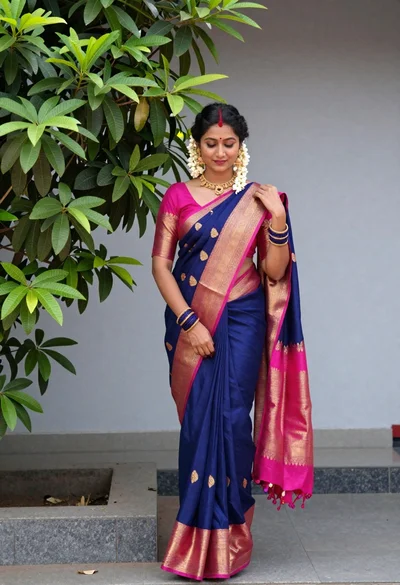
Woman in traditional blue saree with gold jewelry outdoors by green tree
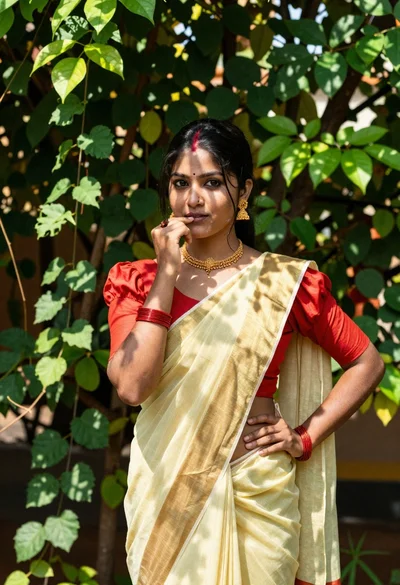
Young woman in yellow saree standing in lush green garden foliage
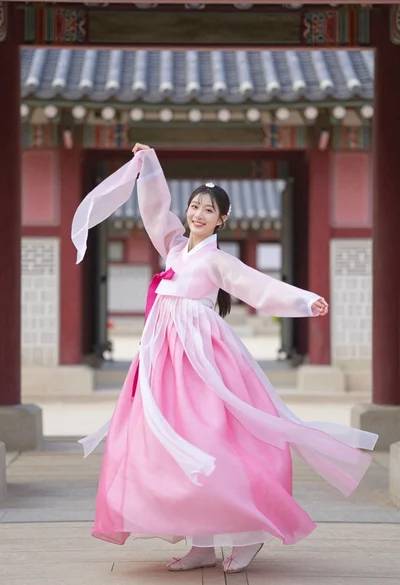
Smiling woman twirling in pink hanbok before korean traditional gate
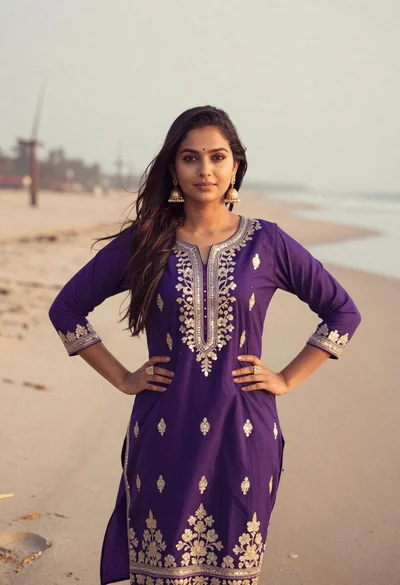
Young woman in purple embroidered dress standing on sandy beach
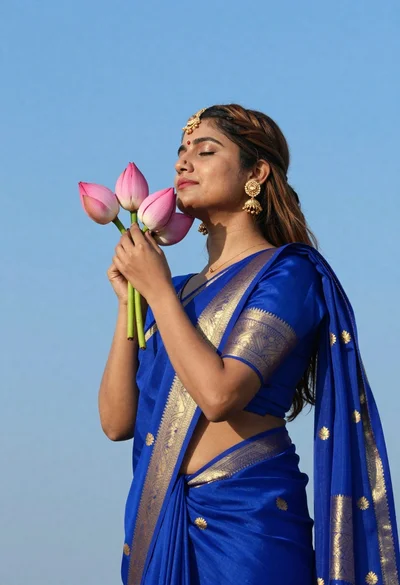
Profile portrait of woman holding lotus buds against bright blue sky
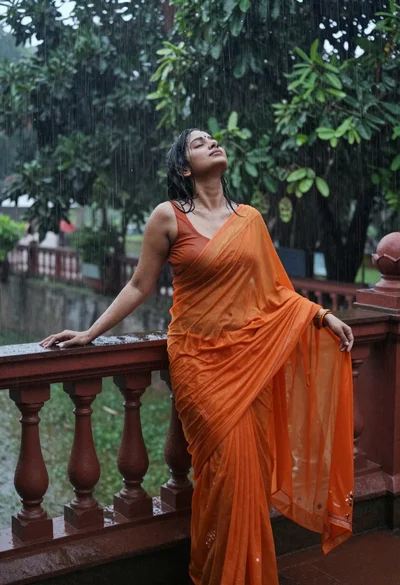
Woman in vibrant orange saree standing on wet balcony during heavy rainstorm