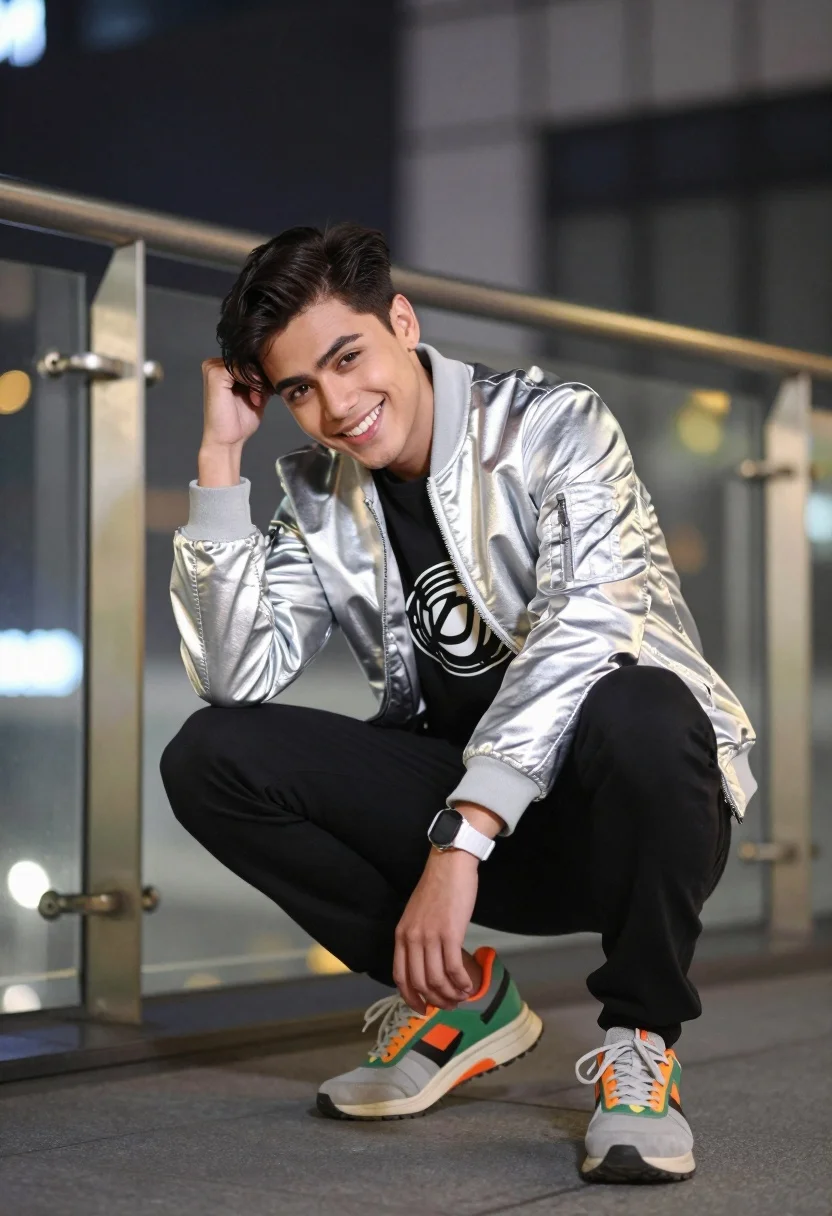
Young man crouching in silver jacket against blurred modern city architecture at
Prompt
A young man crouching in a dynamic pose with one hand resting on his head and the other near his knee, smiling warmly at the camera.

Subject: A young man with dark hair styled upwards, wearing a silver metallic jacket over a black graphic t-shirt and black pants.

Clothing: He wears a shiny silver bomber-style jacket, a black t-shirt with a circular graphic design on the chest, black trousers, and chunky athletic sneakers in grey, orange, and green tones.

Action: The subject is crouching low to the ground, leaning slightly forward with a relaxed posture, one hand touching his hair and the other resting near his knee, displaying a bright smile.

Environment: An urban setting featuring glass railings and modern architectural structures, with blurred city lights and bokeh effects in the background suggesting an evening or night scene.

Camera: Shot with a telephoto lens creating a shallow depth of field that isolates the subject against the softly blurred background, framed from a slightly low angle to emphasize his crouching stance.

Lighting: Soft ambient lighting with warm artificial lights visible in the background creating a bokeh effect, complemented by natural light on the subject’s face and jacket.

Objects: A white wristwatch is visible on his left wrist, and metal railings are present in the foreground and background.

Style Details: The image has a polished photography aesthetic with vibrant colors, high contrast between the subject and background, and a modern urban vibe.
Description
This prompt is useful for creating editorial street style features, album cover art for electronic music, and dynamic fashion lookbooks emphasizing movement. The combination of 'silver metallic jacket' against 'blurred city lights' utilizes the shallow depth of field from a telephoto lens to ensure the subject remains sharply focused while the background bokeh provides an energetic, modern context that complements the high contrast aesthetic.
Suggestions
- Change 'silver metallic jacket' to 'matte black bomber jacket' for a more subdued look.
- Swap 'warm artificial lights' for 'neon blue and pink lights' to shift the mood.
- Adjust 'crouching low to the ground' to 'standing confidently' if you want a different pose.
Category
Tags
Black HairLow AngleMalePortrait ShotRealisticStreetUrban
Date added
July 12, 2026
Added by
PromptDexter Team
Related Prompts
More prompts with similar categories and tags.
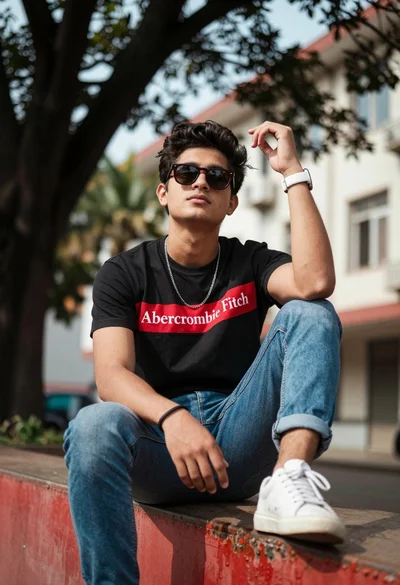
Young man sitting casually on red ledge in urban setting outdoors
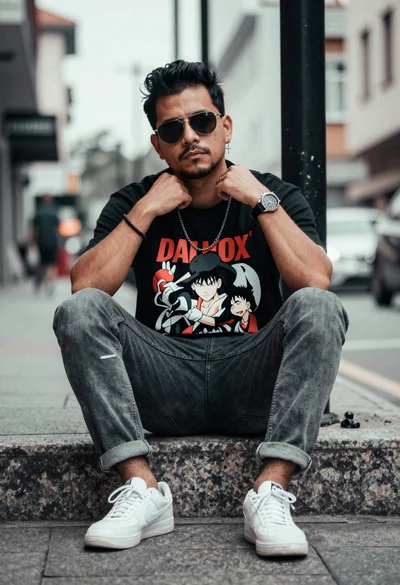
Man sitting on stone ledge in urban street wearing graphic tshirt
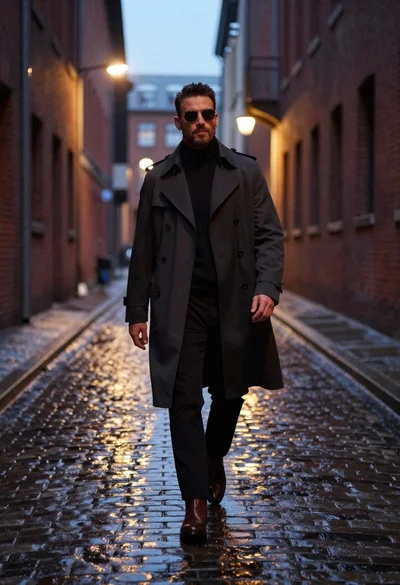
Stylish man walking down wet cobblestone alleyway at dusk
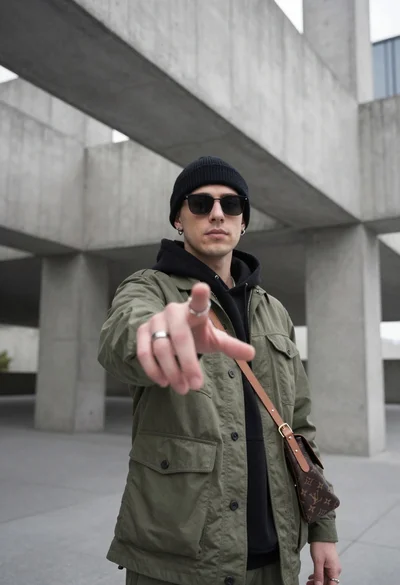
Young man reaching hand in modern concrete architectural space low angle

Stylish man in black sweater and cream trousers on city sidewalk
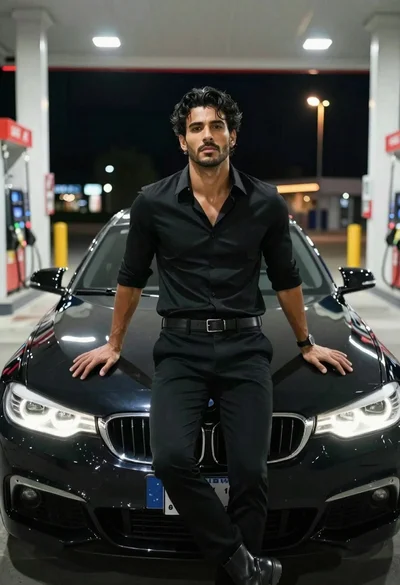
Handsome man in black shirt standing on car hood at night
Tall man in black leather jacket standing on wet city street at
Confident man in brown pinstripe suit on a busy urban avenue street
Stylish man in black sweatshirt on city sidewalk near orange storefront
Man crouching on paved street near metal gate under dappled sunlight