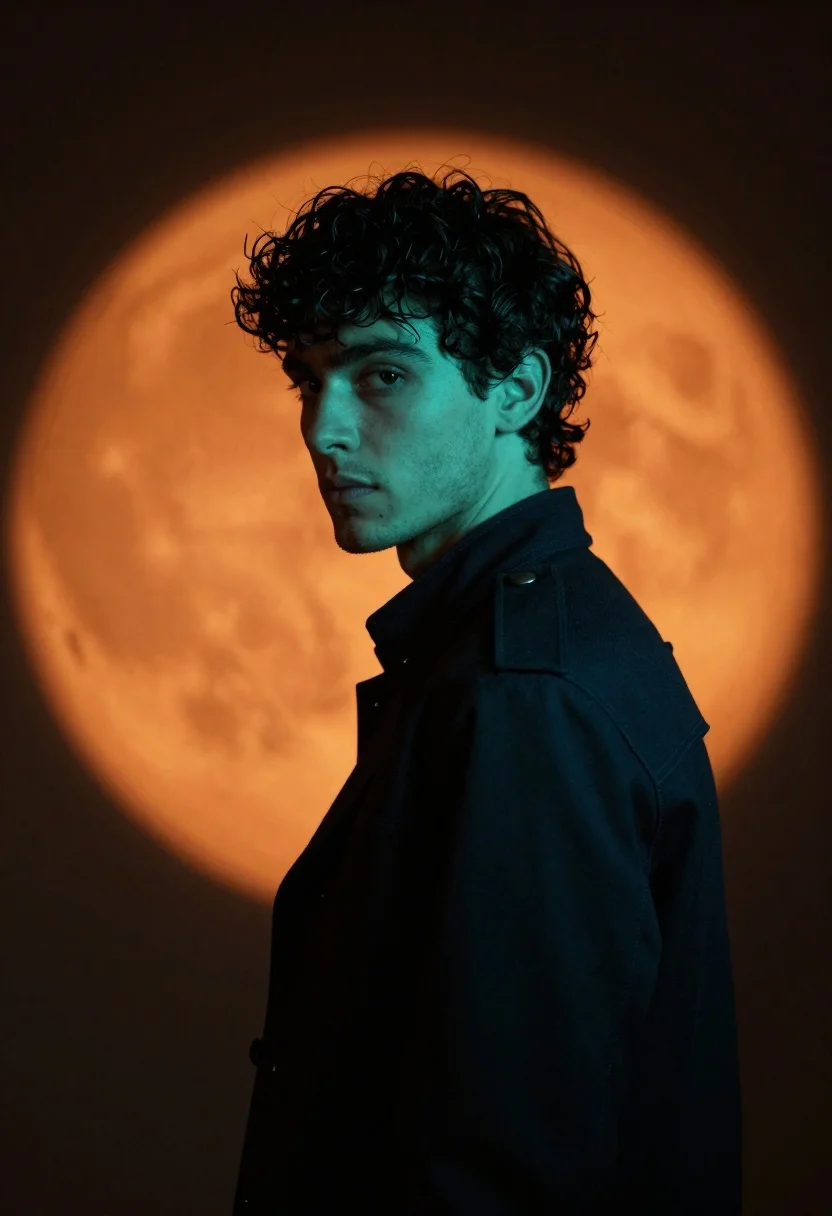
Young man in dark jacket looking back over shoulder against orange circle
Prompt
A young man with curly dark hair stands in a dramatic profile pose against a glowing orange circular backdrop.

Subject: A handsome young man with thick, wavy dark hair and light stubble on his chin and jawline.

Clothing: He wears a dark, structured jacket featuring epaulets on the shoulders and a high collar.

Action: He is turned slightly away from the camera but looks back over his shoulder with an intense gaze.

Environment: The background consists of a large, soft-edged orange circle resembling a spotlight or moon against a deep black void.

Lighting: The scene features strong teal-green rim lighting on the subject's hair and neck, contrasting with the warm orange backlight to create a vivid color split.

Camera: A medium close-up shot with a shallow depth of field that keeps the subject sharp while softening the background glow.

Style Details: High-contrast studio photography with a cinematic color palette emphasizing teal and orange tones.
Description
This prompt is useful for creating dramatic character portraits, album art concepts, and high-concept editorial spreads requiring strong color contrast. The combination of 'strong teal-green rim lighting' against the 'glowing orange circular backdrop' establishes a vivid color split that prevents the subject from blending into the background, while the 'medium close-up shot' focuses attention on the intense gaze over the shoulder.
Suggestions
- Change 'dark, structured jacket' to 'leather trench coat' for more texture.
- Swap 'teal-green rim lighting' for 'cyan rim lighting' to slightly shift the cool tone.
- Adjust 'deep black void' to 'smoky charcoal background' for a less absolute contrast.
Category
Tags
MalePortrait ShotRealisticStudio
Date added
June 19, 2026
Added by
PromptDexter Team
Related Prompts
More prompts with similar categories and tags.
Close up portrait of dark skinned man with wet hair
Black man in dark armored suit portrait against black background
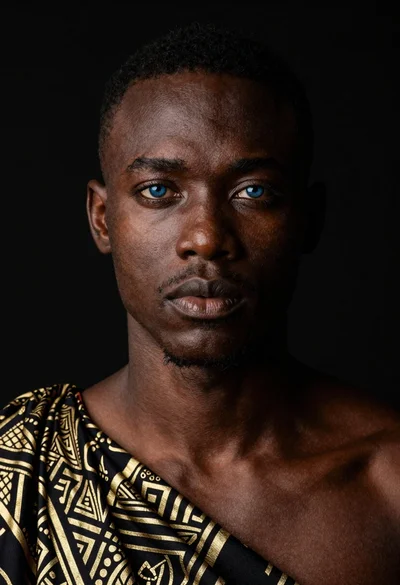
Black man portrait with blue eyes dramatic lighting
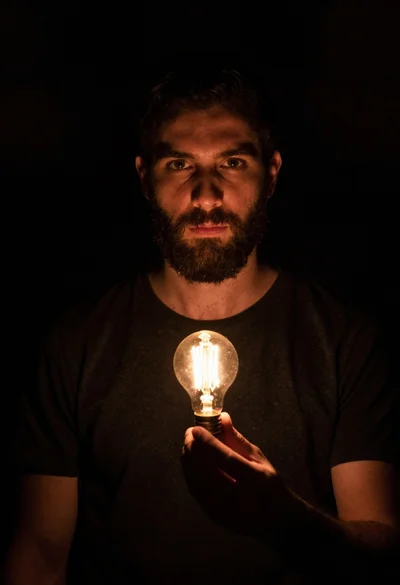
Bearded man holding illuminated lightbulb against black void
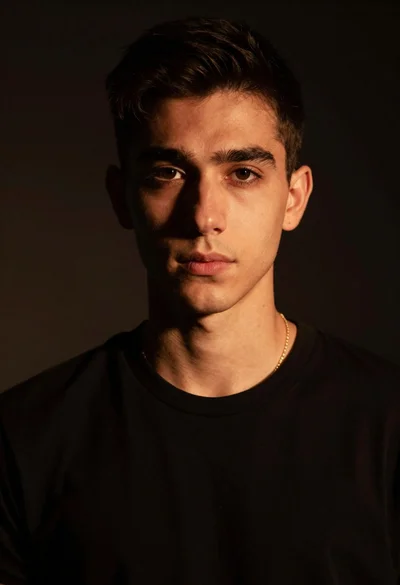
Portrait of young man with gold necklace under dramatic light
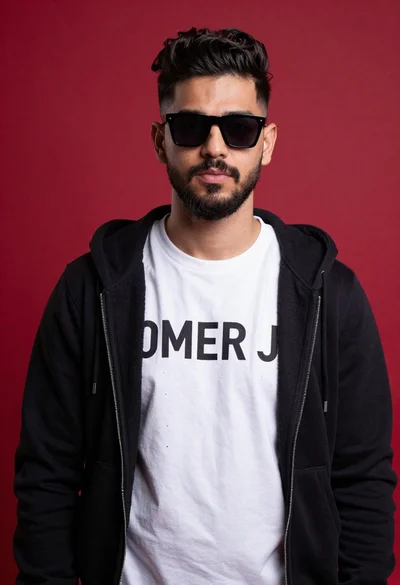
Young man portrait against a vibrant red background
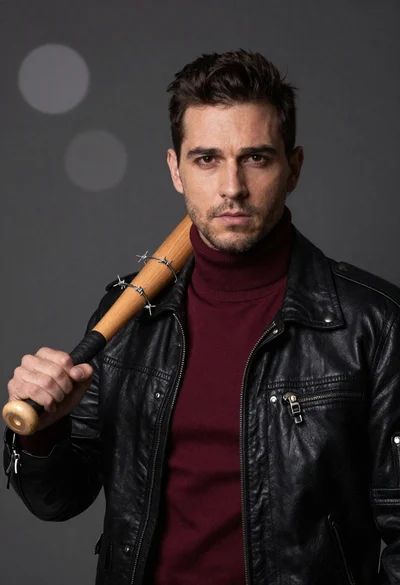
Man in black leather jacket with wooden bat
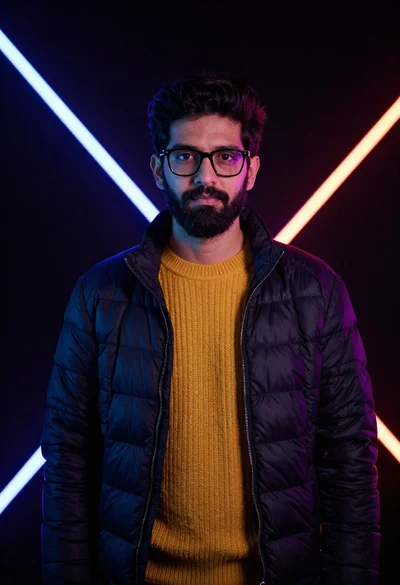
Man in puffer jacket with neon studio lighting portrait
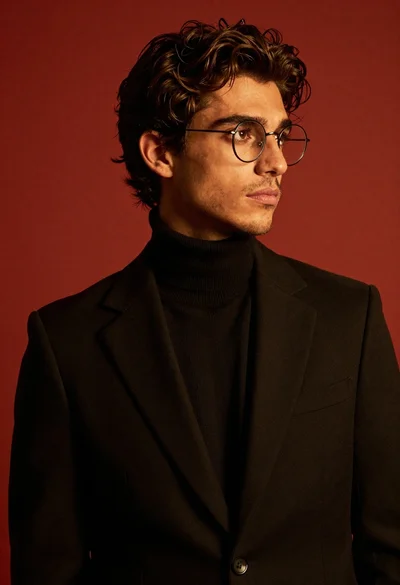
Studio portrait of stylish man in black turtleneck
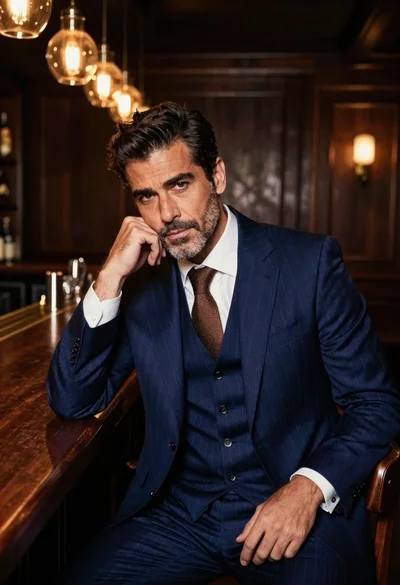
Handsome man in navy suit at dimly lit bar counter