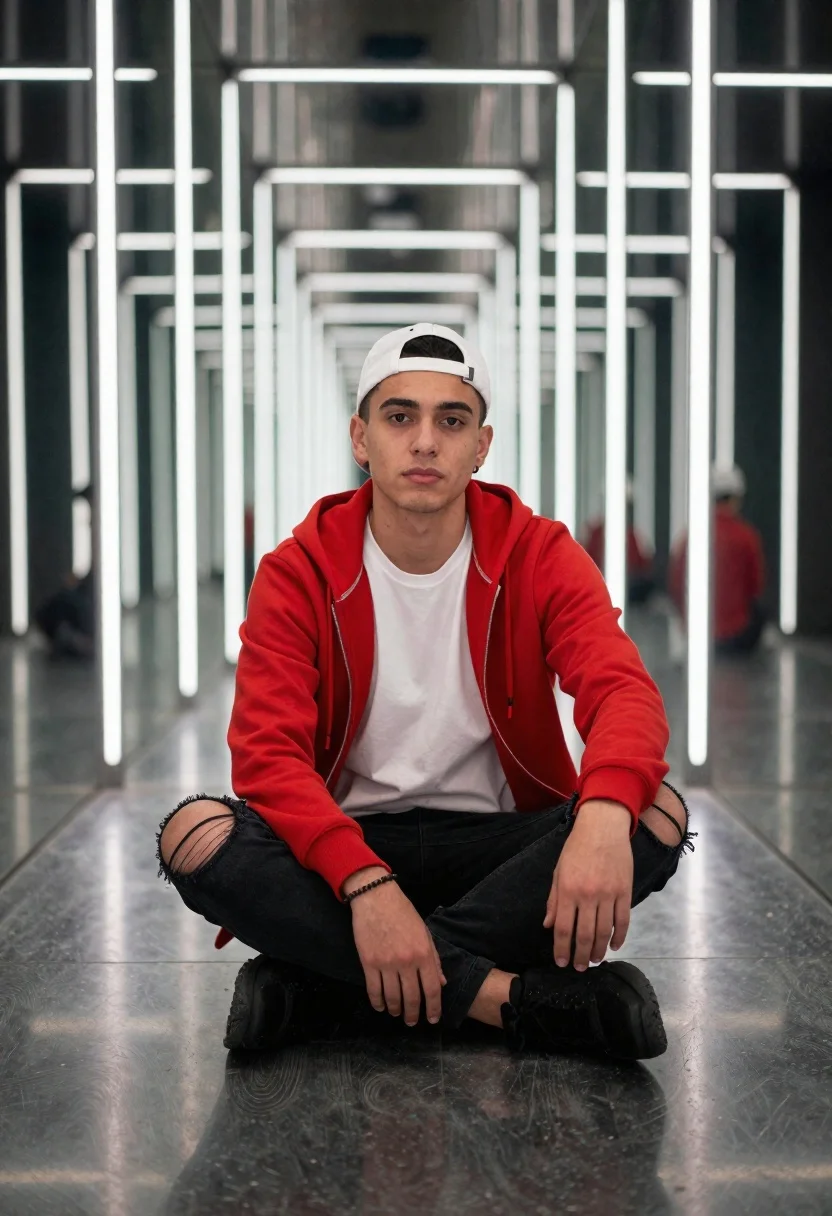
Young man in red hoodie in mirrored futuristic corridor
Prompt
A young man sitting cross-legged on the floor in a futuristic mirrored corridor with vertical light strips

Subject: A serious-looking young man wearing a white baseball cap backward and looking directly at the camera, clean-shaven face with short dark hair.

Clothing: Bright red zip-up hoodie over a plain white crew-neck t-shirt, black ripped jeans with large tears on both knees, black sneakers with thick soles, and a simple beaded bracelet on his left wrist.

Environment: An endless mirrored hallway reflecting the subject multiple times in diminishing perspective; walls lined with tall vertical LED light bars emitting cool bright illumination, polished reflective floor creating mirror images of feet and lower legs.

Lighting: Cool-toned ambient lighting from overhead fluorescent tubes reflected through mirrors, high-contrast reflections enhancing depth perception along corridor length, soft shadows under seated figure emphasizing grounded presence within space.

Camera: Eye-level shot with symmetrical composition centered on subject's face, slight wide-angle distortion visible at edges accentuating infinite tunnel effect created by mirror repetition and converging perspective lines drawing viewer gaze toward center of frame.
Description
This prompt is useful for creating futuristic streetwear lookbooks, album art concepts, and editorial mood boards emphasizing symmetry. The combination of 'mirrored hallway' and 'vertical LED light bars emitting cool bright illumination' establishes a high-tech, repetitive environment that the 'symmetrical composition centered on subject's face' anchors, preventing the wide-angle distortion from becoming chaotic by keeping focus on the central figure.
Suggestions
- Change 'Bright red zip-up hoodie' to 'charcoal grey zip-up hoodie' for a more muted palette.
- Swap 'cool-toned ambient lighting' for 'neon cyan and magenta lighting' to increase visual drama.
- Adjust 'wide-angle distortion visible at edges' to 'minimal lens distortion' if you want a less extreme perspective.
Category
Tags
Black HairCasual WearFull BodyMaleRealisticRooftopStreetwearUrbanWide Shot
Date added
June 19, 2026
Added by
PromptDexter Team
Related Prompts
More prompts with similar categories and tags.
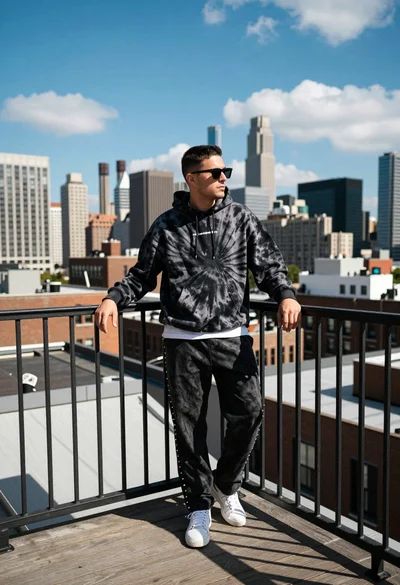
Young man leaning on railing overlooking dense city skyline from rooftop
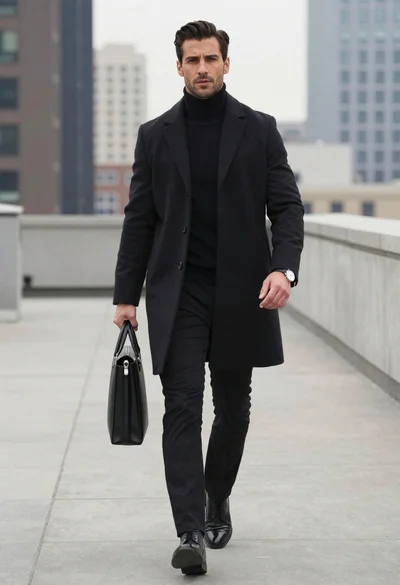
Man walking on rooftop walkway in modern city
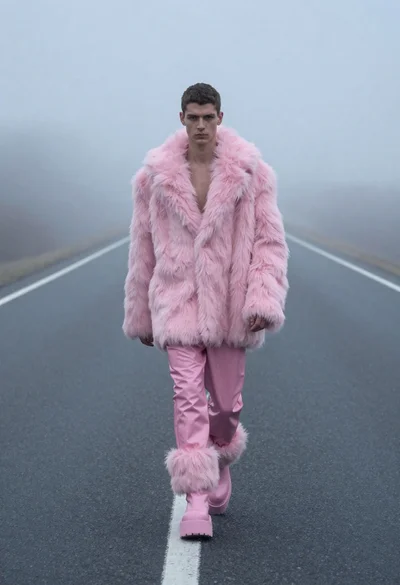
Man in pink coat walking on foggy empty highway
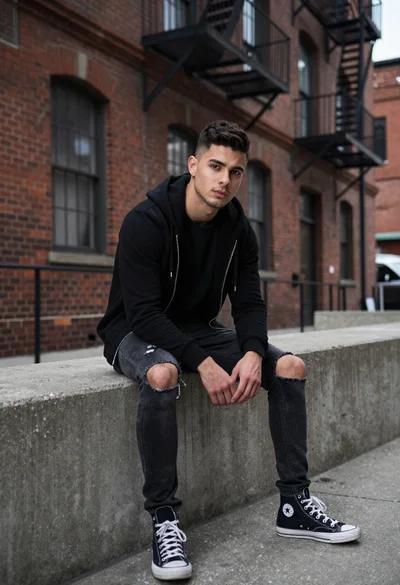
Young man sitting in an urban alleyway setting

Model walking down rainy city street at night
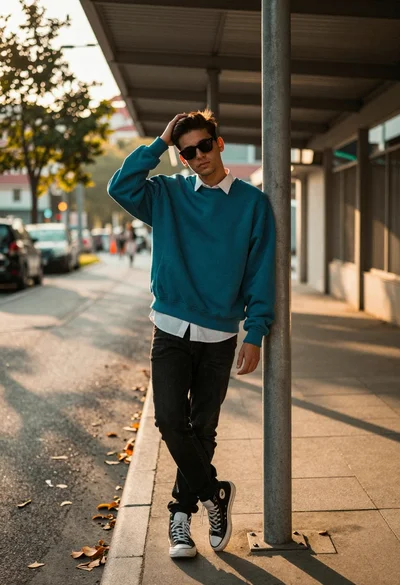
Young man leaning on pole in urban walkway with golden sunlight
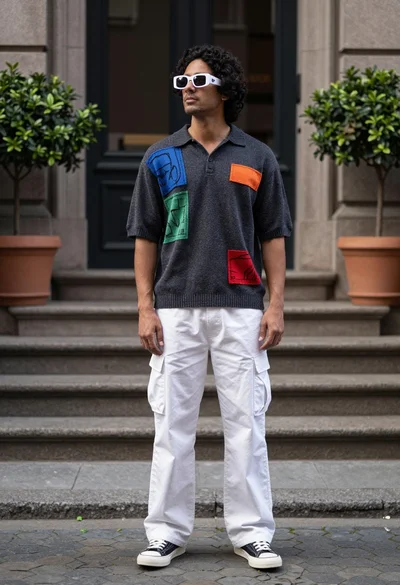
Man in polo shirt and cargo pants on cobblestone path near building
Young man on city street at hazy dusk
