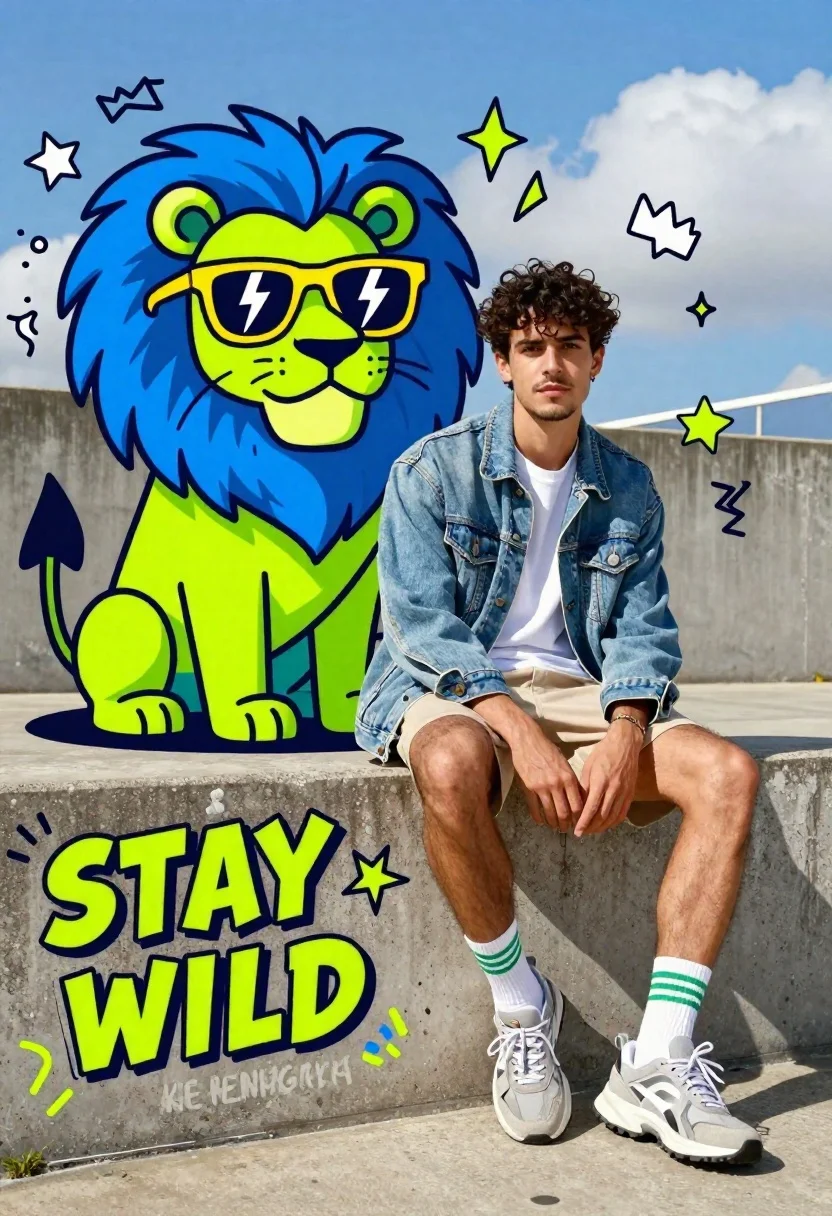
Young man sitting next to cartoon lion on concrete ledge
Prompt
A young man with dark curly hair sits casually on a concrete ledge next to a vibrant cartoon lion wearing sunglasses.

Subject: A handsome young man with dark curly hair and light stubble, sitting in a relaxed pose with one leg crossed over the other.

Clothing: He wears a white t-shirt under an unbuttoned light-wash denim jacket, beige shorts, white socks with green stripes, and chunky grey sneakers.

Action: The man sits with his hands resting on his knees, looking directly at the camera with a calm expression.

Environment: An outdoor urban setting featuring a concrete wall or ledge against a bright blue sky with scattered clouds.

Lighting: Bright natural sunlight illuminates the scene from above, casting distinct shadows and highlighting the textures of the denim and concrete.
Second

Subject: A large, stylized cartoon lion with neon green and blue fur sits beside him, wearing yellow sunglasses with lightning bolt lenses.

Objects: Graffiti-style text reading "STAY WILD" and "KING ENERGY" is painted on the concrete ledge near the subjects.

Text/Graphics: Decorative doodles including stars, arrows, crowns, and zig-zag lines float in the sky around the subjects.

Style Details: A pop-art aesthetic with bold outlines, vibrant neon colors, high contrast, and a dynamic comic-book inspired composition.
Description
This prompt is useful for creating editorial character concepts, album art featuring mascots, and stylized advertising campaigns that blend realism with pop culture whimsy. The combination of 'bright natural sunlight' on the man juxtaposed against the 'pop-art aesthetic with bold outlines' ensures the human subject remains grounded while the cartoon lion pops forward, preventing the entire scene from feeling uniformly flat or overly rendered.
Suggestions
- Change 'neon green and blue fur' to 'iridescent metallic fur' for a different material feel.
- Swap 'yellow sunglasses' for 'reflective mirrored shades' to update the accessory.
- Adjust 'graffiti-style text' to 'vintage comic book lettering' for a more cohesive style.
Category
Tags
AnimalsCasual WearFull BodyMaleMedium ShotRealisticUrban
Date added
June 19, 2026
Added by
PromptDexter Team
Related Prompts
More prompts with similar categories and tags.
Man sitting on black gwagon at dusk
Young man in red tshirt standing at starbucks coffee shop entrance
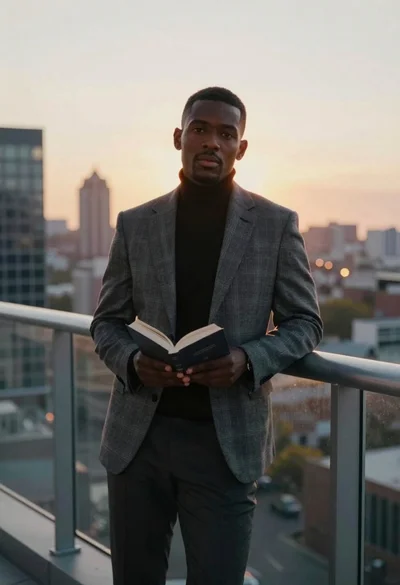
Man on balcony overlooking city skyline at sunset
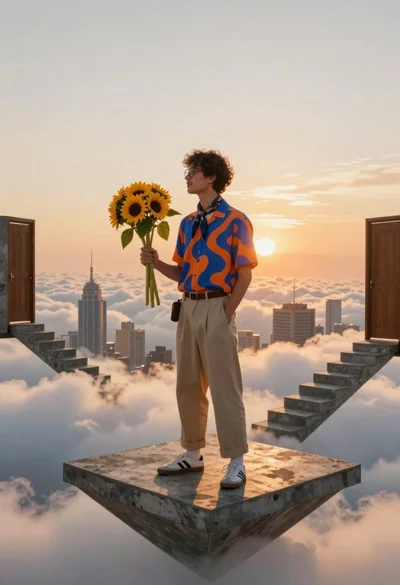
Young man in casual wear standing on floating concrete platform above clouds
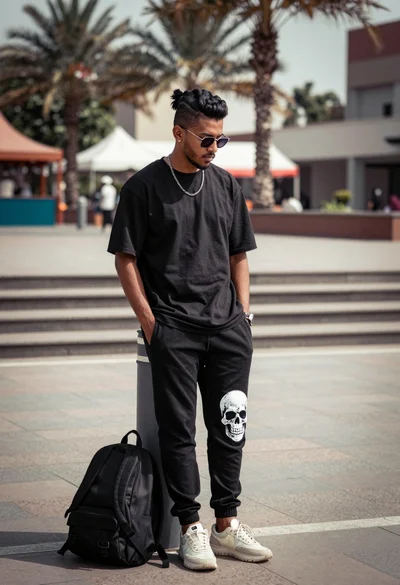
Man leaning against bollard in urban plaza with palm trees background
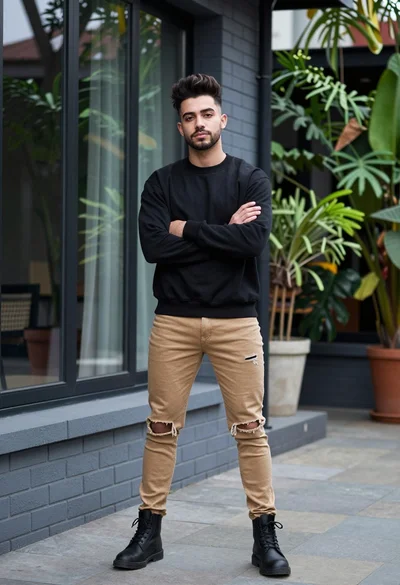
Young man in black sweatshirt standing outdoors near modern building windows
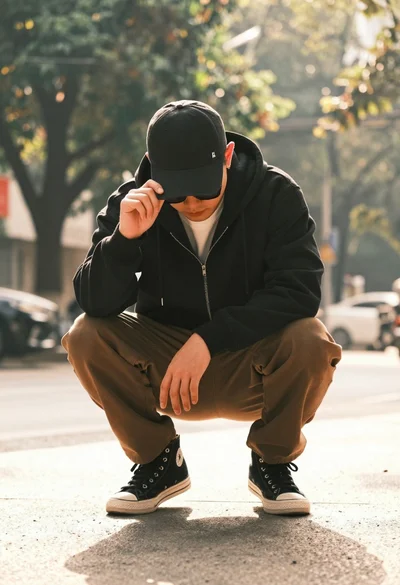
Man crouching low in urban setting adjusting cap with vintage film look
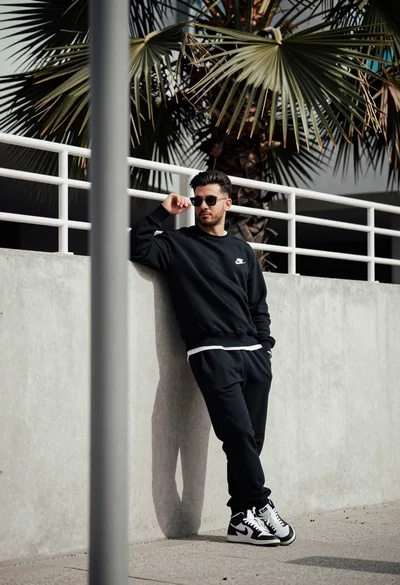
Stylish man leaning against concrete wall in an urban outdoor setting
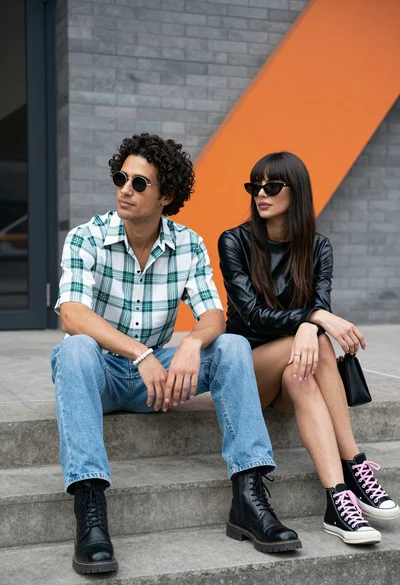
Two stylish people sitting on concrete steps near modern brick architecture
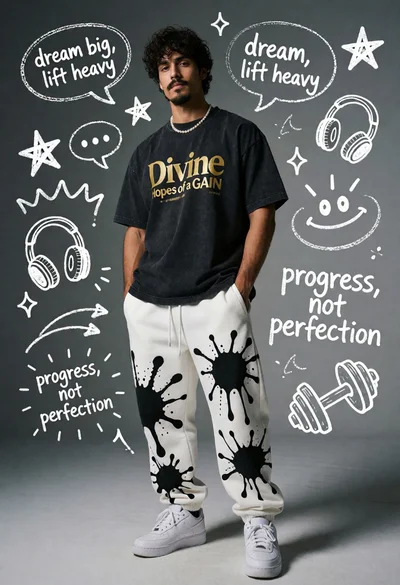
Young man standing against chalk doodles on a gray wall
