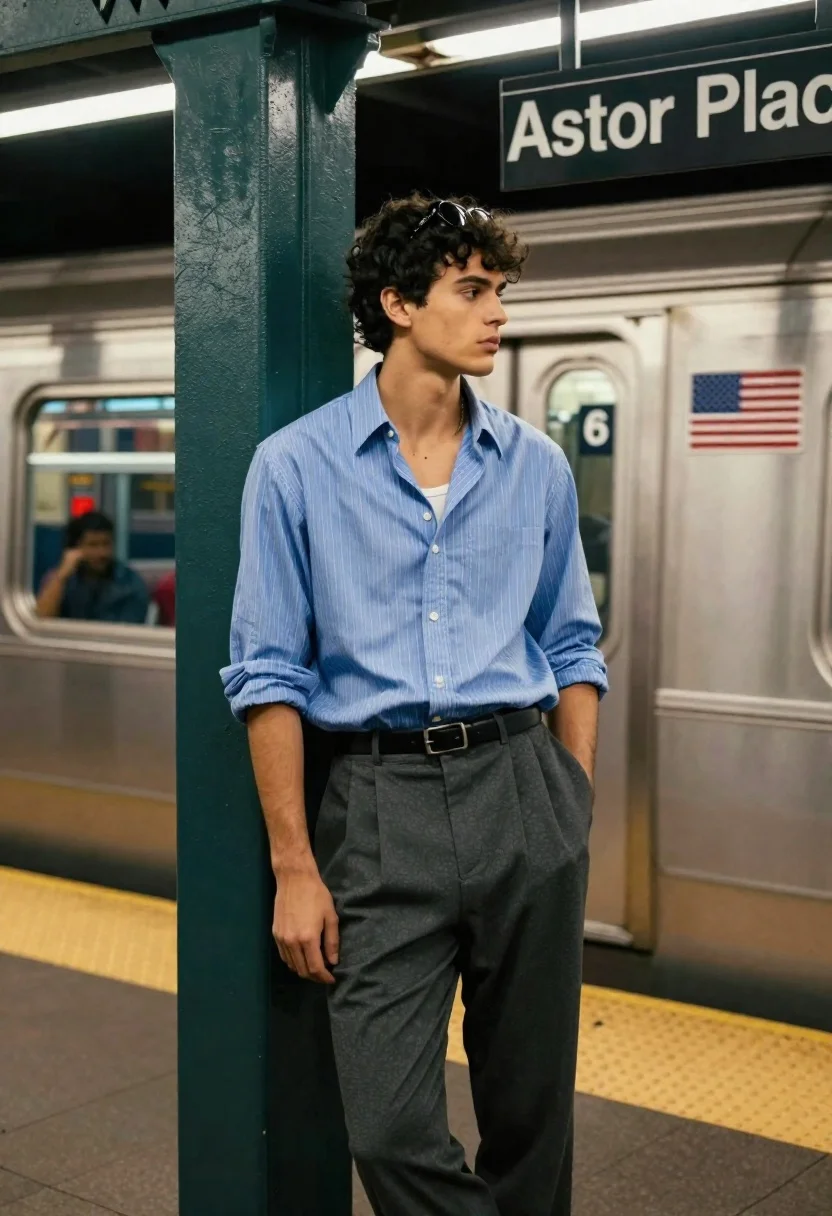
Young man standing on subway platform near passing train car
Prompt
A young man stands casually on a subway platform with a train passing in the background.

Subject: A handsome young man with dark curly hair and sunglasses perched on his head, looking off to the side with a contemplative expression.

Clothing: He wears a light blue pinstriped button-down shirt with sleeves rolled up, layered over a white undershirt, paired with dark grey pleated trousers and a black leather belt.

Action: Standing in a relaxed pose with one hand in his pocket and the other hanging by his side, leaning slightly against a green pillar.

Environment: A busy subway station platform featuring a silver train car marked with the number 6 and an American flag decal, a yellow tactile safety strip on the floor, and a sign reading "Astor Place" above him.

Camera: Medium shot capturing the subject from the waist up with a shallow depth of field that blurs the moving train in the background to emphasize the foreground figure.

Lighting: Cool artificial fluorescent lighting typical of an underground station, casting soft shadows and highlighting the texture of the man's clothing.

Style Details: Cinematic urban photography style with a focus on fashion and street style aesthetics, featuring high contrast between the subject and the blurred motion of the transit system.
Description
This prompt is useful for creating editorial street photography spreads, cinematic character portraits, and mood boards depicting modern urban isolation. The combination of 'cool artificial fluorescent lighting' with a 'shallow depth of field that blurs the moving train' effectively isolates the subject against dynamic motion, while specifying details like the 'light blue pinstriped button-down shirt' grounds the fashion focus within a gritty, believable transit setting.
Suggestions
- Change 'dark curly hair' to 'slicked back hair' for a different vibe.
- Swap 'green pillar' for 'concrete support column' to alter the color palette.
- Add 'Kodak Portra 400 film grain' to enhance the cinematic texture.
Category
Tags
Casual WearMaleMedium ShotRealisticStreetUrban
Date added
June 19, 2026
Added by
PromptDexter Team
Related Prompts
More prompts with similar categories and tags.

Portrait of man in black jacket by reflective glass window
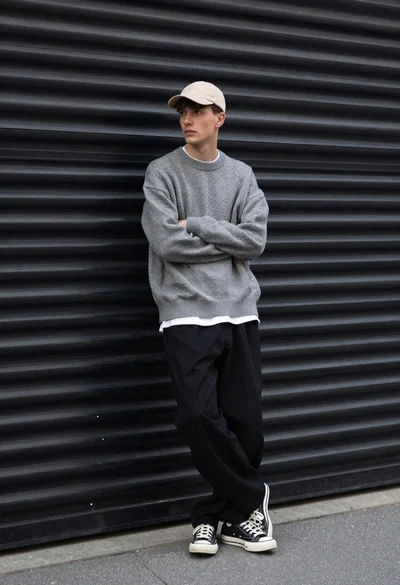
Young man in streetwear leaning against industrial garage door backdrop
Young man in red tshirt standing at starbucks coffee shop entrance
Young man in varsity jacket standing on city street with tall buildings
Young man with dark curly hair holding silver boombox on urban street
Man leaning against bollard in urban plaza with palm trees background
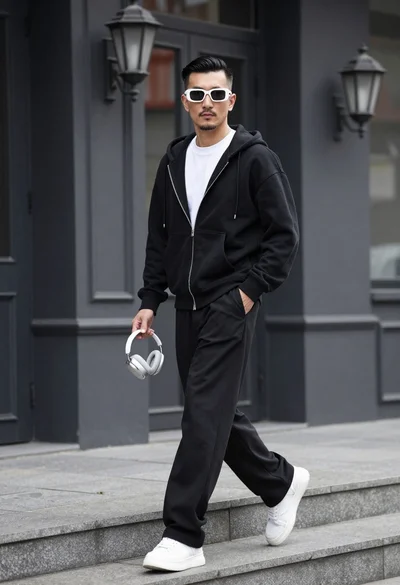
Stylish man walking down stone steps in front of dark building facade
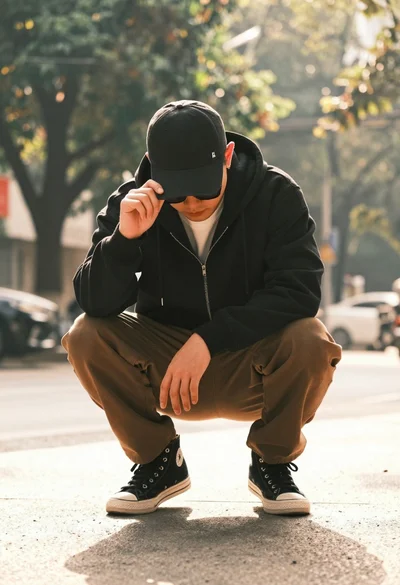
Man crouching low in urban setting adjusting cap with vintage film look
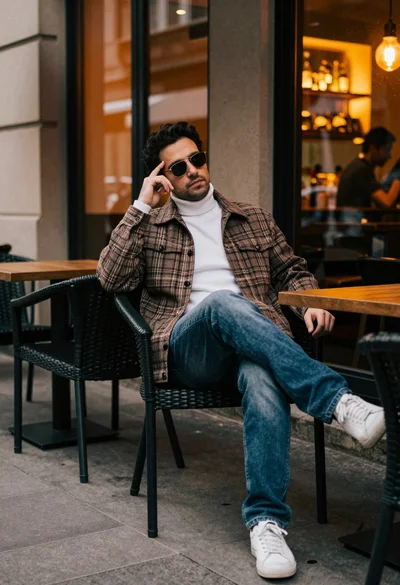
Man in plaid jacket sitting at outdoor cafe table looking away
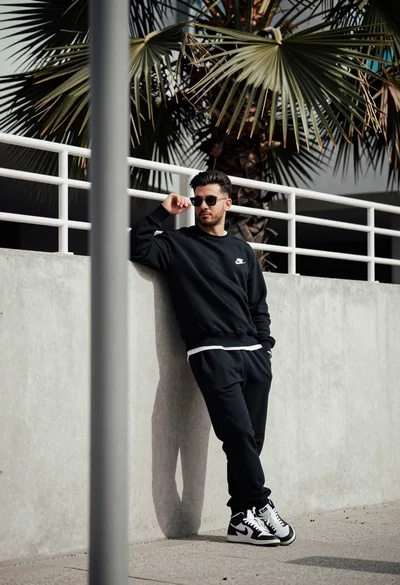
Stylish man leaning against concrete wall in an urban outdoor setting