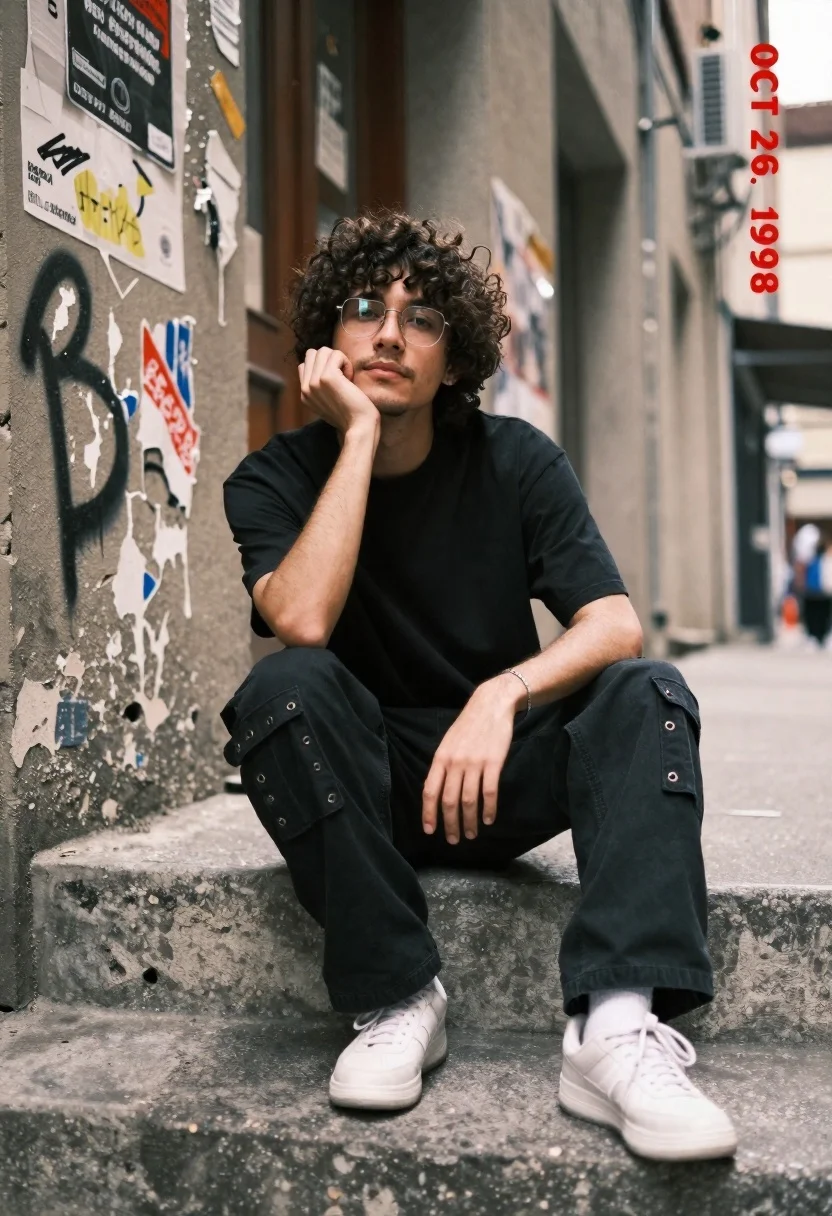
Young man with dark curly hair sitting on concrete steps in urban
Prompt
A young man with curly dark hair sits on concrete steps in an urban alleyway.

Subject: A young man with curly dark brown hair and a light beard, wearing wire-rimmed glasses, looking pensively at the camera with his chin resting on his hand.

Clothing: He wears a loose black t-shirt, baggy black cargo pants featuring metal grommets on the pockets, and chunky white sneakers. A silver bracelet is visible on his wrist.

Action: He sits in a relaxed pose with one leg bent and the other extended, resting his cheek against his hand in a contemplative gesture.

Environment: The setting is a gritty urban alleyway or street corner with weathered concrete steps and a building facade covered in peeling posters and graffiti tags.

Camera: Shot from a low angle looking up at the subject, utilizing a shallow depth of field to blur the background while keeping the foreground sharp.

Lighting: Natural daylight illuminates the scene evenly, casting soft shadows that highlight the texture of the concrete and clothing without harsh contrast.

Style Details: The image features a muted, desaturated color palette with a distinct retro aesthetic, emphasized by a red date stamp reading "OCT 26, 1998" in the corner.
Description
This prompt is useful for creating character portraits for indie film concept art, editorial menswear features, and moody narrative book covers. The combination of 'low angle looking up' with a 'shallow depth of field' emphasizes the subject's pensive mood against the gritty backdrop, while the 'muted, desaturated color palette' grounds the image in a specific retro aesthetic that avoids modern digital flatness.
Suggestions
- Change 'loose black t-shirt' to 'oversized charcoal knit sweater' for more texture.
- Swap 'peeling posters and graffiti tags' for 'exposed brickwork and rusted fire escapes' to alter the grit level.
- Adjust 'natural daylight illuminates the scene evenly' to 'overcast daylight, soft box lighting' for a more controlled studio feel.
Category
Tags
AlleyLow AngleMalePortrait ShotRealisticStreetUrban
Date added
June 19, 2026
Added by
PromptDexter Team
Related Prompts
More prompts with similar categories and tags.
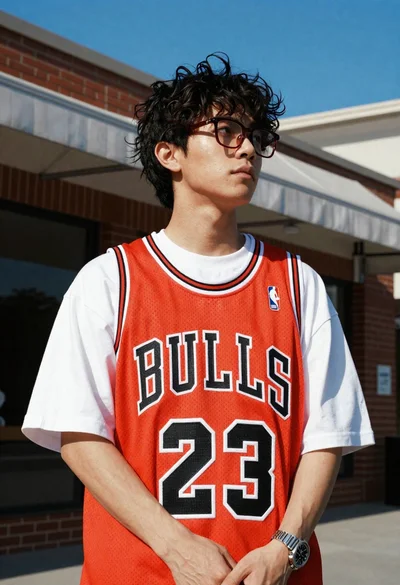
Young man in bulls jersey on brick storefront
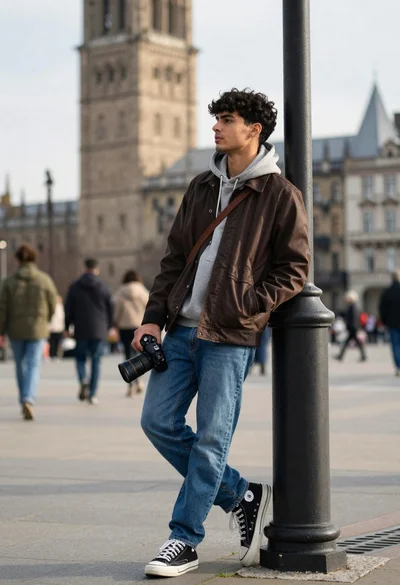
Young man leaning against lamp post in urban plaza with historic tower
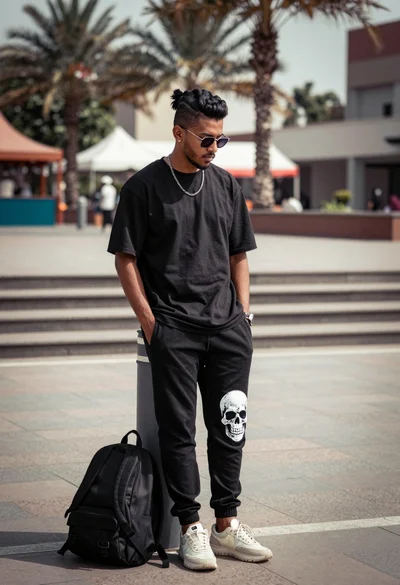
Man leaning against bollard in urban plaza with palm trees background
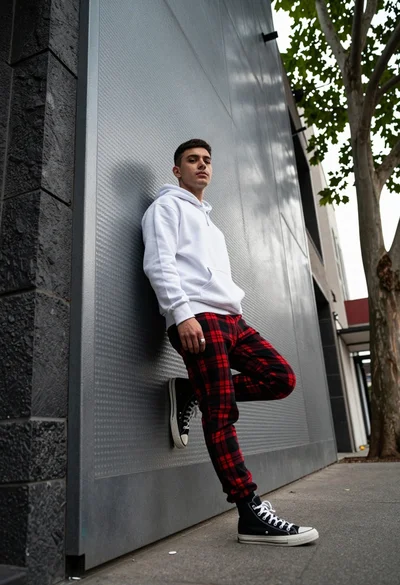
Young man leaning against textured metal wall in urban alleyway setting
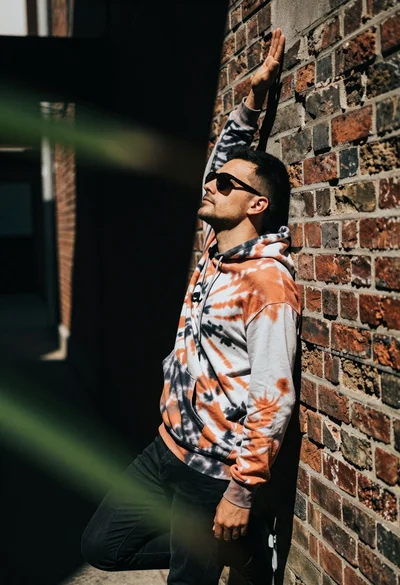
Man leaning against textured brick wall in an urban alleyway setting
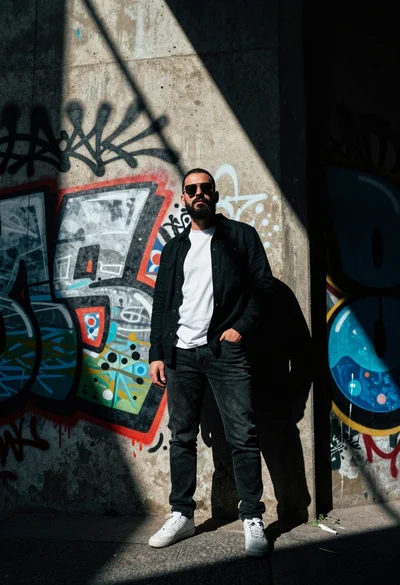
Man in black jacket standing against graffiti wall with dramatic sunlight beams
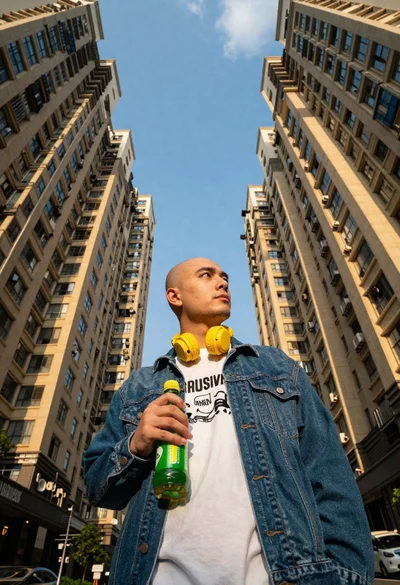
Man with headphones standing between tall apartment buildings
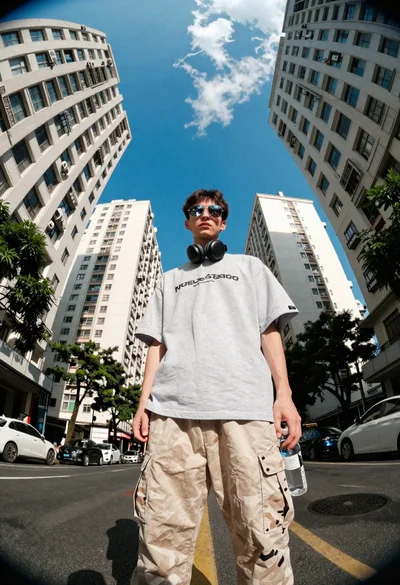
Young man on urban street between towering white buildings

Portrait of man in black jacket by reflective glass window
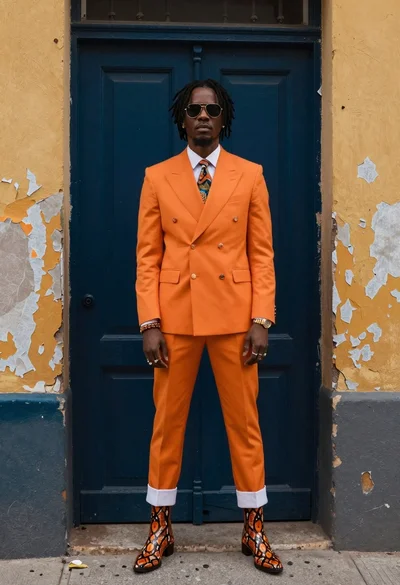
Stylish man in orange suit doorway of weathered building