
Young woman in blazer and jeans on urban rooftop at night
Prompt
A young woman with long dark wavy hair stands confidently on a high-rise balcony at night, leaning back against a metal railing with her arms outstretched and smiling softly at the camera.

Subject: A young woman with long dark wavy hair, fair skin, and a warm smile looking slightly to the side.

Clothing: She wears a grey blazer over a vibrant red graphic t-shirt featuring a psychedelic design with text reading "Dior" and "Love," paired with high-waisted blue denim jeans and a black belt.

Action: Leaning back against a metal railing with arms outstretched, one leg crossed slightly in front of the other, exuding a relaxed and stylish pose.

Environment: A modern urban rooftop terrace at night, surrounded by tall city buildings with illuminated windows and visible street signs reading "1644" and "1740."

Camera: Medium full-body shot taken from a low angle looking up, capturing the subject against the backdrop of the city skyline with a shallow depth of field.

Lighting: Soft ambient night lighting mixed with warm artificial light reflecting off the buildings, creating a gentle glow on the subject’s face and clothing.

Style Details: Urban fashion photography style with crisp details, vibrant colors, and a modern aesthetic that blends streetwear with high-end branding.
Description
This prompt is useful for creating editorial street style features, travel magazine spreads showcasing nightlife, and brand advertising campaigns emphasizing urban confidence. The combination of 'low angle looking up' and 'soft ambient night lighting mixed with warm artificial light' ensures the subject appears monumental against the illuminated city backdrop, while specifying the 'grey blazer over a vibrant red graphic t-shirt' provides necessary visual contrast that prevents the entire scene from becoming too monochromatic.
Suggestions
- Change 'vibrant red graphic t-shirt' to 'neon yellow graphic t-shirt' for more pop.
- Swap 'metal railing' for 'concrete parapet' to change the texture.
- Adjust 'low angle looking up' to 'eye level' for a more intimate portrait.
Category
Tags
Casual WearFair SkinFemaleLow AngleMedium ShotRealisticRooftopUrban
Date added
June 19, 2026
Added by
PromptDexter Team
Related Prompts
More prompts with similar categories and tags.

Young woman in yellow hoodie posing near hollywood sign hillside
Young woman in teal tunic on paris bridge near glowing eiffel tower
Stylish man posing before eiffel tower at paris twilight
Smiling woman on boat wearing blue velvet looking at distant shoreline
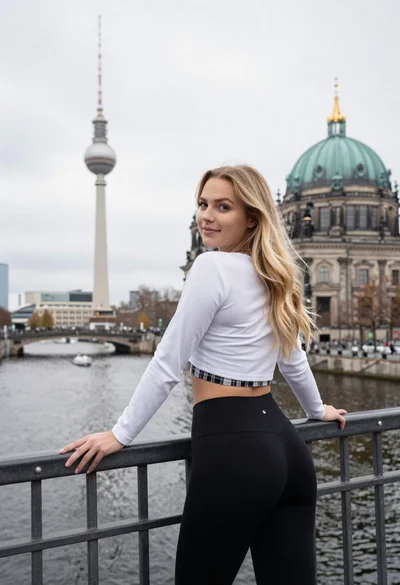
Young blonde woman leaning on railing overlooking european city skyline
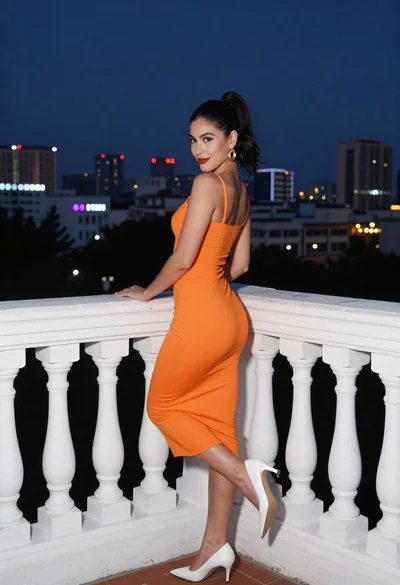
Woman in orange dress posing on balcony overlooking illuminated night cityscape
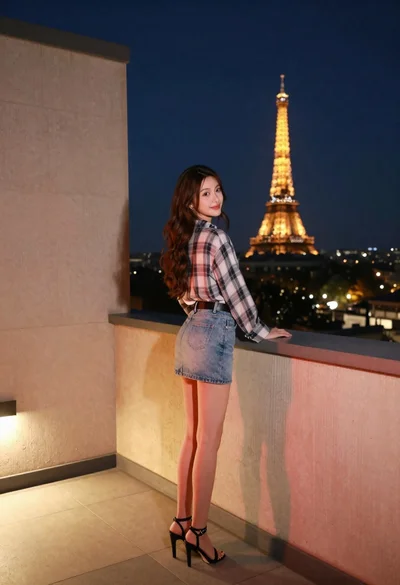
Young woman on rooftop terrace looking back at city skyline at night
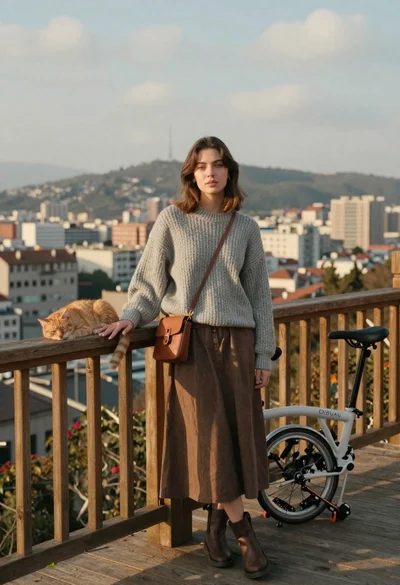
Young woman with cat on wooden deck overlooking blurred city skyline
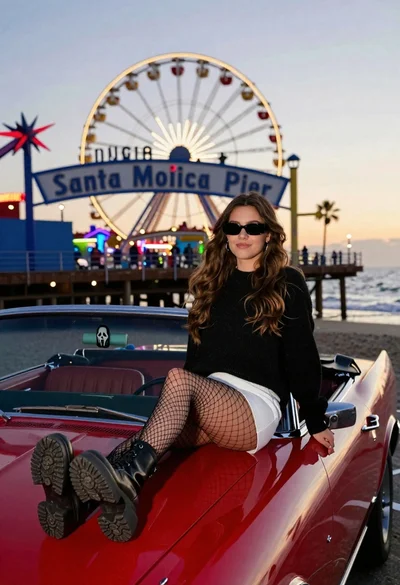
Young woman on red convertible car at santa monica pier twilight
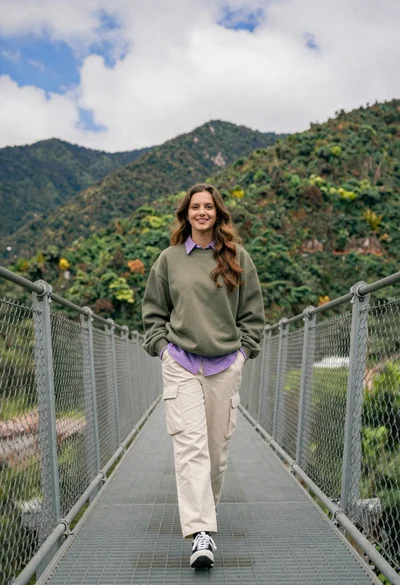
Young woman in olive sweatshirt walking on metal bridge with mountains