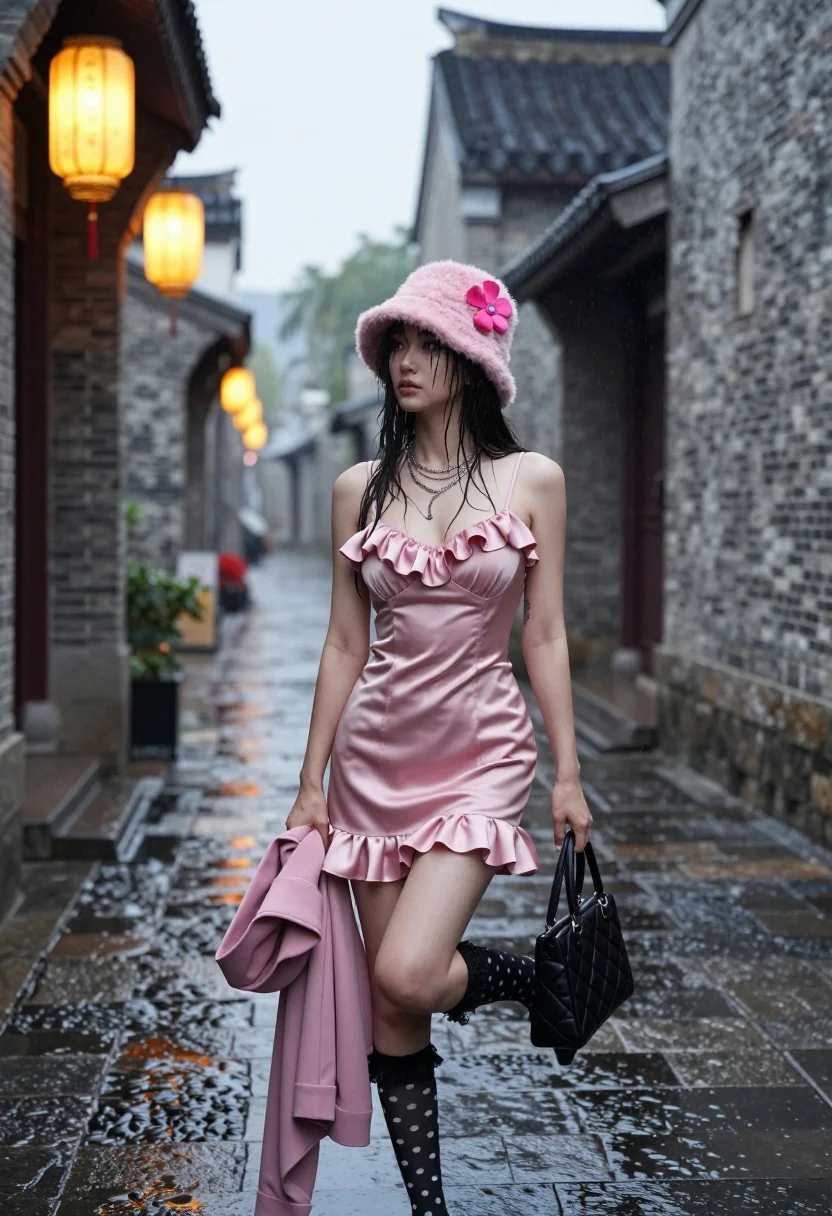
Young woman in pink satin dress in ancient chinese style alleyway
Prompt
A young woman stands confidently in a narrow, rain-slicked alleyway of an ancient Chinese-style town, wearing a pink satin dress and holding a black handbag.

Subject: A young woman with dark hair styled under a pink fuzzy bucket hat adorned with a large pink flower, featuring a contemplative expression and wet strands of hair clinging to her face.

Clothing: She wears a short, ruffled pink satin slip dress with spaghetti straps, accessorized with layered silver necklaces, black polka-dot knee-high socks with lace tops, and holds a matching pink jacket in one hand.

Action: She stands with one leg bent at the knee and raised slightly, holding a black quilted handbag by her side while gazing off into the distance.

Environment: A narrow cobblestone alleyway lined with traditional grey brick buildings featuring curved tiled roofs, with wet stone pavement reflecting ambient light.

Lighting: Warm golden glow from a hanging paper lantern on the left contrasts with cool misty overcast tones in the background, creating soft shadows and highlighting the rain-slicked surfaces.

Camera: Medium full-body shot taken at eye level with a shallow depth of field that blurs the distant alley to emphasize the subject.

Style Details: Cinematic fashion photography with high contrast between warm foreground lighting and cool atmospheric haze, featuring realistic textures and a moody urban aesthetic.
Description
This prompt is useful for creating editorial street style features, concept album artwork, or narrative character portraits set in an Asian-inspired locale. The combination of 'warm golden glow' from the lantern against 'cool misty overcast tones' establishes a dramatic contrast that prevents the scene from looking flat, while the 'rain-slicked surfaces' and shallow depth of field focus all visual attention onto the subject's detailed attire.
Suggestions
- Change 'pink fuzzy bucket hat' to 'black silk beret' for a more sophisticated look.
- Swap 'pink satin slip dress' for 'deep emerald velvet gown' to change the color palette.
- Adjust 'Medium full-body shot' to 'full body, low angle' to make the subject appear more imposing.
Category
Tags
AlleyBrunetteFemaleFull BodyMedium ShotRealisticStreetwearTraditional WearUrban
Date added
August 5, 2026
Added by
PromptDexter Team
Related Prompts
More prompts with similar categories and tags.
Woman in green backless dress looking over shoulder in narrow stone alleyway
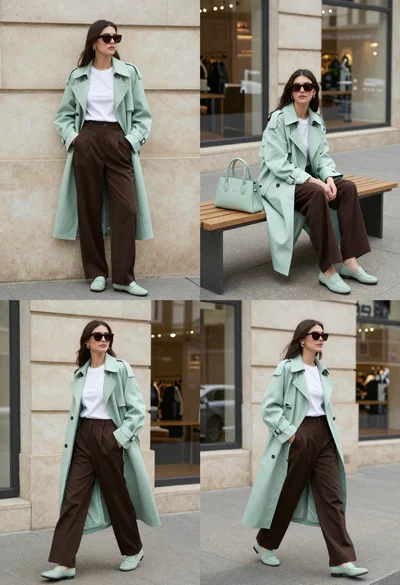
Woman modeling mint coat and brown trousers in city
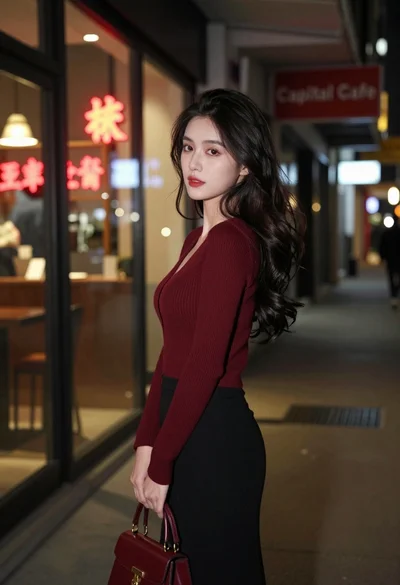
Young woman looking back over shoulder in dimly lit neon city alleyway
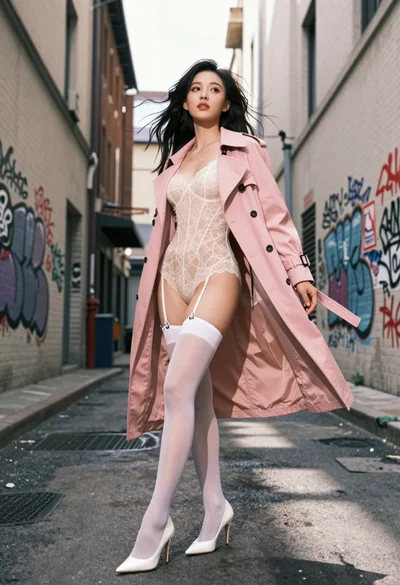
Confident woman in pink trench coat standing in graffiti covered urban alleyway
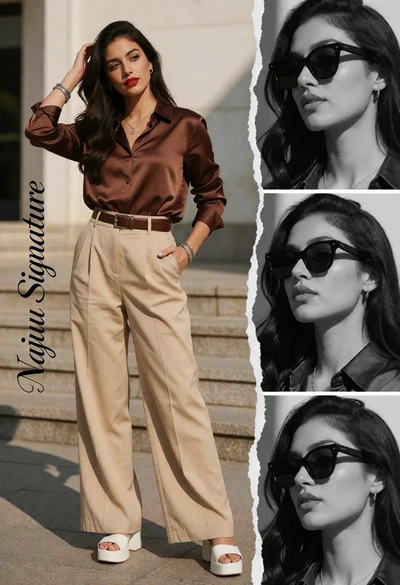
Stylish woman in brown satin outfit on urban steps with photo collage
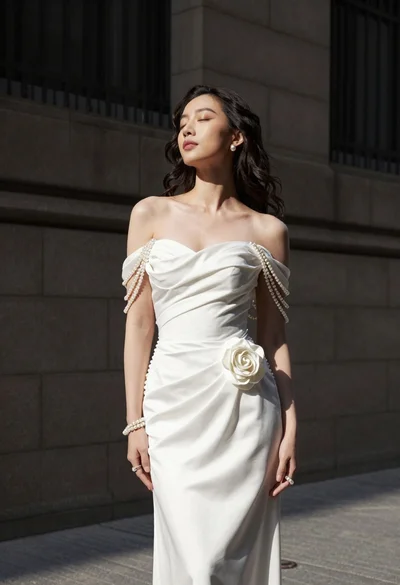
Woman in white gown standing against dark stone architectural wall outdoors
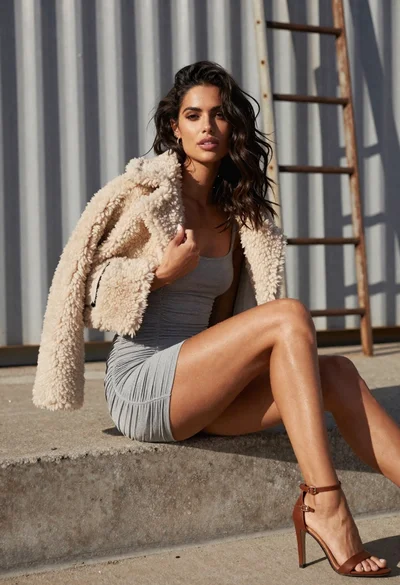
Woman in grey mini dress seated on concrete ledge against metal wall
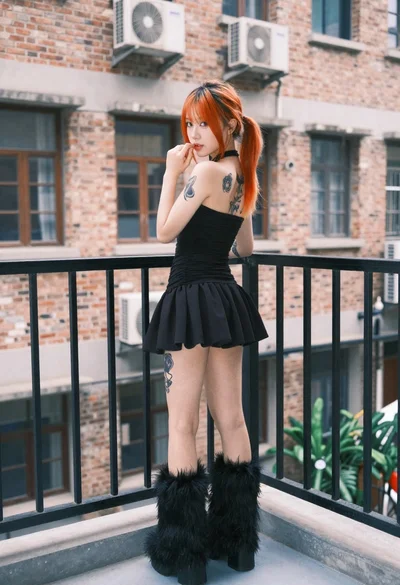
Young woman in black mini dress on urban balcony looking back
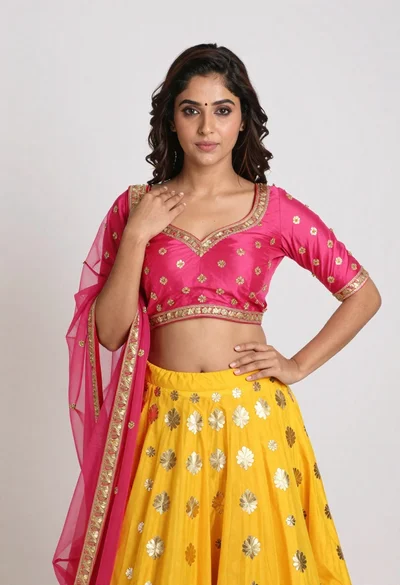
Young woman in yellow lehenga choli posing against white studio backdrop
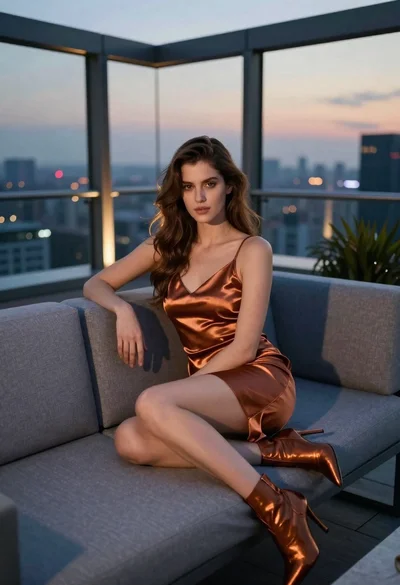
Woman in copper satin slip dress seated on rooftop terrace at dusk