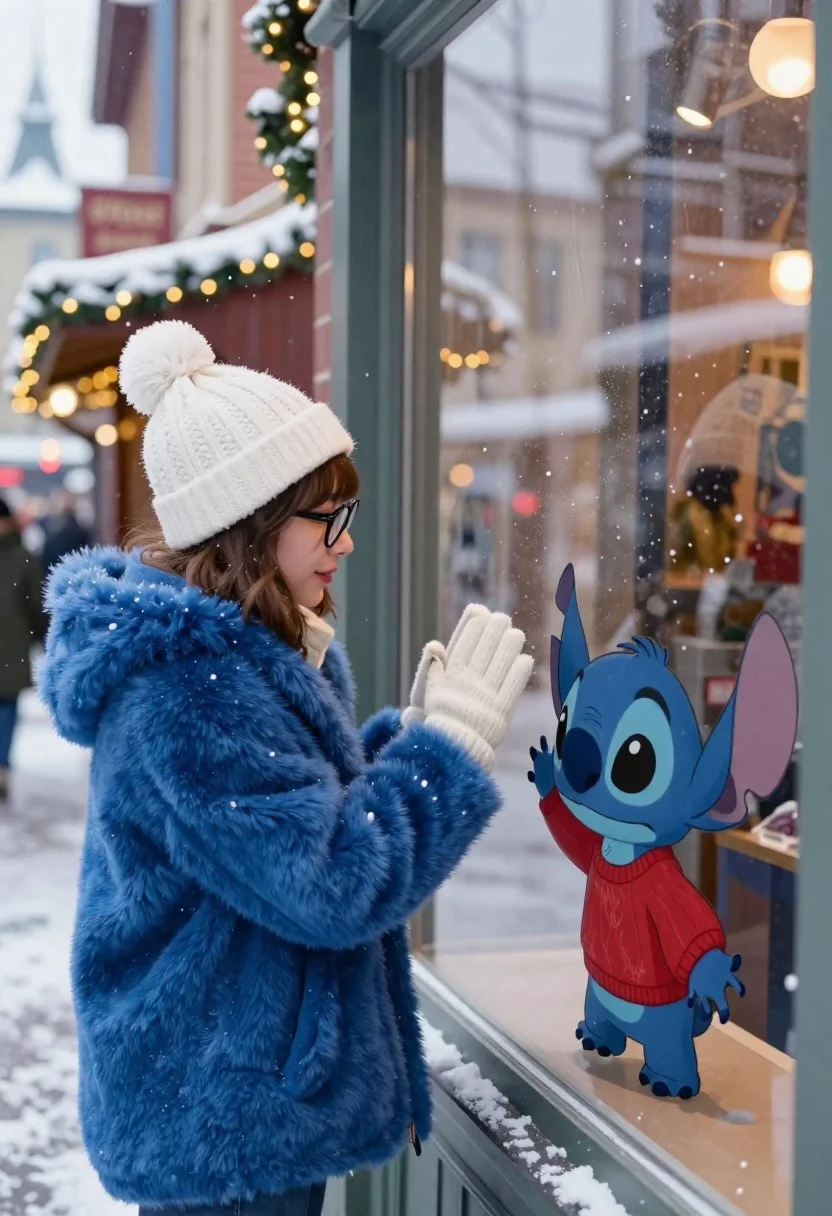
Young woman looking at stitch character through snowy shop window
Prompt
A young woman in a blue coat stands outside a shop window, looking at the animated character Stitch who is drawn on the glass.

Subject: A young woman with brown hair and bangs, wearing black-rimmed glasses, standing next to a large glass window.

Clothing: She wears a thick, fluffy royal blue fur coat, a white knit beanie hat with a pom-pom, and cream-colored knitted gloves.

Action: The woman presses her gloved hands against the cold glass in a gesture of greeting or connection, while Stitch on the other side mimics the pose with his small hands pressed against the window surface.

Environment: A snowy winter street scene with blurred background buildings and festive lights, suggesting a holiday market or town center.

Camera: Medium shot focusing on the woman and the window interaction, with a shallow depth of field that blurs the distant street to emphasize the foreground subjects.

Lighting: Soft, diffused natural light from an overcast winter day mixed with warm, glowing bokeh lights from the shop interior and background decorations.
Second

Subject: Stitch, the blue alien character from Lilo & Stitch, depicted in a 3D animated style wearing a red sweater, standing on the windowsill.

Objects: Snowflakes are visibly falling and accumulating on the glass surface between the woman and Stitch.

Interaction: The two subjects appear to be touching through the window pane, creating a magical moment of connection between reality and animation.

Style Details: Photorealistic rendering for the human subject blended with high-quality 3D CGI animation for Stitch, set in a cinematic winter atmosphere.
Description
This prompt is useful for creating whimsical holiday advertising campaigns, character crossover concept art, and narrative storybook illustrations. The combination of 'soft, diffused natural light' with 'warm, glowing bokeh lights' perfectly frames the interaction by giving the foreground subjects a gentle glow while using the shallow depth of field to isolate the magical connection between the woman and Stitch.
Suggestions
- Change 'royal blue fur coat' to 'deep emerald wool coat' for a richer color contrast.
- Add 'bokeh effect, circular orbs' to enhance the background lights.
- Swap 'snowy winter street scene' for 'cobblestone European market square' for a different architectural feel.
Category
Tags
Brown HairCasual WearFemaleMedium ShotRealisticStreet
Date added
June 19, 2026
Added by
PromptDexter Team
Related Prompts
More prompts with similar categories and tags.

Blonde woman in black top on balcony overlooking beige stone street

Blonde woman in purple polo shirt on an urban street setting
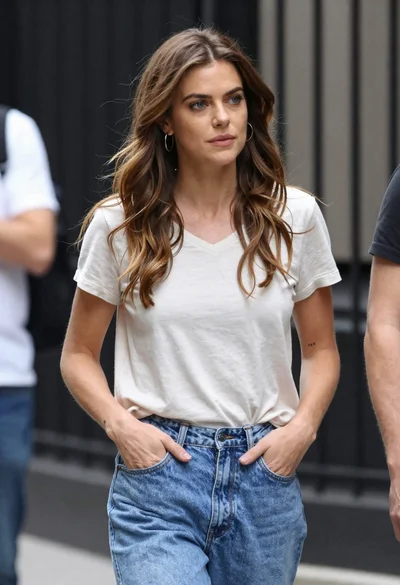
Candid medium shot of woman in jeans standing on urban street
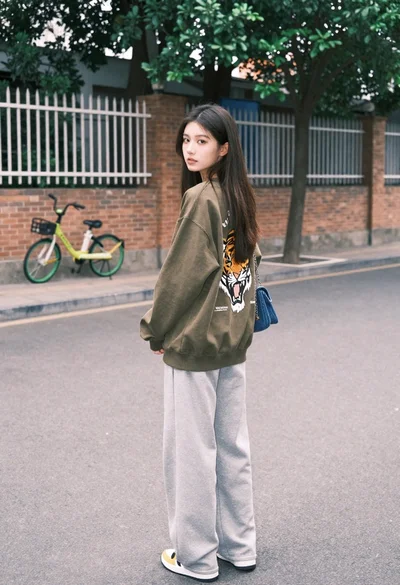
Young woman looking back over shoulder on paved street with bicycle
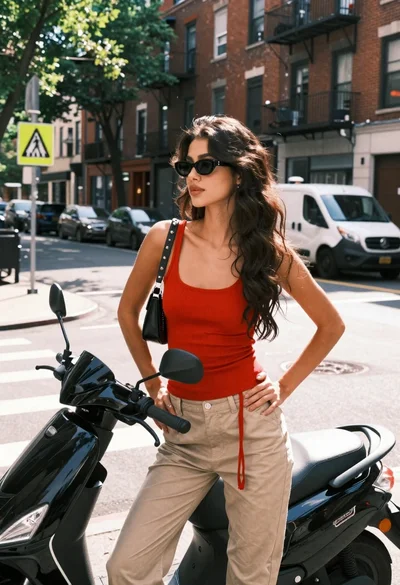
Young woman by black scooter on urban street corner during bright daylight
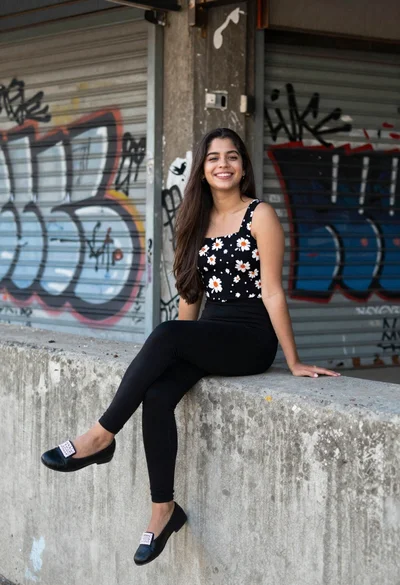
Young woman smiling on concrete ledge against graffiti covered shutters
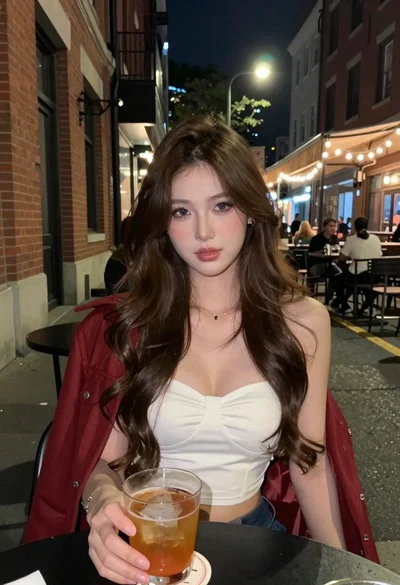
Young woman with brown hair at outdoor cafe table on city street
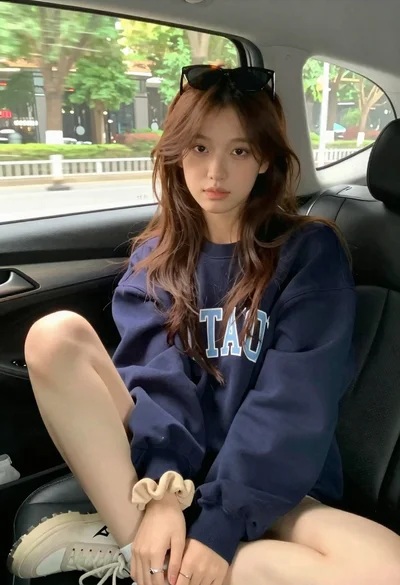
Young woman with brown hair sitting inside car looking at camera
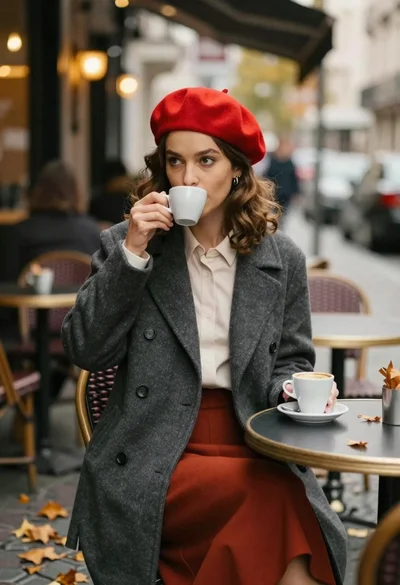
Young woman in red beret sipping coffee at an outdoor cafe table
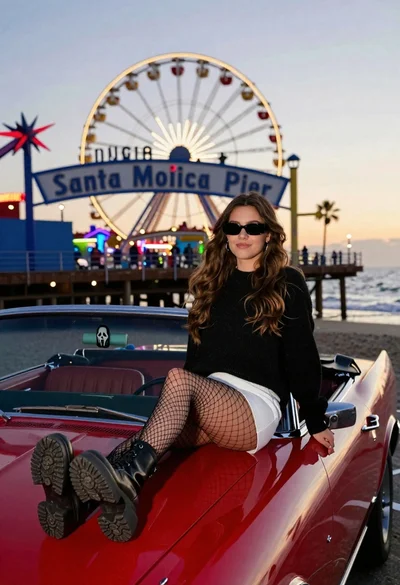
Young woman on red convertible car at santa monica pier twilight