
Young woman lying in shallow pool water with raised legs and arms
Prompt
A woman lying in shallow pool water with her legs raised and arms resting on the surface.

Subject: A young woman with a tan complexion and brown hair pulled back into a low bun. She has defined eyebrows, subtle eye makeup, and glossy lips. Her expression is relaxed and she gazes slightly downward to the side.

Clothing: She wears a dark green bikini bottom with a tie-side detail and matching thin straps visible on her shoulders. She is accessorized with a chunky silver chain necklace, multiple bracelets on her right wrist, and a simple white bangle on her left wrist.

Action: She is lying prone in the water, propped up on her forearms with her hands resting flat on the pool floor. Her legs are bent at the knees and lifted high out of the water, showing her feet clearly.

Environment: The setting is a swimming pool with light-colored, speckled terrazzo-style flooring visible through the clear water. The water surface shows gentle ripples and reflections of overhead light.

Camera: High-angle shot looking down at the subject from above the water level, capturing the full length of her body and the texture of the pool floor.

Lighting: Bright natural sunlight creates strong highlights on her wet skin and the water surface, casting soft shadows beneath her raised legs and arms. The lighting is warm and sunny, suggesting midday or early afternoon.

Style Details: Photorealistic image with a glossy, high-contrast aesthetic typical of fashion photography, emphasizing the texture of the water and the subject's physique.
Description
This prompt is useful for creating swimwear lookbooks, resort lifestyle editorials, and fitness magazine spreads showcasing poolside poses. The combination of 'high-angle shot looking down at the subject from above the water level' with 'bright natural sunlight' emphasizes the wet sheen on her skin and the visible texture of the terrazzo flooring, which grounds the fashion elements in a specific, luxurious environment.
Suggestions
- Change 'dark green bikini bottom' to 'terracotta bikini bottom' for better color harmony.
- Add 'bokeh effect' to the background reflections for more dreaminess.
- Swap 'glossy, high-contrast aesthetic' for 'soft focus, ethereal aesthetic' for a different mood.
Category
Tags
Brown HairFemaleFull BodyOutdoorsRealisticSwimwear
Date added
June 19, 2026
Added by
PromptDexter Team
Related Prompts
More prompts with similar categories and tags.

Fit woman in black cutout swimsuit standing on lush outdoor patio

Young woman in red swimsuit by sunny poolside with beer glass

Young woman in yellow swimsuit looking back in mountainous alpine setting

Woman on beach daybed under beige umbrella
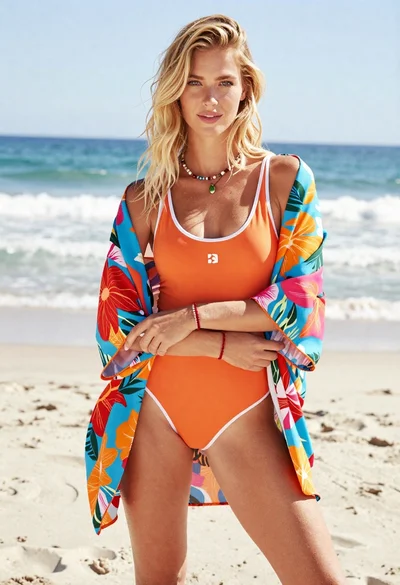
Blonde woman in floral kimono swimsuit on sunny beach setting
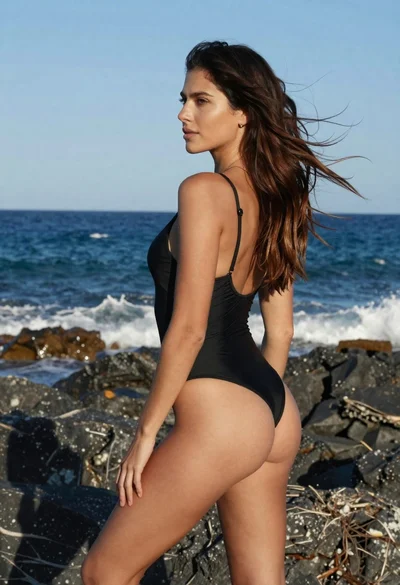
Fit woman in black swimsuit looking over rocky coastline ocean view
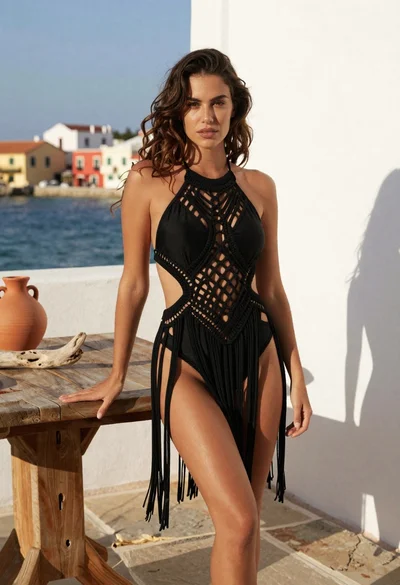
Young woman in black macrame swimsuit on coastal terrace by sea

Confident woman in coral swimsuit posing by rusty vintage truck in desert
Two women descending colorful wooden stairs from a lifeguard tower at beach
Young woman in pink swimsuit standing on sunny beach near lifeguard tower
