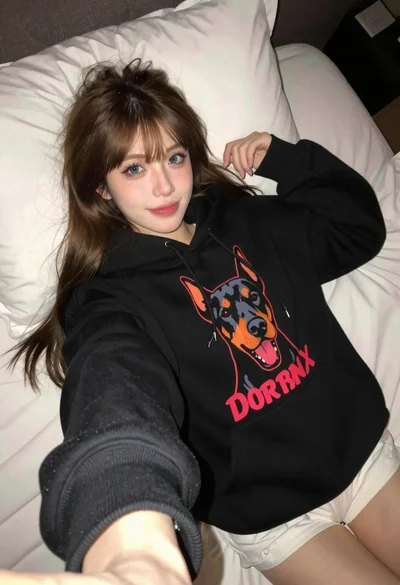
Young woman taking a mirror selfie in a modern bathroom setting
Prompt
A young woman with long dark wavy hair taking a mirror selfie in a bathroom while holding a black smartphone.

Subject: A young woman with long dark wavy hair and round wire-rimmed glasses wearing a white ribbed crop top with lace-up detailing at the neckline and white button-front shorts.

Clothing: She wears a white textured sleeveless top with a tie-front design and matching white shorts that feature small patterns and buttons down the front.

Action: The woman holds a black smartphone in her right hand to capture a mirror selfie, looking slightly downward with a soft expression while standing upright.

Environment: A modern bathroom setting featuring large marble-patterned tiles on the walls, a glass shower enclosure, hanging white and black towels, and a white door with a black handle in the background.

Camera: The image is framed as a vertical mirror reflection shot with a medium close-up perspective capturing the subject from the waist up.

Lighting: Soft indoor ambient lighting illuminates the scene evenly, creating gentle highlights on the marble surfaces and the woman's skin without harsh shadows.

Style Details: Naturalistic photography style with a clean aesthetic, realistic textures, and a casual everyday atmosphere typical of social media mirror selfies.
Description
This prompt is useful for creating lifestyle blog content, Instagram 'get ready with me' posts, and intimate personal portraiture that mimics candid documentation. The combination of 'soft indoor ambient lighting' and the 'marble-patterned tiles' establishes a clean aesthetic that prevents harsh shadows, which is crucial for making the scene feel like an unposed moment captured on social media.
Suggestions
- Change 'black smartphone' to 'vintage film camera' for a different prop focus.
- Swap 'white ribbed crop top' for 'silk camisole' to alter the texture.
- Adjust 'medium close-up perspective' to 'full body shot' to include more of the environment.
Category
Tags
Black HairBrown HairCasual WearFemaleIndoorsRealistic
Date added
June 19, 2026
Added by
PromptDexter Team
Related Prompts
More prompts with similar categories and tags.

Young woman taking a selfie seated in a car interior during daylight

Young woman taking a mirror selfie in a modern bedroom setting
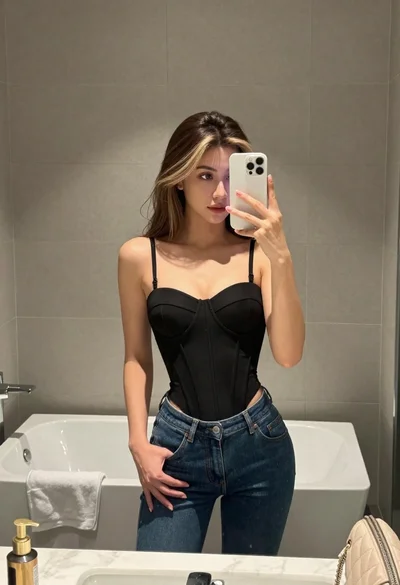
Young woman taking mirror selfie in bathroom wearing black corset and blue jeans
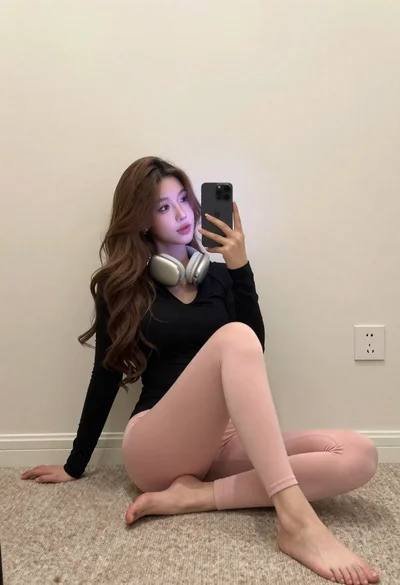
Young woman taking mirror selfie in simple room setting
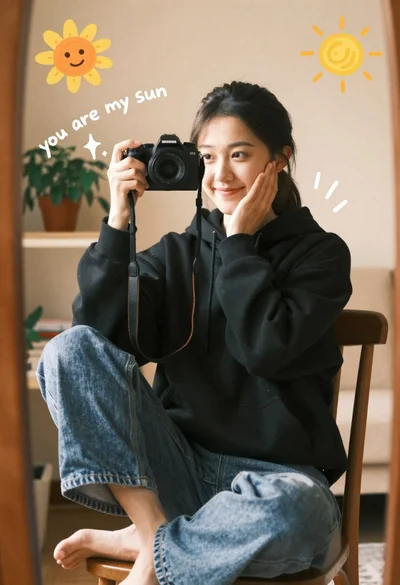
Young woman with dark hair holding camera in a sunny room

Blonde and brunette women taking a selfie on a yacht sofa at
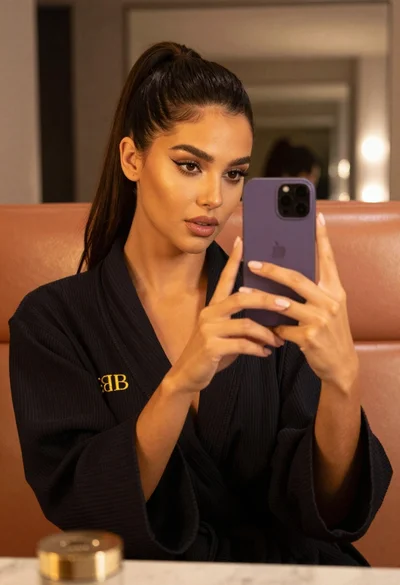
Woman taking mirror selfie in black bathrobe on peach sofa

Young woman taking mirror selfie in dimly lit room setting

Close up selfie portrait of young woman with brown hair indoors

Young blonde woman taking mirror selfie in pink athletic wear indoors