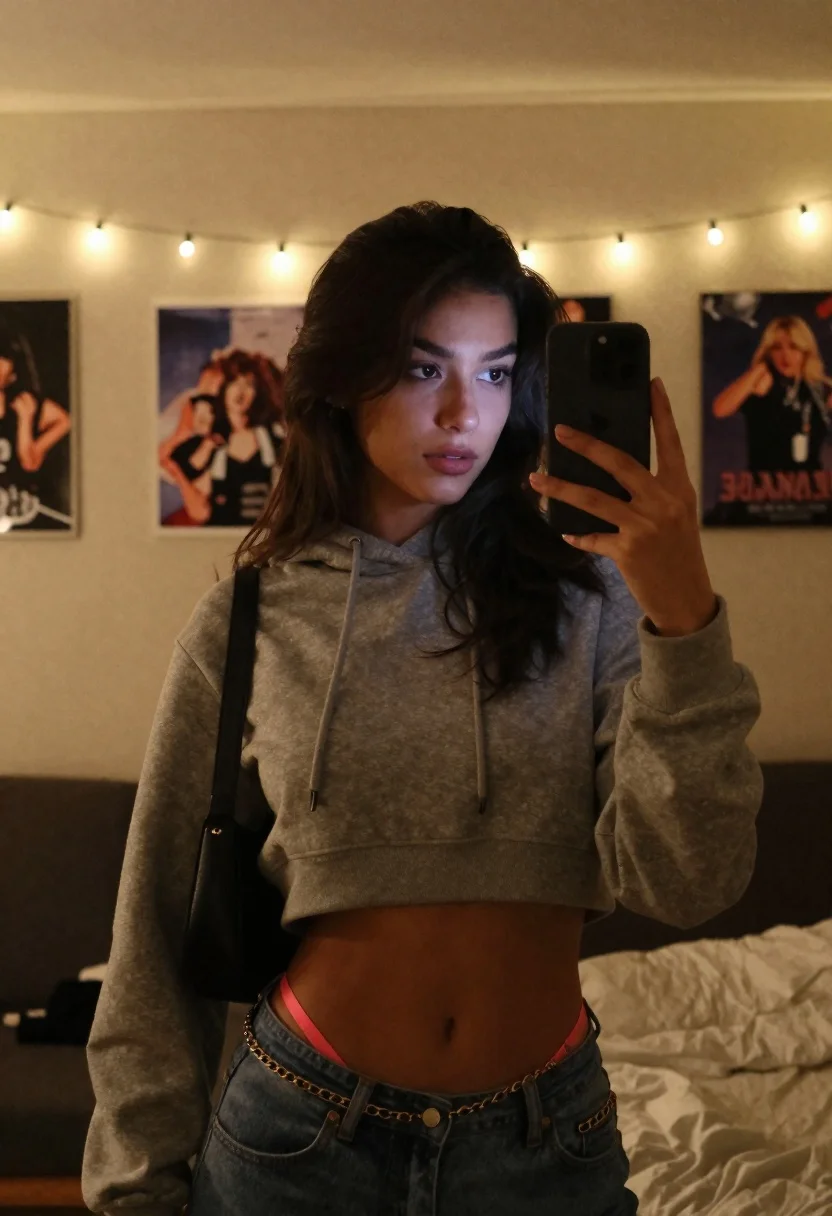
Young woman taking a mirror selfie in warmly lit room
Prompt
A casual mirror selfie of a young woman with long dark wavy hair taking a handheld photograph in a warm string-lit bedroom, holding her smartphone angled toward the glass capturing her torso and face with soft ambient glow

Subject: young woman with long dark wavy hair

Clothing: cropped gray hoodie and blue jeans revealing pink bikini bottoms at the waistline, black shoulder bag strap over left shoulder, gold chain belt detail on jeans

Action: holding smartphone in right hand angled toward camera capturing reflection in glass surface showing faint background figures behind viewer position

Environment: warm string lights hanging along upper wall bordering framed posters or photos mounted flat against off-white textured walls suggesting bedroom setting

Camera: handheld mirror selfie angle slightly tilted downward focusing on torso and face while capturing depth of field blurring distant elements like poster frames creating layered spatial context

Lighting: warm yellowish tones emanating primarily from string bulbs above subject's head generating soft highlights along facial contours and clothing folds with subtle ambient reflections visible within glass surface, natural grainy texture consistent with mirror selfies taken during evening hours when artificial lighting dominates

Style Details: intimate mood atmosphere characteristic of low-light indoor environments captured via smartphone interface.
Description
This prompt is useful for creating intimate bedroom vlogs, casual social media 'get ready' content, and lifestyle blog photography featuring personal moments. The combination of 'warm yellowish tones' from the string bulbs and the 'handheld mirror selfie angle slightly tilted downward' establishes an immediate, unpolished intimacy that mimics genuine evening documentation, while specifying a 'natural grainy texture' grounds the image in believable smartphone capture.
Suggestions
- Change 'cropped gray hoodie' to 'oversized cream sweater' for a softer silhouette.
- Swap 'blue jeans' for 'dark wash denim' to deepen the contrast.
- Adjust 'warm yellowish tones' to 'soft amber glow' for more directional lighting.
Category
Tags
BedroomBlack HairCasual WearFemaleIndoorsLow AngleMedium ShotRealisticSelfie
Date added
June 19, 2026
Added by
PromptDexter Team
Related Prompts
More prompts with similar categories and tags.
Young woman taking mirror selfie in black top and shorts on bed
Woman with blonder hair taking mirror selfie in messy bedroom
Blonde womans mirror selfie with books and lingerie
Young blonde woman taking mirror selfie in pink athletic wear indoors
Young woman taking mirror selfie in white sports bra indoors
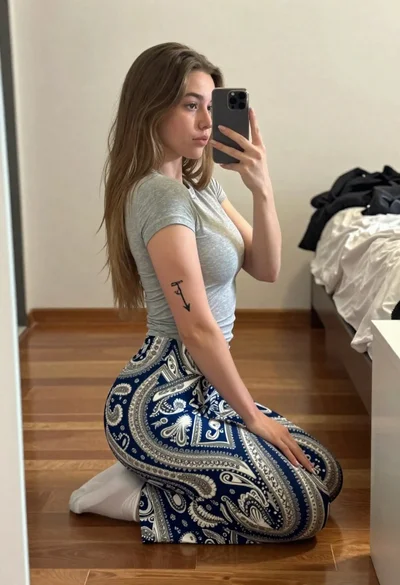
Young woman taking a mirror selfie kneeling on wooden bedroom floor
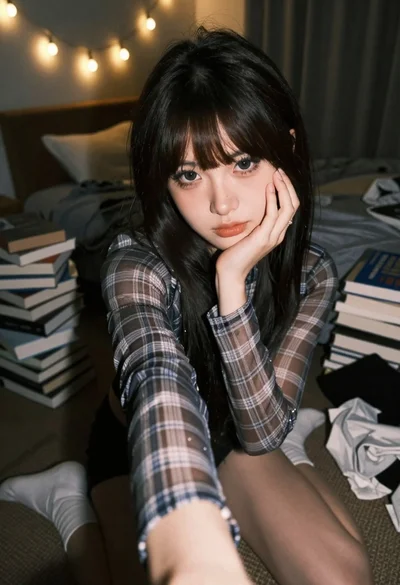
Young woman selfie in dimly lit messy bedroom

Blonde woman taking mirror selfie on beige carpet near anime display