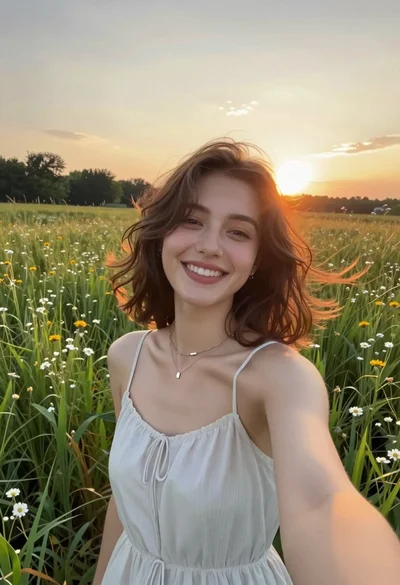
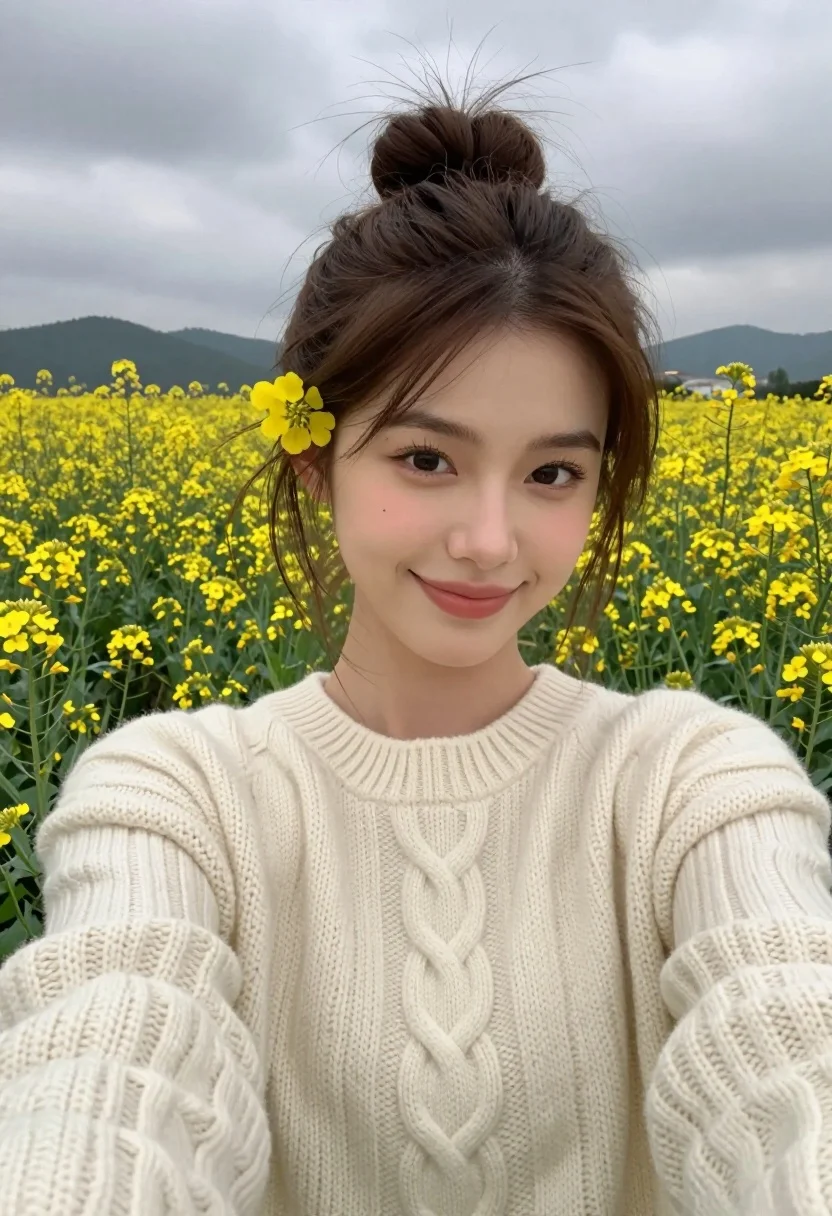
Young woman taking a selfie in a field of yellow wildflowers under
Prompt
A young woman takes a selfie in a field of yellow wildflowers under an overcast sky.

Subject: A young woman with brown hair pulled up into a messy bun, featuring a single yellow flower tucked behind her left ear and wisps of hair blowing gently in the wind. She has dark eyebrows, brown eyes, and a soft, closed-mouth smile looking directly at the camera.

Clothing: She wears a thick, cream-colored cable-knit sweater with a ribbed crew neck.

Action: She is holding the camera for a selfie, with her arm extended out of frame to the bottom left.

Environment: A vast field filled with small yellow flowers stretches behind her, leading to rolling hills in the distance under a cloudy grey sky.

Camera: The shot is taken from a close-up, first-person perspective typical of a handheld selfie, with a shallow depth of field that blurs the background slightly while keeping the subject sharp.

Lighting: The lighting is soft and diffused due to the overcast weather, creating gentle shadows on her face without harsh highlights.

Style Details: The image has a natural, candid aesthetic with a focus on texture in the knitwear and hair, rendered in realistic photography style.
Description
This prompt is useful for creating lifestyle blog headers, rustic portraiture, and casual seasonal advertising campaigns. The combination of 'soft and diffused' lighting under an 'overcast sky' ensures that the texture of the 'cable-knit sweater' remains visible without harsh specular highlights, which is crucial for maintaining a natural, candid aesthetic.
Suggestions
- Change 'yellow wildflowers' to 'purple lavender' for a different color palette.
- Swap 'messy bun' for 'braided crown' to alter the hairstyle.
- Adjust 'shallow depth of field' to 'deep focus' if you want more background detail.
Category
Tags
Brown HairBrunetteCasual WearClose UpFemaleNatureRealisticSelfie
Date added
August 5, 2026
Added by
PromptDexter Team
Related Prompts
More prompts with similar categories and tags.
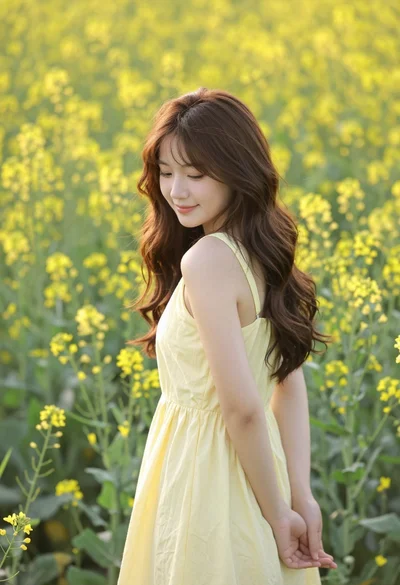
Young woman in yellow dress standing amidst dense field of wildflowers
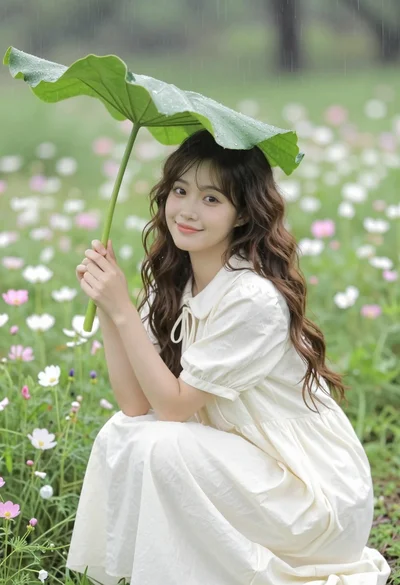
Young woman in cream dress shielding herself under large leaf in wildflower
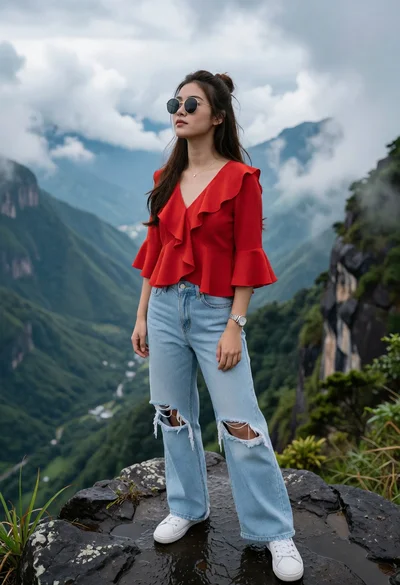
Young woman in red blouse on dark rock overlooking misty mountain valley
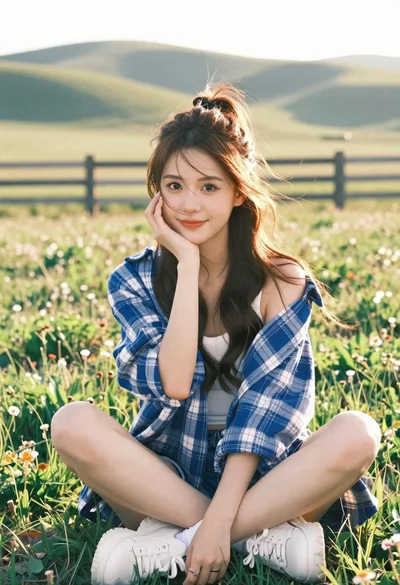
Young east asian woman sitting in sunlit meadow with rolling hills
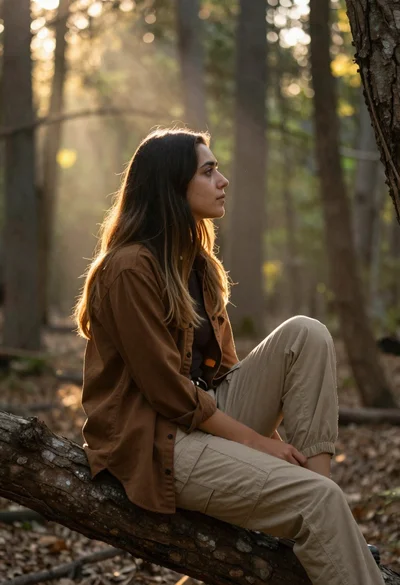
Young woman in earth tones sitting on tree branch in sunlit forest
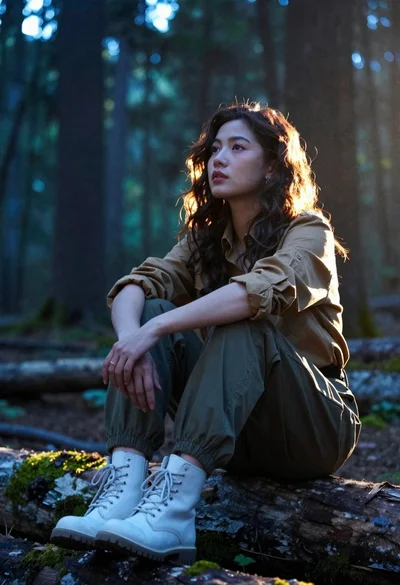
Woman sitting contemplatively on mossy log in sundappled forest
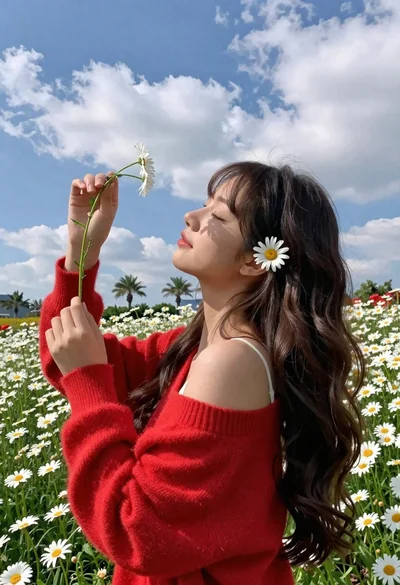
Young woman in red sweater holding flowers in daisy field

Young woman in yellow tank top smiling in sunflower field at low
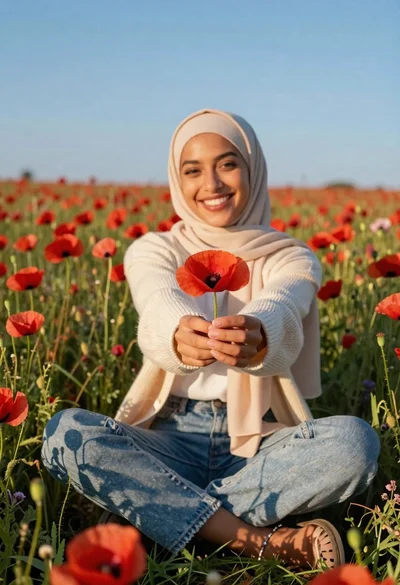
Smiling woman in beige hijab holding red poppy in a vast meadow
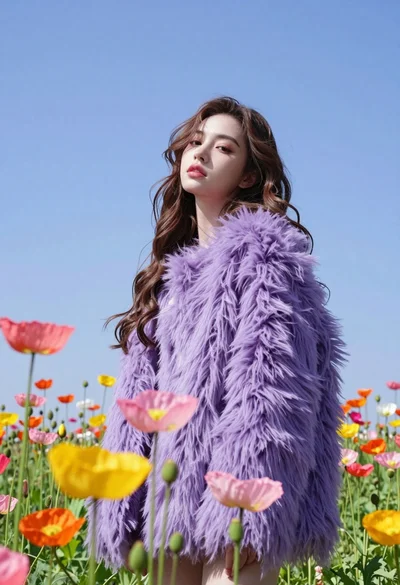
Low angle portrait of woman in purple fur coat among colorful poppy