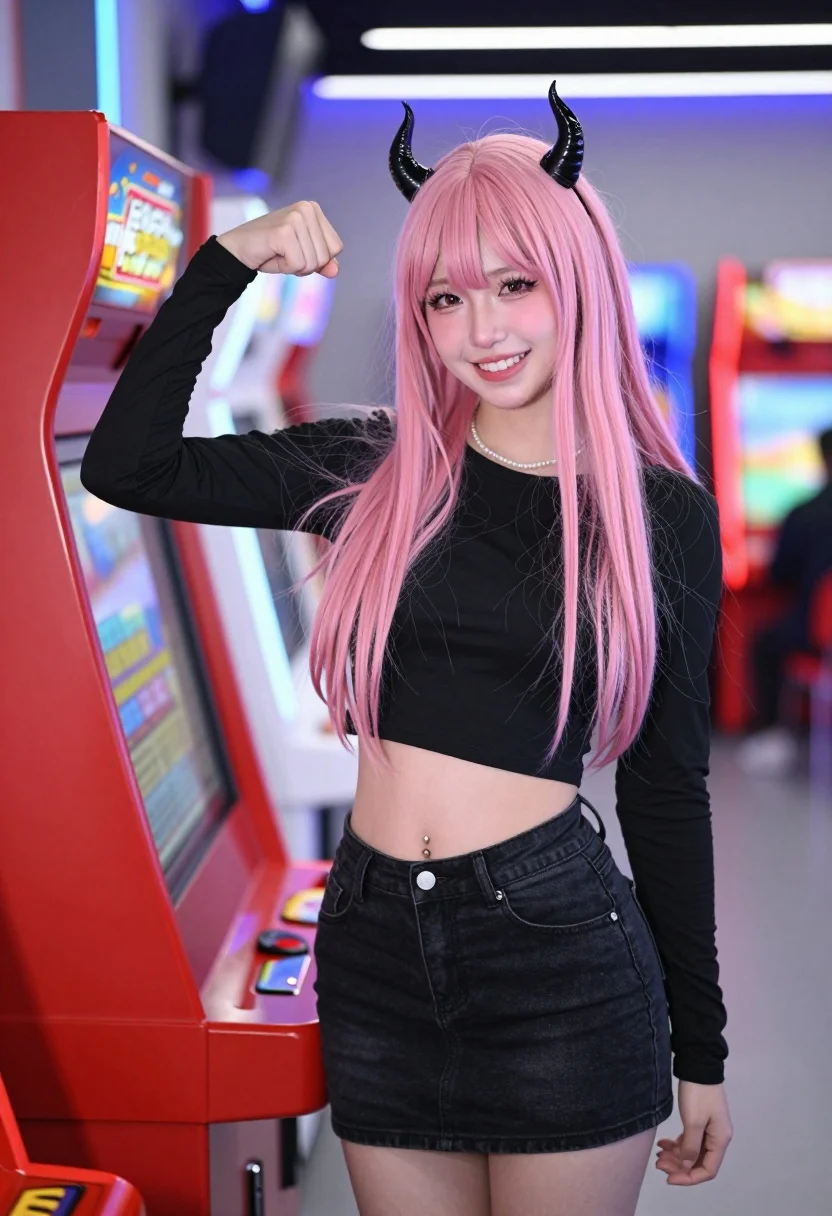
Young woman with pink hair and horns posing by red arcade boxing
Prompt
A young woman with long pink hair and black horns stands smiling next to a red arcade boxing machine.

Subject: A young woman with long pastel pink hair featuring bangs, wearing small black devil horns on her head, heavy eyeliner, and a bright smile showing teeth. She has a visible belly button piercing.

Clothing: She wears a black long-sleeved crop top that exposes her midriff and a black denim mini skirt. A delicate pearl necklace is visible around her neck.

Action: She stands in a relaxed pose with her right arm bent, flexing her bicep towards the camera, while her left arm hangs by her side.

Environment: The setting is an arcade or game center with blurred background elements including other lit-up machines and colorful lights.

Camera: Medium shot capturing the subject from the thighs up, positioned slightly to the side of the red machine, with a shallow depth of field that blurs the background.

Lighting: Bright indoor artificial lighting illuminates the scene evenly, creating soft highlights on her hair and skin without harsh shadows.

Style Details: The image has a vibrant, high-contrast aesthetic typical of modern social media photography, emphasizing neon colors and glossy textures.
Description
This prompt is useful for creating themed character portraits, edgy fashion editorials, and stylized promotional artwork for alternative subcultures. The combination of 'bright indoor artificial lighting' with a 'vibrant, high-contrast aesthetic' ensures that the neon colors from the arcade background pop against the subject, while the shallow depth of field keeps focus tightly on her detailed features like the visible belly button piercing.
Suggestions
- Change 'pastel pink hair' to 'electric magenta hair' for more visual impact.
- Add 'cyberpunk style makeup' to enhance the high-contrast look.
- Swap 'red arcade boxing machine' for 'chrome claw machine' to change the primary color focus.
Category
Tags
FemaleMedium ShotRealistic
Date added
July 12, 2026
Added by
PromptDexter Team
Related Prompts
More prompts with similar categories and tags.
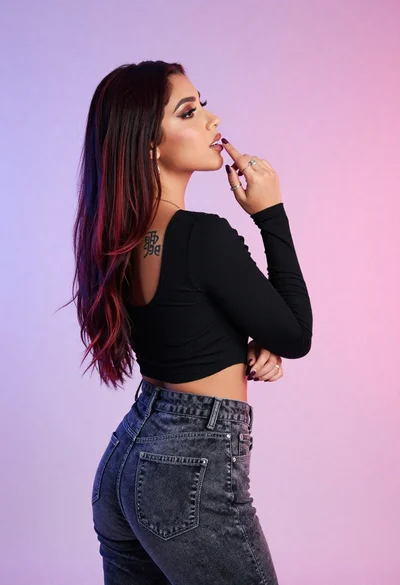
Woman in black crop top posing against purple pink gradient background

Woman standing barefoot in dry autumn field at golden hour
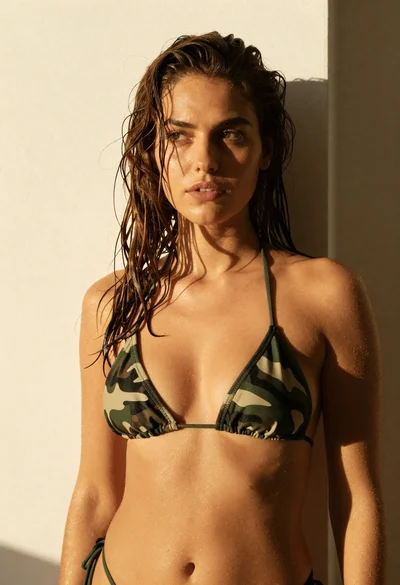
Woman in green bikini top standing in warm sunlight

Blonde woman in black lace gown standing in opulent room setting
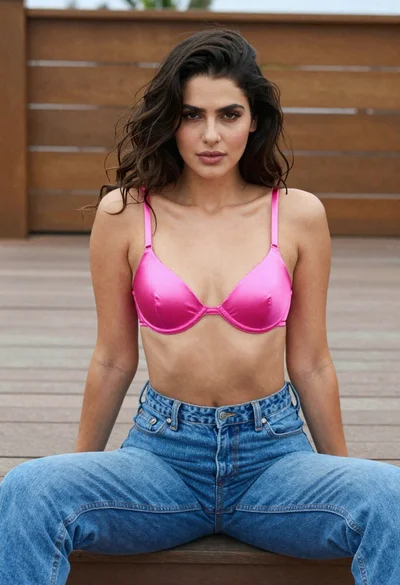
Woman in pink bra and blue jeans sitting on wooden outdoor deck
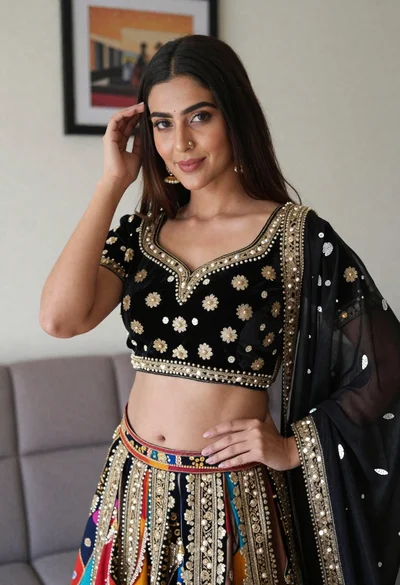
Young woman in ornate black and gold lehenga choli indoors portrait

Young woman in black lingerie with grey cardigan on stool
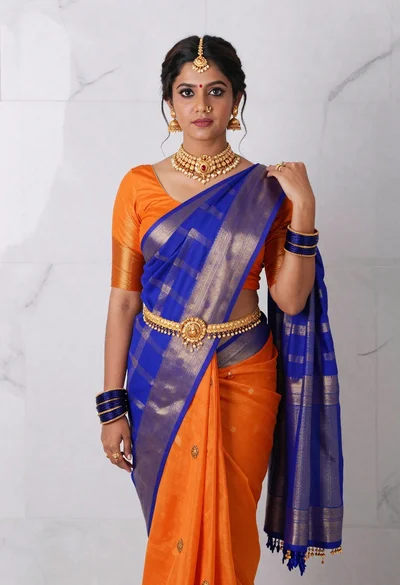
Woman in vibrant traditional indian saree against white marble backdrop
Fit woman in patterned swimsuit standing outdoors by cream wall
Woman in black dress seated on beige sofa in minimalist interior room