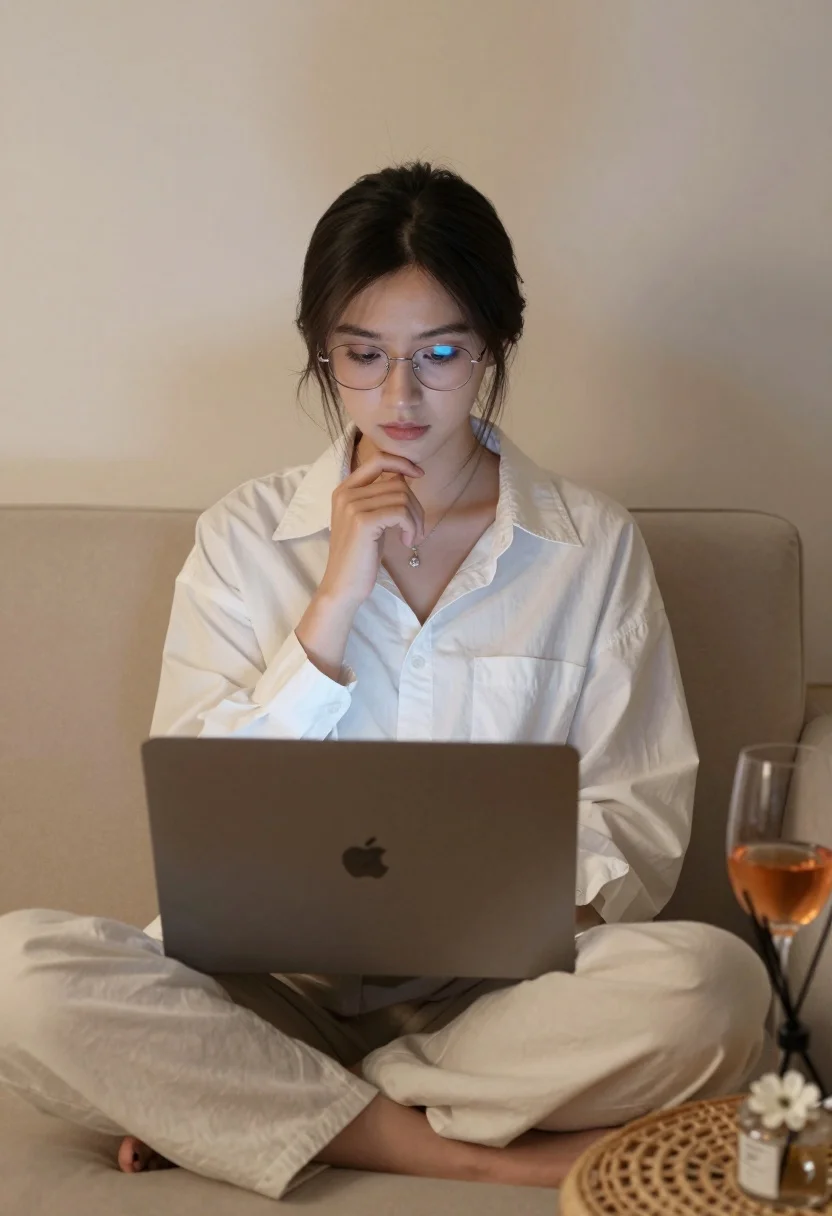
Young woman working on laptop sitting on beige sofa indoors
Prompt
A young woman sits comfortably on a beige sofa, focused intently on a laptop resting on her lap.

Subject: A young woman with dark hair pulled back loosely and wearing wire-rimmed glasses that reflect blue light from the screen.

Clothing: She wears an oversized white button-down shirt with a collar and matching loose-fitting trousers, accessorized with a delicate silver necklace featuring a small pendant.

Action: Her gaze is fixed on the laptop screen while her right hand rests gently against her chin in a thoughtful pose.

Environment: The setting is a cozy indoor space featuring a beige sofa, a plain neutral wall, and a woven rattan side table next to her.

Objects: A gold-colored laptop with an Apple logo sits open on her lap, a glass of rosé wine stands on the table, and a reed diffuser with a white flower decoration is placed nearby.

Lighting: Soft, warm ambient light illuminates the scene from the front, creating gentle highlights on her face and clothing while casting subtle shadows.

Camera: The shot is framed as a medium close-up at eye level, utilizing a shallow depth of field to keep the subject sharp while softly blurring the background.

Style Details: The image exhibits a clean, minimalist aesthetic with a soft color palette dominated by whites, beiges, and warm skin tones, rendered in high definition with smooth textures.
Description
This prompt is useful for creating lifestyle blog imagery, quiet moments of remote work documentation, and sophisticated interior design mood boards. The combination of 'soft, warm ambient light' and the 'shallow depth of field' ensures that while the subject remains sharp, the background elements like the 'woven rattan side table' recede gently, preventing visual clutter and maintaining a clean, minimalist aesthetic.
Suggestions
- Change 'beige sofa' to 'velvet armchair' for richer texture.
- Swap 'rosé wine' for 'iced tea' to adjust the color palette.
- Adjust 'medium close-up' to 'waist shot' to better feature the outfit.
Category
Tags
Brown SkinCasual WearFemalePortrait ShotRealistic
Date added
August 5, 2026
Added by
PromptDexter Team
Related Prompts
More prompts with similar categories and tags.
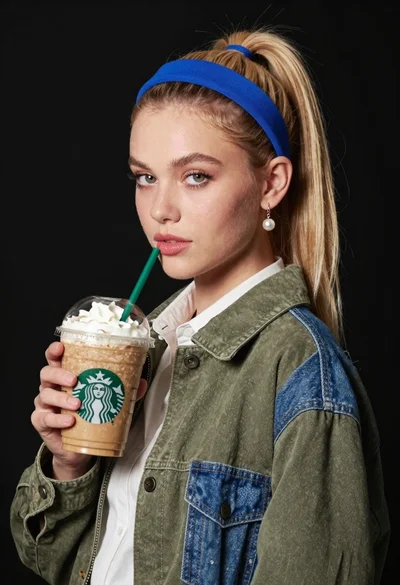
Blonde woman holding iced coffee against black backdrop
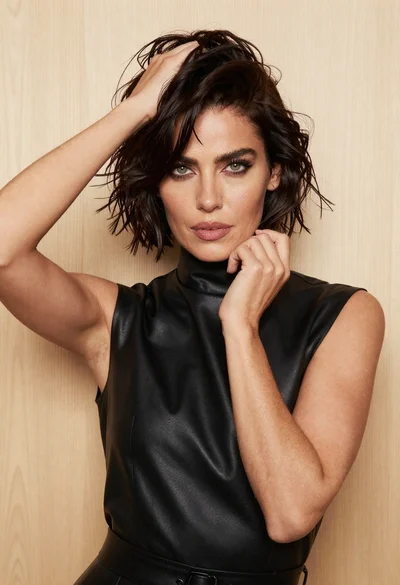
Confident woman with short dark hair posing against light wood background

Woman standing in rain on a neon lit city street
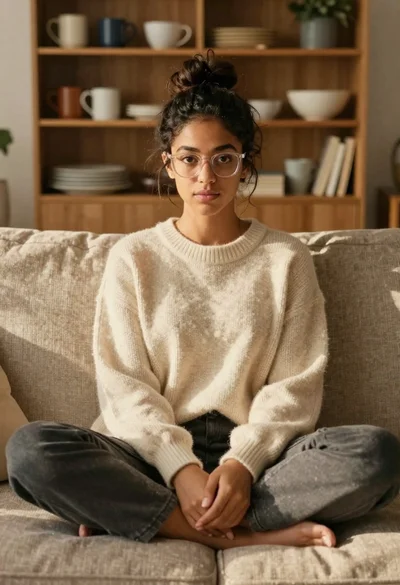
Young woman with dark hair and glasses sitting on a sofa
Joyful woman laughing at restaurant table with bibimbap in foreground
Close up portrait of woman with dark hair in mint green tulle
Stylish woman with dark hair lounging on white vehicle roof under blue
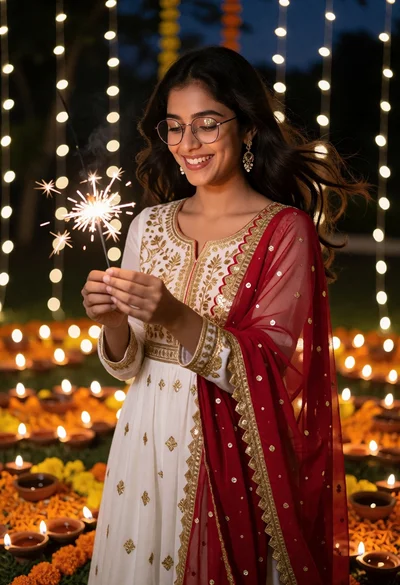
Young woman in traditional tunic dress holding sparkler amidst marigolds at night
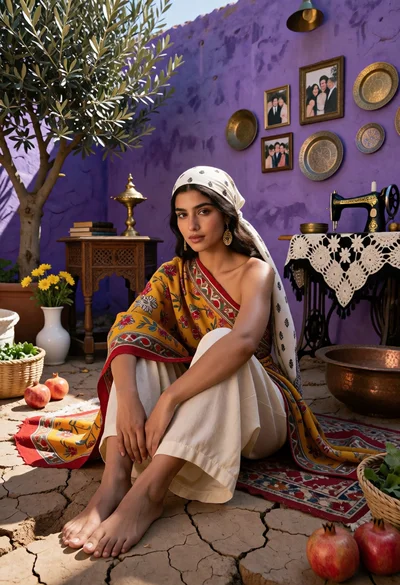
Woman seated on cracked earth against vibrant purple wall courtyard setting
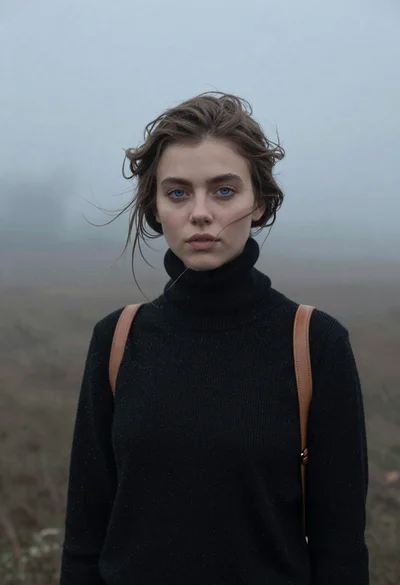
Portrait of woman in black sweater in thick fog
