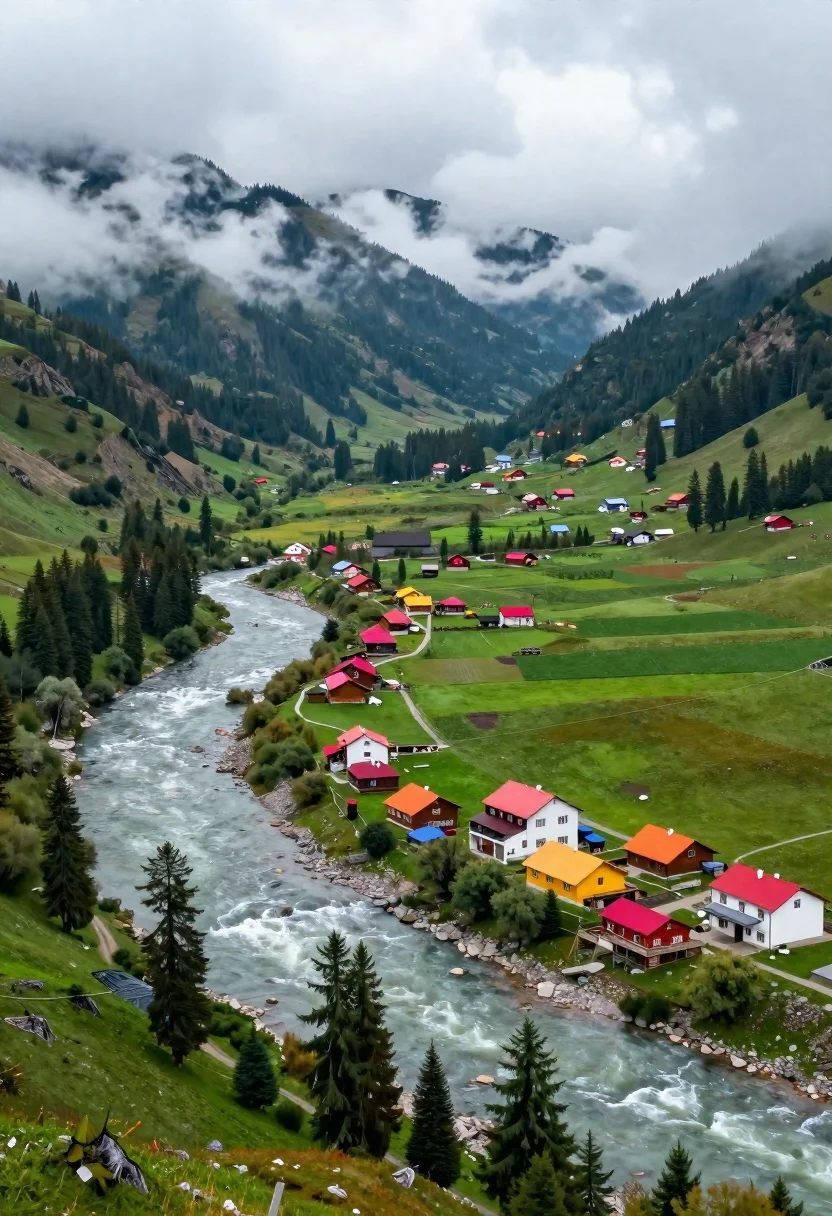
Aerial view of lush mountain valley with colorful houses and winding river
Prompt
A sweeping aerial view of a lush mountain valley where a wide, milky river curves along the edge of a vibrant green meadow dotted with colorful houses and dense pine forests rising into mist-shrouded peaks.

Subject: A cluster of multi-story buildings with bright red, orange, and yellow roofs nestled in a verdant valley floor beside a flowing river.

Clothing: No people or clothing are visible in the scene.

Action: The scene is static, capturing a serene landscape with no active movement from subjects.

Environment: A winding river flows on the left, bordered by a stone embankment and tall evergreen trees, while rolling green pastures and scattered wooden cabins extend toward forested hills partially obscured by low-hanging clouds.

Camera: High-angle aerial shot looking down at the landscape, emphasizing the curvature of the river and the layout of the settlement within the valley.

Lighting: Soft, diffused daylight under an overcast sky, creating even illumination with gentle shadows and a cool, misty atmosphere.
Second

Subject: None.

Objects: Small wooden structures, colorful tents or pavilions with red roofs near the riverbank, and scattered trees lining the water’s edge.

Interaction: No visible interaction between subjects or objects; the scene depicts a tranquil, inhabited landscape.

Text/Graphics: No readable text or logos are present in the image.

Style Details: Photorealistic landscape photography with natural color grading, soft focus on distant mountains, and a sense of depth created by atmospheric haze and cloud cover.
Description
This prompt is useful for creating travel brochure covers, architectural concept art for fictional settlements, and high-end nature documentary backdrops. The combination of 'soft, diffused daylight under an overcast sky' ensures even illumination across the 'colorful houses,' preventing harsh shadows that would distract from the intended serene composition while the 'atmospheric haze' naturally guides the viewer's eye toward the distant peaks.
Suggestions
- Change 'vibrant green meadow' to 'golden wheat field' for seasonal variation.
- Swap 'dense pine forests' for 'bamboo groves' to alter the texture of the foliage.
- Adjust 'soft focus on distant mountains' to 'sharp focus throughout' for maximum detail.
Category
Tags
High AngleMountainsNatureOutdoorsRealisticWide Shot
Date added
June 26, 2026
Added by
PromptDexter Team
Related Prompts
More prompts with similar categories and tags.
Paraglider soaring above vast blue lake mountains and green hills landscape
Solitary figure on grassy hill overlooking vast mountain valley at golden hour
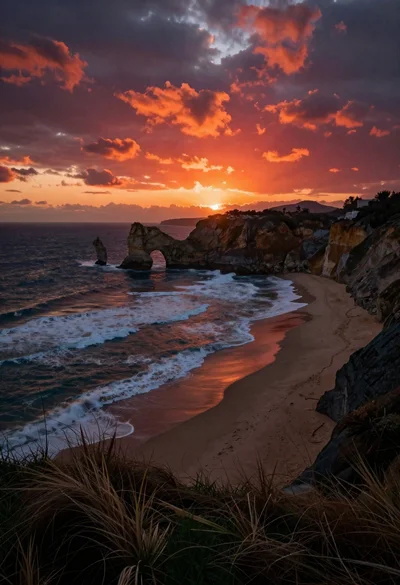
Dramatic coastal landscape at sunset with sea arch and rolling waves
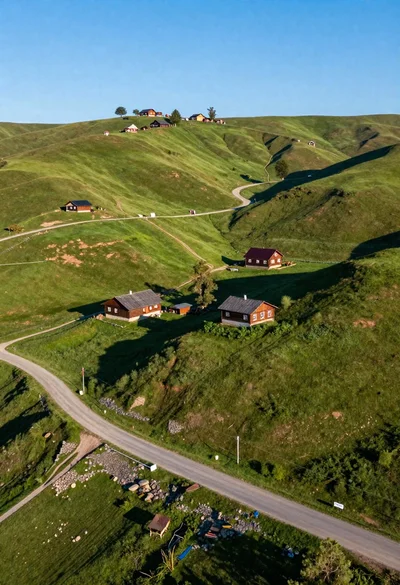
Aerial view of rolling green hills with traditional wooden houses under blue
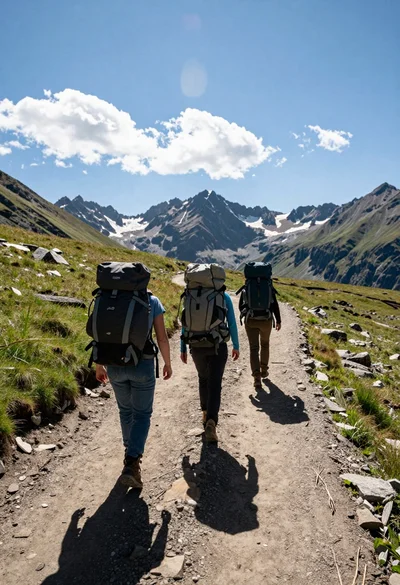
Three hikers walking away along a dirt trail toward jagged mountains
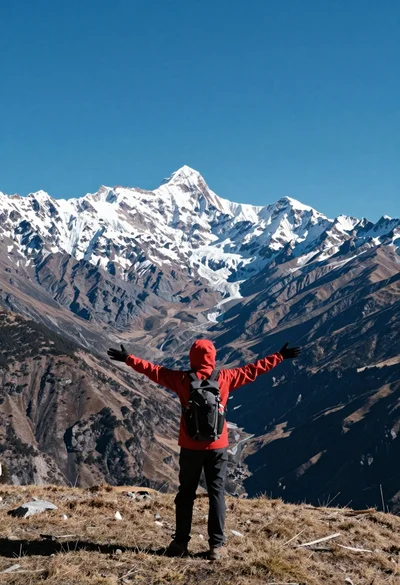
Hiker standing with outstretched arms on grassy ridge facing snowy mountains
Meditating man on grand canyon rim at dawn with ethereal pink light
Bald man and german shepherd dog sitting on wooden dock overlooking serene
