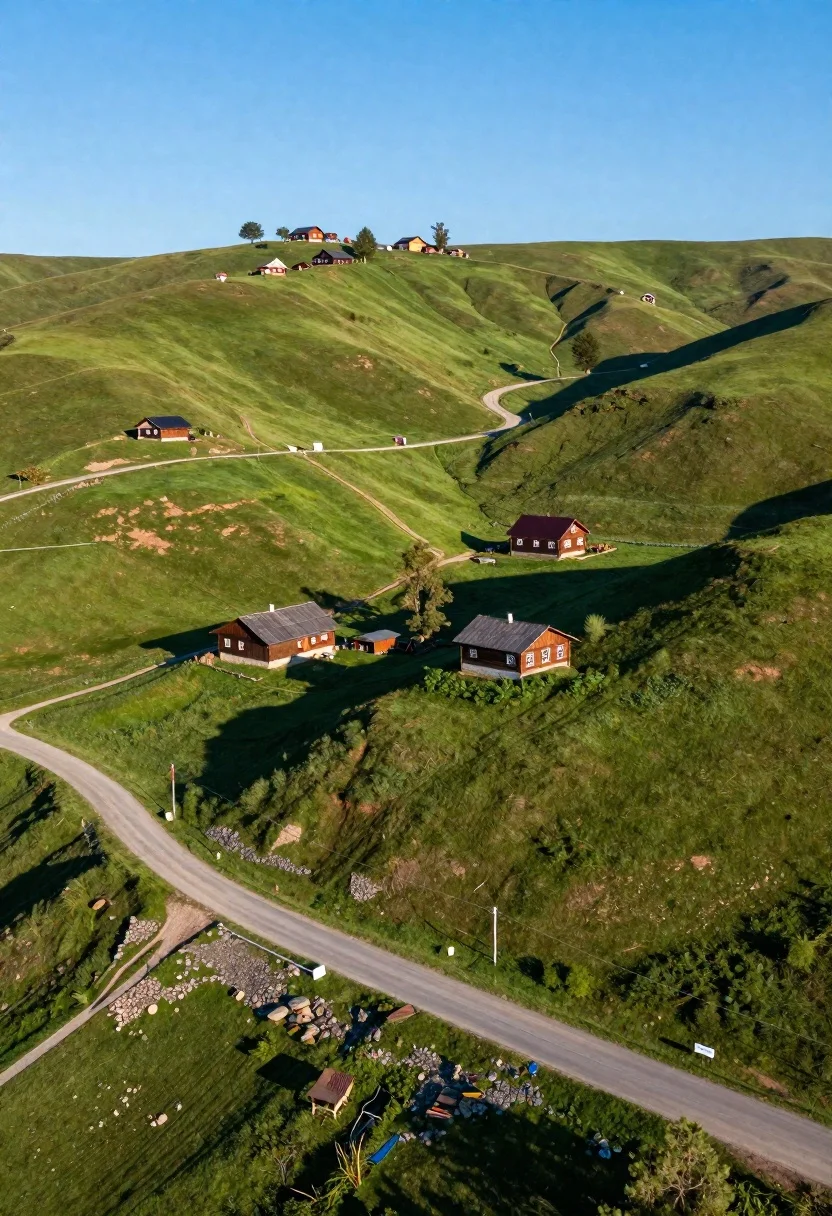
Aerial view of rolling green hills with traditional wooden houses under blue
Prompt
Aerial view of a serene rural landscape featuring rolling green hills dotted with traditional wooden houses and farm buildings under a clear blue sky.

Subject: A sprawling pastoral scene dominated by vibrant green grassy hillsides and scattered rustic buildings.

Clothing: No subjects are present to describe clothing.

Action: The scene is static, capturing the peaceful stillness of a countryside landscape.

Environment: Rolling green hills with a paved road winding through the foreground and a dirt path leading up the slope; distant houses are nestled on the hilltops under a bright blue sky.

Camera: High-angle aerial shot looking down at the landscape, emphasizing the curvature of the hills and the layout of the roads.

Lighting: Bright natural sunlight casting long, distinct shadows from the buildings onto the grass, indicating a low sun angle typical of early morning or late afternoon.
Second

Subject: None.

Objects: Traditional wooden farmhouses with dark roofs, a paved road, a gravel path, and small trees scattered across the hills.

Interaction: No interaction between subjects or objects is visible.

Text/Graphics: No text or graphics are present.

Style Details: Realistic photography with high dynamic range, vivid green color saturation, and sharp contrast between sunlit areas and deep shadows.
Description
This prompt is useful for creating travel magazine spreads, architectural landscape visualizations, and serene nature documentary backdrops. The combination of 'high-angle aerial shot' with 'bright natural sunlight casting long, distinct shadows' effectively models the topography by emphasizing the curvature of the hills and the contrast between sunlit areas and deep shadows, which grounds the scattered rustic buildings within a believable spatial context.
Suggestions
- Change 'vivid green color saturation' to 'emerald tone' for a richer palette.
- Add 'shot on Fujifilm GFX 100' for increased resolution detail.
- Replace 'paved road' with 'winding dirt track' to enhance the rustic feel.
Category
Tags
High AngleNatureOutdoorsRealisticWide Shot
Date added
June 26, 2026
Added by
PromptDexter Team
Related Prompts
More prompts with similar categories and tags.
Dramatic coastal landscape at sunset with sea arch and rolling waves
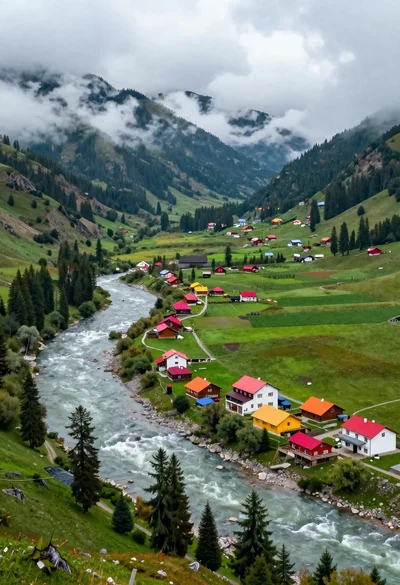
Aerial view of lush mountain valley with colorful houses and winding river
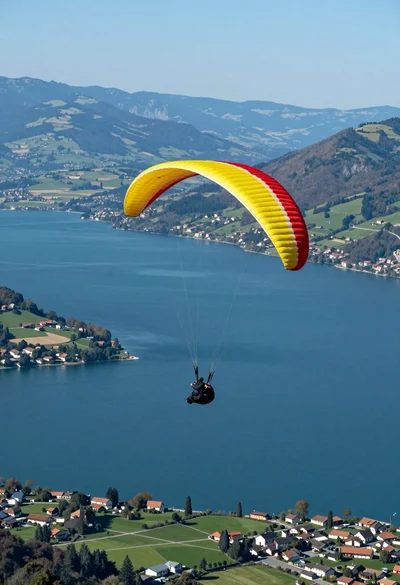
Paraglider soaring above vast blue lake mountains and green hills landscape
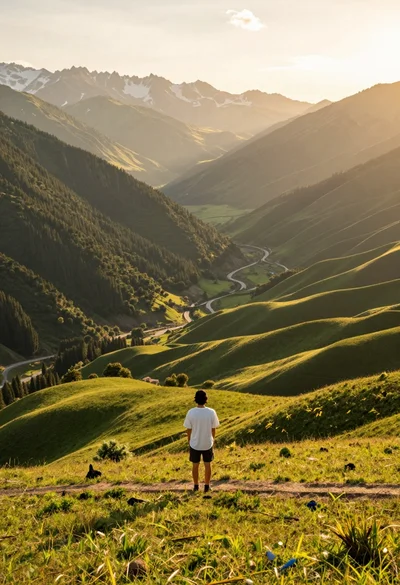
Solitary figure on grassy hill overlooking vast mountain valley at golden hour
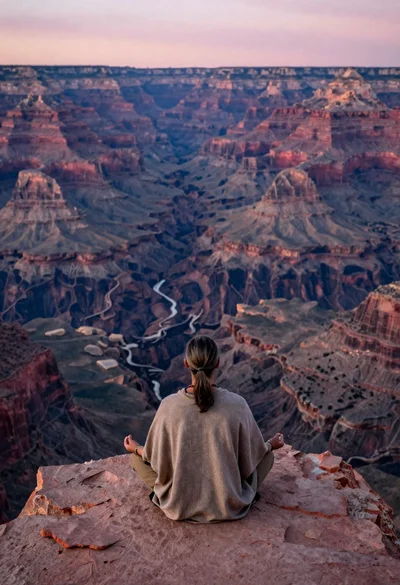
Meditating man on grand canyon rim at dawn with ethereal pink light
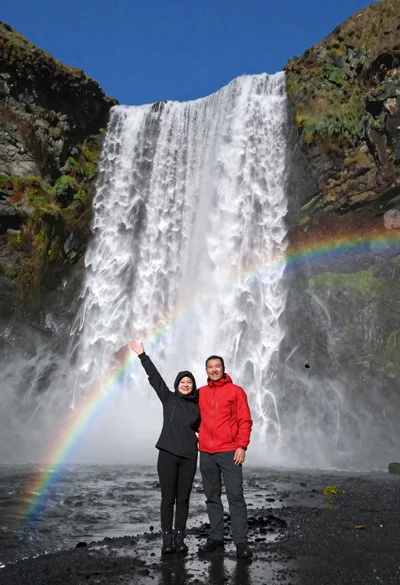
Couple standing before massive waterfall under clear blue sky low angle
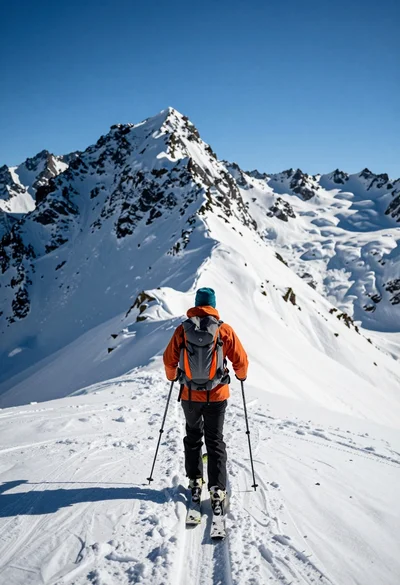
Lone skier ascending snowy mountain ridge under bright blue sky
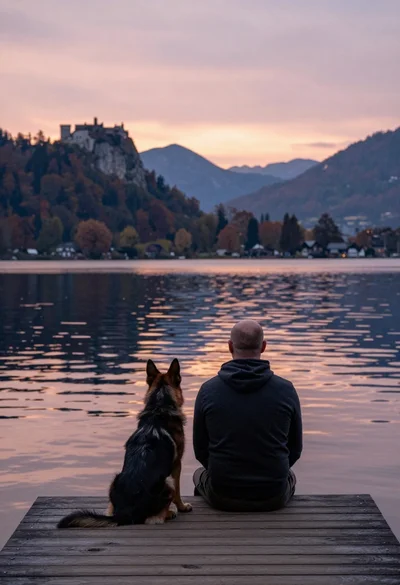
Bald man and german shepherd dog sitting on wooden dock overlooking serene