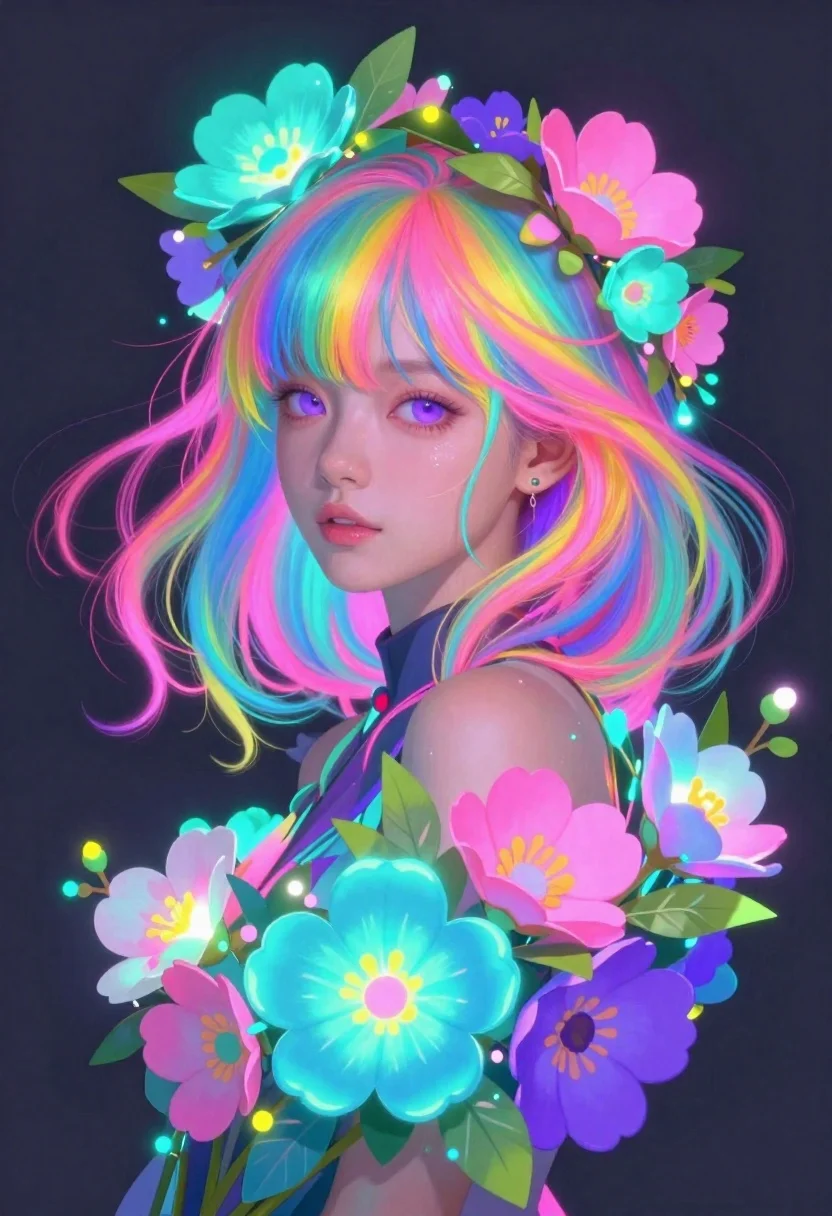
Anime girl with rainbow hair and glowing flowers
Prompt
Digital portrait of a young girl with vibrant rainbow hair and glowing floral elements

Subject: fair-skinned anime-style girl with large expressive purple eyes and soft facial features wearing a small stud earring in her left ear, surrounded by voluminous flowing multicolored hair blending pink blue yellow and teal strands.

Clothing: high-collared dark garment barely visible at the neck line mostly obscured by surrounding floral composition.

Environment: solid deep charcoal gray background providing contrast to vivid colors without environmental distractions or additional spatial context.

Lighting: dramatic neon glow emanating from flowers casting cyan pink and magenta highlights across face hair and shoulders creating ethereal bioluminescent effect with soft shadows enhancing dimensionality.

Objects: lush colorful bouquet of stylized flowers including large teal blue pink purple blooms interspersed with green leaves wrapping around head like a crown and forming lower border framing composition.

Style Details: hyper-detailed semi-realistic digital art style combining anime aesthetics with painterly brushwork glowing textures saturated neon palette reminiscent of cyberpunk fantasy illustration.
Description
This prompt is useful for creating album cover art, character concept sheets for fantasy games, and vibrant promotional key art. The combination of 'dramatic neon glow' casting cyan pink and magenta highlights against the 'solid deep charcoal gray background' ensures that the 'vibrant rainbow hair' remains the absolute focal point by eliminating environmental competition, while the 'hyper-detailed semi-realistic digital art style' grounds the fantastical elements in a believable, painterly texture.
Suggestions
- Change 'rainbow hair' to 'iridescent pastel hair' for a softer overall look.
- Swap 'cyan pink and magenta highlights' for 'electric blue and lime green highlights' to shift the mood.
- Adjust 'solid deep charcoal gray background' to 'deep indigo void' for more color synergy.
Category
Tags
BlondeDigital ArtFair SkinFemalePortrait Shot
Date added
June 19, 2026
Added by
PromptDexter Team
Related Prompts
More prompts with similar categories and tags.
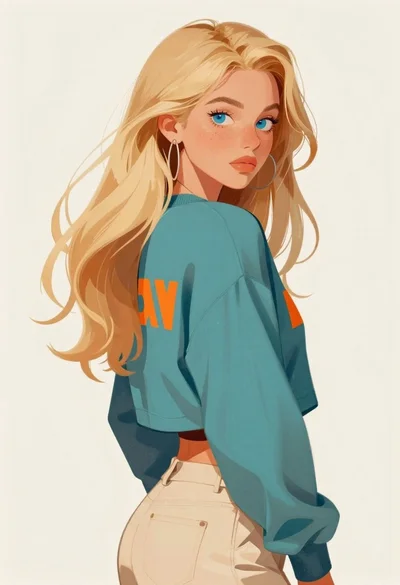
Digital portrait of blonde woman looking over shoulder
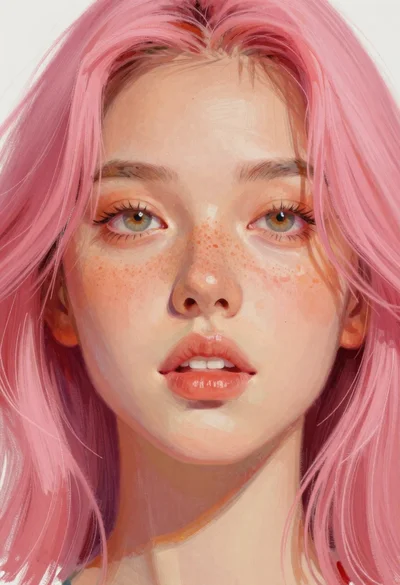
Close up portrait of young woman with pink hair
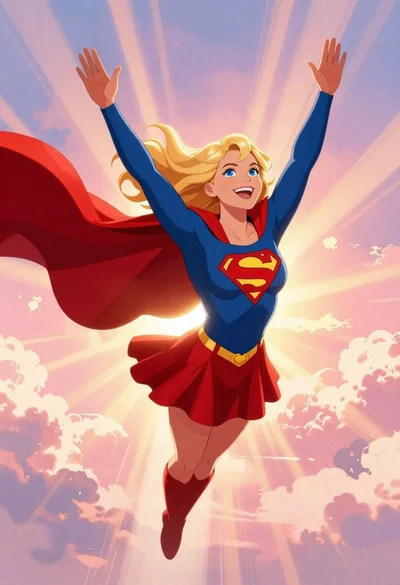
Supergirl flying through pink purple clouds at sunset
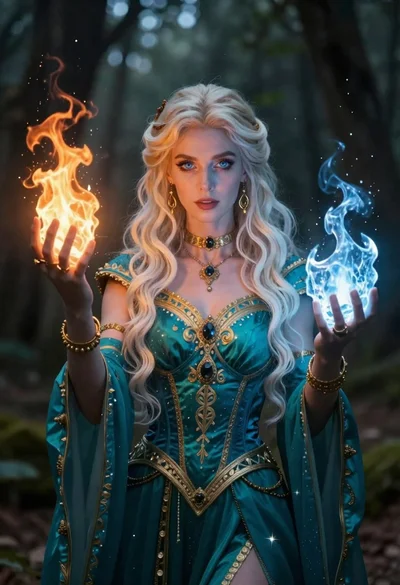
Female mage holding glowing fire and ice orbs
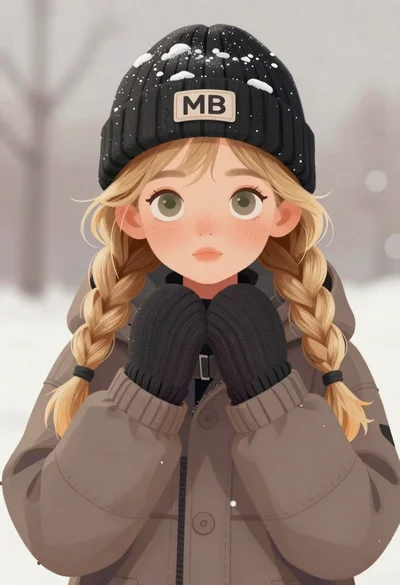
Digital illustration of cute winter girl portrait
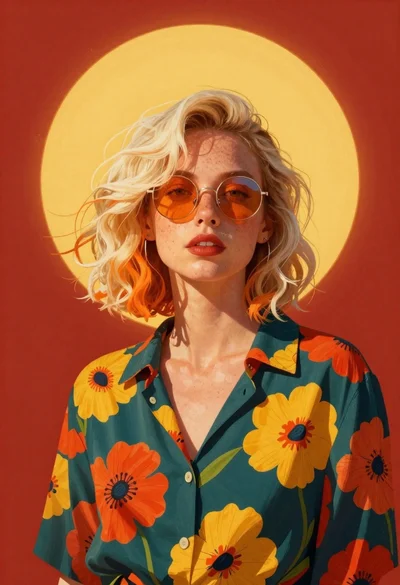
Stylish woman portrait against red and yellow shapes
Anime girl in vast rose garden at sunset

Astronaut portrait against pale blue sky background