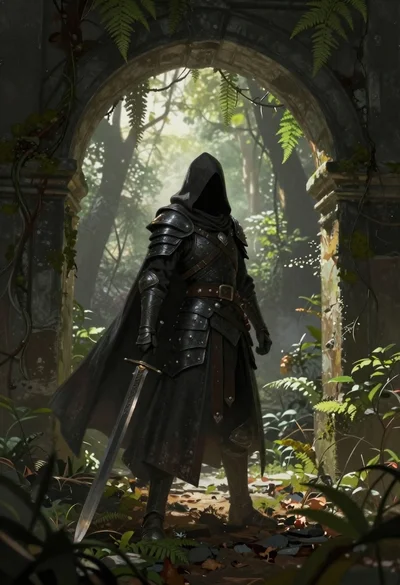
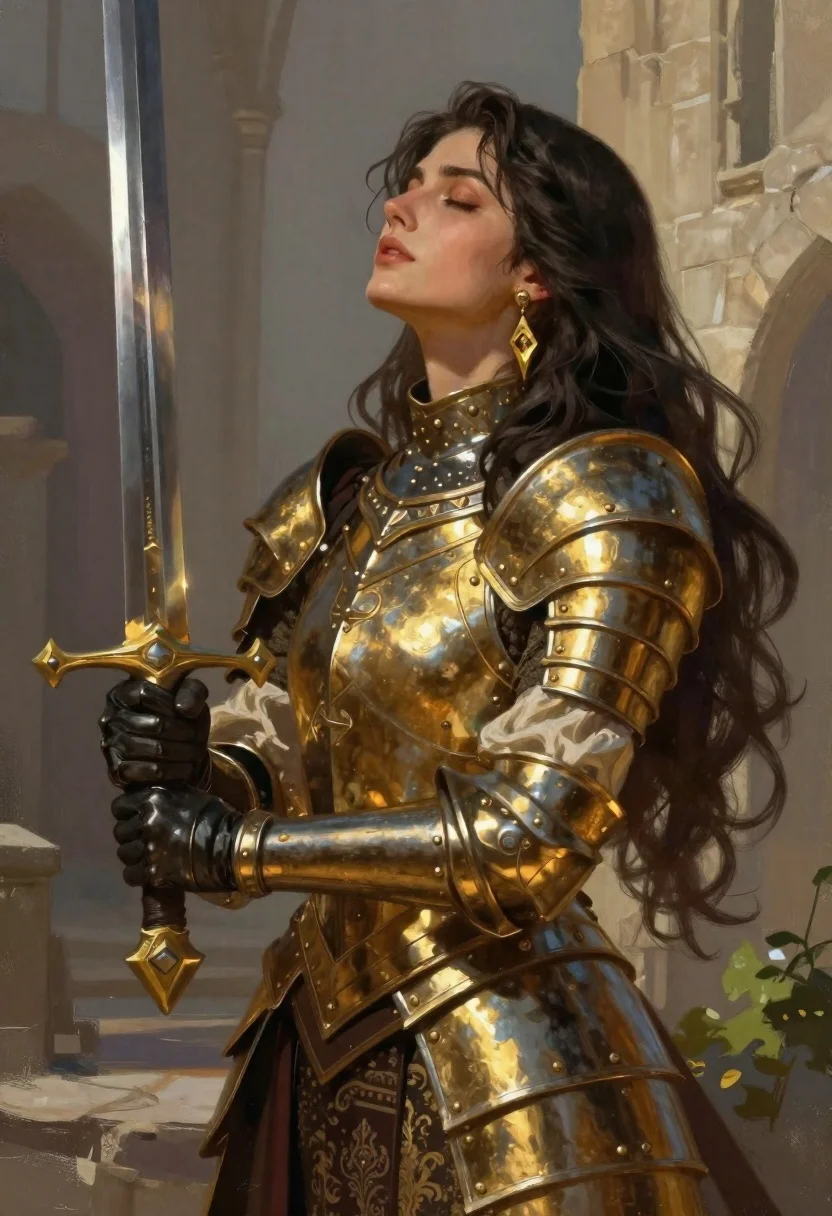
Fantasy warrior woman with ornate sword in stone courtyard
Prompt
Digital painting of a medieval fantasy warrior woman holding an ornate sword upright in front of her in an ancient castle courtyard.

Subject: Tall female figure with long dark wavy hair over one shoulder, fair skin, closed eyes tilted upward.

Clothing: Polished golden plate armor on shoulders chest waist, black leather bracers and gloves over cream fabric sleeves and torso, high collar dark metal neckpiece with metallic studs and filigree.

Accessories: Large dangling gold earrings on one ear.

Action: Gripping sword hilt near crossguard with both hands, blade extending vertically beside body, relaxed regal posture.

Environment: Blurred stone architecture in soft focus, hints of green foliage at lower right.

Camera: Medium close-up slightly angled side profile emphasizing face and weapon.

Lighting: Warm directional sunlight from upper left casting gentle highlights on face armor sword, soft shadows on opposite side.

Style Details: Semi-realistic digital art with painterly brush strokes, smooth gradients for metallic textures and skin tones.
Description
This prompt is useful for creating character concept art for RPGs, book cover illustrations, and high-fantasy promotional materials. The combination of 'polished golden plate armor' against the 'blurred stone architecture in soft focus' directs attention to the subject while grounding her within a believable setting, and the 'Warm directional sunlight from upper left' ensures that the metallic surfaces catch highlights without creating harsh specular reflections.
Suggestions
- Change 'ornate sword' to 'runic greatsword' for more visual impact.
- Adjust 'polished golden plate armor' to 'weathered bronze armor' for a grittier feel.
- Modify 'soft gradients for metallic textures' to 'chiaroscuro lighting on metal' for higher contrast.
Category
Tags
ArmorBrunetteDigital ArtFair SkinFemaleFull BodyHigh AngleMedium ShotOutdoorsPortrait ShotRealisticRuinsSide Profile
Date added
June 19, 2026
Added by
PromptDexter Team
Related Prompts
More prompts with similar categories and tags.
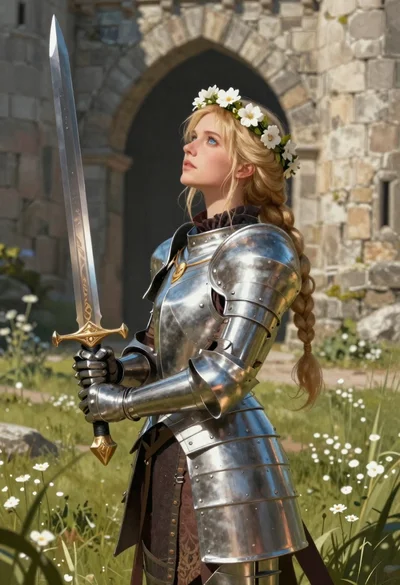
Blonde woman in steel armor before ancient stone castle
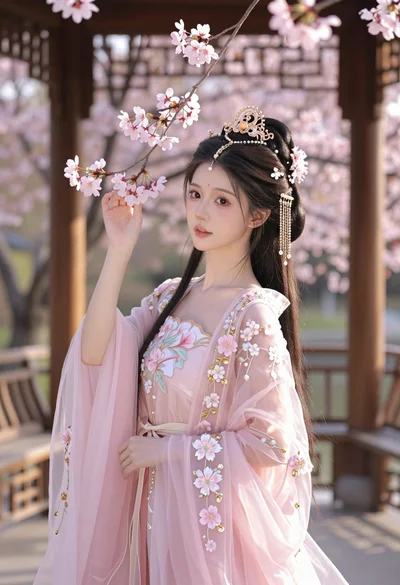
Young woman in pink gown standing in cherry blossom pavilion at golden
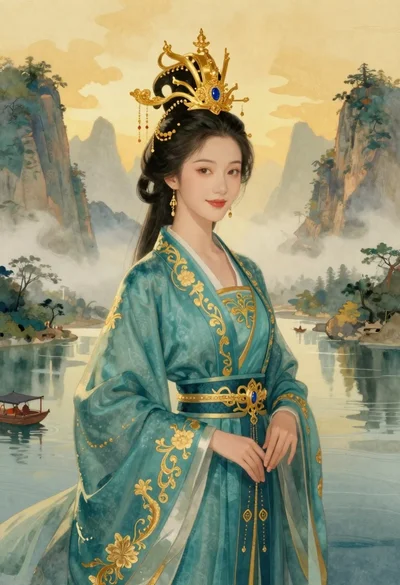
Elegant woman in teal hanfu against misty mountains

Portrait of a witch in black corset and hat

Warrior woman riding wolf through snowy mountains

Young woman in kimono under autumnal japanese torii gate

Cybernetic android portrait in red scifi setting
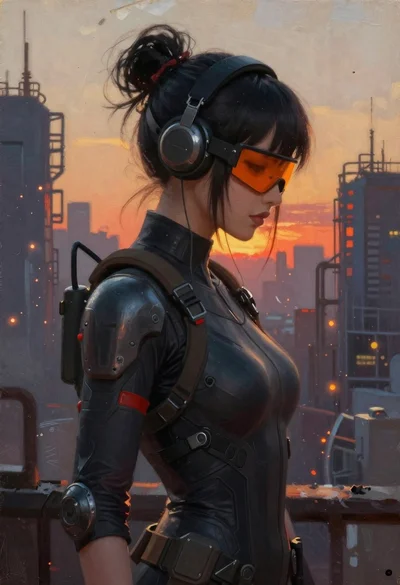
Oil painting portrait of cyberpunk woman in industrial city
