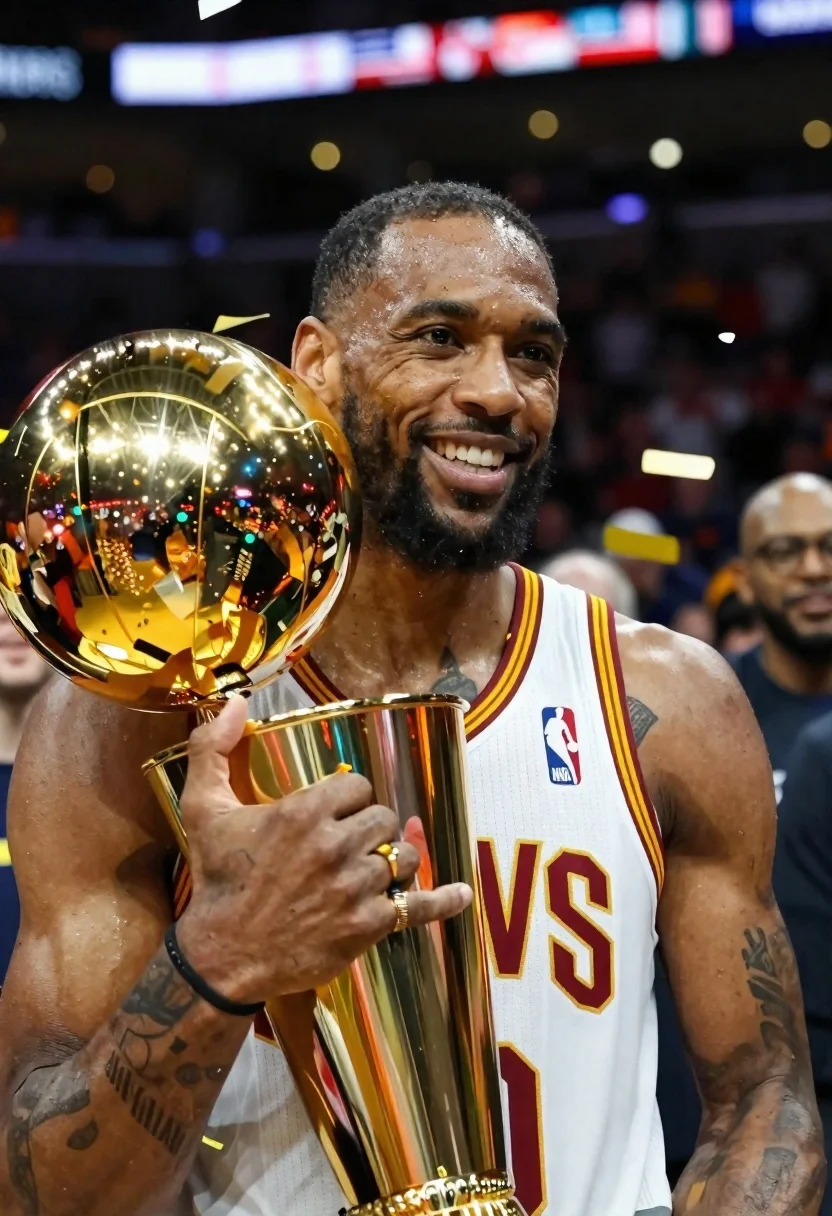
Basketball player holding championship trophy in arena
Prompt
Photorealistic close-up of a smiling basketball player holding the Larry O'Brien Championship Trophy during celebration with confetti falling around him

Subject: muscular Black man with short cropped hair and beard, wearing Cleveland Cavaliers home jersey in white maroon yellow trim NBA logo visible on chest tattoos peeking through sleeveless cutout

Clothing: athletic performance wear gold ring on left hand black wristband under arm showing ink design

Action: joyful expression looking slightly off-camera hands cradling gleaming golden championship trophy confetti pieces caught mid-air near face and fingers

Environment: indoor arena setting blurred crowd in background bright overhead stadium lights creating bokeh effect behind subject

Lighting: high-contrast stage lighting illuminating skin texture sweat sheen on forehead sharp reflections bouncing off polished gold surface of award

Camera: shallow depth-of-field portrait framing tight crop focusing sharply on facial features and trophy while softly blurring surrounding players and crowd elements
Description
This prompt is useful for creating sports victory announcements, commemorative poster art, and high-energy athletic editorial spreads. The combination of 'high-contrast stage lighting' and the 'sweat sheen on forehead' ensures that the subject appears intensely triumphant, while the 'shallow depth-of-field portrait framing' isolates the gleaming golden championship trophy against a softly blurred background.
Suggestions
- Change 'Cleveland Cavaliers home jersey' to 'generic NBA team jersey' for broader use.
- Add 'motion blur' to the confetti pieces for more impact.
- Swap 'bright overhead stadium lights' for 'spotlights from above' to adjust the light source.
Category
Tags
Black HairBrown SkinClose UpFull BodyMalePortrait ShotRealisticStudio
Date added
June 19, 2026
Added by
PromptDexter Team
Related Prompts
More prompts with similar categories and tags.

Studio portrait of young man with sunglasses against yellow
Close up portrait of dark skinned man with wet hair
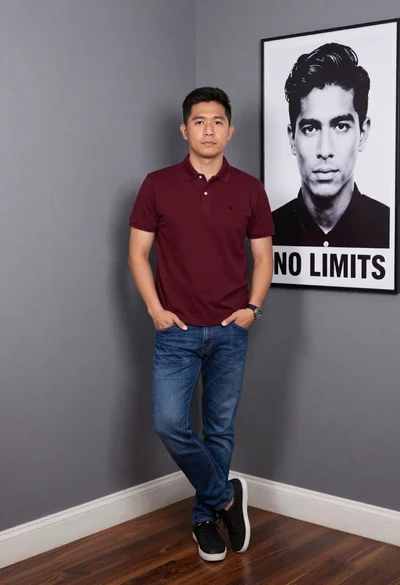
Asian man in maroon polo shirt corner studio portrait
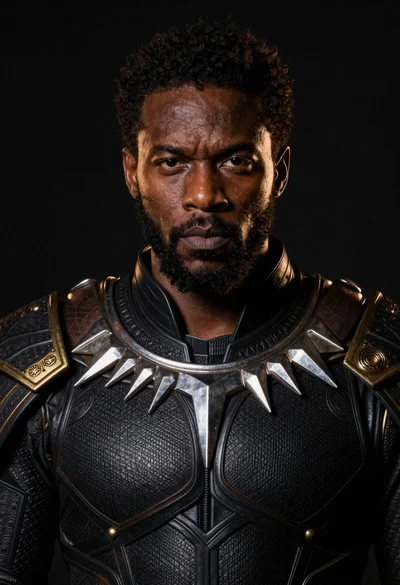
Black man in dark armored suit portrait against black background
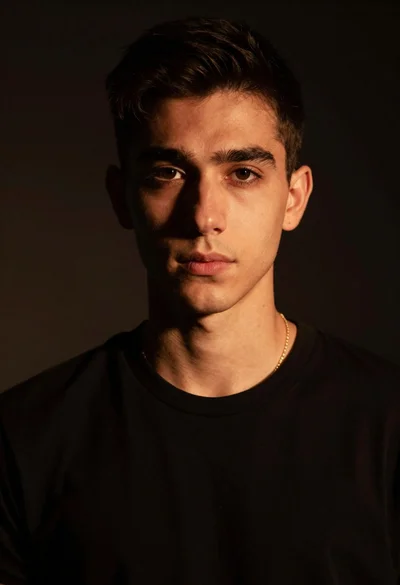
Portrait of young man with gold necklace under dramatic light
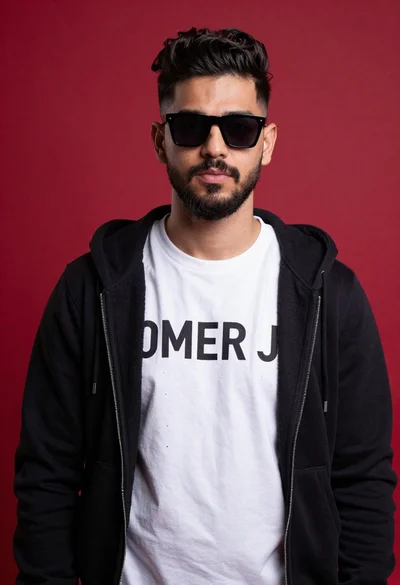
Young man portrait against a vibrant red background
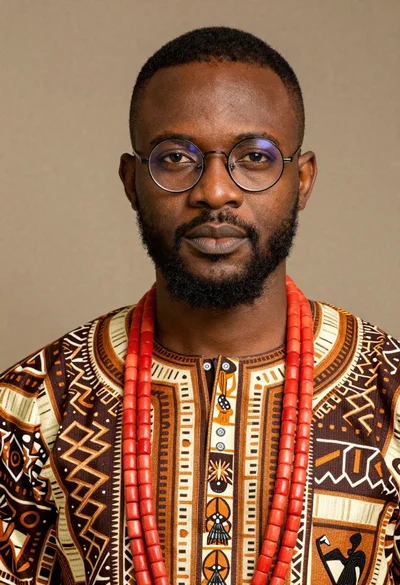
Portrait of black man wearing west african dashiki

Studio portrait of smiling black man in white tuxedo