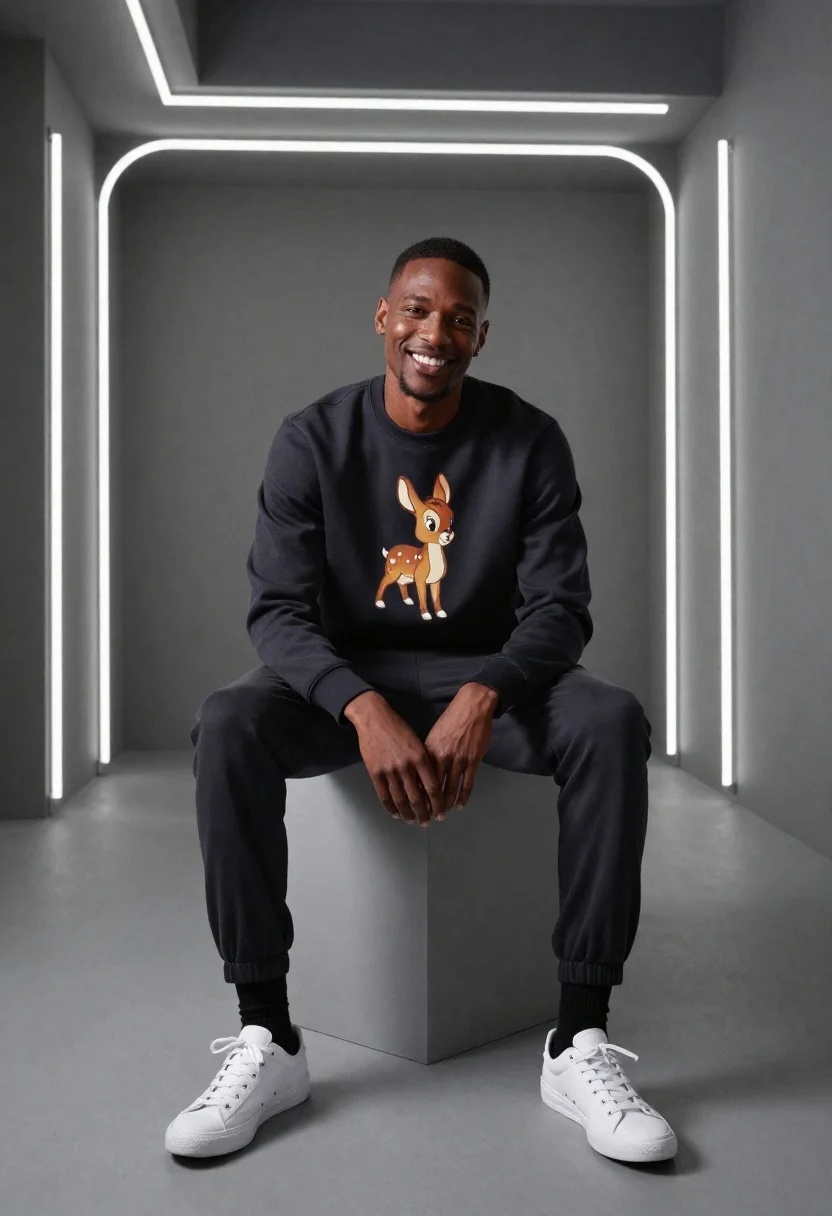
Smiling man in studio against neon light backdrop
Prompt
A high-fashion studio portrait of a smiling man seated on a minimalist cube in a modern monochrome setting

Subject: Black male with short hair and warm smile looking directly at the camera, exuding relaxed confidence

Clothing: Dark crewneck sweatshirt featuring vintage Bambi graphic print, dark jogger-style pants cuffed at ankles, black socks, white low-top sneakers

Environment: Sleek gray studio space framed by glowing neon tube lights forming a large rounded square backdrop with recessed ceiling strips

Lighting: Soft directional lighting highlighting facial features and fabric textures while maintaining deep shadows for dramatic contrast

Camera: Medium shot capturing full upper body seated pose, clean composition centered on subject within geometric frame;
Description
This prompt is useful for creating streetwear lookbooks, modern portrait photography, and album art needing high contrast. The combination of 'soft directional lighting' with 'deep shadows' sculpts the man's features and the textures of the clothing, preventing the neon backdrop from flattening the subject while keeping the composition centered within the geometric frame.
Suggestions
- Change 'vintage Bambi graphic print' to a specific band logo for more niche streetwear appeal.
- Adjust 'sleek gray studio space' to include polished concrete floors for added grit.
- Modify 'Medium shot capturing full upper body seated pose' to 'full body, standing pose' to utilize the environment better.
Category
Tags
Black HairCasual WearDark SkinFull BodyMalePortrait ShotRealisticStreetwearStudioTop Down
Date added
June 19, 2026
Added by
PromptDexter Team
Related Prompts
More prompts with similar categories and tags.
Asian man in maroon polo shirt corner studio portrait
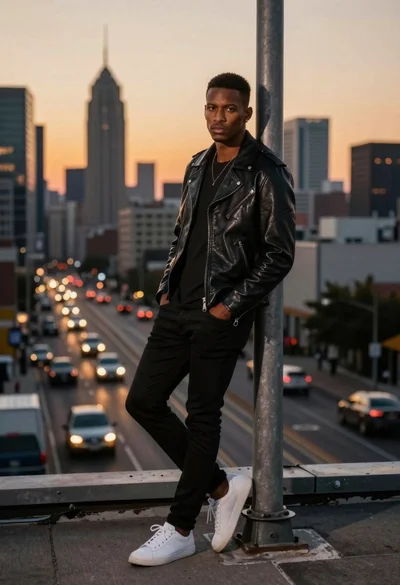
Stylish man leaning on pole overlooking city at dusk
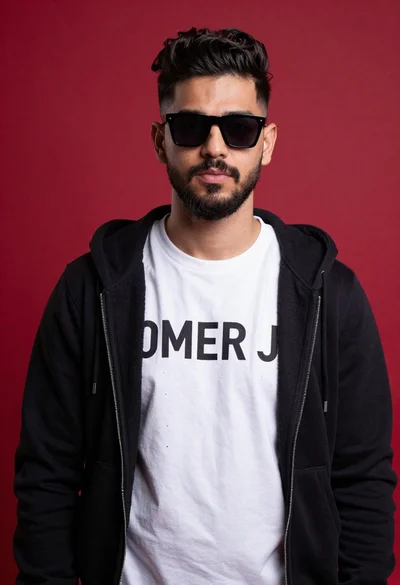
Young man portrait against a vibrant red background
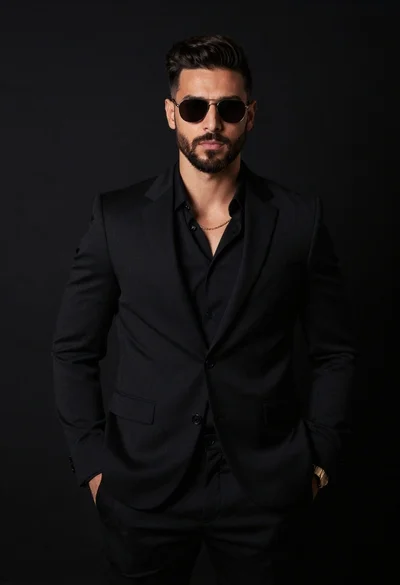
Handsome man in all black suit standing against solid dark studio background
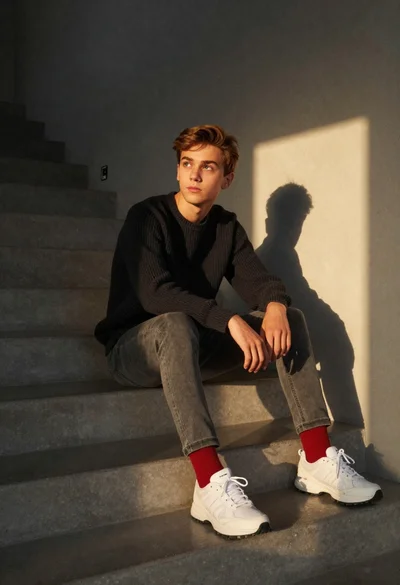
Teenage boy sitting on concrete stairs in minimalist interior
Young man opening blue sports drink on white background
Young man sitting on chair by graffiti covered wall
Dark skinned man kneeling in studio with neon glitch background