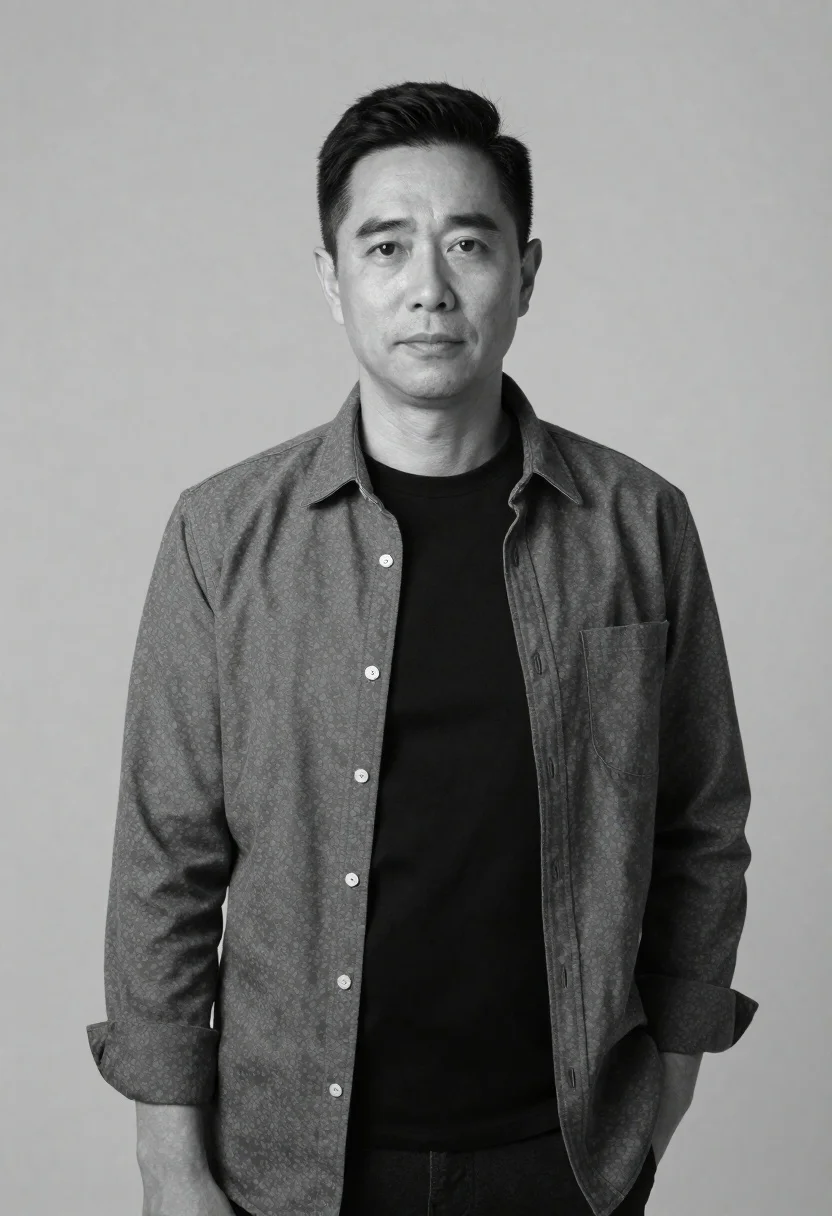
Black and white portrait of man against plain background
Prompt
A black and white studio portrait of a man with dark hair standing against a plain background

Subject: A middle-aged man with short neatly styled dark hair looking directly at the camera with a calm, neutral expression

Clothing: He is wearing an open long-sleeved button-down shirt over a solid black t-shirt, with his right hand tucked into a pocket giving him a relaxed posture

Environment: Plain seamless gray background that fades slightly to white in the upper corners indicating professional studio lighting setup.
Description
This prompt is useful for creating actor headshots, minimalist editorial features, and fine art portrait studies requiring focus solely on expression. The combination of 'plain seamless gray background' and a 'calm, neutral expression' directs the viewer entirely to the subject's face and posture, while specifying the 'open long-sleeved button-down shirt over a solid black t-shirt' prevents visual clutter that might distract from the intended emotional reading.
Suggestions
- Change 'plain seamless gray background' to 'concrete wall texture' for more grit.
- Add 'Rembrandt lighting' to enhance facial contours.
- Swap 'solid black t-shirt' for 'charcoal turtleneck' for a different neckline shape.
Category
Tags
B&wCasual WearIndoorsMalePortrait ShotRealisticStudio
Date added
June 19, 2026
Added by
PromptDexter Team
Related Prompts
More prompts with similar categories and tags.

Black and white portrait of man with beard studio shot
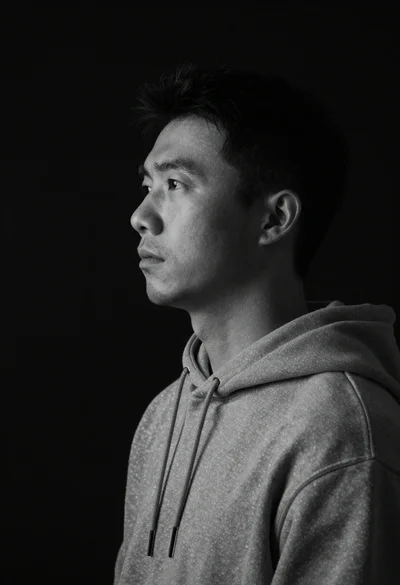
Monochrome portrait of asian man in profile
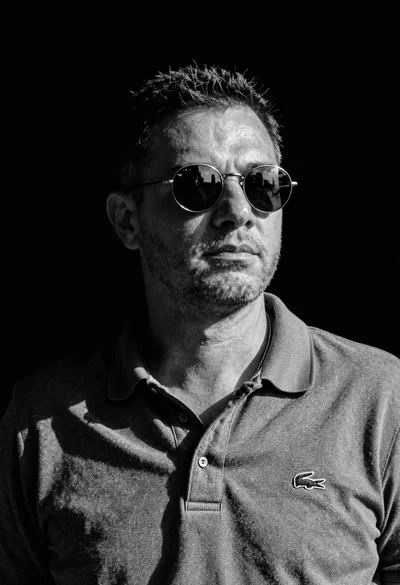
Black and white portrait of man in polo shirt
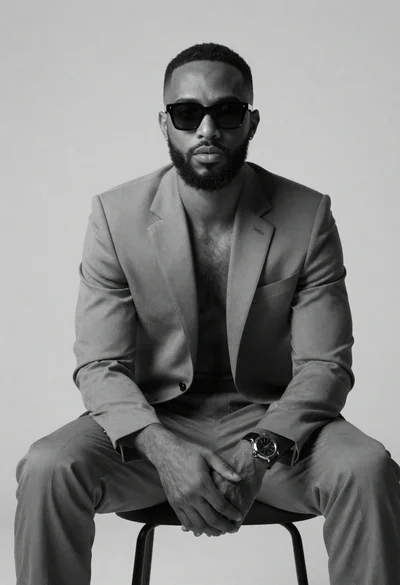
Black and white portrait of confident man in studio
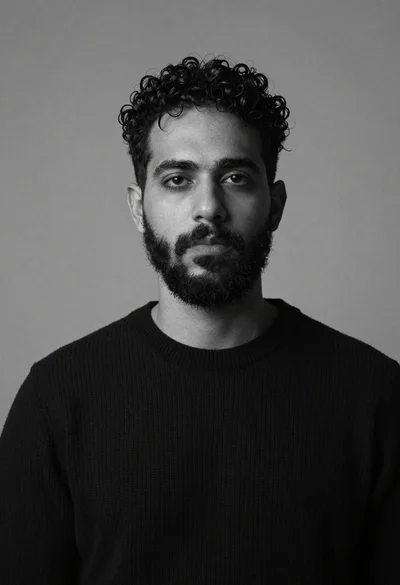
Monochrome studio portrait of bearded man in black sweater

Black and white portrait of young man in turtleneck sweater
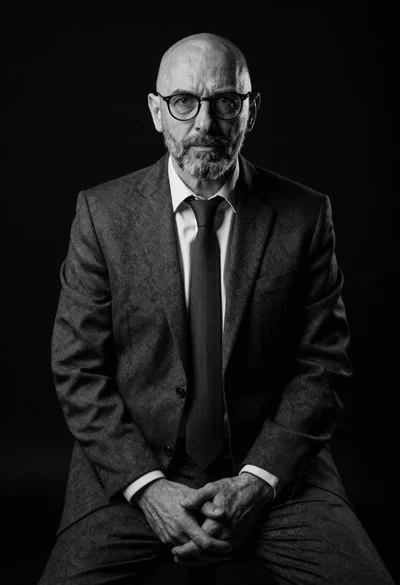
Black and white portrait of mature bald man in suit

Monochrome portrait of woman with cat indoors