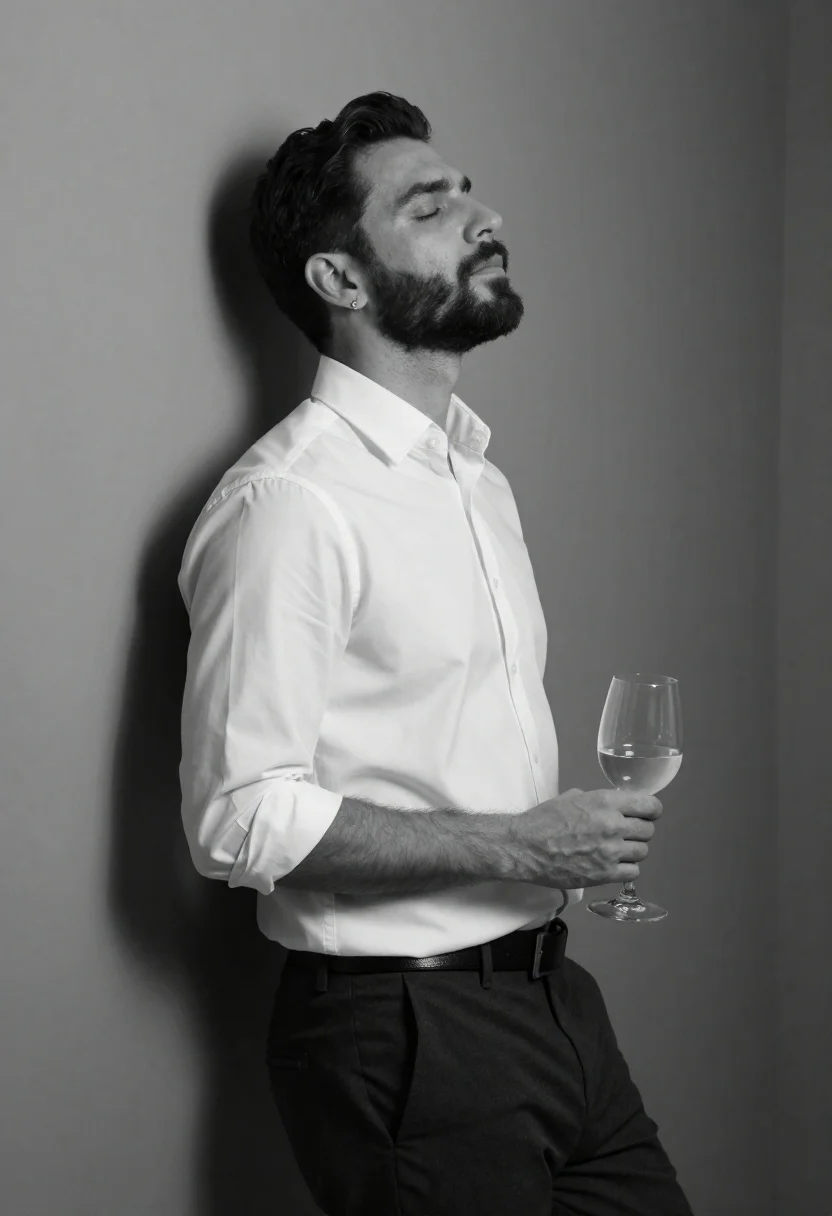
Black and white portrait of man leaning against corner wall
Prompt
A black and white studio portrait of a handsome man in profile against a corner wall

Subject: A well-groomed man with short dark hair and a full beard, eyes closed and head tilted back

Clothing: Wearing a crisp white button-down shirt with sleeves rolled to the elbows, tucked into dark trousers secured by a belt

Action: Leaning casually against the wall in profile while holding a stemmed wine glass near his waist.

Lighting: High-contrast studio lighting casting deep shadows behind him and highlighting facial features from one side.

Style Details: Clean monochrome aesthetic with smooth gradients.
Description
This prompt is useful for creating dramatic editorial portraits, minimalist fine art prints, and character studies requiring strong shadow play. The combination of 'high-contrast studio lighting casting deep shadows' against the 'clean monochrome aesthetic' ensures that the subject's facial features are dramatically sculpted, preventing a flat look while emphasizing the texture contrast between the 'crisp white button-down shirt' and the dark background.
Suggestions
- Change 'deep shadows behind him' to 'soft ambient fill light' for less harsh contrast.
- Swap 'dark trousers' for 'charcoal wool' to add more material variation.
- Add 'shot on Ilford film' to specify a grain structure.
Category
Tags
B&wFull BodyIndoorsMalePortrait ShotRealisticSide ProfileStudio
Date added
June 19, 2026
Added by
PromptDexter Team
Related Prompts
More prompts with similar categories and tags.

Black and white studio portrait of man with beard

Black and white portrait of man with beard studio shot
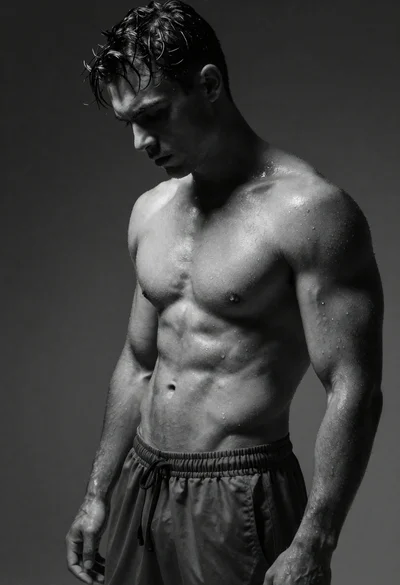
Black and white portrait of muscular man with wet skin
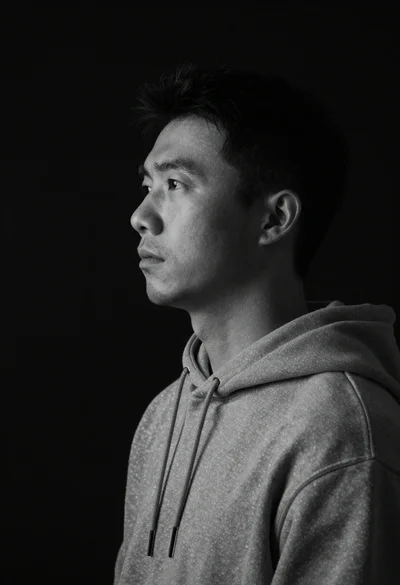
Monochrome portrait of asian man in profile
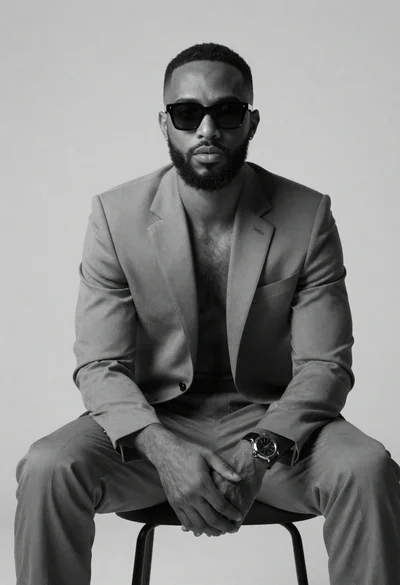
Black and white portrait of confident man in studio
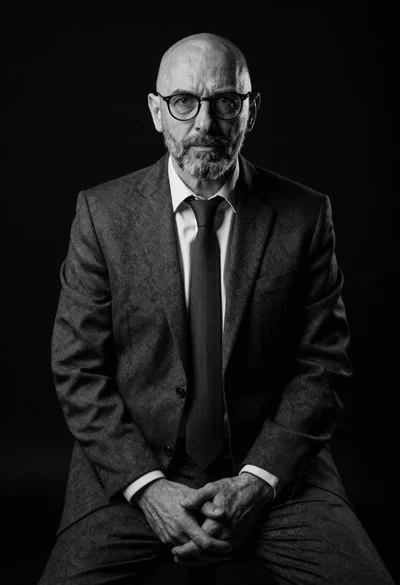
Black and white portrait of mature bald man in suit

Black and white portrait of confident woman in blazer
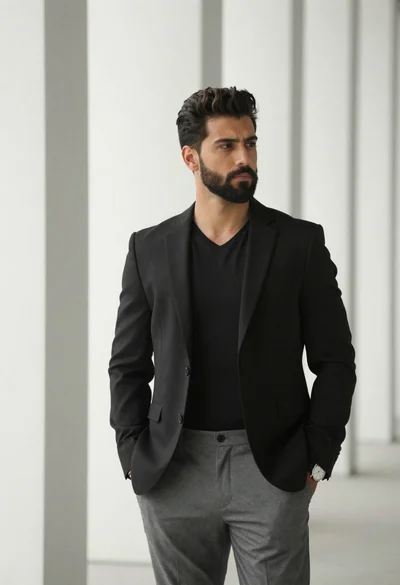
Portrait of man in black blazer against white pillars