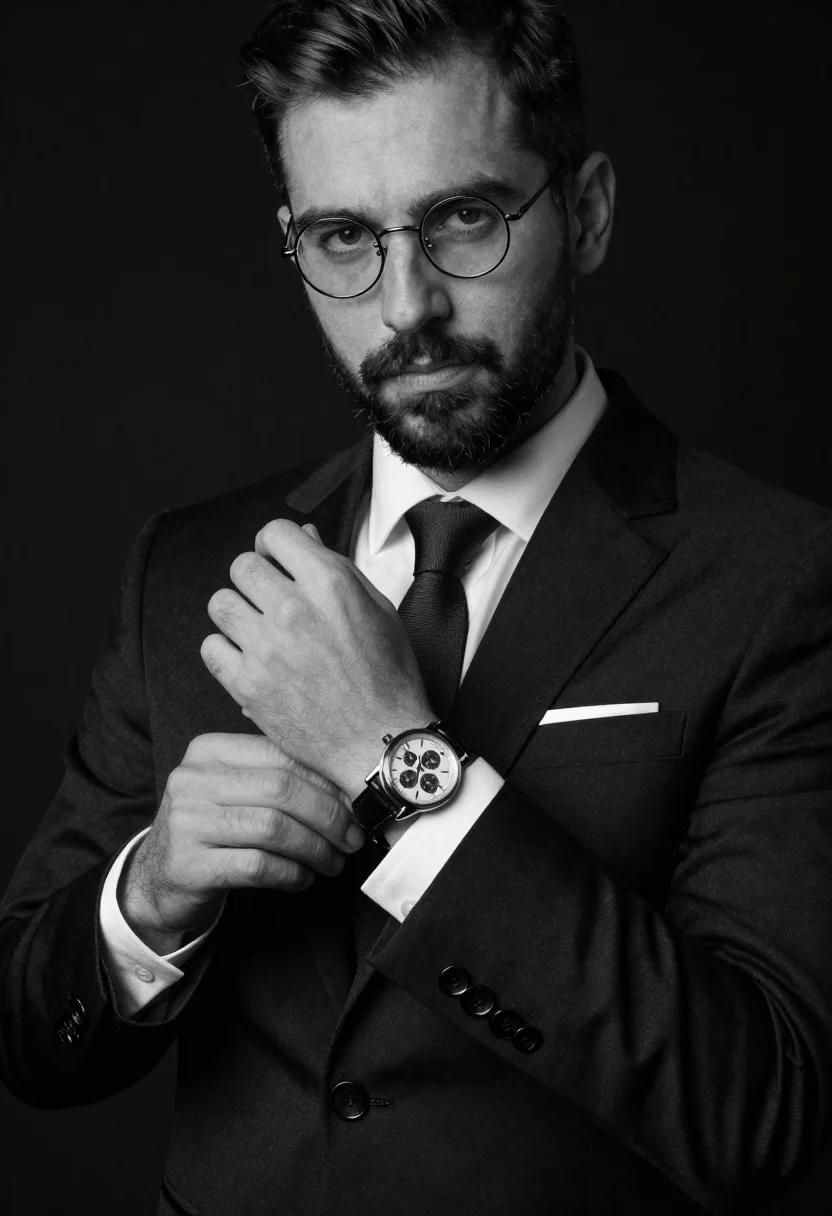
Monochrome portrait of man adjusting wristwatch on black background
Prompt
A monochrome studio portrait of a confident man adjusting an elegant chronograph watch against a solid black backdrop.

Subject: confident man with short dark hair, beard, and wire-rimmed round glasses gazing directly into the camera with a serious yet approachable expression.

Clothing: tailored black suit jacket, crisp white dress shirt, slim textured necktie, white pocket square, neatly pressed sleeves with buttoned cuffs, subtle lapel seam stitching.

Objects: high-end mechanical chronograph wristwatch with multiple sub-dials, metallic bezel, crystal glass face, and leather strap prominently displayed on the left wrist.

Action: hands gently holding and adjusting the watch strap while maintaining direct eye contact with the viewer.

Environment: clean solid black studio backdrop emphasizing dramatic separation between the subject and background.

Lighting: directional key light positioned slightly above eye level creating soft chiaroscuro contrast, highlights on glasses rims and metallic watch components, gentle shadows defining facial structure and fabric folds.

Camera: medium close-up framing focused on the upper torso, face, hands, and watch interaction with shallow depth of field preserving sharp detail across textures and accessories.

Style Details: high-contrast black-and-white editorial aesthetic, timeless luxury menswear styling, blend of classic tailoring and modern sophistication.
Description
This prompt is useful for creating luxury watch advertisements, formal portraiture editorials, and sophisticated product featurettes. The combination of 'directional key light positioned slightly above eye level' generating soft chiaroscuro contrast ensures that the metallic bezel and glass face catch sharp highlights against the deep black backdrop, preventing the entire composition from becoming flat.
Suggestions
- Change 'solid black backdrop' to 'charcoal gray seamless paper' for a softer edge.
- Swap 'chronograph wristwatch' for 'vintage pocket watch' to alter the object focus.
- Adjust 'medium close-up framing' to 'head and shoulders' if you want more emphasis on the expression.
Category
Tags
B&wFormal WearMalePortrait ShotRealisticStudio
Date added
June 19, 2026
Added by
PromptDexter Team
Related Prompts
More prompts with similar categories and tags.
Monochrome portrait of man with floating chess pieces
Medium shot of man in dark suit sitting in leather armchair studio
Black and white portrait of man leaning against corner wall

Black and white portrait of man with beard studio shot
Monochrome portrait of asian man in profile
Black and white portrait of woman in business attire
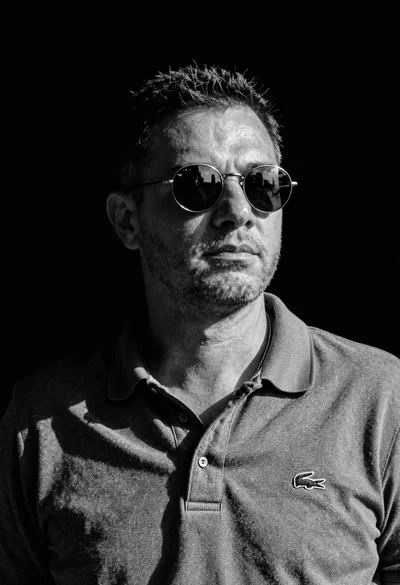
Black and white portrait of man in polo shirt

Man in suit sitting in car at night