
Black and white portrait of woman in bodysuit in modern interior
Prompt
A full-length black-and-white portrait of a woman standing in a modern interior space.

Subject: A woman with dark hair pulled back, featuring a slender build and a confident, direct gaze toward the camera.

Clothing: She wears a tight-fitting, high-necked black ribbed bodysuit with long sleeves and a dramatic thigh-high slit on her left side.

Action: Her hands are raised behind her head, elbows flared outward, accentuating the curve of her back and waist.

Environment: The setting is a minimalist room with light-colored walls; a framed picture hangs on the wall to the left, and a sofa with dark cushions is partially visible in the background.

Camera: Shot from a medium-full angle with a shallow depth of field that blurs the foreground elements and keeps the subject sharply in focus.

Lighting: High-contrast lighting creates deep shadows against bright highlights, emphasizing the texture of the fabric and the silhouette of the figure.

Style Details: Black-and-white photography with a film grain aesthetic and a minimalist composition.
Description
This prompt is useful for creating high-contrast editorial fashion spreads, artistic nude studies, and conceptual portraiture for fine art books. The combination of 'high-contrast lighting' and the 'ribbed bodysuit' ensures that deep shadows articulate the figure's musculature and the fabric's texture, while the 'shallow depth of field' isolates the subject against the deliberately sparse background elements.
Suggestions
- Change 'dark hair pulled back' to 'wet look slicked back' for more drama.
- Swap 'minimalist room with light-colored walls' for 'concrete brutalist setting' to increase contrast.
- Adjust 'medium-full angle' to 'full body shot' to better showcase the thigh-high slit.
Category
Tags
B&wFemaleFull BodyIndoorsMedium ShotPortrait ShotRealistic
Date added
June 19, 2026
Added by
PromptDexter Team
Related Prompts
More prompts with similar categories and tags.
Young woman in black fringe outfit leaning on railing in lush garden
Black and white portrait of woman on urban street at night
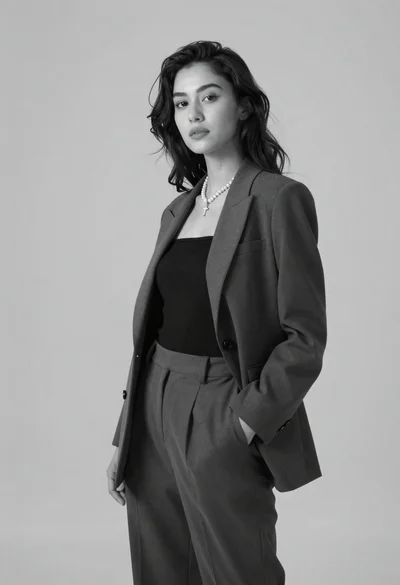
Black and white portrait of confident woman in blazer
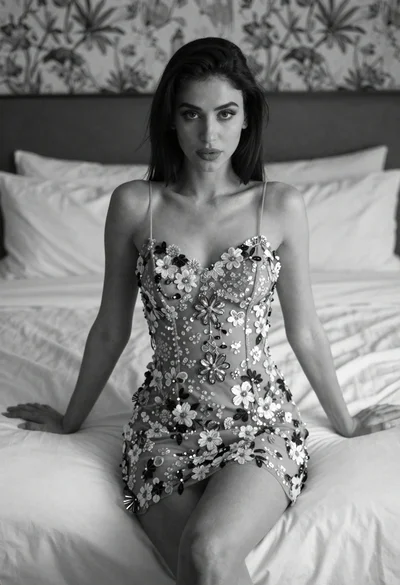
Woman in embroidered mini dress seated on bed in soft black and
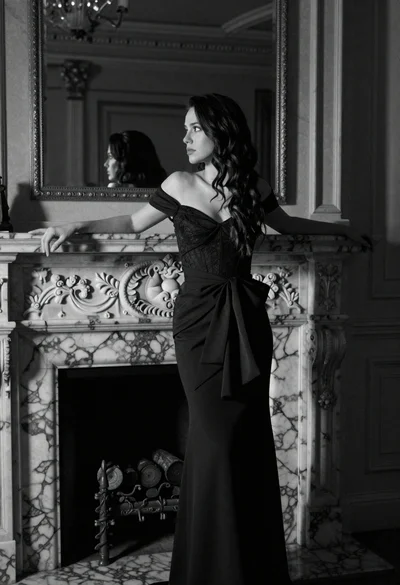
Woman leaning on ornate marble fireplace in dimly lit opulent room
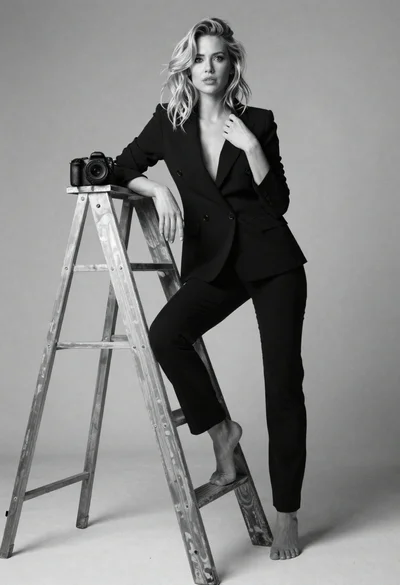
Blonde woman in black suit leaning on ladder studio portrait
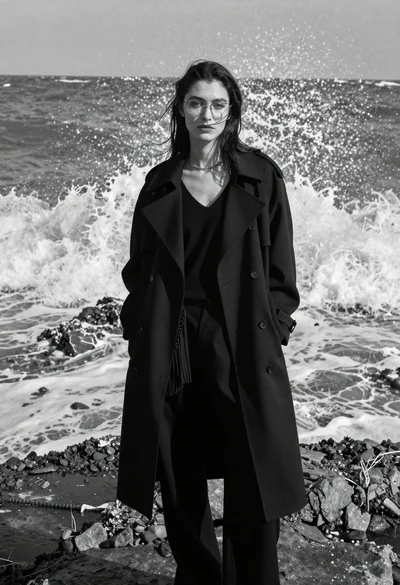
Woman in black coat on rocky shore with crashing waves
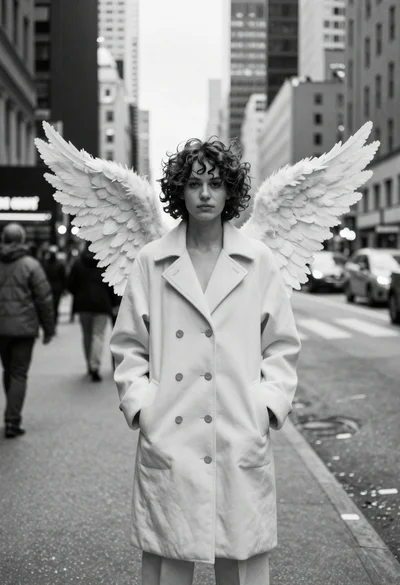
Woman with wings in light coat on busy city street
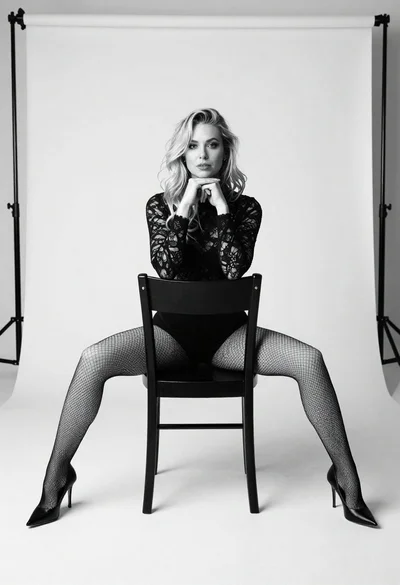
Blonde woman sitting on chair in bright white studio setting
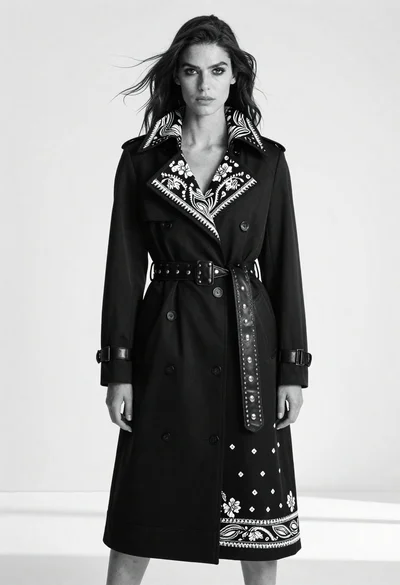
Full body portrait of woman in elaborate black coat studio setting