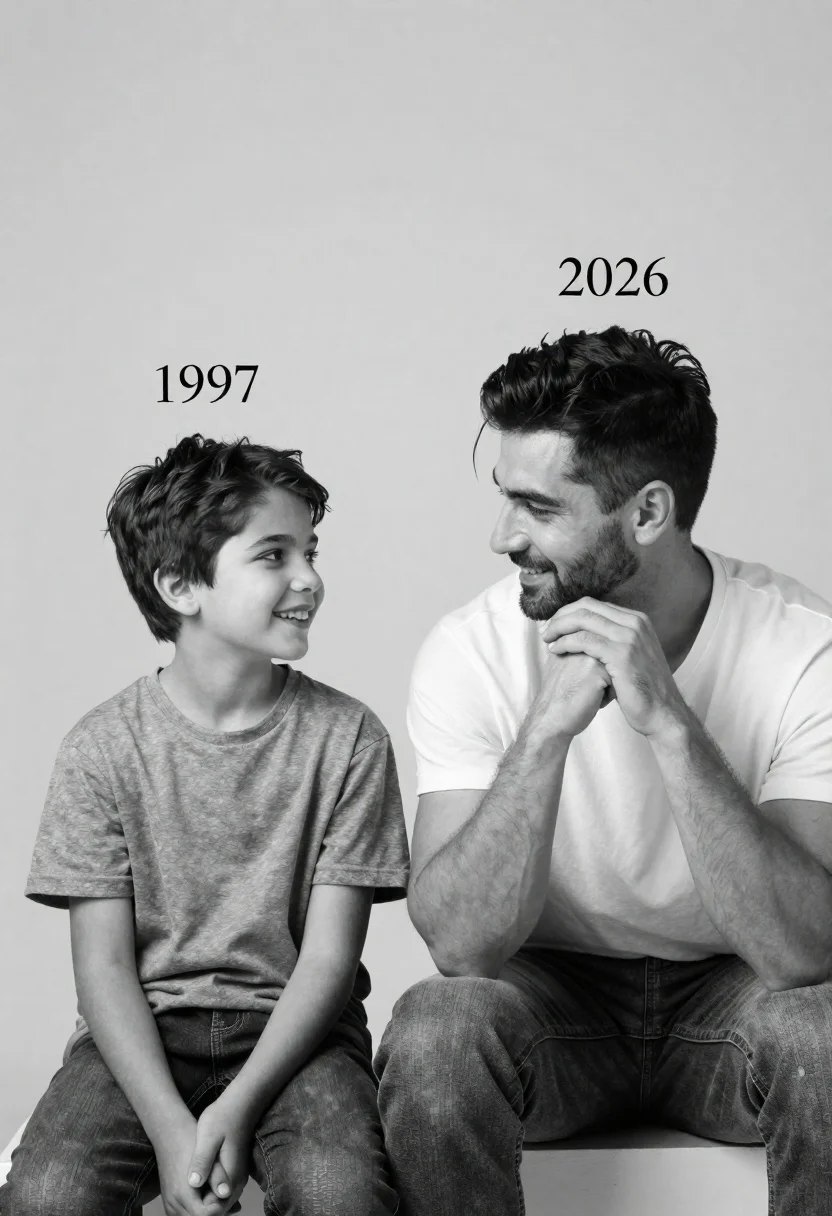
Black and white studio portrait of a smiling boy and an adult
Prompt
A black and white studio portrait featuring a young boy on the left and an adult man on the right sitting side by side against a plain background.

Subject: A smiling young boy with short dark hair sits on the left, while a handsome adult man with styled dark hair and light facial stubble sits on the right.

Clothing: The boy wears a simple grey t-shirt and jeans, while the man wears a white crew-neck t-shirt and denim jeans.

Action: The boy looks up at the man with a bright smile, while the man gazes affectionately back at the boy with his hands clasped together under his chin.

Environment: A minimalist studio setting with a seamless light grey background that fades slightly towards the top.

Camera: A medium shot capturing both subjects from the waist up, utilizing a soft depth of field to keep them in sharp focus.

Lighting: Soft, diffused studio lighting creates gentle shadows and highlights the texture of their hair and skin without harsh contrast.

Text/Graphics: The year "1997" is printed above the boy's head, and the year "2026" is printed above the man's head in a clean serif font.

Style Details: High-contrast black and white photography with a timeless, cinematic aesthetic emphasizing emotional connection.
Description
This prompt is useful for creating nostalgic family portraiture, vintage advertising campaigns, or character studies emphasizing generational bonds. The combination of 'soft, diffused studio lighting' and the specified 'high-contrast black and white photography' ensures that while the background remains minimal, the emotional connection between the subjects—highlighted by the boy looking up at the man—is emphasized through visible skin and hair texture rather than being lost in flat tones.
Suggestions
- Change 'simple grey t-shirt' to 'tweed vest' for more period detail.
- Adjust 'clean serif font' to 'handwritten script' for a softer touch.
- Swap 'light facial stubble' for 'clean shaven' if you want less visual distraction.
Category
Tags
B&wBlack HairMaleMedium ShotPortrait ShotRealisticStudio
Date added
June 21, 2026
Added by
PromptDexter Team
Related Prompts
More prompts with similar categories and tags.
Medium close up portrait of young man with dark curly hair wearing a dark zip-up jacket
Portrait of handsome man in black suit against white studio background
Man leaning on railing overlooking city highway at dusk

Studio portrait of young man with sunglasses against yellow
Portrait of young woman in black corset top against soft blue background
Close up portrait of dark skinned man with wet hair
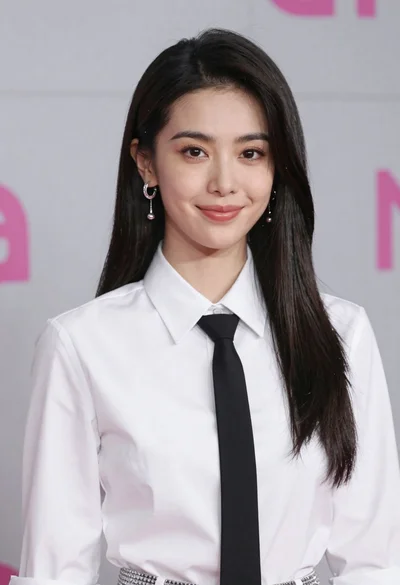
Medium close up portrait of woman in white shirt against grey background

Black and white portrait of young man in turtleneck sweater