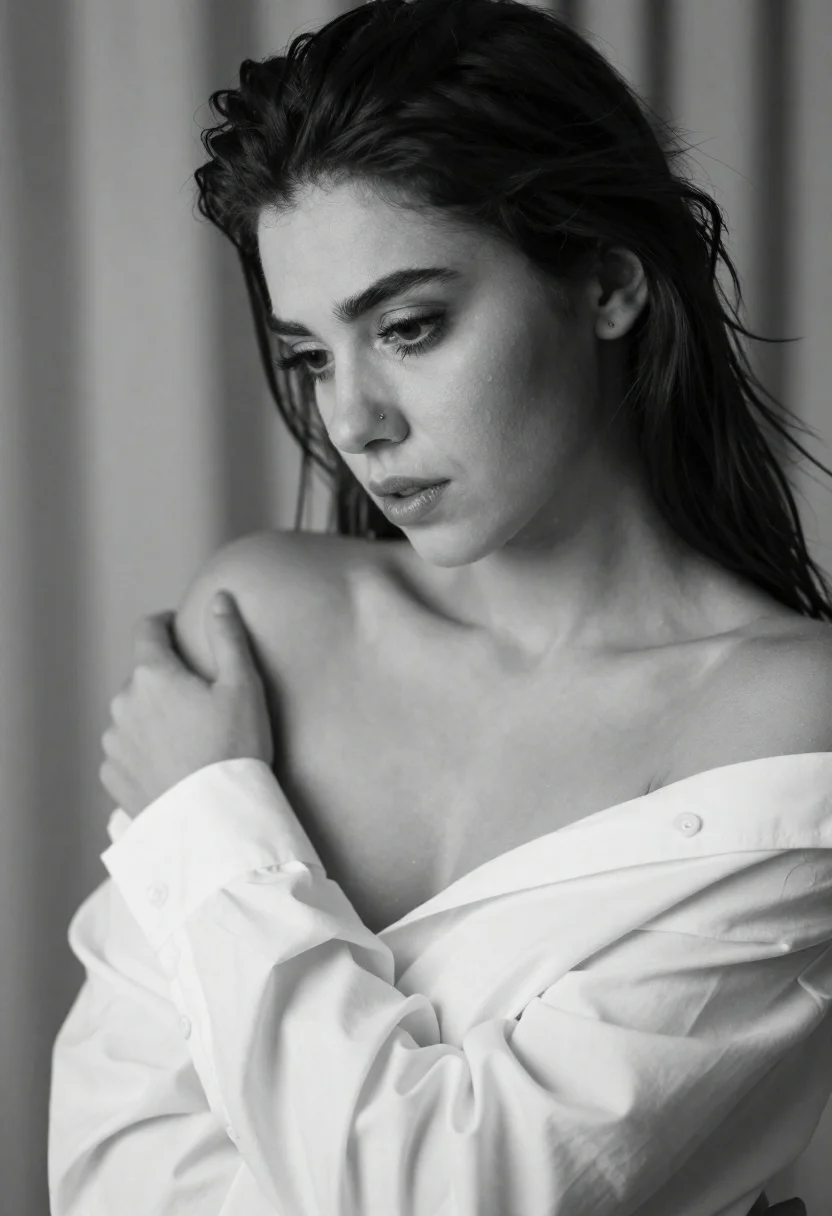
Black and white studio portrait of a woman looking downward
Prompt
A dramatic black and white studio portrait of a young woman with an intense gaze looking downward

Subject: A woman with dark, voluminous hair swept back from her forehead to reveal high cheekbones; piercing eyes accentuated by long eyelashes and defined eyebrows; subtle nose ring; soft lips slightly parted in contemplation.

Clothing: She wears a loose-fitting white shirt that has been slipped off one shoulder, revealing the bare curve of her collarbone and upper chest; fabric drapes naturally with visible folds around the arm she holds against her body.

Action: Her head is tilted gently downward as if lost in thought or emotion; her right hand grips the sleeve near her wrist while holding it close to her torso.

Environment: The background consists of soft, out-of-focus vertical lines suggesting draped curtains behind a neutral backdrop that emphasizes her figure without distraction.

Camera: Shot with shallow depth of field keeping focus sharply on facial features and shoulders; slight tilt adds intimacy; composition framed for expressive portraiture rather than full-body view.

Lighting: Soft directional light from the side creates gentle shadows along her jawline, neck, and shoulder enhancing volume and texture while maintaining smooth skin tones.
Description
This prompt is useful for creating fine art photography portfolios, dramatic character studies, and intimate editorial beauty shots. The combination of 'soft directional light from the side' sculpting the jawline and the 'loose-fitting white shirt' draping naturally ensures that the focus remains intensely on facial features and the subtle contours of the body rather than being lost in flat illumination.
Suggestions
- Change 'piercing eyes' to 'melancholy gaze' for a different emotional tone.
- Swap 'soft directional light from the side' for 'chiaroscuro lighting' to increase contrast.
- Adjust 'loose-fitting white shirt' to 'silk slip' for more reflective texture.
Category
Tags
B&wBlack HairBrunetteCasual WearClose UpDark SkinFemaleHalf BodyPortrait ShotRealisticStudio
Date added
June 19, 2026
Added by
PromptDexter Team
Related Prompts
More prompts with similar categories and tags.
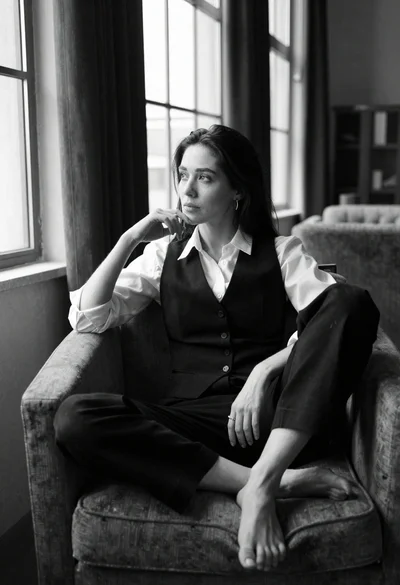
Black and white portrait of contemplative woman by large windows
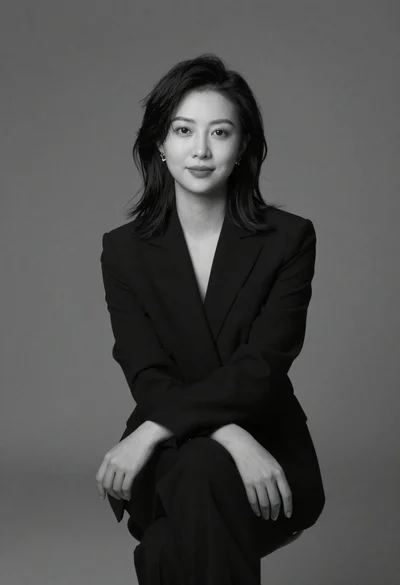
Black and white portrait of woman in studio

Black and white portrait of young man in turtleneck sweater
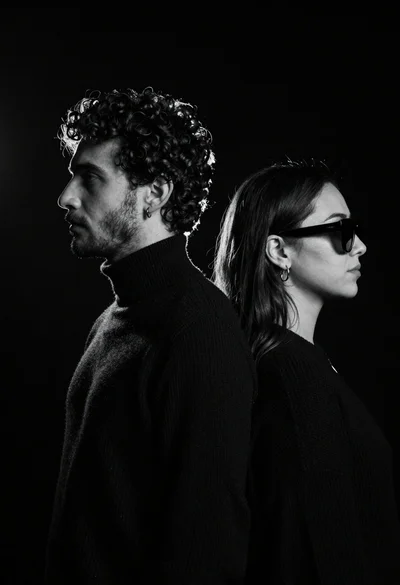
High contrast black and white profile portrait of man and woman in
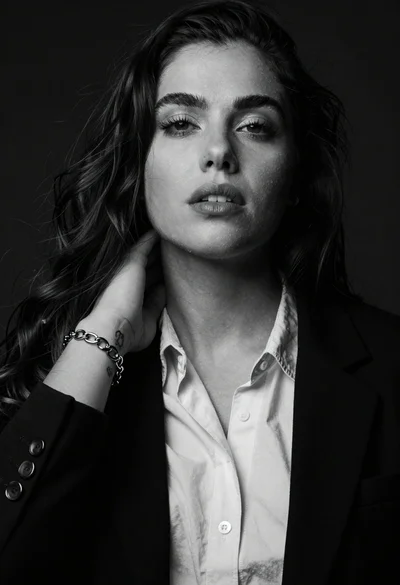
High contrast black and white studio portrait of woman with dark hair
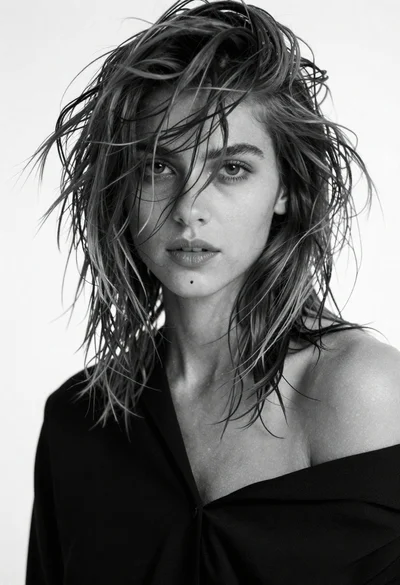
Black and white portrait of young woman with messy hair studio shot
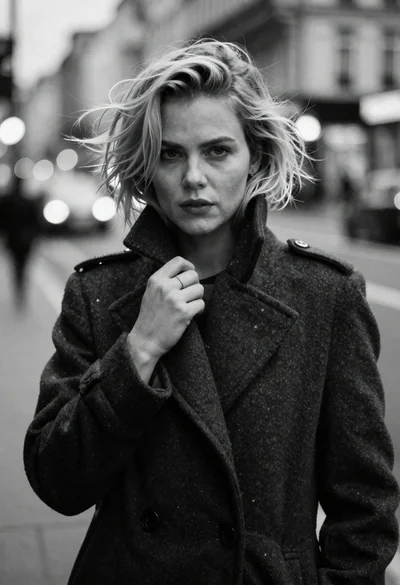
Monochrome portrait of blonde woman in wool coat on city street
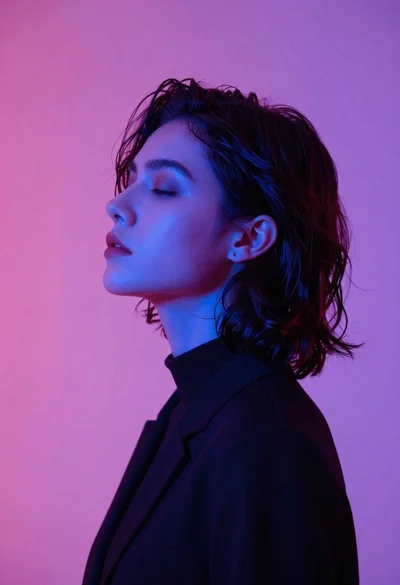
Profile portrait of woman in profile view with dark wavy hair