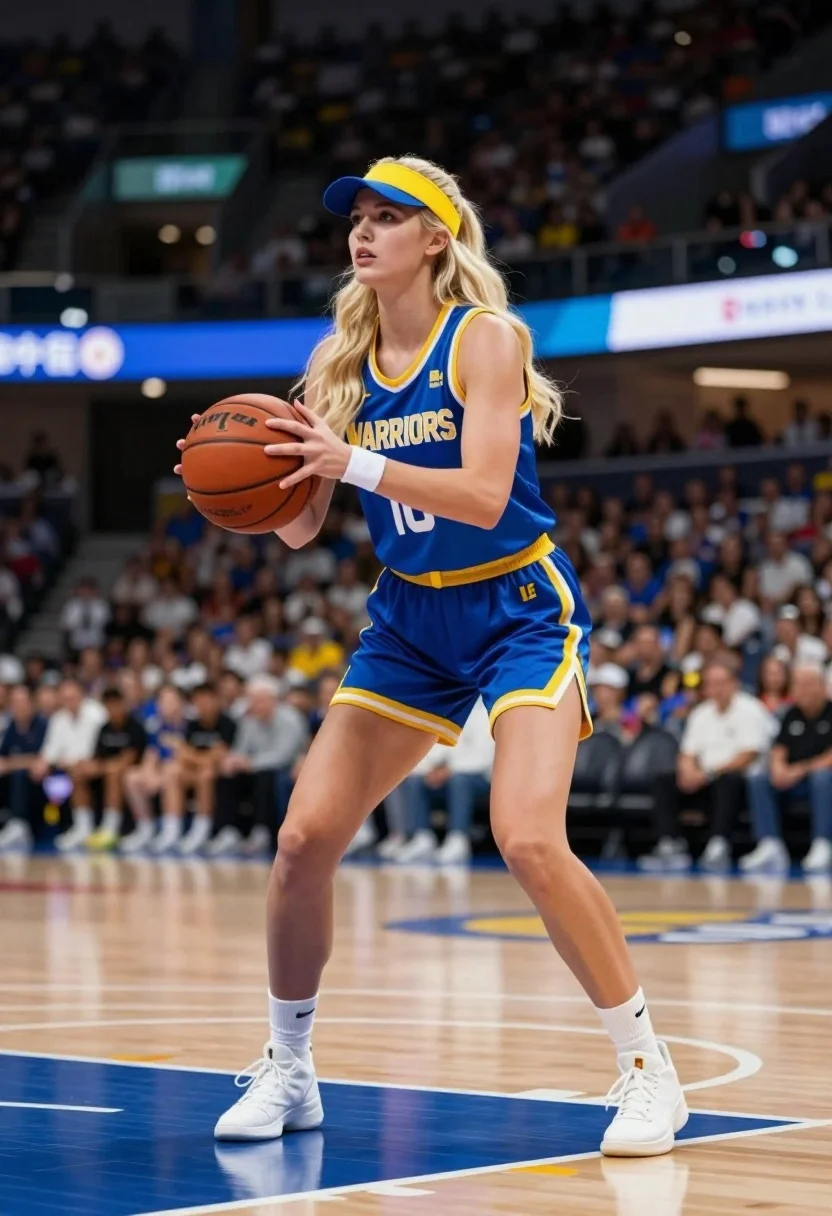
Blonde woman in basketball uniform posing dynamically on polished wooden court
Prompt
A young woman with long blonde hair stands in a dynamic basketball stance on an indoor court, holding a basketball with both hands at chest level.

Subject: A fair-skinned woman with long wavy blonde hair, wearing a blue and yellow visor that matches her outfit. Her expression is focused and serious as she looks slightly to the side.

Clothing: She wears a sleeveless blue jersey with yellow trim and white lettering that reads "WARRIORS" across the chest, paired with a matching blue pleated mini-skirt featuring yellow trim and the word "LOVE" in gold letters on the left hip. She is wearing white high-heeled pumps and a white wristband on her right arm.

Action: The woman is captured mid-stride in an athletic pose, knees slightly bent as if preparing to dribble or move quickly. Her body is angled forward with intense concentration on the ball she holds securely.

Environment: The setting is a professional basketball arena with polished wooden flooring marked with blue and yellow lines. The background shows blurred stadium seating filled with spectators and bright digital advertising boards in the distance.

Camera: The shot is taken from a low angle that emphasizes the subject's height and athletic form, using a shallow depth of field to keep her sharply in focus while blurring the crowd behind her.

Lighting: Bright overhead arena lighting illuminates the scene evenly, casting soft shadows on the floor and highlighting the texture of her uniform and skin.

Style Details: The image has a high-definition, commercial photography aesthetic with vibrant colors and sharp contrast between the subject and the busy background.
Description
This prompt is useful for creating sports advertising campaigns, athletic portraiture for magazines, and promotional material for fictional teams. The combination of 'low angle' perspective and 'shallow depth of field' ensures the viewer focuses entirely on the subject's powerful form while the blurred background suggests a large, exciting venue.
Suggestions
- Change 'blue and yellow visor' to 'red and black visor' for an alternate team feel.
- Swap 'high-heeled pumps' for 'athletic sneakers' to improve realism.
- Adjust 'bright overhead arena lighting' to 'dramatic side spotlighting' for more contrast.
Category
Tags
BlondeFair SkinFemaleLow AngleRealisticStudio
Date added
July 12, 2026
Added by
PromptDexter Team
Related Prompts
More prompts with similar categories and tags.
Smiling blonde woman posing confidently inside a boxing ring setting
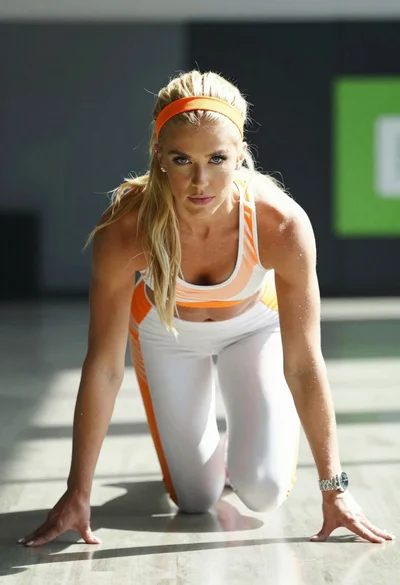
Blonde woman in athletic bodysuit crouching on polished floor indoors
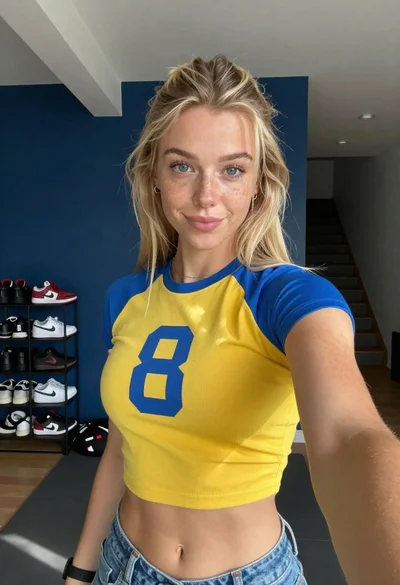
Selfie of blonde woman in yellow crop top at home gym
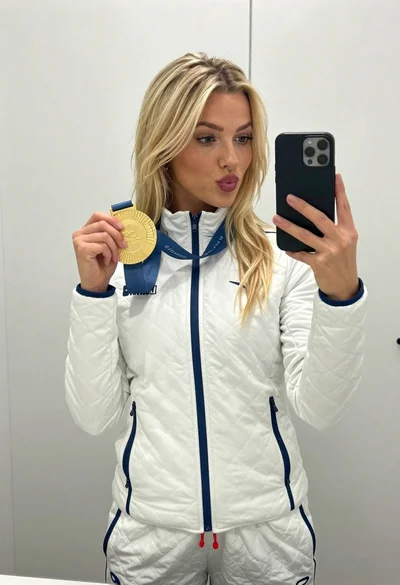
Blonde woman taking mirror selfie with gold medal in white jacket
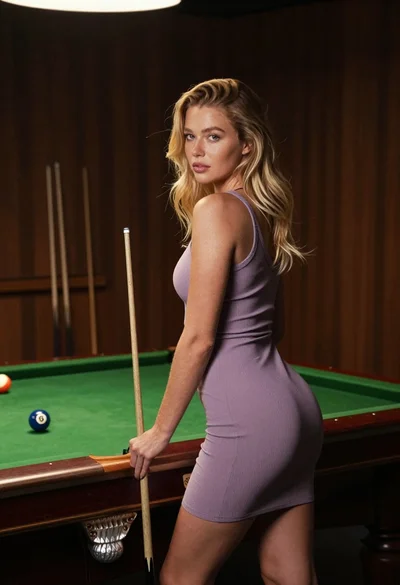
Fair skinned blonde woman in mauve dress leaning on pool table indoors
Fit blonde woman in white sports bra and red leggings doing yoga
Fit woman in white sports bra doing side plank yoga pose on
Fair skinned woman in white tennis outfit holding racket at studio
Fit blonde athlete in black uniform standing on green pitch with soccer
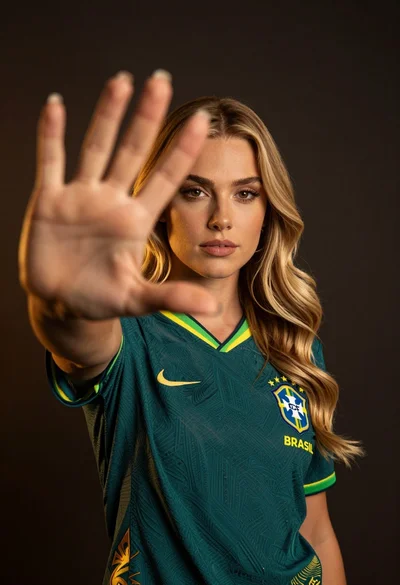
Young blonde woman in teal football jersey framed by blurred hand