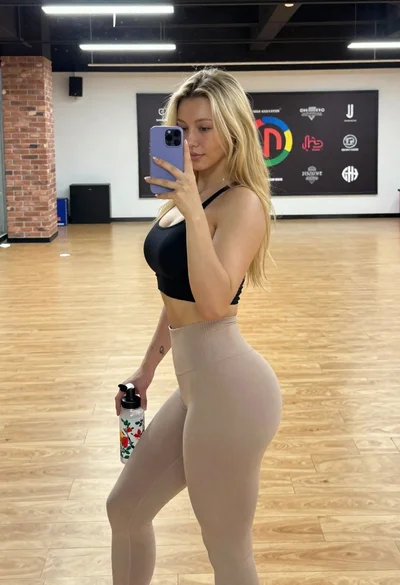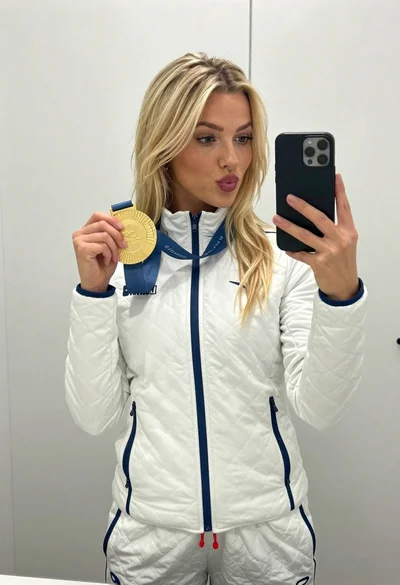

Selfie of blonde woman in yellow crop top at home gym
Prompt
A young woman with blonde hair and freckles takes a selfie in a home gym setting.

Subject: A fit young woman with long blonde hair pulled back, fair skin, blue eyes, and visible freckles across her nose and cheeks. She has a defined jawline and a slight smile directed at the camera.

Clothing: She wears a yellow crop top with blue raglan sleeves featuring a large blue number 8 on the chest, paired with blue denim jeans. A thin gold chain necklace is visible around her neck, and she wears a black wristband on her left arm.

Action: She holds the camera at arm's length in a selfie pose, looking directly forward with a relaxed expression. Her right arm is extended holding the device while her left arm rests by her side.

Environment: The background shows an indoor room with dark blue walls and a white ceiling beam. A shoe rack filled with various sneakers stands against the wall to the left, and a staircase is partially visible in the darker background on the right.

Camera: Shot from a first-person perspective as a selfie, capturing a medium close-up that emphasizes the subject's upper body and facial features.

Lighting: Bright natural light illuminates her face and arm from the front, creating soft highlights on her skin and hair while casting gentle shadows in the background corners.

Style Details: The image has a high-definition, realistic photographic quality with vibrant colors and sharp focus on the subject.
Description
This prompt is useful for creating fitness influencer content, casual lifestyle blogs, and personal social media updates showcasing athletic wear. The combination of 'bright natural light' illuminating her face from the front ensures that the 'visible freckles' are captured with soft highlights rather than harsh shadows, which keeps the overall aesthetic feeling approachable and brightly lit for online viewing.
Suggestions
- Change 'yellow crop top' to a specific brand name for better product placement.
- Adjust 'blue denim jeans' to high-waisted athletic leggings for a more cohesive look.
- Swap 'medium close-up' to 'upper body shot' to give more context to the gym environment.
Category
Tags
BlondeCasual WearFair SkinFemaleIndoorsRealisticSelfieStudio
Date added
June 19, 2026
Added by
PromptDexter Team
Related Prompts
More prompts with similar categories and tags.
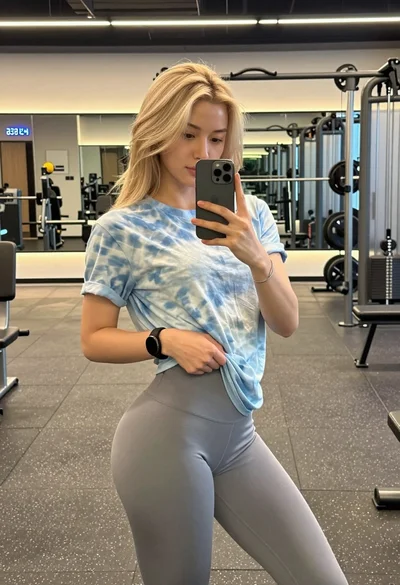
Blonde woman taking mirror selfie in modern gym setting
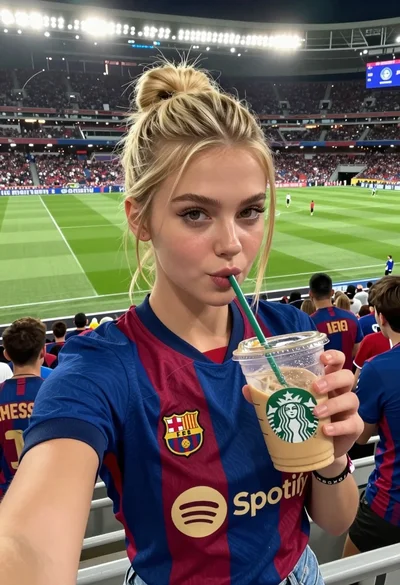
Young woman taking selfie at packed football stadium wearing barcelona jersey
Fit blonde woman taking mirror selfie in modern gym setting
Close up selfie of young woman in argentina jersey at football stadium
Close up selfie of young woman in white t shirt at modern
Young woman taking a sweaty selfie in a gym setting
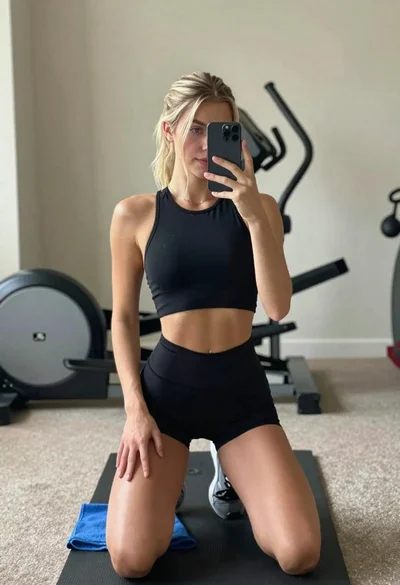
Young woman taking mirror selfie in athletic wear at home gym
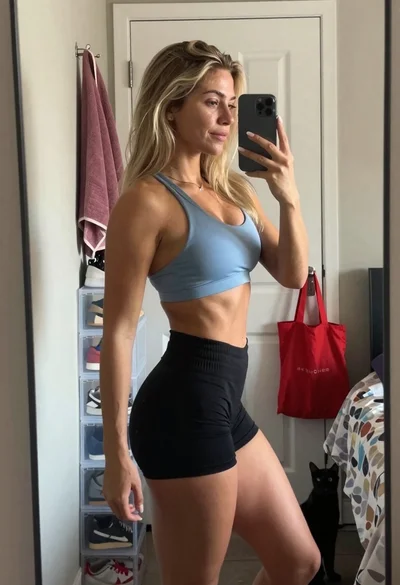
Blonde woman taking athletic wear mirror selfie in bright bedroom
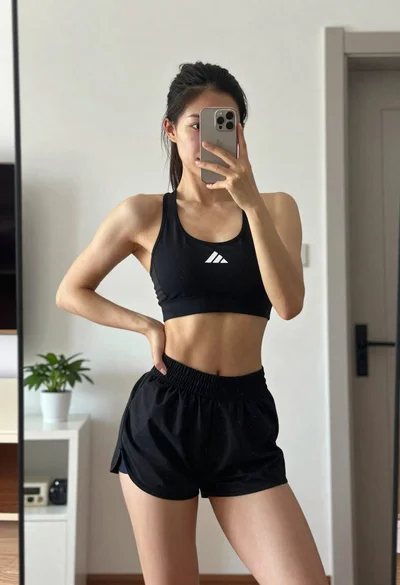
Fit woman taking mirror selfie in black athletic wear indoors
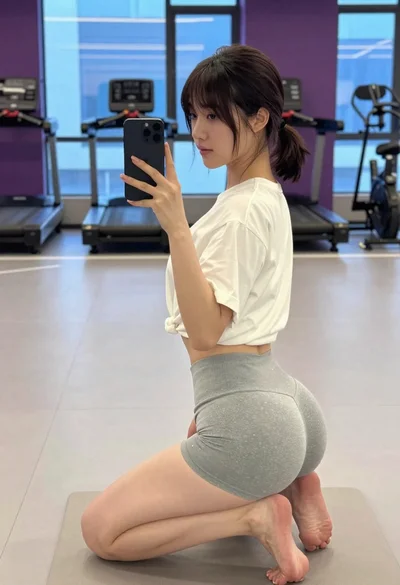
Young woman taking mirror selfie in modern gym setting