

Blonde woman in black gown standing in narrow beige hallway
Prompt
A woman stands in a narrow hallway wearing an elegant black evening gown with a high slit and intricate back detailing.

Subject: A blonde woman with wavy hair standing in profile facing away from the camera but looking back over her shoulder.

Clothing: She wears a floor-length black sleeveless gown featuring a high thigh slit, a fitted bodice, and a corset-style back with vertical lacing details and metallic eyelets.

Action: The subject stands with one hand resting on her hip while gazing directly at the viewer with a poised expression.

Environment: A long, narrow corridor with textured beige walls, dark flooring, and a patterned runner rug illuminated by warm ambient light.

Camera: Shot from a medium-full angle capturing the full length of the figure within the depth of the hallway.

Lighting: Soft indoor lighting creates gentle highlights on her hair and skin while casting subtle shadows along the corridor walls.

Style Details: High-fashion editorial aesthetic with a focus on elegant silhouette and sophisticated texture contrast.
Description
This prompt is useful for creating high-end fashion editorials, character concept art for film noir, and luxury brand lookbooks emphasizing dramatic silhouettes. The combination of the 'elegant black evening gown' against the 'textured beige walls' establishes a strong contrast that prevents the figure from merging into the background, while specifying 'soft indoor lighting' ensures highlights catch the metallic eyelets without creating harsh glare.
Suggestions
- Change 'wavy hair' to 'sleek straight hair' for a more severe look.
- Swap 'beige walls' for 'dark marble walls' to increase drama.
- Adjust 'medium-full angle' to 'full body shot' to better showcase the gown's length.
Category
Tags
BlondeBrown SkinFemaleFull BodyIndoorsMedium ShotPortrait ShotRealistic
Date added
June 19, 2026
Added by
PromptDexter Team
Related Prompts
More prompts with similar categories and tags.
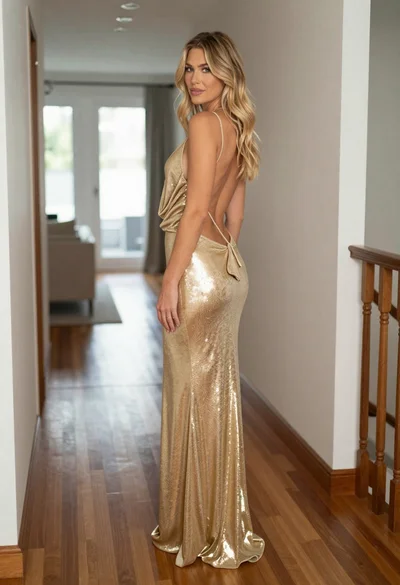
Blonde woman in shimmering gold gown standing in an elegant hallway
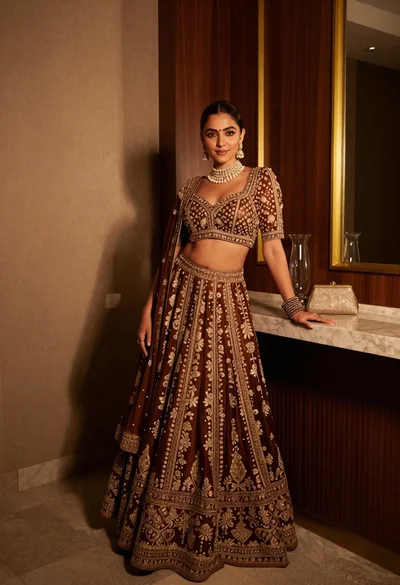
Poised woman in ornate lehenga choli against dark wood paneling interior
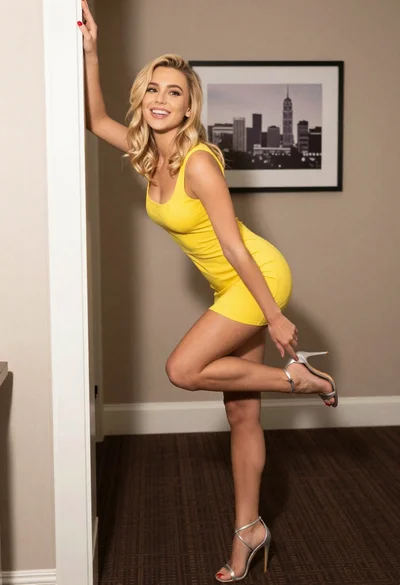
Blonde woman in yellow dress posing playfully indoors by white door frame
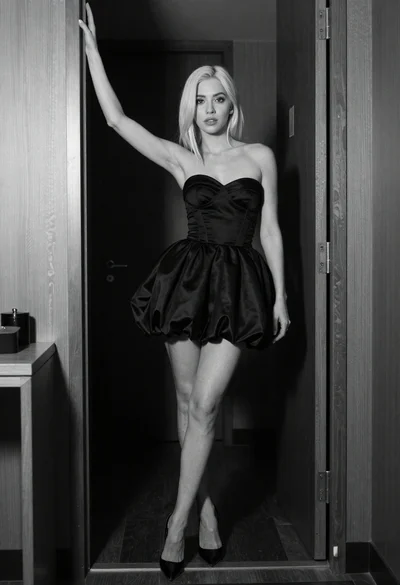
Woman in strapless black dress leaning against doorway in high contrast

Blonde woman in nurse costume sitting on marble steps in luxurious hall
Two women posing confidently in a modern highend bathroom setting

Blonde woman in black lace gown standing in opulent room setting
Blonde woman in jogger pants standing in modern hallway
Fit woman in houndstooth strapless dress sitting on a draped ledge

Young blonde woman in white crop top against bright sheer curtains
