Blonde woman in maroon fringed dress standing in white arched hallway
Prompt
A woman with voluminous blonde curly hair stands in a white arched hallway wearing a dark maroon fringed dress and high heels.

Subject: A woman with long, wavy blonde hair standing in profile while looking back over her shoulder at the camera.

Clothing: She wears a sleeveless, knee-length burgundy dress featuring heavy fringe detailing on the bodice and skirt layers, paired with dark strappy high-heeled sandals.

Action: The subject stands with one hand resting on a black metal railing, leaning slightly forward while smiling softly.

Environment: An indoor setting defined by white walls, a large arched doorway in the background, and brown square floor tiles with decorative accents.

Objects: A small ornate wooden console table with gold detailing sits against the wall, holding a potted plant and an antique-style mirror with a carved frame.

Lighting: Soft, diffused indoor lighting illuminates the scene evenly, creating gentle shadows that highlight the texture of the fringe and the subject's hair.

Camera: A medium-full shot captures the full length of the figure from head to toe, utilizing a slightly low angle to emphasize the height of the archway.

Style Details: The image features a polished, high-fashion aesthetic with rich color contrast between the deep maroon dress and the bright white surroundings.
Description
This prompt is useful for creating editorial fashion lookbooks, architectural interior visualizations, and character concept art requiring dramatic framing. The combination of 'soft, diffused indoor lighting' and the 'white arched hallway' ensures that the deep maroon color of the fringe remains saturated while preventing harsh shadows from obscuring the texture, which is crucial for both high-fashion focus and clean architectural presentation.
Suggestions
- Change 'dark maroon fringed dress' to 'deep burgundy velvet gown' for a different material feel.
- Replace 'black metal railing' with 'polished brass banister' to adjust the metallic accent.
- Modify 'medium-full shot' to 'full body, low angle' to exaggerate the height of the archway.
Category
Tags
BlondeBrown HairBrunetteCasual WearFemaleFull BodyIndoorsMedium ShotPortrait ShotRealistic
Date added
June 19, 2026
Added by
PromptDexter Team
Related Prompts
More prompts with similar categories and tags.
Young woman in blue maxi dress looking back over shoulder indoors
Fit woman stretching indoors in pink lingerie against city skyline view
Two women posing confidently in a modern highend bathroom setting

Young woman leaning against white wall with beige handbag under bright sunlight
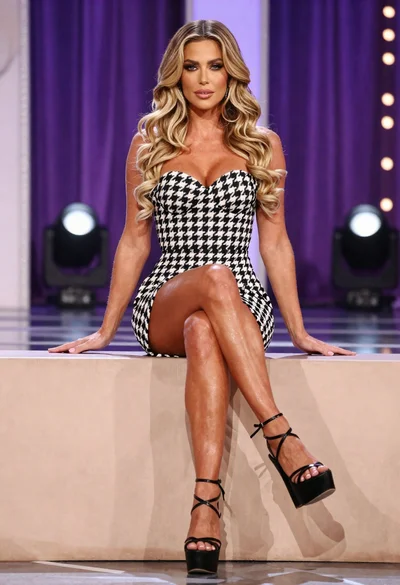
Fit woman in houndstooth strapless dress sitting on a draped ledge
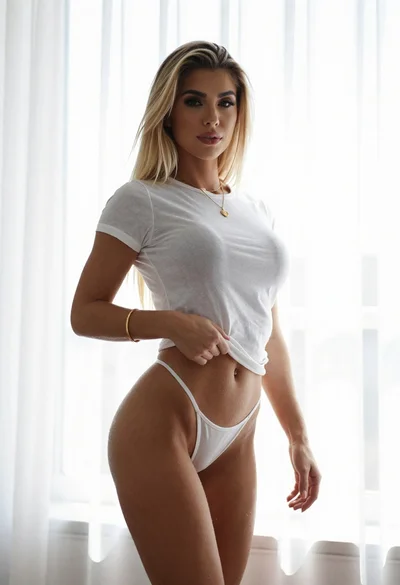
Young blonde woman in white crop top against bright sheer curtains

Blonde woman in white sweater sitting on pink armchair indoors

Blonde woman in striped swimsuit seated on sofa indoors studio shot
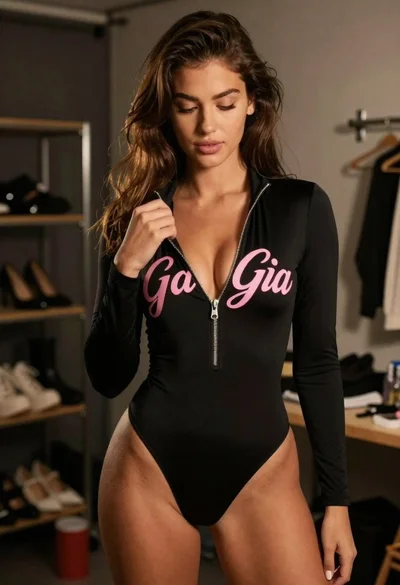
Young woman in black bodysuit standing in dimly lit dressing room
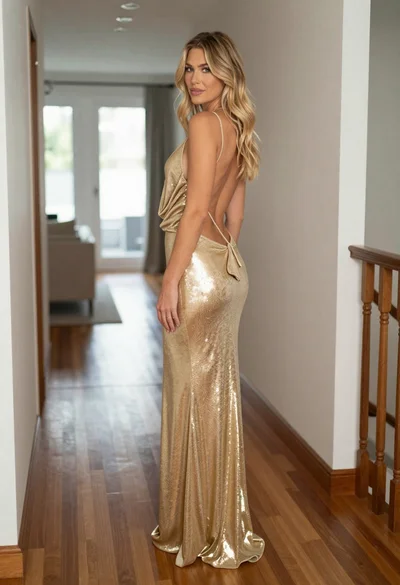
Blonde woman in shimmering gold gown standing in an elegant hallway