

Blonde woman in deep red velvet gown sitting on stool studio portrait
Prompt
A poised woman with blonde hair sits elegantly on a stool in the center of the frame.

Subject: A blonde woman with fair skin and striking blue eyes, featuring a sleek, short bob haircut styled away from her face.

Clothing: She wears a luxurious, deep red velvet one-shoulder gown that drapes asymmetrically across her torso, paired with long, dangling silver earrings.

Action: She sits on a metal stool with a relaxed yet confident posture, leaning slightly forward with her hands resting gently near her thighs and looking directly at the camera with a serious expression.

Environment: The background is split between a solid black void behind her and large vertical panels displaying high-contrast black-and-white photography of men in suits and fedoras on either side.

Camera: A medium shot captures the subject from the waist up, utilizing a shallow depth of field to keep the focus sharp on her while slightly blurring the background elements.

Lighting: Soft, studio lighting illuminates her face and the rich texture of the velvet dress, creating gentle highlights that emphasize the folds of the fabric against the dark backdrop.

Style Details: The image features a high-fashion aesthetic with a cinematic color palette, contrasting the vibrant red of the dress against the monochrome background elements.
Description
This prompt is useful for creating editorial fashion moodboards, character concept art, and luxury brand advertising campaigns requiring dramatic contrast. The combination of 'deep red velvet' against a 'solid black void' with 'high-contrast black-and-white photography' establishes a sophisticated visual tension that prevents the rich fabric from looking flat under the 'soft, studio lighting,' while the shallow depth of field isolates the subject for maximum impact.
Suggestions
- Change 'deep red velvet' to 'emerald green velvet' for an alternative jewel tone.
- Swap 'metal stool' for 'velvet chaise lounge' to soften the composition.
- Adjust 'serious expression' to 'smoldering gaze' for more dramatic effect.
Category
Tags
BlondeBrunetteCasual WearFair SkinFemaleMedium ShotPortrait ShotRealisticStudio
Date added
June 19, 2026
Added by
PromptDexter Team
Related Prompts
More prompts with similar categories and tags.

Close up portrait of blonde woman in hot pink gown at event

Blonde woman in burgundy velvet gown holding flower in white studio

Fair skinned woman with red hair in brown satin dress against gray

Fair skinned woman in black velvet dress at white step and repeat

Blonde woman holding cocktail glass against a stark white studio background

Smiling blonde woman in sheer black gown at a dark event backdrop

Medium close up portrait of blonde woman in black floral velvet dress
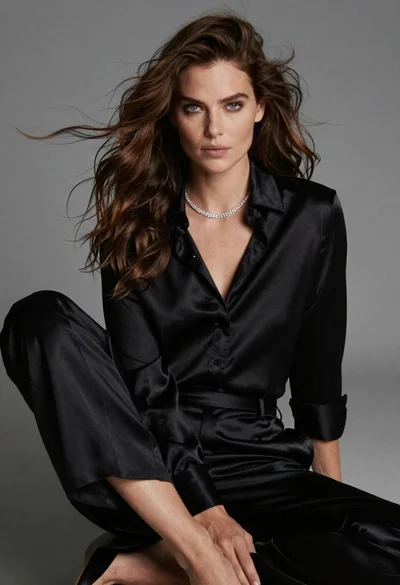
Fairskinned woman in black satin outfit seated for high fashion portrait
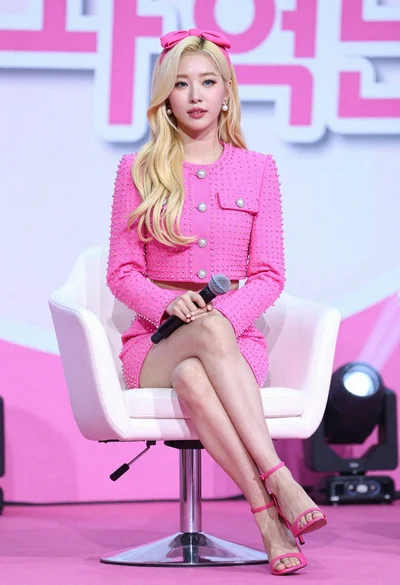
Blonde woman in hot pink outfit seated at press event stage

Blonde woman in black slip dress winking at table in upscale restaurant
