

Blonde woman in burgundy velvet gown holding flower in white studio
Prompt
A woman with short blonde hair sits elegantly in a white chair, holding a long-stemmed flower near her face.

Subject: A woman with short, swept-back blonde hair and a calm, direct gaze.

Clothing: She wears a floor-length, deep burgundy velvet gown featuring a draped neckline, wide cape-like sleeves, and a gathered waist detail.

Action: She sits in a relaxed pose with one arm raised to hold a flower stem and the other resting on the chair arm, looking straight ahead.

Environment: The setting is a minimalist studio space with a stark white background and a dark surface behind her holding a vase of tall flowers.

Camera: Shot from a medium-full angle with a clean composition that emphasizes the subject against the high-contrast background.

Lighting: Soft, diffused lighting creates gentle shadows and highlights the texture of the velvet fabric without harshness.

Objects: A black geometric vase containing tall stems of yellow and pink poppies sits on a dark ledge behind her.

Style Details: The image has a polished, editorial fashion photography aesthetic with a muted color palette and high-end studio quality.
Description
This prompt is useful for creating luxury perfume advertisements, high-end bridal editorials, and dramatic portraiture showcasing rich textiles. The combination of the 'deep burgundy velvet gown' against the 'stark white background' establishes a deliberate, high-contrast drama that prevents the image from feeling flat, while the 'soft, diffused lighting' ensures the texture of the velvet remains visible without creating distracting specular highlights.
Suggestions
- Change 'yellow and pink poppies' to 'white calla lilies' for a more monochromatic feel.
- Swap 'deep burgundy velvet gown' for 'black silk gown' to increase contrast.
- Adjust 'medium-full angle' to 'full body shot' to better showcase the cape sleeves.
Category
Tags
BlondeBrunetteCasual WearFemaleFull BodyMedium ShotPortrait ShotRealisticStudio
Date added
June 19, 2026
Added by
PromptDexter Team
Related Prompts
More prompts with similar categories and tags.
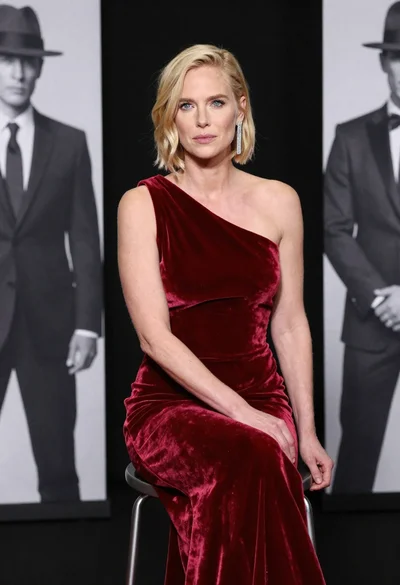
Blonde woman in deep red velvet gown sitting on stool studio portrait

Close up portrait of blonde woman in hot pink gown at event
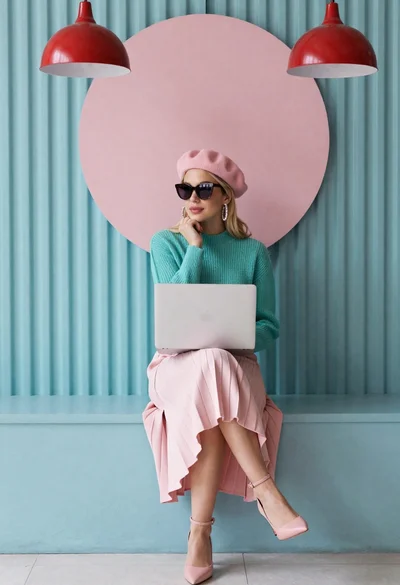
Blonde woman working on laptop in pastel teal room
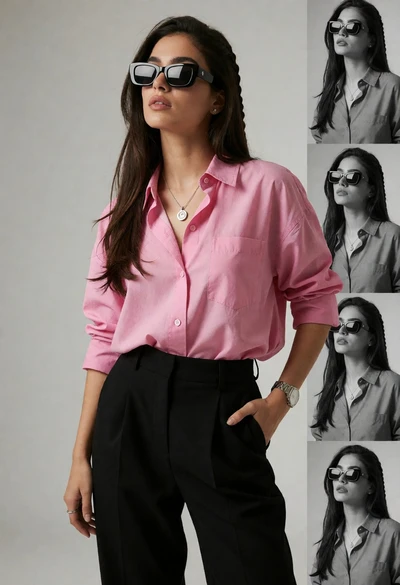
Stylish woman in pink shirt and black trousers against grey studio backdrop

Woman seated on mid century chair wearing beige suit

Fair blonde woman in slip dress seated in minimalist studio setting
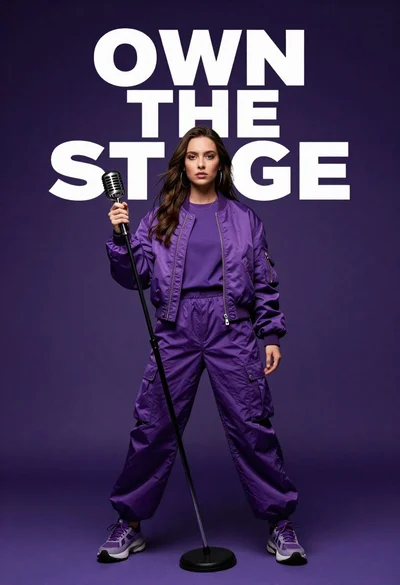
Singer in purple outfit with microphone against violet background
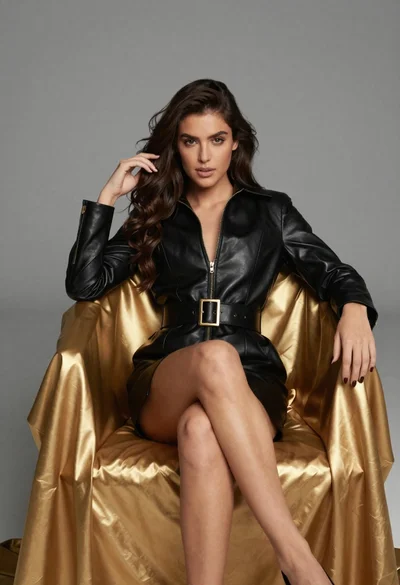
Confident woman in black leather dress sitting on golden chair studio portrait

Poised woman in black blazer sitting on stool against blue gradient background
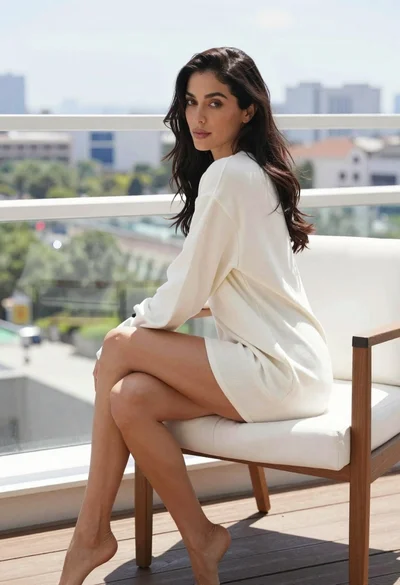
Woman with dark wavy hair sitting on white chair overlooking cityscape
